
#977 by installs
PPWP – Password Protect Pages
Password protect WordPress pages and posts by user roles or with multiple passwords; protect your entire website with a single password.
- Installs
- 30,000+
- Rating
- 4.7 (271)
- Updated
- 2 days ago

Password protect your WordPress site with one password. Control access, whitelist trusted IPs, and monitor password activity.
| Last updated | October 30, 2026Updated in the last 3 months |
|---|---|
| Tested up to | WordPress 7.1.4Covers WordPress 7.1.4, the current release |
| Needs WordPress | 6.5 or newer |
| Needs PHP | 7.4 or newer |
| First published | February 2, 2012 |
| Support, last two months | 2 of 2 threads resolved (100%) |
4.4 / 5 from 142 reviews
| 5 stars | 111 |
|---|---|
| 4 stars | 8 |
| 3 stars | 6 |
| 2 stars | 6 |
| 1 star | 11 |
👑 Get Pro | Live Demo | Documentation | Support
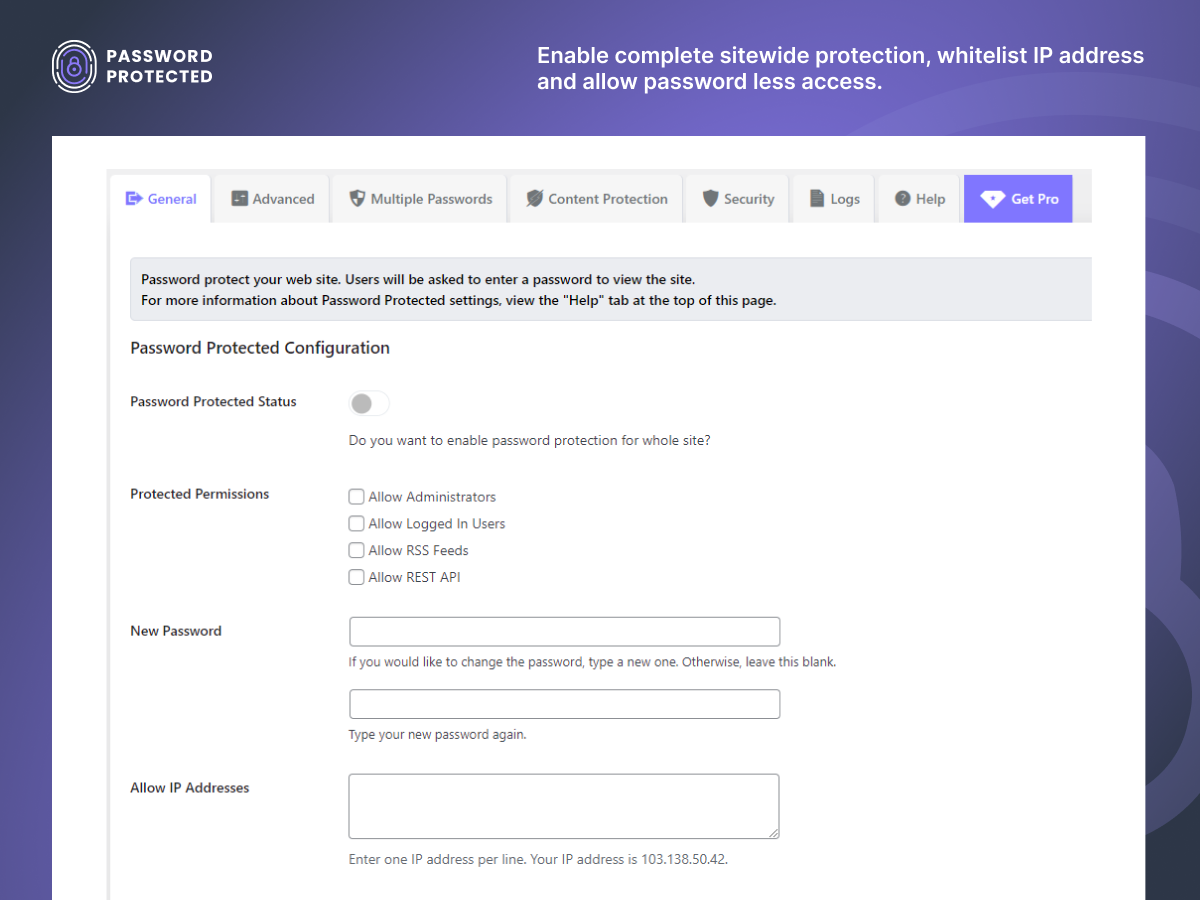
Password Protected lets you password protect your WordPress site with a single password and prevent unauthorized access. The Free version includes IP address whitelisting, Google reCAPTCHA, passwordless admin access, and password attempt activity monitoring.
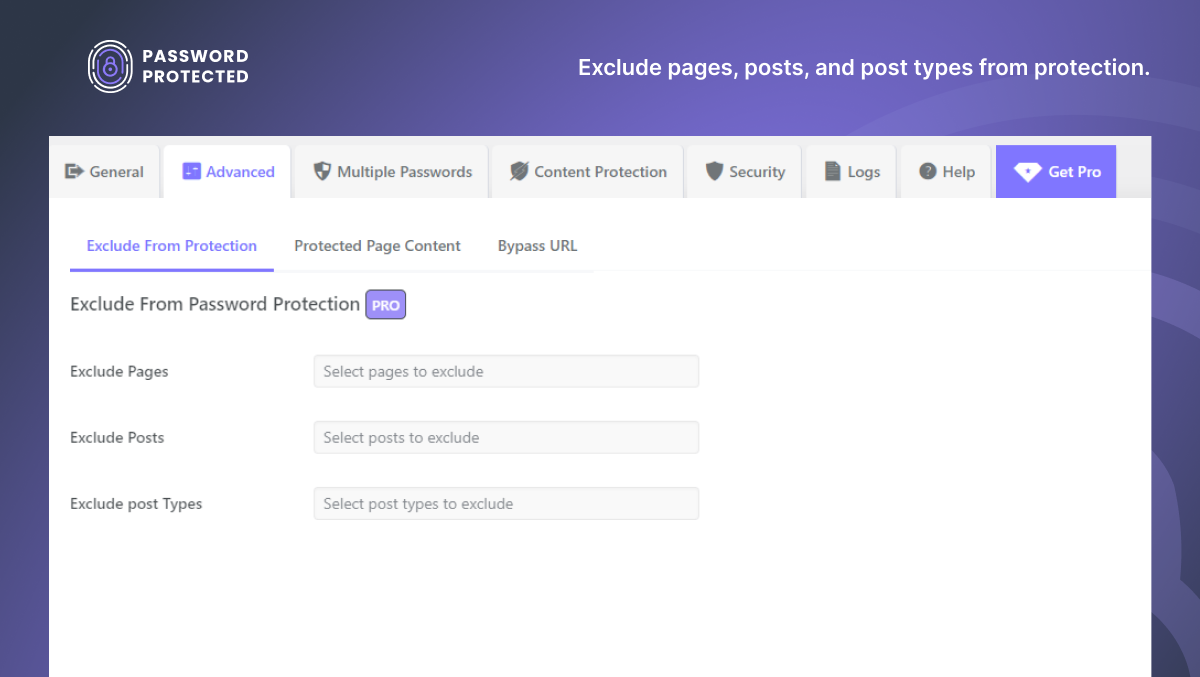
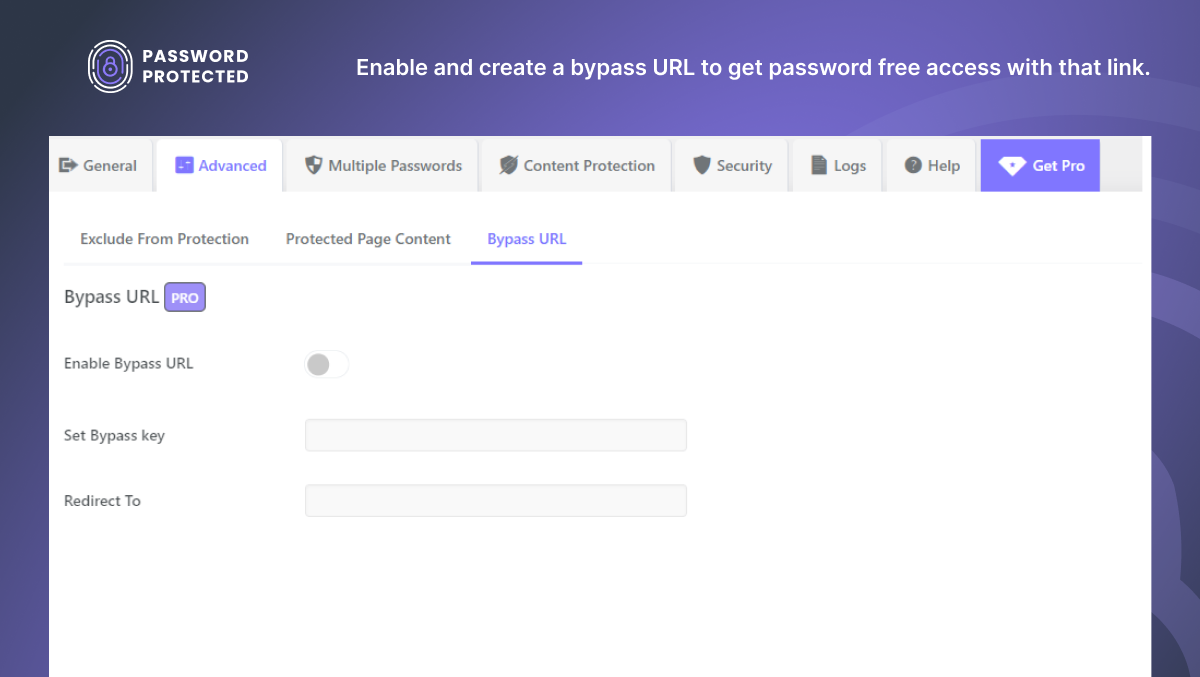
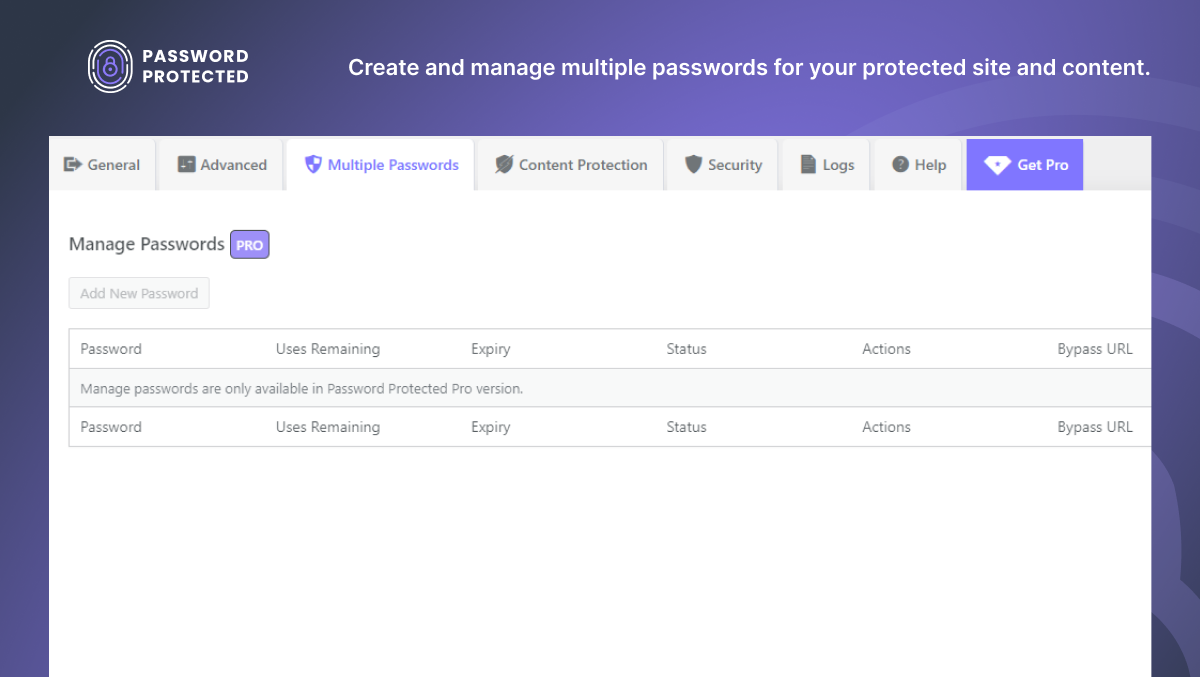
With Password Protected Pro, you can password protect individual pages, posts, WooCommerce products, categories, custom post types, and partial content. Pro also lets you manage multiple passwords, create bypass links, and control access to protected content.
Password Protected provides flexible WordPress password protection for your entire website or specific content.
Password Protect Any WordPress Content, Your Way
Protect your WordPress site or specific content and control who gets access.
In Free Version you can:
* Password protect entire WordPress site
* Grant access based on IP addresses
* Block bots with Google reCAPTCHA
* Monitor login attempts and access activity
In Pro Version you can:
* Password protect specific pages and posts
* Lock specific sections of content with partial content protection
* Create and manage multiple passwords for different users
* Generate bypass links for password-free access
* Protect WooCommerce products and categories
* Protect custom post types and taxonomies
* Allow trusted user roles to bypass password screens
The opening of the plugin's own description. The full text, installation notes and changelog are on its WordPress.org page.
Yes, with Password Protected Pro. You can password protect WooCommerce products or entire product categories.
No, password protected content is not visible to search engines like Google. The plugin prevents search engines from indexing protected content so that it remains private and accessible only to those with the password.
Yes, with Password Protected Pro. The plugin allows you to secure individual pages or posts. You can set passwords for specific content.
Yes, with Password Protected Pro. The User Role Whitelisting feature allows you to give open (passwordless) access to specific user roles without requiring a password.
Partial Content Protection is a Password Protected Pro feature. It lets you lock only specific sections of a page or post while keeping the rest publicly visible. You can use shortcodes to hide premium text, images, or downloads behind a password.
With Password Protected Pro, simply wrap the content you want to lock with the shortcode that you generate using the plugin. Only visitors with the correct password will be able to see it.
#977 by installs
Password protect WordPress pages and posts by user roles or with multiple passwords; protect your entire website with a single password.

#59 by installs
Great looking maintenance, coming soon & under construction pages. Put your site under maintenance in minutes.
Harden your site security with Login Security, Two-Factor Authentication (2FA), Vulnerability Scanner, Firewall, and more. Formerly iThemes Security.

Easy Drag & Drop Page Builder. A complete solution to create a WordPress Website, Custom Themes, Landing Pages, Coming Soon & Maintenance Mode Pages.
Easy Drag & Drop Page Builder that adds a splash page to your site that it's perfect for a coming soon page, maintenance or landing page.

#230 by installs
Beautiful Coming soon, Maintenance or Landing page on your website, packed with premium features for free.
Read from the WordPress.org plugin API on , when WordPress 7.1.4 was the current release. WordPress.org rounds active installs into buckets. These are the directory's figures, not my verdict, and I haven't tested this plugin.

