
#230 by installs
CMP – Coming Soon & Maintenance Plugin by NiteoThemes
Beautiful Coming soon, Maintenance or Landing page on your website, packed with premium features for free.
- Installs
- 200,000+
- Rating
- 4.7 (326)
- Updated
- 15 days ago

Great looking maintenance, coming soon & under construction pages. Put your site under maintenance in minutes.
Read from wpmaintenancemode.comon
$ ~~109~~ 59
It’s perfect for local business owners, bloggers, designers, developers, photographers, people who run webinars or sell online. It’s also great for those who create websites for other – agencies and freelancer webmasters.
A script read this page, and kept only what the page's text backs up. These are the vendor's list prices and its own words, not a deal and not my review. Prices change and can differ by country, so confirm on the vendor's page before you buy.
| Last updated | August 16, 2026Updated in the last 3 months |
|---|---|
| Tested up to | WordPress 7.1.4Covers WordPress 7.1.4, the current release |
| Needs WordPress | 4.4 or newer |
| Needs PHP | 5.2 or newer |
| First published | May 31, 2012 |
| Support, last two months | 5 of 5 threads resolved (100%) |
4.4 / 5 from 869 reviews
| 5 stars | 695 |
|---|---|
| 4 stars | 36 |
| 3 stars | 16 |
| 2 stars | 26 |
| 1 star | 96 |
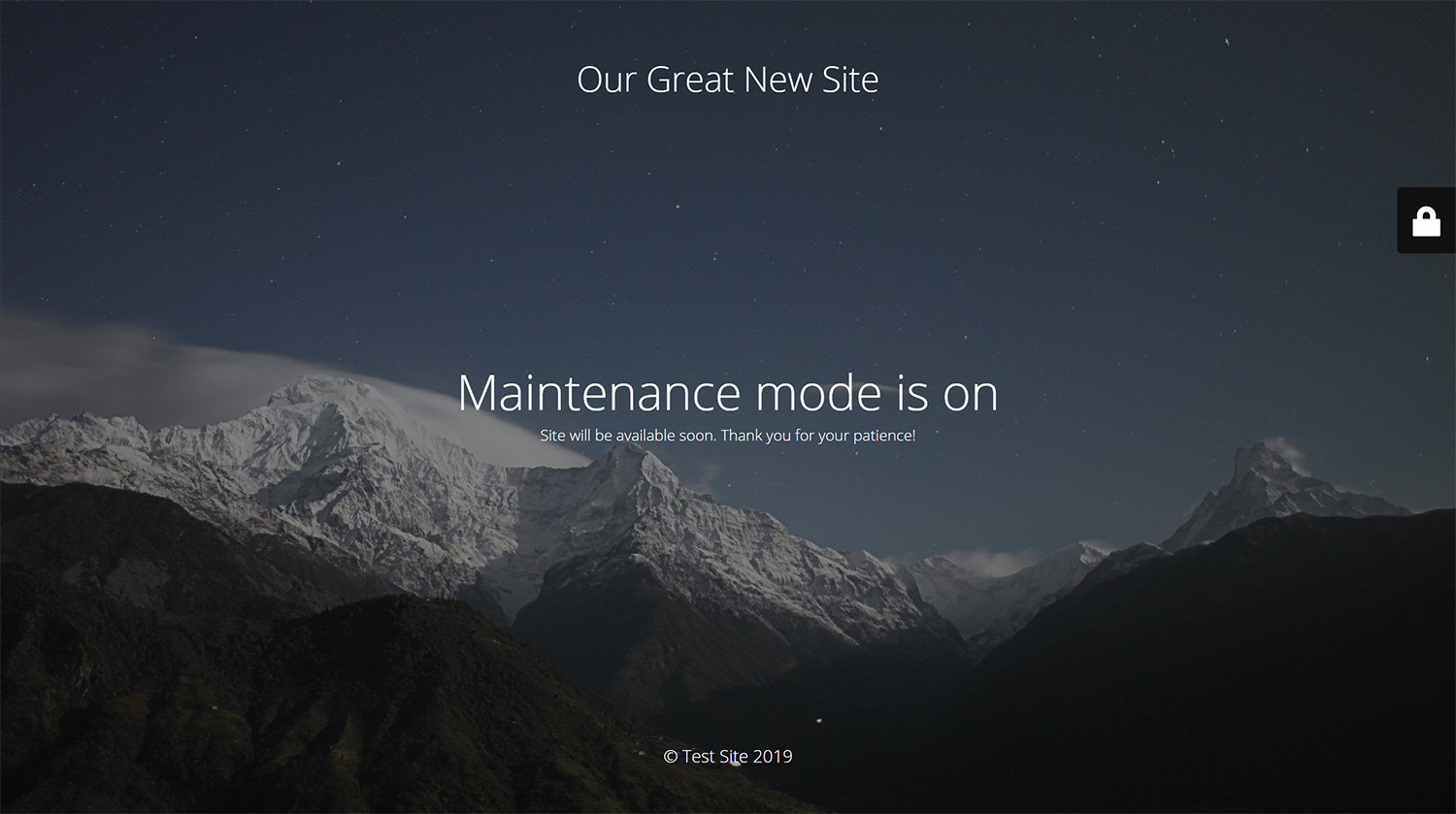
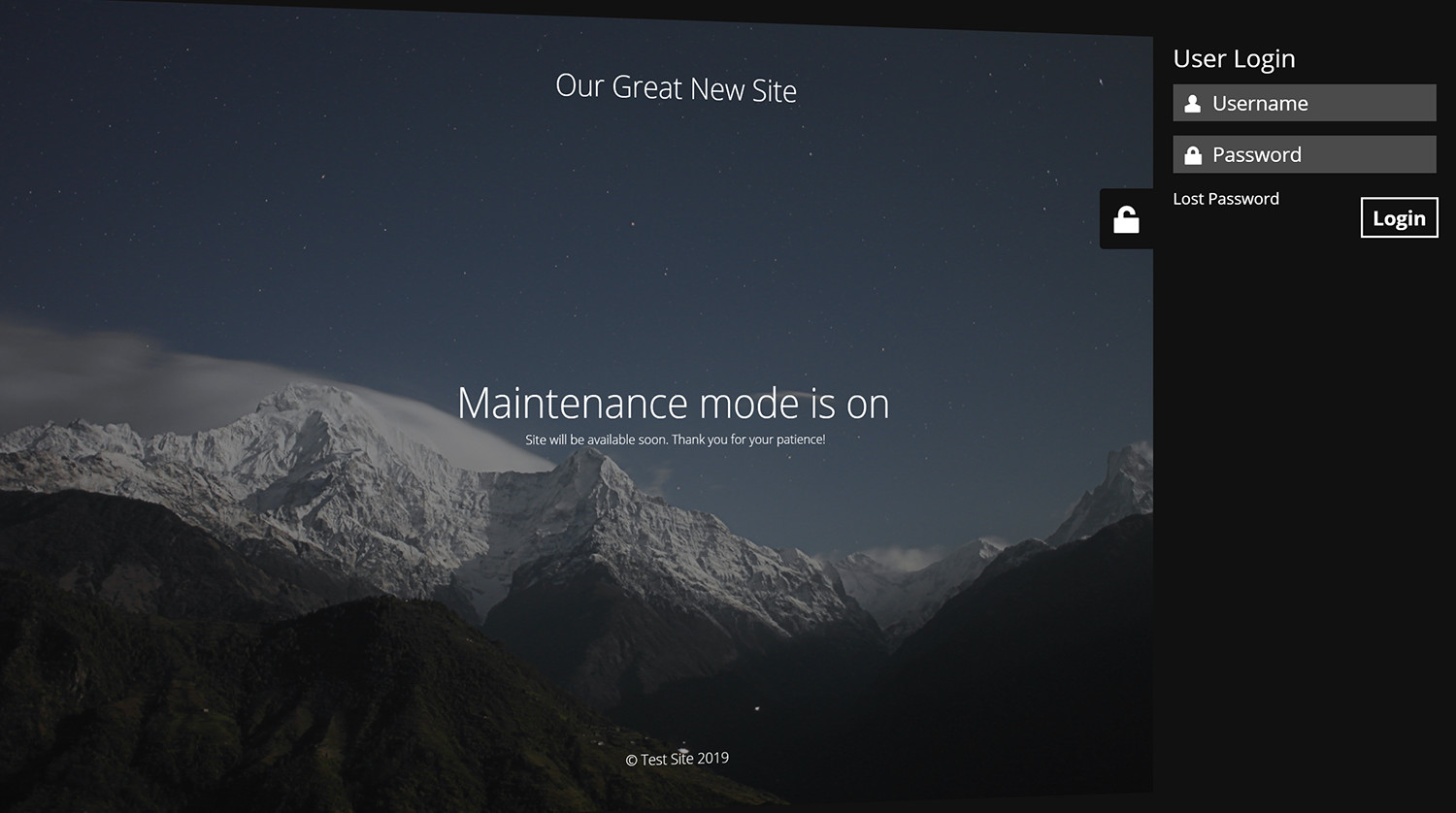
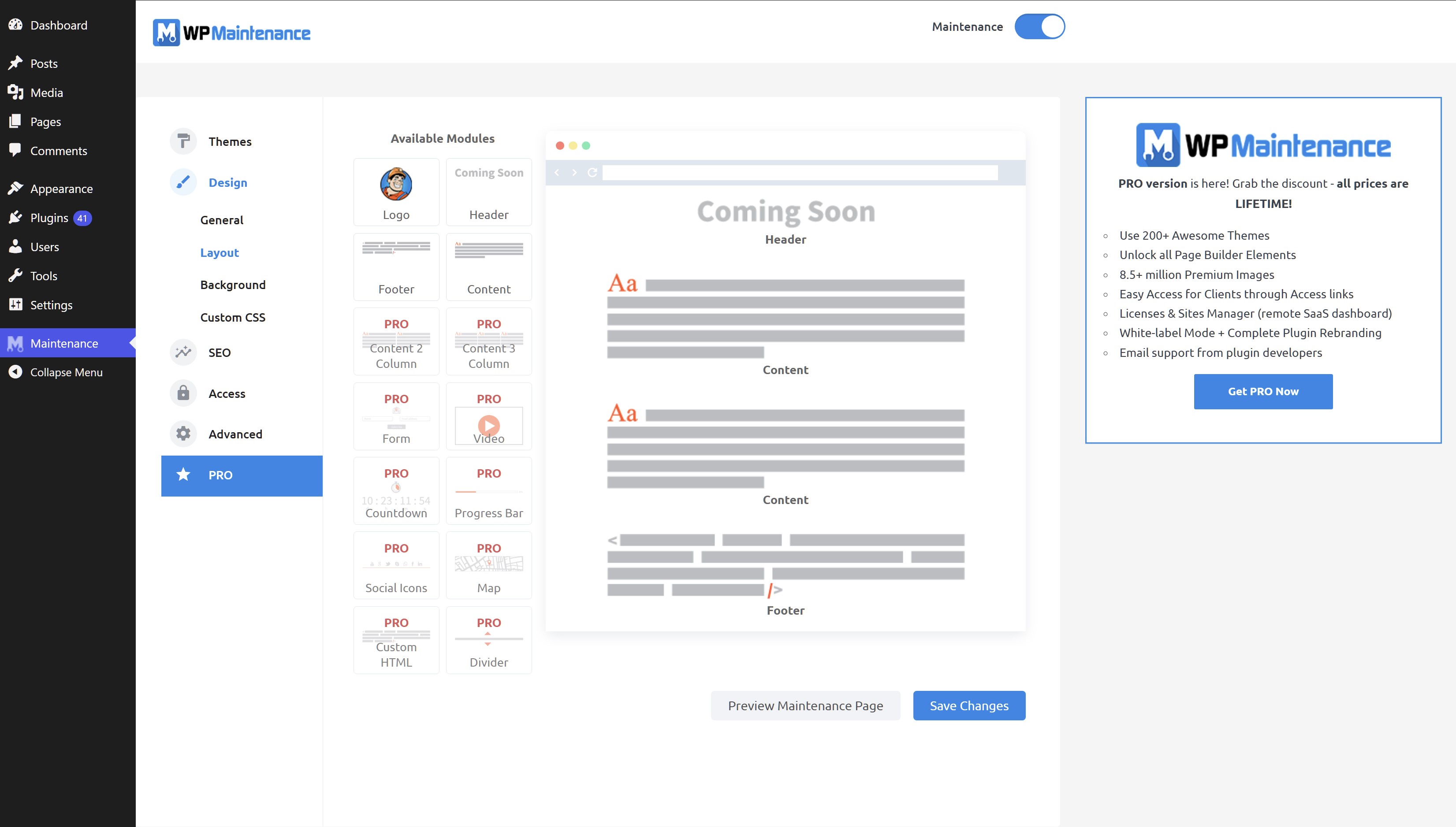
WP Maintenance plugin allows the WordPress site administrator to close the website for maintenance, enable “503 Service temporarily unavailable”, set a temporary page with authorization, which can be edited via the plugin settings. Add your logo, background image, select the desired color and text – all with easy maintenance builder. Maintenance uses Bunny Fonts for EU GDPR compliance.
Need pre-made themes and over 8 million free images to build maintenance, coming soon & landing pages faster? Have a look at WP Maintenance PRO plugin.
Having problems with spam or bots? Try our free Advanced Google ReCaptcha plugin. It’s used on over 200,000 sites and provides great protection!
Features
Support
If you have any problems, questions or recommendations about WP Maintenance please open a ticket in the official support forum. We answer all questions within hours!
The opening of the plugin's own description. The full text, installation notes and changelog are on its WordPress.org page.
Try to check in different browser. If you a logged as WordPress user you see the website in normal mode.
The site will not be visible to search engines only if “503 Service Temporarily Unavailable” option is enabled.
You can use your “normal” WP administrator access or create a new user in WordPress dashboard – Users.
Please post the question on the support forum.
You can report security bugs through the Patchstack Vulnerability Disclosure Program. The Patchstack team help validate, triage and handle any security vulnerabilities. Report a security vulnerability.
#230 by installs
Beautiful Coming soon, Maintenance or Landing page on your website, packed with premium features for free.

#405 by installs
Minimal Coming Soon & Maintenance Mode page! Create awesome Coming Soon Pages in seconds.

Easy Drag & Drop Page Builder. A complete solution to create a WordPress Website, Custom Themes, Landing Pages, Coming Soon & Maintenance Mode Pages.
Easy Drag & Drop Page Builder that adds a splash page to your site that it's perfect for a coming soon page, maintenance or landing page.

#689 by installs
Create and customize your maintenance page

#20 by installs
Simplified WordPress management. Manage site info, maintenance, security, & redirects.
Read from the WordPress.org plugin API on , when WordPress 7.1.4 was the current release. WordPress.org rounds active installs into buckets. These are the directory's figures, not my verdict, and I haven't tested this plugin.
