
#59 by installs
Maintenance
Great looking maintenance, coming soon & under construction pages. Put your site under maintenance in minutes.
- Installs
- 1+ million
- Rating
- 4.4 (869)
- Updated
- 3 months ago

Create and customize your maintenance page
| Last updated | June 9, 2026Updated in the last year |
|---|---|
| Tested up to | WordPress unknown |
| Needs WordPress | 3.0 or newer |
| Needs PHP | Not stated |
| First published | February 13, 2013 |
| Support, last two months | 0 of 1 threads resolved (0%) |
4.7 / 5 from 98 reviews
| 5 stars | 85 |
|---|---|
| 4 stars | 5 |
| 3 stars | 2 |
| 2 stars | 2 |
| 1 star | 4 |
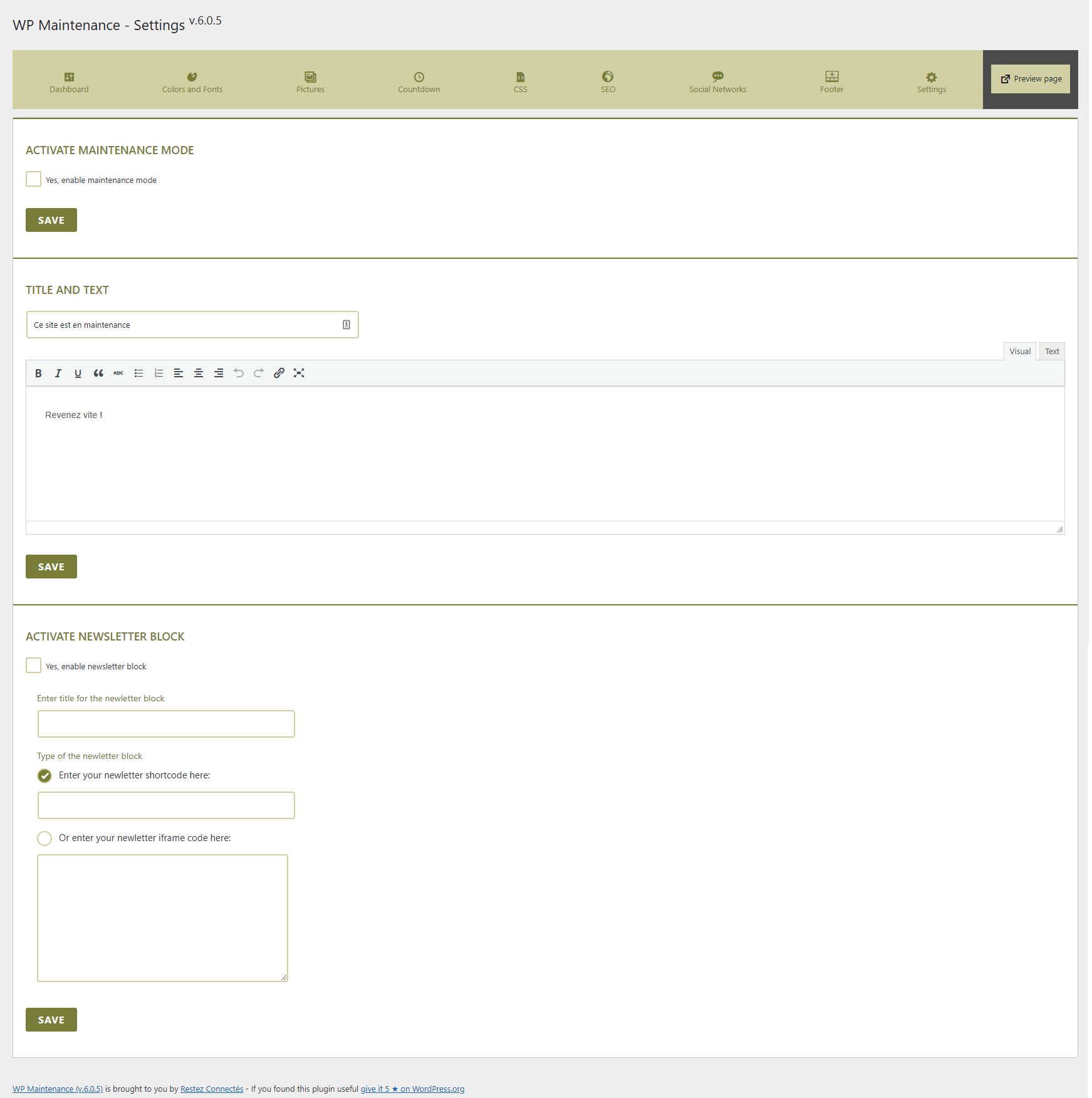
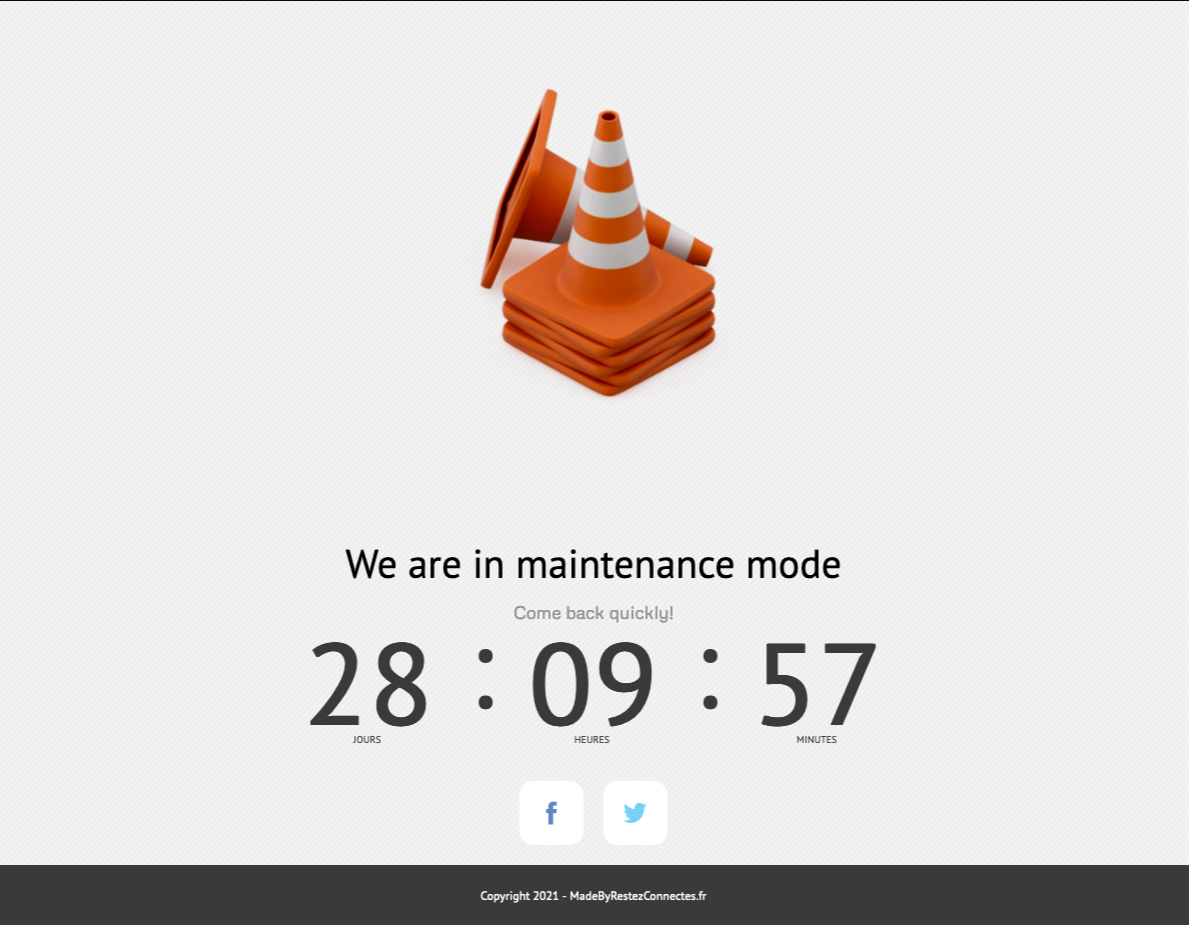
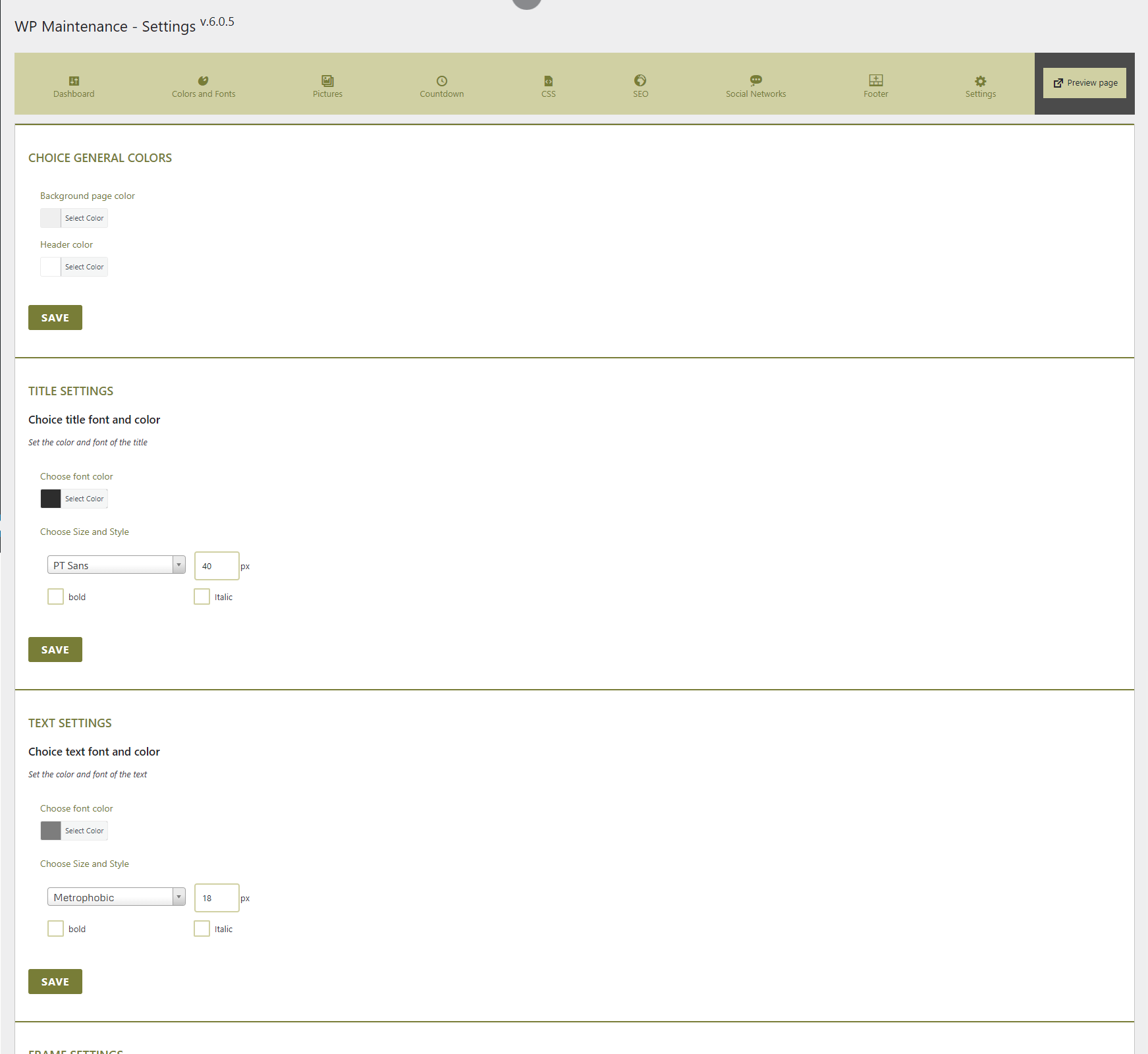
The WP Maintenance plugin allows you to put your website on the waiting time for you to do maintenance or launch your website. Personalize this page, pictures and countdown with:
Features
wp-maintenance.pot file available
The opening of the plugin's own description. The full text, installation notes and changelog are on its WordPress.org page.
It is hard to continue development and support for this free plugin without contributions from users like you. If you enjoy using WP Maintenance and find it useful, please consider making a donation. Your donation will help encourage and support the plugin’s continued development and better user support.
This is normal because you are logged in as an administrator. Try a different browser or use the preview link. If you have registered as a wordpress user, you see the site in normal mode.
You have a cache plugin ? Try to purge it and try again.
You can use your administrator access or create new user in wordpress dashboard
https://yousite.com/wp-admin/
Yes. Thank you for submitting your changes to update the plugin.
You can translate WP Maintenance on translate.wordpress.org.

#59 by installs
Great looking maintenance, coming soon & under construction pages. Put your site under maintenance in minutes.

#20 by installs
Simplified WordPress management. Manage site info, maintenance, security, & redirects.
Easy Drag & Drop Page Builder that adds a splash page to your site that it's perfect for a coming soon page, maintenance or landing page.

#230 by installs
Beautiful Coming soon, Maintenance or Landing page on your website, packed with premium features for free.

#405 by installs
Minimal Coming Soon & Maintenance Mode page! Create awesome Coming Soon Pages in seconds.

#901 by installs
Creates a 'Coming Soon' page that will show for all users who are not logged in
Read from the WordPress.org plugin API on , when WordPress 7.1.4 was the current release. WordPress.org rounds active installs into buckets. These are the directory's figures, not my verdict, and I haven't tested this plugin. The author takes donations at their donate page.
