
#527 by installs
Kubio AI Page Builder
Using the power of AI, Kubio gives you a head start by generating a first draft of your website, which you can further customize to your liking.
- Installs
- 80,000+
- Rating
- 4.4 (79)
- Updated
- 3 days ago

Easy Drag & Drop Page Builder. A complete solution to create a WordPress Website, Custom Themes, Landing Pages, Coming Soon & Maintenance Mode Pages.
| Last updated | September 29, 2026Updated in the last 3 months |
|---|---|
| Tested up to | WordPress 7.1.4Covers WordPress 7.1.4, the current release |
| Needs WordPress | 5.0 or newer |
| Needs PHP | 5.6 or newer |
| First published | January 21, 2014 |
| Support, last two months | 1 of 1 threads resolved (100%) |
4.9 / 5 from 4,699 reviews
| 5 stars | 4,534 |
|---|---|
| 4 stars | 53 |
| 3 stars | 12 |
| 2 stars | 15 |
| 1 star | 85 |
SeedProd – Drag & Drop WordPress Website Builder, Landing Page Builder, Coming Soon Page & Maintenance Mode
SeedProd was originally created in 2011 and allowed you to create a Coming Soon Page or a Maintenance Mode Page. You could work on your website in private while visitors see a “Coming Soon” or “Maintenance Mode” page. It still does this and really well!
But People loved SeedProd’s easy-to-use page builder so much and wanted to create their entire website with it. So, due to popular demand, you can do just that! Yes, you can now use SeedProd as a WordPress Website Builder.
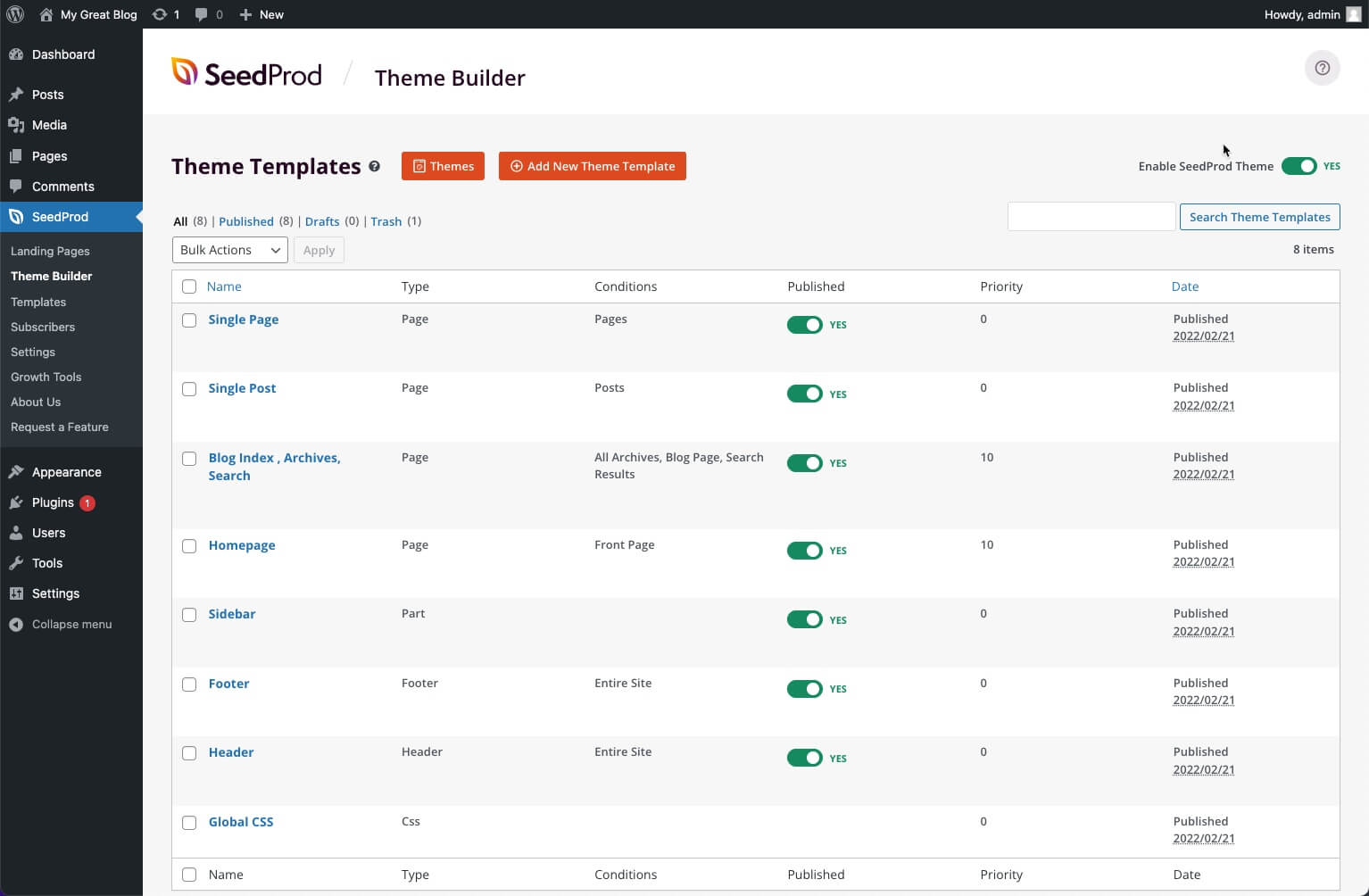
This means you can build every part of your WordPress custom theme. WordPress Headers, Footers, Single Page Templates, Archives, Global Parts, WooCommerce Product Pages, WooCommerce Carts, and more. The best part is SeedProd is a No-Code Website Builder. No coding knowledge or experience is needed. Full Site Editing made easy.
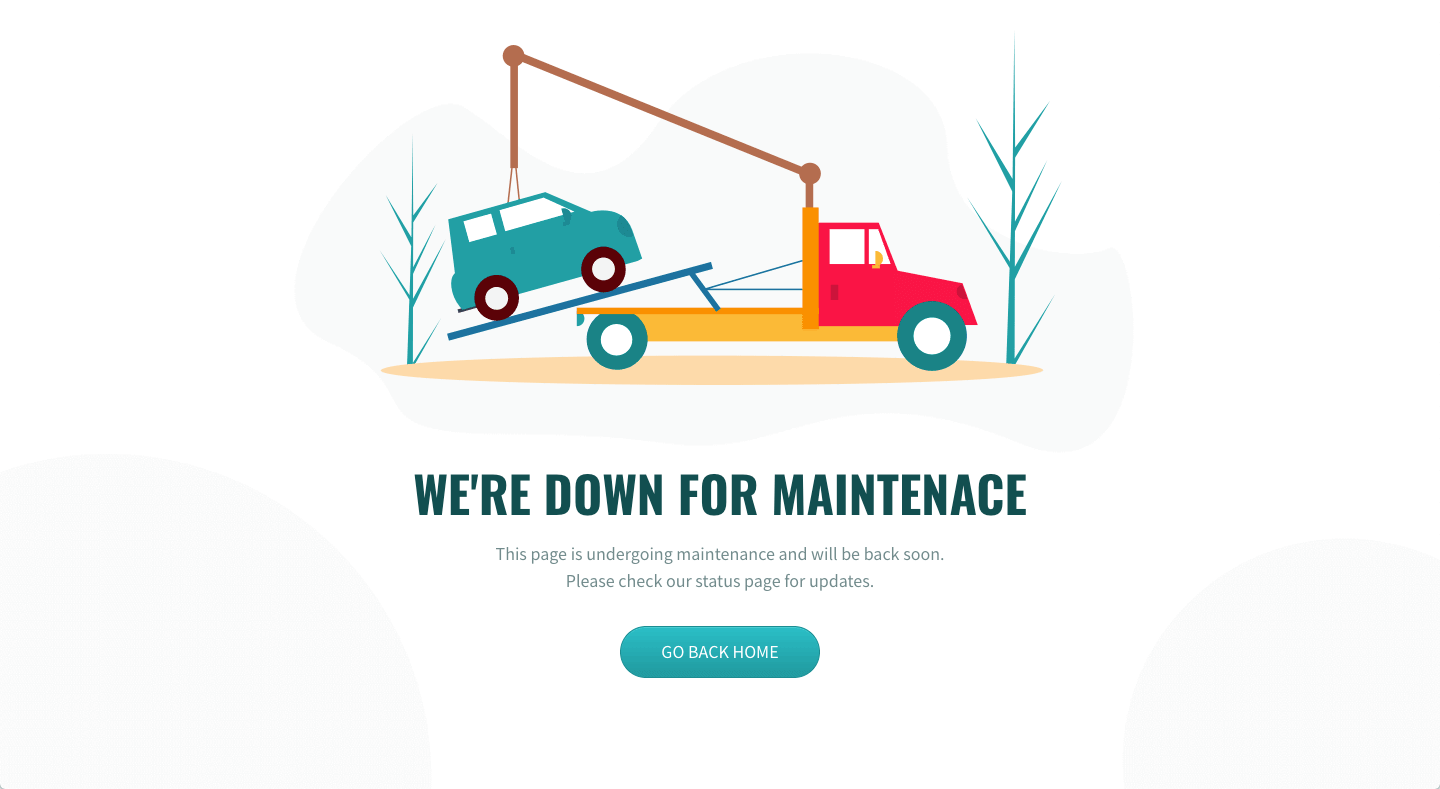
In addition, SeedProd is still the best Landing Page Builder. Create a variety of landing pages that include but are not limited to: Sales Pages, Coming Soon Pages, Maintenance Mode Pages, 404 Pages, Login Pages, Webinar Pages, and Thank You Pages.
Sites and Pages built with SeedProd’s Drag and Drop Page builder are lightweight, super fast, and it’s so easy to use anyone can create a WordPress Website or Landing Page.
SeedProd Pro
The opening of the plugin's own description. The full text, installation notes and changelog are on its WordPress.org page.
With our WordPress Website Builder, you can now create your entire website and WordPress theme with SeedProd in the Pro version.
You can build landing pages, coming soon pages, maintenance mode pages in the free version. In addition, in the Pro version, you can create 404 pages and login pages.
Coming soon pages, maintenance mode pages, and landing pages are standalone pages and are separate from your theme’s design. If you use the SeedProd WordPress Website Builder to build your website then a theme is not needed. SeedProd has its own theme built-in theme which can be customized.
Yes, you can build an entire WooCommerce Store with our WordPress Website Builder. Note: WooCommerce & eCommerce Integration are only available in the Pro version.
No, SeedProd is an easy-to-use drag and drop page builder which requires no code or coding experience.
You can create a variety of landing pages, including but are not limited to:
* Coming Soon Pages
* Maintenance Mode Pages
* Sales Pages
* Opt-In Pages
* Webinar Pages
* Thank You Pages
* 404 Pages
* Login Pages
* Any type of landing page you can imagine.
Coming Soon Page Mode returns an http status 200 and allows your site to be indexed by Google and other search engines while under construction. You should always use Coming Soon Page mode when your site is under construction.


#527 by installs
Using the power of AI, Kubio gives you a head start by generating a first draft of your website, which you can further customize to your liking.

#59 by installs
Great looking maintenance, coming soon & under construction pages. Put your site under maintenance in minutes.

#129 by installs
Freeform page builder & website builder for WordPress. Infinite canvas for complex, interactive websites. Built-in forms, animations & Customizer.
Easy Drag & Drop Page Builder that adds a splash page to your site that it's perfect for a coming soon page, maintenance or landing page.

#137 by installs
Build responsive page layouts using the widgets you know and love using this simple drag and drop page builder.

#145 by installs
The most advanced frontend drag & drop page builder. Pagelayer is a light weight but extremely powerful Website Builder.
Read from the WordPress.org plugin API on , when WordPress 7.1.4 was the current release. WordPress.org rounds active installs into buckets. These are the directory's figures, not my verdict, and I haven't tested this plugin. The author takes donations at their donate page.
