
#346 by installs
BBQ Firewall – Fast & Powerful Firewall Security
The fastest firewall plugin for WordPress. Protect against a wide range of threats with minimal performance impact.
- Installs
- 100,000+
- Rating
- 4.9 (160)
- Updated
- 3 months ago
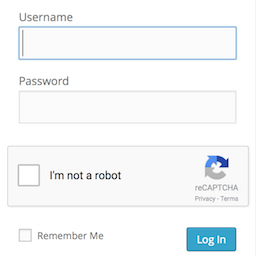
Adds a Google No Captcha ReCaptcha checkbox to your Wordpress and Woocommerce login, forgot password, and user registration pages.
| Last updated | May 26, 2026Updated in the last year |
|---|---|
| Tested up to | WordPress 7.0.8Older than WordPress 7.1.4, the current release |
| Needs WordPress | 4.6 or newer |
| Needs PHP | 7.4 or newer |
| First published | April 17, 2015 |
| Support, last two months | No threads opened |
4.5 / 5 from 63 reviews
| 5 stars | 51 |
|---|---|
| 4 stars | 2 |
| 3 stars | 3 |
| 2 stars | 2 |
| 1 star | 5 |
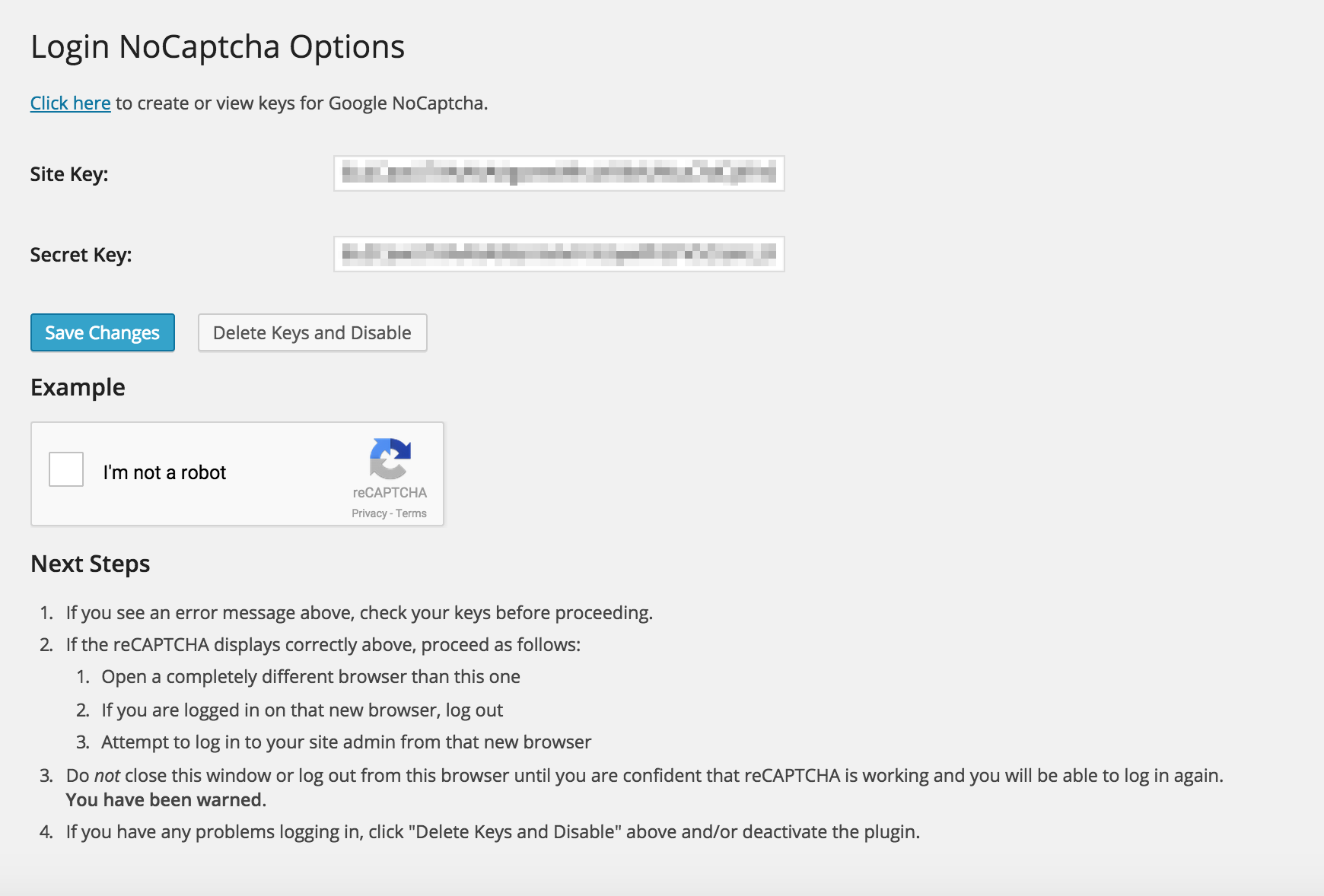
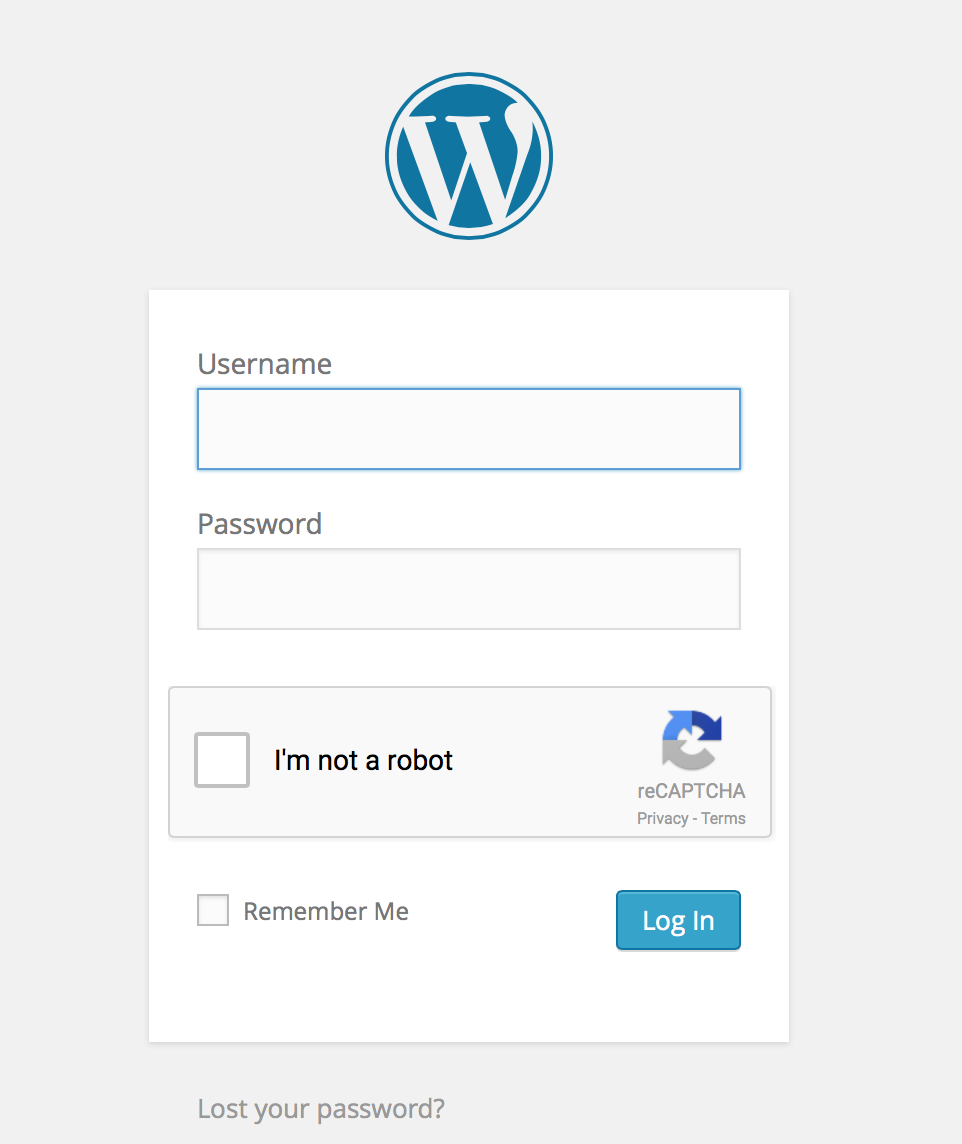
Adds a Google No Captcha ReCaptcha checkbox to your WordPress and Woocommerce login, forgot password, and user registration pages. Denies access to automated scripts while making it easy on humans to log in by checking a box. As Google says, it is “Tough on bots, easy on humans.”
The opening of the plugin's own description. The full text, installation notes and changelog are on its WordPress.org page.
Many Worpdress sites are bombarded by automated scripts trying to log in to the admin over and over.
The No Captcha is a very simple, Google-supported test to quickly deny access to automated scripts. It is great by itself to instantly make your WordPress site more secure, or can be used with other plugins (like Google Authenticator, Limit Login Attempts, etc.) as part of a defense-in-depth strategy.
I’ve gone to great lengths to try to make sure this plugin is easy to use and install, that it is compatible with different WordPress configurations, supports multiple languages, and that you won’t accidentally lock yourself out of the admin by using it. I use it myself on my own sites as well. So far, it just works.
Probably not. Many custom login form plugins do not call the standard login_form action hook from their login forms, making it impossible to correctly render the captcha after the password prompt. For this reason, this plugin only supports the default wp-login.php and WooCommerce forms. Many such plugins do offer captcha fields (sometimes as a paid upgrade). This plugin tries to do just a few things well.
No. This plugin is designed to thwart automated hacking attempts, not prevent comment spam. Most good comment plugins have their own spam prevention methods. This plugin tries to do just a few things well.
No. This plugin is designed to thwart automated hacking attempts, not prevent spam from custom forms. Most good custom form plugins have their own spam prevention methods. Many of them support a CAPTCHA field already. This plugin tries to do just a few things well.
Yes, please. Submit pull requests on github.
#346 by installs
The fastest firewall plugin for WordPress. Protect against a wide range of threats with minimal performance impact.
Smart WordPress security that blocks bots automatically, guides you to what matters, and repairs problems — without drowning you in noise.
Site Kit is a one-stop solution for WordPress users to use everything Google has to offer to make them successful on the web.
Firewall, Malware Scanner, Two Factor Auth, and Comprehensive Security Features, powered by our 24-hour team. Make security a priority with Wordfence.

#17 by installs
Connect ChatGPT, Claude, or another AI agent to your site. Plus backup, malware scan, firewall, stats, CDN, and SEO tools in one plugin.
Easily improve site security with WordPress Hardening, Two-Factor Authentication (2FA), Login Protection, Vulnerability Detection and SSL certificate.
Read from the WordPress.org plugin API on , when WordPress 7.1.4 was the current release. WordPress.org rounds active installs into buckets. These are the directory's figures, not my verdict, and I haven't tested this plugin.



