
#51 by installs
Security Optimizer – The All-In-One Protection Plugin
Secure your WordPress site from brute-force attacks, threats, malware, and bots. Free to use and easy to set up.
- Installs
- 1+ million
- Rating
- 4.5 (157)
- Updated
- 17 days ago

Protect, lockdown & secure login form by limiting login attempts from the same IP & banning IPs.
| Last updated | October 6, 2026Updated in the last 3 months |
|---|---|
| Tested up to | WordPress 7.1.4Covers WordPress 7.1.4, the current release |
| Needs WordPress | 4.0 or newer |
| Needs PHP | 5.2 or newer |
| First published | June 16, 2008 |
| Support, last two months | 5 of 5 threads resolved (100%) |
4.3 / 5 from 61 reviews
| 5 stars | 48 |
|---|---|
| 4 stars | 0 |
| 3 stars | 4 |
| 2 stars | 0 |
| 1 star | 9 |
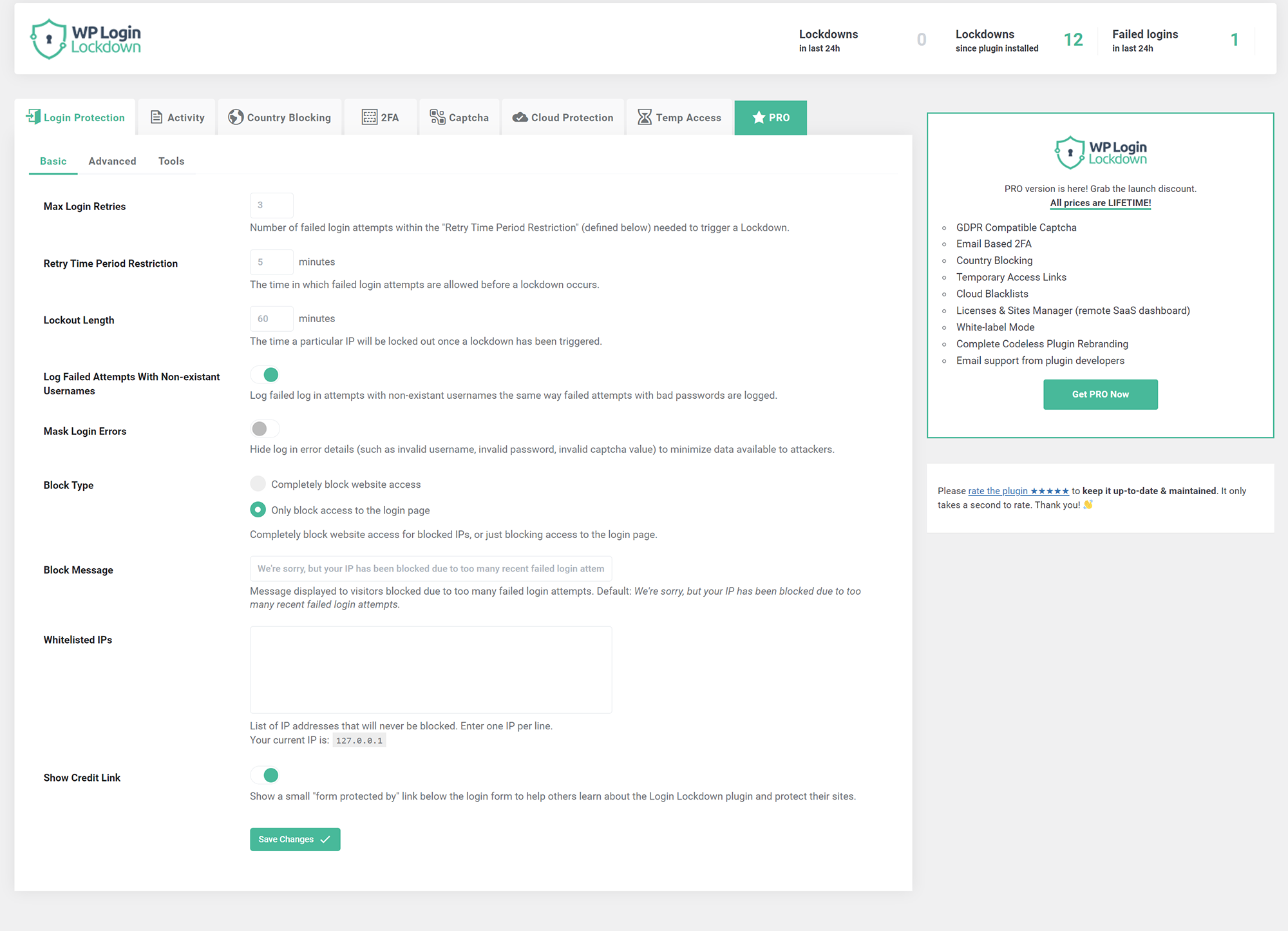
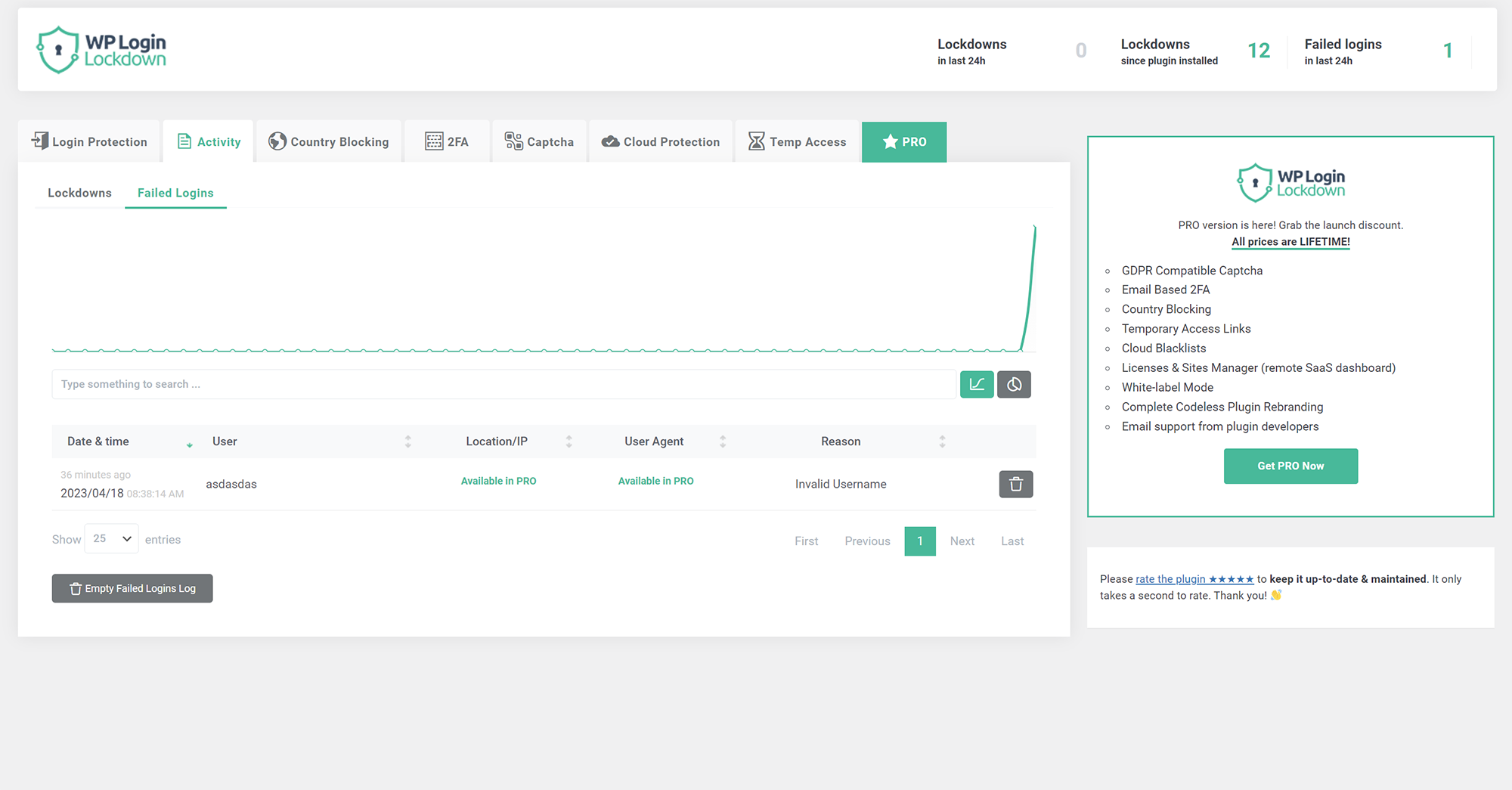
Login Lockdown records the IP address and timestamp of failed login attempts. If more than a selected number of attempts are detected within a set period of time from the same IP, then the login is disabled for all requests from that IP address (or the IP is completely blocked from accessing the site). This secures the site and helps prevent brute force password attacks & discovery.
The plugin defaults to a 1 hour lock out of an IP block after 3 failed login attempts within 5 minutes. This can be modified in options. Administrators can release locked out IPs manually from the panel. A detailed log is available for all failed login attempts and all IP locks to control lockdown.
Configure the plugin from Settings – Login Lockdown.
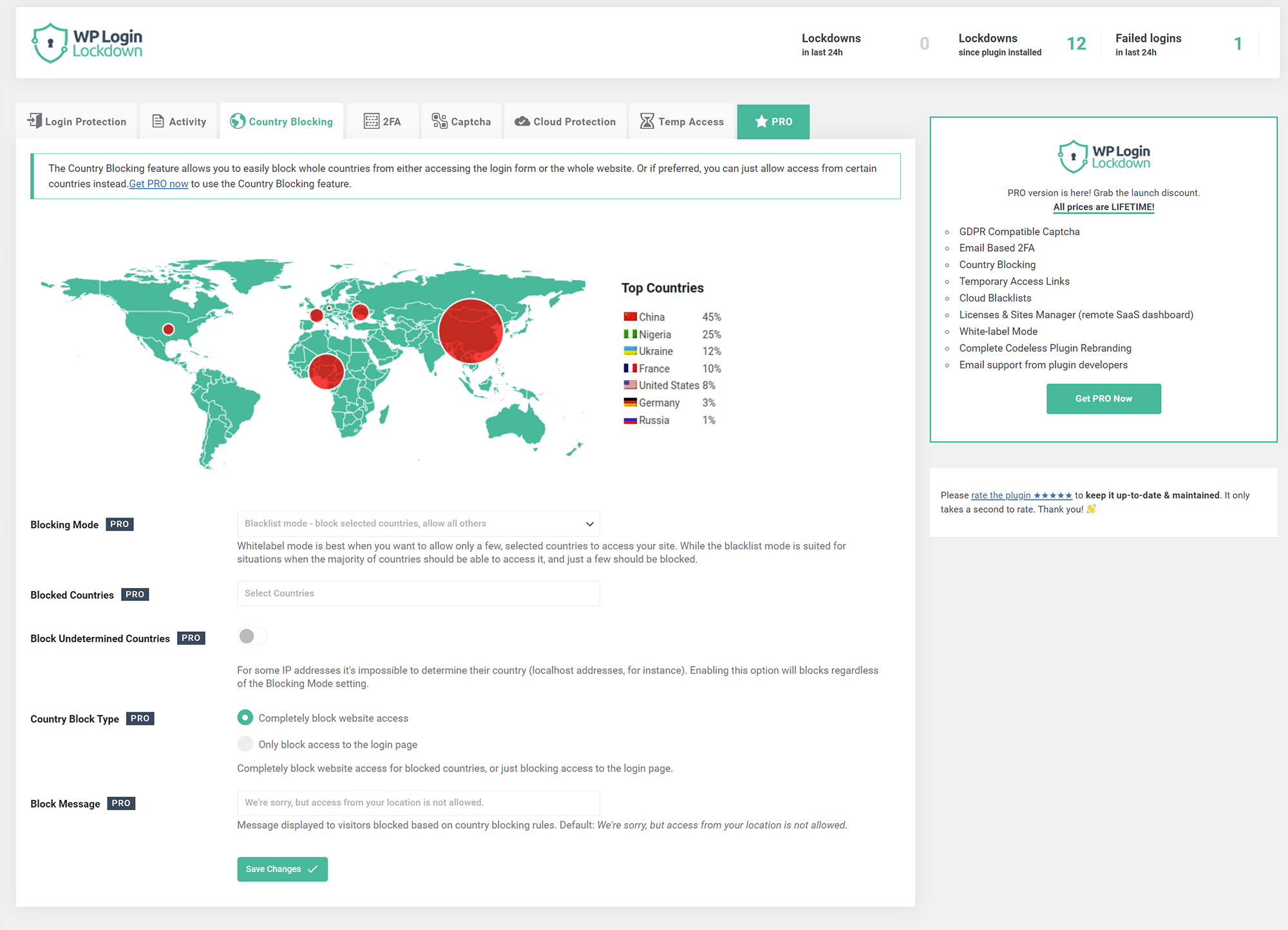
Country blocking (PRO feature)
Block unwanted countries from accessing the site, or block them from being able to log in. Display a custom message to blocked visitors so they know why they can’t access the site.
Captcha
The simplest way to get rid of bots and brute-force password attacks. Choose from 5 different versions – built-in one, two from Google (PRO feature), Cloudflare Turnstile, and hCaptcha (PRO feature). Built-in captcha is GDPR compatible.
2FA – Two Factor Authentication (PRO feature)
The opening of the plugin's own description. The full text, installation notes and changelog are on its WordPress.org page.
Just use standard Plugin overview page in WordPress admin section and deactivate it; or rename the plugin folder /wp-content/plugins/login-lockdown/ using FTP access.
No, it won’t. The majority of the code is only run when logging in.
You can report security bugs through the Patchstack Vulnerability Disclosure Program. The Patchstack team help validate, triage and handle any security vulnerabilities. Report a security vulnerability.
#51 by installs
Secure your WordPress site from brute-force attacks, threats, malware, and bots. Free to use and easy to set up.

#401 by installs
Hide My WP Ghost is a WordPress security plugin that hides WP paths and protects your site with Path Security, Firewall, Brute Force Protection, 2FA

#882 by installs
Protect WordPress from malware, hackers, brute-force attacks & suspicious traffic. Includes firewall, login security, 2FA & vulnerability checks.
Firewall, Malware Scanner, Two Factor Auth, and Comprehensive Security Features, powered by our 24-hour team. Make security a priority with Wordfence.

#27 by installs
Change wp-login.php to anything you want.

WordPress login security with brute force protection, Two-factor authentication (2FA/MFA), firewall, IP/country blocking, and login monitoring
Read from the WordPress.org plugin API on , when WordPress 7.1.4 was the current release. WordPress.org rounds active installs into buckets. These are the directory's figures, not my verdict, and I haven't tested this plugin.
