
#40 by installs
Better Search Replace
A simple plugin to update URLs or other text in a database.
- Installs
- 1+ million
- Rating
- 4.3 (546)
- Updated
- 2 months ago

Change the domain on your site with one click.
| Last updated | October 27, 2026Updated in the last 3 months |
|---|---|
| Tested up to | WordPress 7.1.4Covers WordPress 7.1.4, the current release |
| Needs WordPress | 6.2.0 or newer |
| Needs PHP | 7.4.0 or newer |
| First published | October 9, 2011 |
| Support, last two months | No threads opened |
4.5 / 5 from 59 reviews
| 5 stars | 48 |
|---|---|
| 4 stars | 4 |
| 3 stars | 0 |
| 2 stars | 2 |
| 1 star | 5 |
Change the domain on your site with one click.
Goes through entire site and replaces all instances of an old URL with a new one. Used most often when changing the domain of your site.
Automatically detects and handles special domain circumstances to give you an accurate update every time without side effects.
Developed and supported by OnPoint Plugins.
Features
Updates Entire Site Including
Domain Update Process
Full step-by-step instructions for a changing a site’s domain may be found here.
Included Language Translations
Developers
Developer docs may be found here.
Troubleshooting
Troubleshooting information may be found here.
Contribute
Send pull requests via the Github Repo
Go PRO
Our PRO version brings additional functionality to this plugin. Check out the demo to see if the PRO version is useful for you.
The opening of the plugin's own description. The full text, installation notes and changelog are on its WordPress.org page.
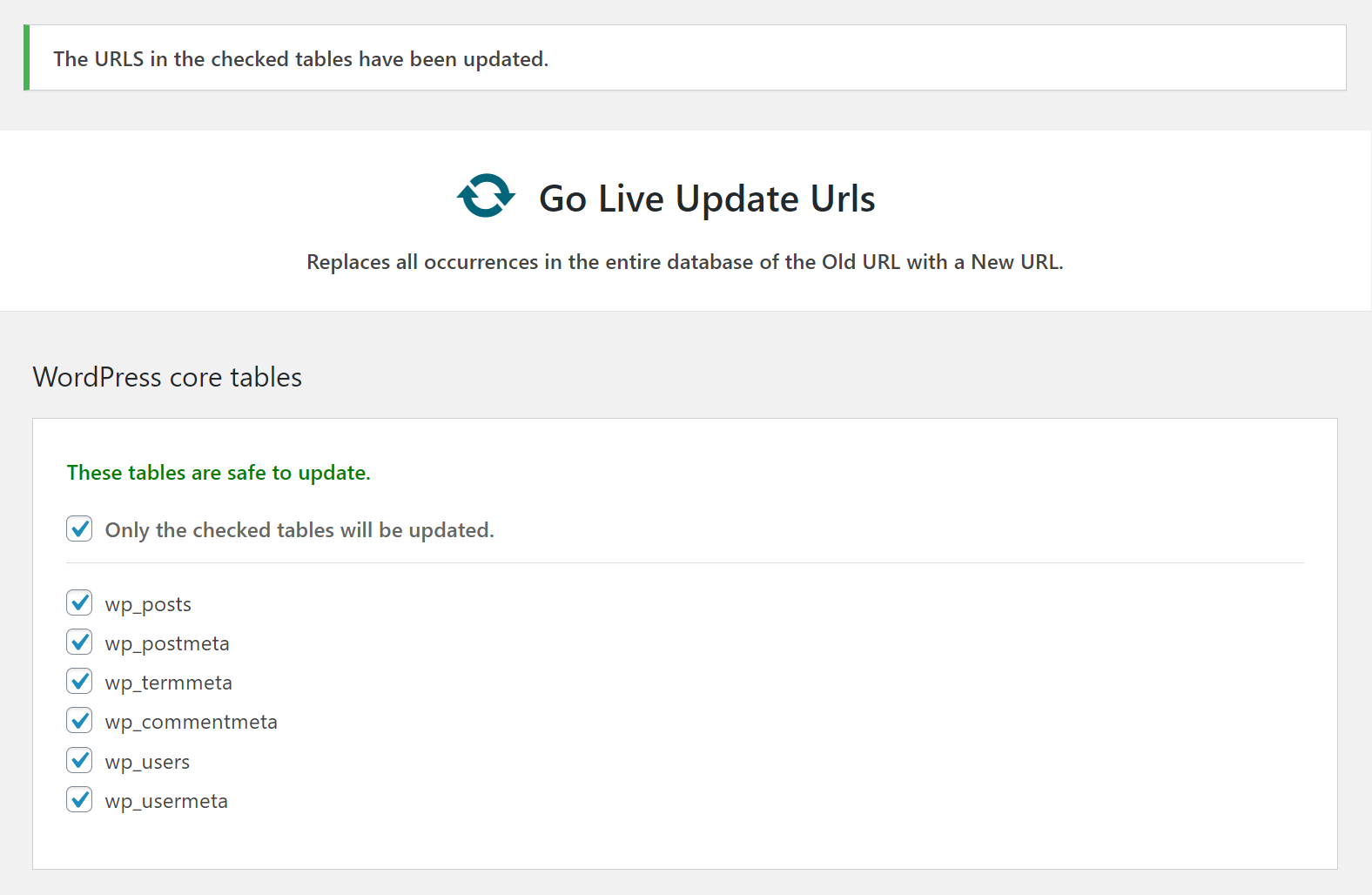
Under the Tools menu in the dashboard there will be a “Go Live” link.
Some plugins will store the serialized or JSON data in the database which does not allow for easy updating of the data. You may un-check tables used by such plugins and then update the urls manually for those plugins. Currently, the options, postmeta, usermeta, commentmeta, blogmeta, and sitemeta tables are serialization safe.
Most tables will be just fine to update. This plugin will tell you which tables not to update.
If you wish to try to update tables mentioned as “not safe” anyway, you may:
1. Make a backup of your database.
2. Run the update with all tables checked.
If you run into trouble:
1. Restore your database.
2. Un-check tables in sections.
3. Re-run this until you find the culprit.


#40 by installs
A simple plugin to update URLs or other text in a database.

#290 by installs
Search Regex adds a powerful set of search and replace functions to WordPress posts, pages, custom post types, and other data.

#292 by installs
WP-Sweep allows you to clean up unused, orphaned and duplicated data in your WordPress. It also optimizes your database tables.
Clean database by deleting orphaned data such as 'revisions', 'expired transients', optimize database and more...

#514 by installs
Simple automated backups of your WordPress-powered website.

#587 by installs
Set up find and replace rules that are executed AFTER a page is generated by WordPress, but BEFORE it is sent to a user's browser.
Read from the WordPress.org plugin API on , when WordPress 7.1.4 was the current release. WordPress.org rounds active installs into buckets. These are the directory's figures, not my verdict, and I haven't tested this plugin. The author takes donations at their donate page.
