
#5 by installs
LiteSpeed Cache
All-in-one unbeatable acceleration & PageSpeed improvement: caching, image/CSS/JS optimization...
- Installs
- 7+ million
- Rating
- 4.8 (2.8K)
- Updated
- 11 days ago

Clean database by deleting orphaned data such as 'revisions', 'expired transients', optimize database and more...
| Last updated | August 20, 2026Updated in the last 3 months |
|---|---|
| Tested up to | WordPress 7.1.4Covers WordPress 7.1.4, the current release |
| Needs WordPress | 5.0.0 or newer |
| Needs PHP | 7.0 or newer |
| First published | September 18, 2015 |
| Support, last two months | 1 of 2 threads resolved (50%) |
4.9 / 5 from 1,962 reviews
| 5 stars | 1,888 |
|---|---|
| 4 stars | 38 |
| 3 stars | 7 |
| 2 stars | 2 |
| 1 star | 27 |
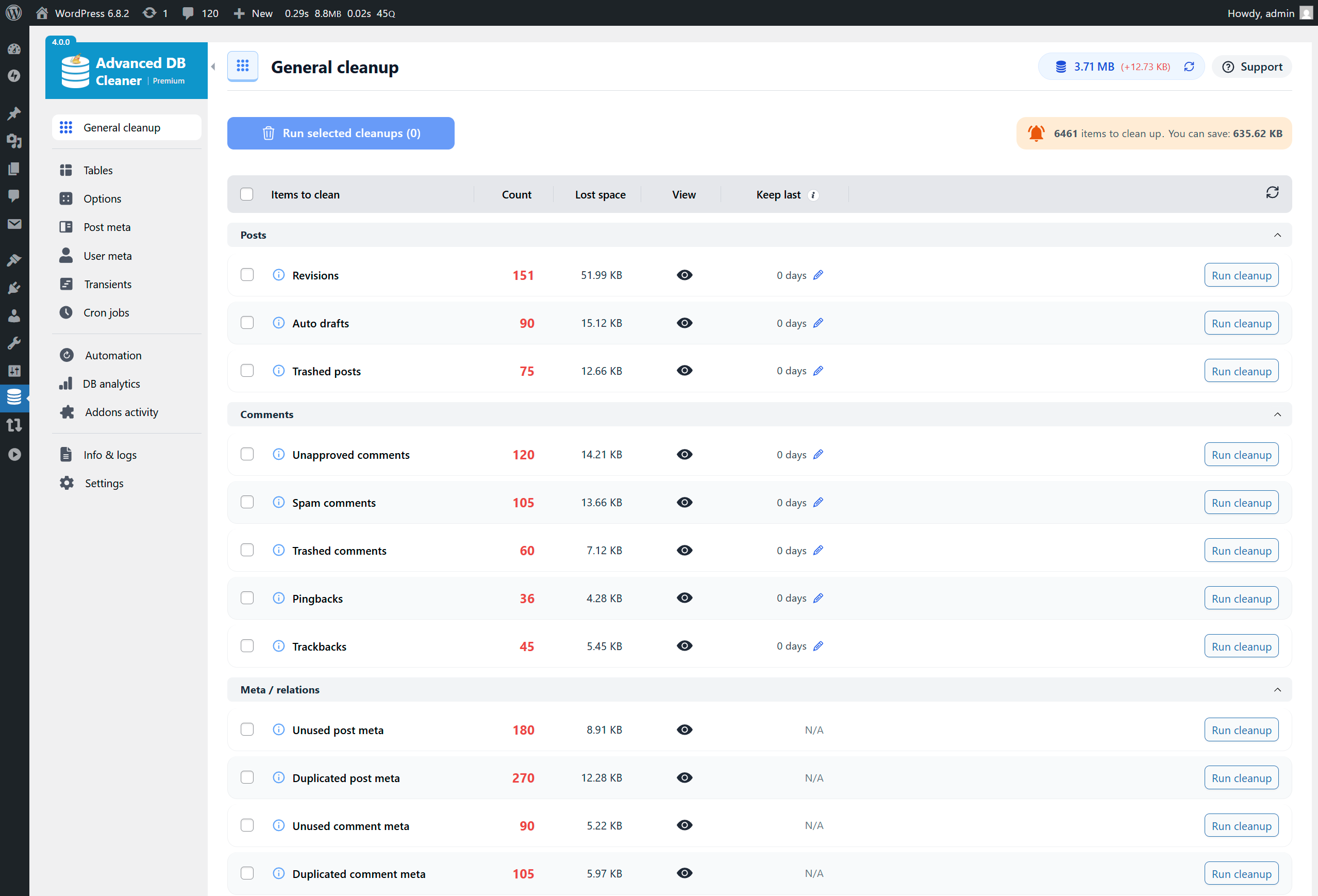
Advanced Database Cleaner is a complete WordPress optimization plugin that helps you clean up database clutter and optimize database performance by removing unused data such as old revisions, auto drafts, spam comments, expired transients, unused post meta, duplicated post meta, unused user meta, etc.
It is designed to help you improve website speed by reducing database bloat and ensuring a lean, efficient WordPress installation. It also provides detailed previews, powerful filters, and automation tools to safely control what gets cleaned.
With the ✨Premium version✨, you can unlock even more advanced features, such as detecting and cleaning orphaned options, orphaned tables, orphaned post meta, orphaned user meta, orphaned transients, and orphaned cron jobs. It also gives you clear insights into how your database evolves over time through built-in analytics, lets you monitor plugin and theme activity to better understand when new data is created or when leftovers appear, and much more.
Why use Advanced Database Cleaner❓
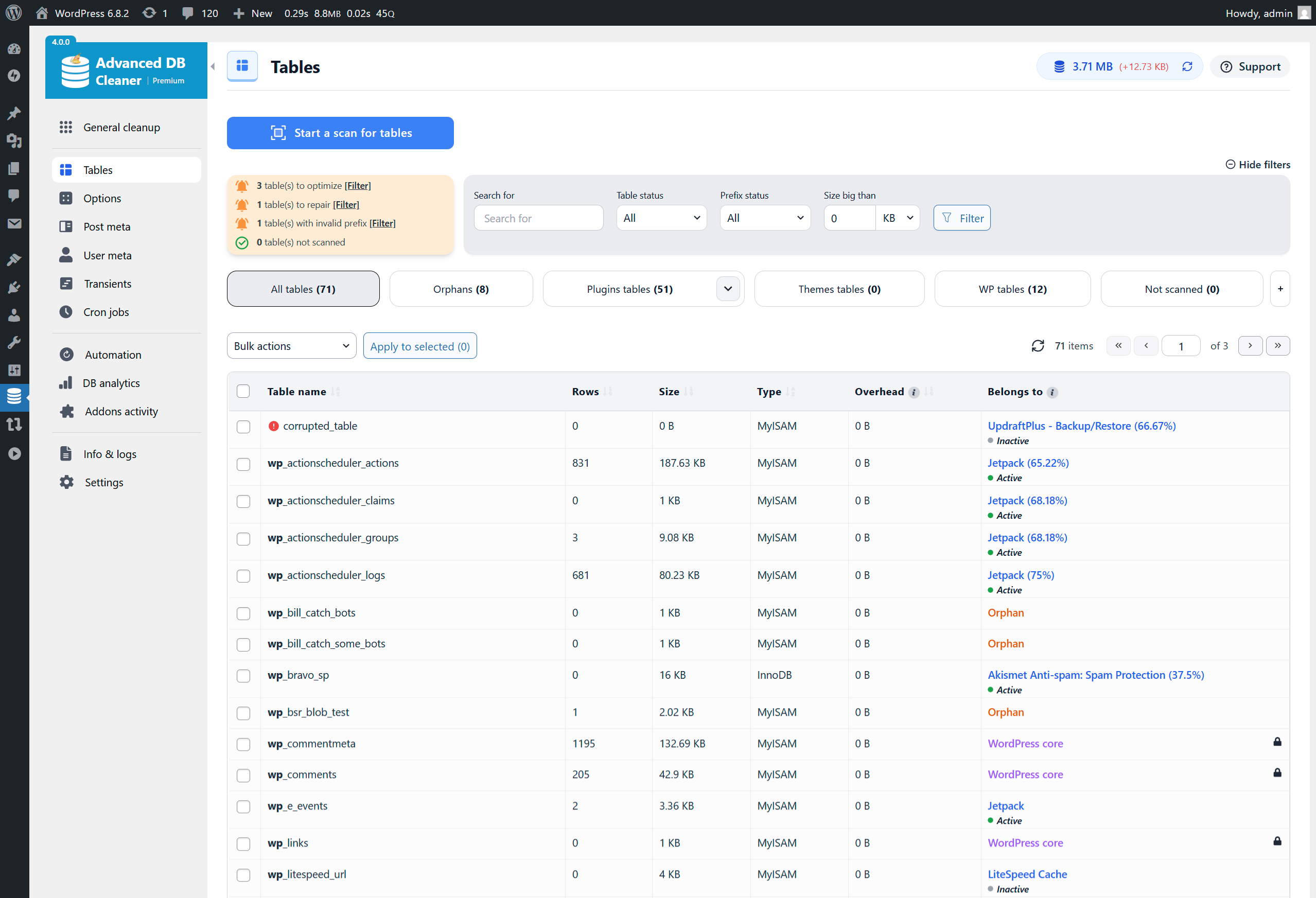
👉 Get a clear overview: see how many tables, options, transients, cron jobs, metadata… records you have, and identify which are unused or orphaned.
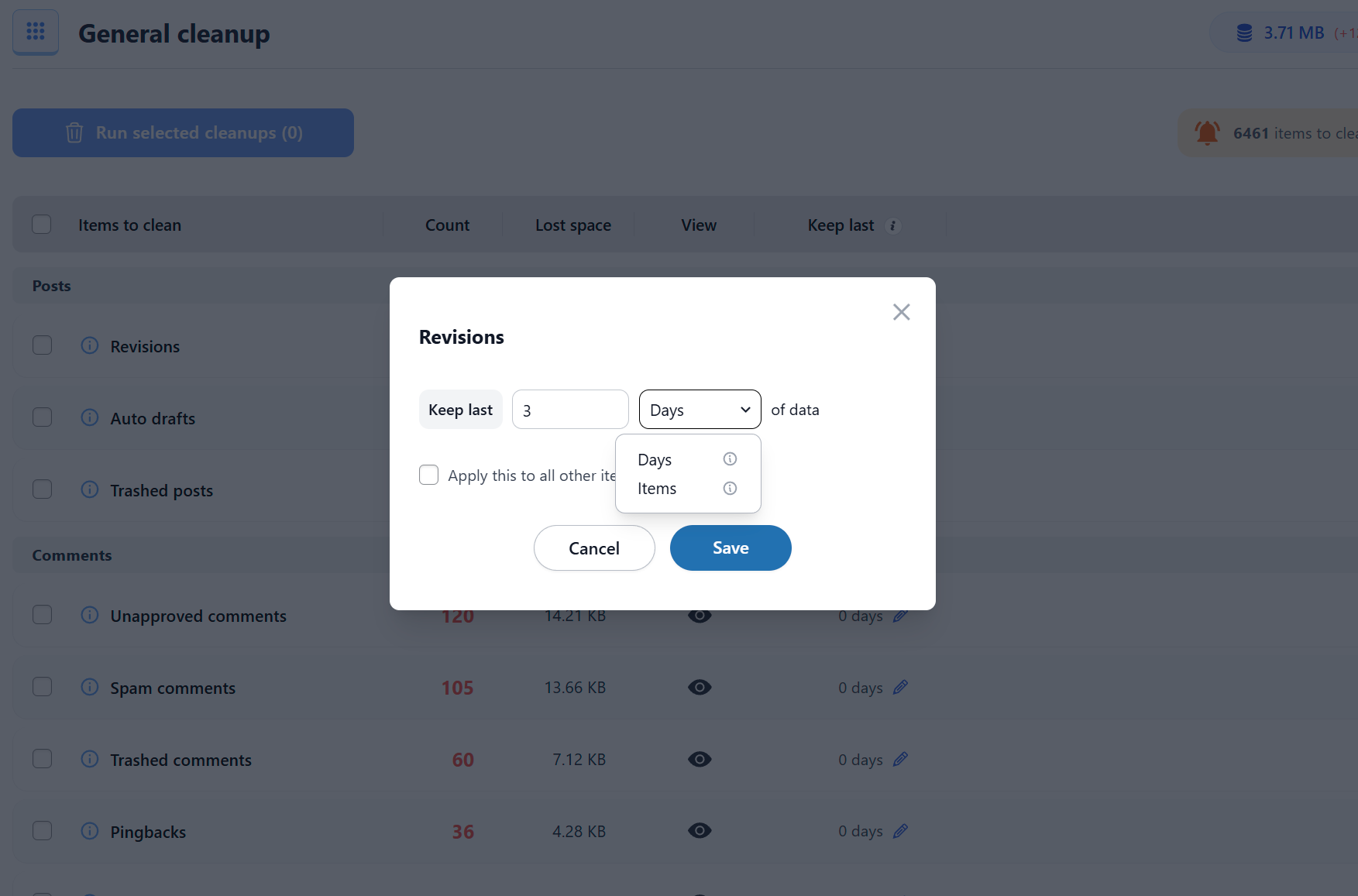
👉 Save time: configure what to clean, how far back to keep data, and how often to run automations. The plugin will then handle recurring cleanups for you.
The opening of the plugin's own description. The full text, installation notes and changelog are on its WordPress.org page.
As you use WordPress, your database accumulates a large amount of unnecessary data such as revisions, spam comments, trashed comments, and more. This clutter slowly increases the size of your database, which can make your site slower and make backups take longer. Cleaning this data keeps your site lighter, faster, and easier to maintain.
Yes, it is safe. The plugin does not run any code that can break your site or delete posts, pages, or approved comments. It only removes items that WordPress considers unnecessary. However, you should always back up your database before performing any cleanup. This is required, not optional! Backups ensure you can always restore your site if something unexpected happens.
Optimizing your database reclaims unused space and reorganizes the way data is stored inside your tables. Over time, tables become fragmented, especially on active websites. Optimization reduces storage usage and improves the speed at which your database responds. This process is safe and can significantly improve performance on large or busy websites.
Cron jobs allow WordPress and plugins to run tasks automatically (like checking for updates or sending emails). When a plugin is removed, some of its cron jobs may remain behind. These leftover tasks serve no purpose and can slow down wp-cron events. Cleaning unnecessary cron jobs is safe as long as you know which ones should be removed. If you are unsure, it is safer not to delete any cron jobs manually.
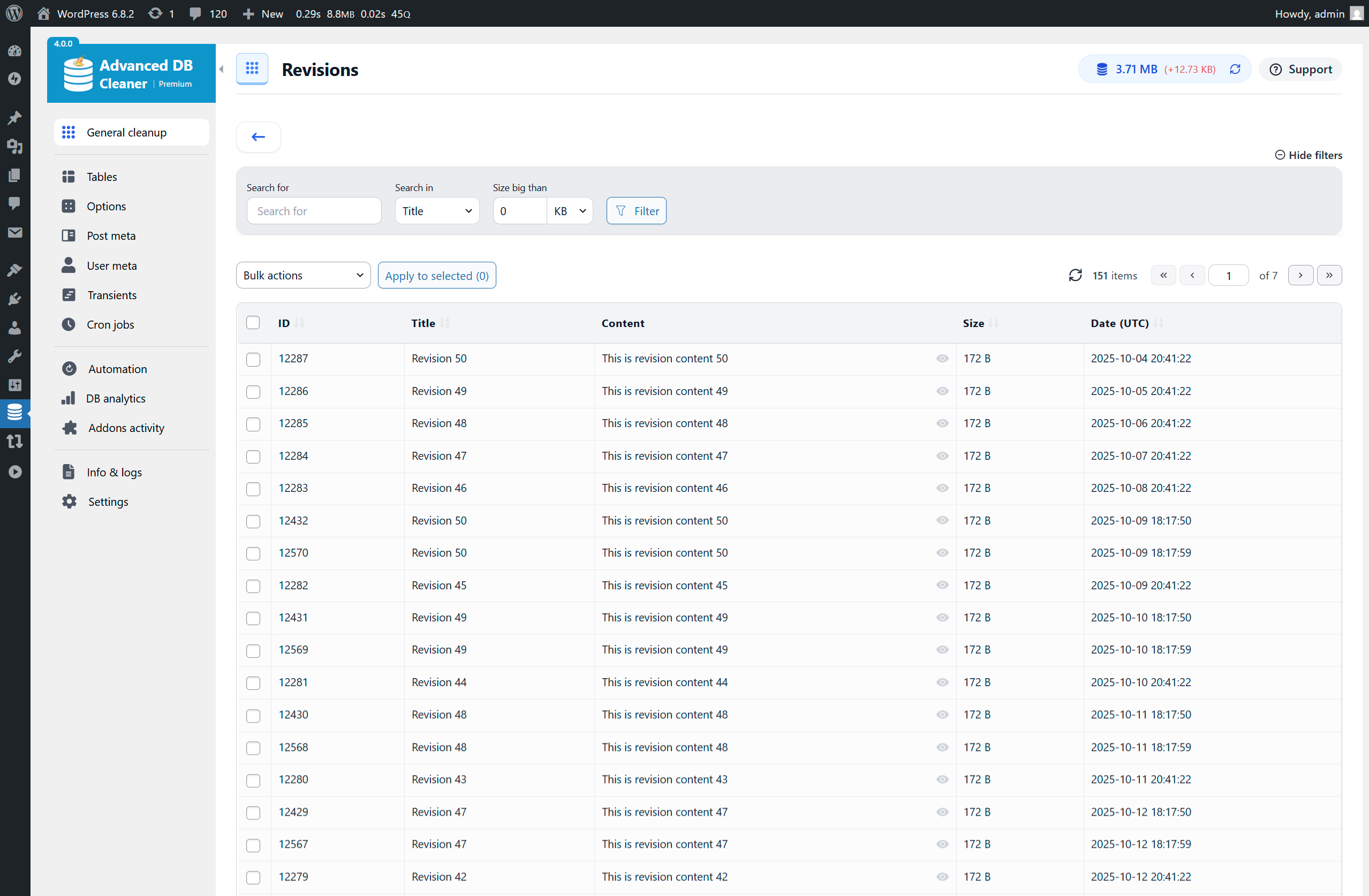
WordPress stores revisions for each saved draft or update so you can review older versions. Over time, these accumulate and take up space.
SQL used by the plugin to delete revisions:
DELETE FROM posts WHERE post_type = ‘revision’
WordPress automatically creates auto-drafts while you are editing posts/pages. If those drafts are never published, they remain in the database.
SQL used by the plugin to delete auto-drafts:
DELETE FROM posts WHERE post_status = ‘auto-draft’
#5 by installs
All-in-one unbeatable acceleration & PageSpeed improvement: caching, image/CSS/JS optimization...

#47 by installs
The simplest and fastest WP Cache system

#73 by installs
Search Engine (SEO) & Performance Optimization (WPO) via caching. Integrated caching: CDN, Page, Minify, Object, Fragment, Database support.

#77 by installs
Autoptimize speeds up your website by optimizing JS, CSS, images (incl. lazy-load), HTML and Google Fonts, asyncing JS, removing emoji cruft and more.

#292 by installs
WP-Sweep allows you to clean up unused, orphaned and duplicated data in your WordPress. It also optimizes your database tables.

#324 by installs
Aruba HiSpeed Cache interfaces directly with an Aruba hosting platform's HiSpeed Cache service and automates its management.
Read from the WordPress.org plugin API on , when WordPress 7.1.4 was the current release. WordPress.org rounds active installs into buckets. These are the directory's figures, not my verdict, and I haven't tested this plugin. The author takes donations at their donate page.