
#362 by installs
Search & Replace
Search & Replace data in your database with WordPress admin, replace domains/URLs of your WordPress installation.
- Installs
- 100,000+
- Rating
- 4.3 (283)
- Updated
- 2 years ago

Search Regex adds a powerful set of search and replace functions to WordPress posts, pages, custom post types, and other data.
| Last updated | October 6, 2026Updated in the last 3 months |
|---|---|
| Tested up to | WordPress 7.1.4Covers WordPress 7.1.4, the current release |
| Needs WordPress | 6.6 or newer |
| Needs PHP | 7.4 or newer |
| First published | September 17, 2007 |
| Support, last two months | 2 of 3 threads resolved (67%) |
4.7 / 5 from 101 reviews
| 5 stars | 87 |
|---|---|
| 4 stars | 7 |
| 3 stars | 3 |
| 2 stars | 1 |
| 1 star | 3 |
Search Regex adds a powerful set of search and replace functions to WordPress posts, pages, custom post types, and other data sources. These go beyond the standard searching capabilities, and allow you to search and replace almost any data stored on your site. In addition to simple searches you have the full power of PHP’s regular expressions at your disposal.
You can use this to do things like:
– Help migrate a site from one domain to another
– Update URLs in links and images
– Perform site-wide changes
Search filters can be created to match any column of any WordPress table. For example:
– Find all posts in a category
– Find all post meta data without a post
– Find all posts in a date range
Search Regex handles small and large sites.
Search Regex has been tested with PHP from 7.4 to 8.4.
What can I search?
You can search:
– Posts
– Pages
– Any custom post type
– Comments (including spam)
– Users
– Meta data
– WordPress options
Full regular expression support is provided, and you can capture data and use it in the replacement.
Actions
A variety of actions can be performed on matching results:
– Modify and replace the result
– Delete the result
– Export to CSV and SQL
– Perform custom PHP action
Modify and Replace Data
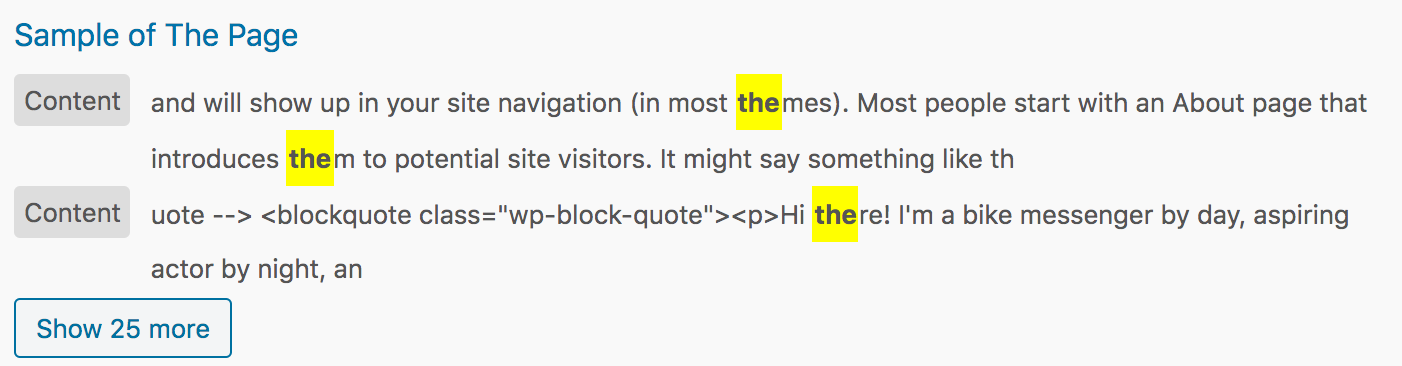
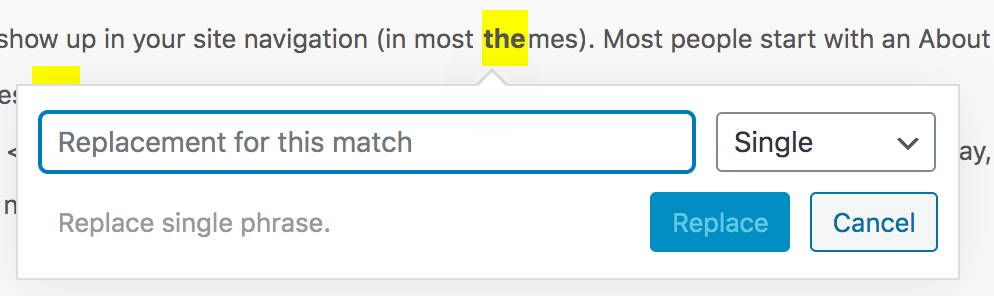
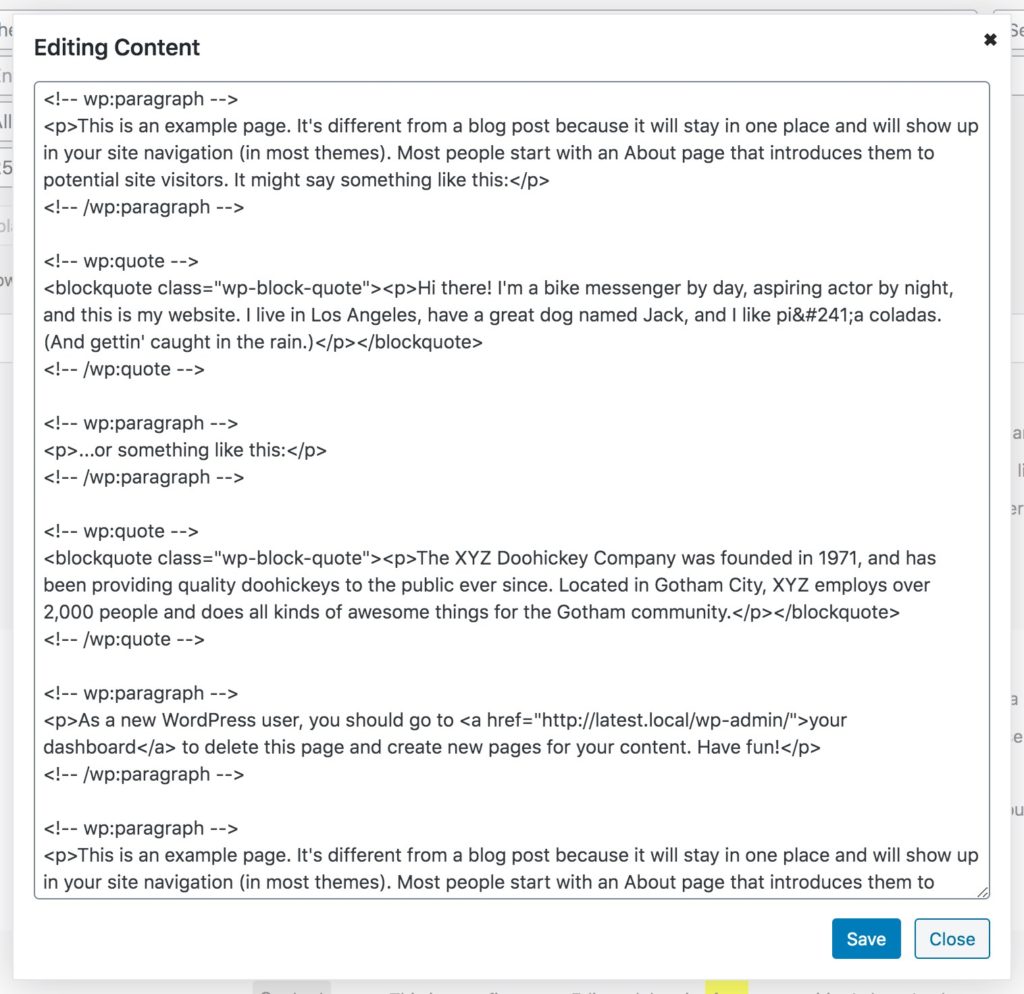
Results can be individually modified by clicking on the item to change, and using the popup modifier.
The opening of the plugin's own description. The full text, installation notes and changelog are on its WordPress.org page.
#362 by installs
Search & Replace data in your database with WordPress admin, replace domains/URLs of your WordPress installation.

#587 by installs
Set up find and replace rules that are executed AFTER a page is generated by WordPress, but BEFORE it is sent to a user's browser.

#94 by installs
Easily replace any attached image/file by simply uploading a new file in the Media Library edit view - a real time saver!

#292 by installs
WP-Sweep allows you to clean up unused, orphaned and duplicated data in your WordPress. It also optimizes your database tables.
Clean database by deleting orphaned data such as 'revisions', 'expired transients', optimize database and more...

#352 by installs
Relevanssi replaces the default search with a partial-match search that sorts results by relevance. It also indexes comments and shortcode content.
Read from the WordPress.org plugin API on , when WordPress 7.1.4 was the current release. WordPress.org rounds active installs into buckets. These are the directory's figures, not my verdict, and I haven't tested this plugin. The author takes donations at their donate page.
