
#166 by installs
Max Mega Menu
An easy to use mega menu plugin. Written the WordPress way.
- Installs
- 300,000+
- Rating
- 4.8 (882)
- Updated
- 47 days ago

Easily create floating menus of varying complexity. Use its capabilities to place unique navigation on the site.
| Last updated | August 25, 2026Updated in the last 3 months |
|---|---|
| Tested up to | WordPress 7.1.4Covers WordPress 7.1.4, the current release |
| Needs WordPress | 4.3 or newer |
| Needs PHP | 7.4 or newer |
| First published | April 7, 2017 |
| Support, last two months | No threads opened |
4.4 / 5 from 41 reviews
| 5 stars | 34 |
|---|---|
| 4 stars | 0 |
| 3 stars | 1 |
| 2 stars | 2 |
| 1 star | 4 |
Try Free Demo | 🚀 Try Pro Demo | Documentation
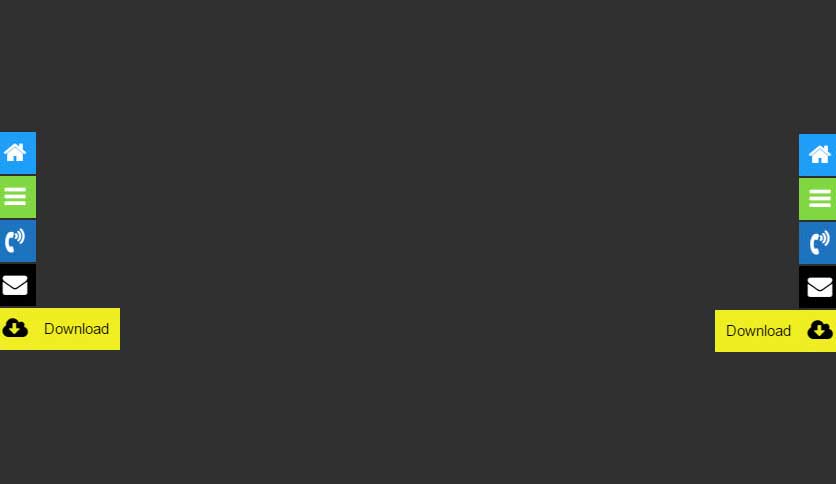
Float Menu is a free WordPress plugin to create and place a unique floating menu on your website. The extension allows users to get access to the functions of the panel regardless of its position on the resource. The menu moves along with the scrolling of the page and always remains in visibility.
🌟 Features:
✅ Enhance usability and user experience with Float Menu!
—
Main features
The Float Menu makes user interaction with the site more comfortable. It can increase the conversion by improving the functionality of the web resource. Among the capabilities of the tool:
🎨 Customization & Design
🔗 Link & Accessibility Options
The opening of the plugin's own description. The full text, installation notes and changelog are on its WordPress.org page.
If the menu does not appear, it may be due to caching. Try the following steps to resolve the issue:
Check if the “Test Mode” option is enabled in the menu settings. If Test Mode is activated, the menu will be visible only to the site administrator (logged-in users with administrative rights). This is useful for configuring and testing your menu before making it public.
When Mobile Rules are enabled, the menu uses a two-step interaction on touch screens: the first click shows the menu item label (tooltip), and the second click opens the link. This prevents accidental navigation and improves user experience on mobile.
Yes! You can set the menu to appear on the left or right side. If the menu is hidden behind other elements or overlaps them, you can adjust the Z-index value in the settings. You can also use Side Offset and Top Offset to move the menu away from the edges or header.
Yes, starting from version 7.1, you can choose between a Vertical or Horizontal layout. Horizontal layout is great for creating sticky bars or toolbars at the top or bottom of your site.
The plugin includes an Import/Export feature. You can export all your menus or a single menu as a JSON file and then import it into another WordPress site where Float Menu is installed. This is perfect for developers moving from staging to production.
#166 by installs
An easy to use mega menu plugin. Written the WordPress way.

#407 by installs
Adds an image or icon in the menu items. You can choose the position of the image (after, before, above, below) or even hide the menu item title.

#481 by installs
Sticky Menu or Sticky Header sticks elements at the top of the screen when you scroll, or create a floating sticky menu or fixed widget.

#80 by installs
Adds breadcrumb navigation showing the visitor's path to their current location.

#131 by installs
Adds a more advanced paging navigation interface.

#157 by installs
Lets you edit the WordPress admin menu. You can re-order, hide or rename menus, add custom menus and more.
Read from the WordPress.org plugin API on , when WordPress 7.1.4 was the current release. WordPress.org rounds active installs into buckets. These are the directory's figures, not my verdict, and I haven't tested this plugin. The author takes donations at their donate page.