
#166 by installs
Max Mega Menu
An easy to use mega menu plugin. Written the WordPress way.
- Installs
- 300,000+
- Rating
- 4.8 (882)
- Updated
- 47 days ago

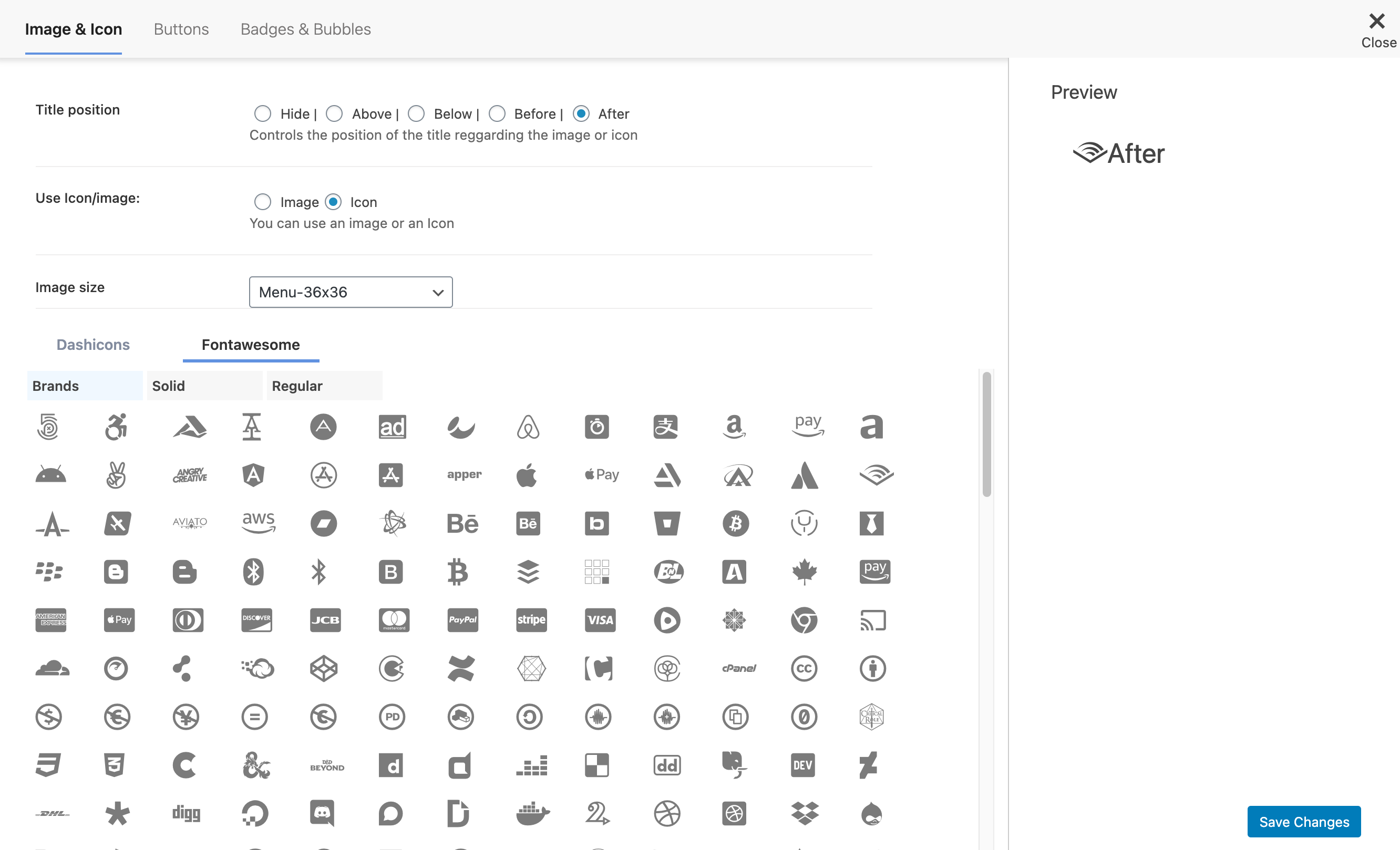
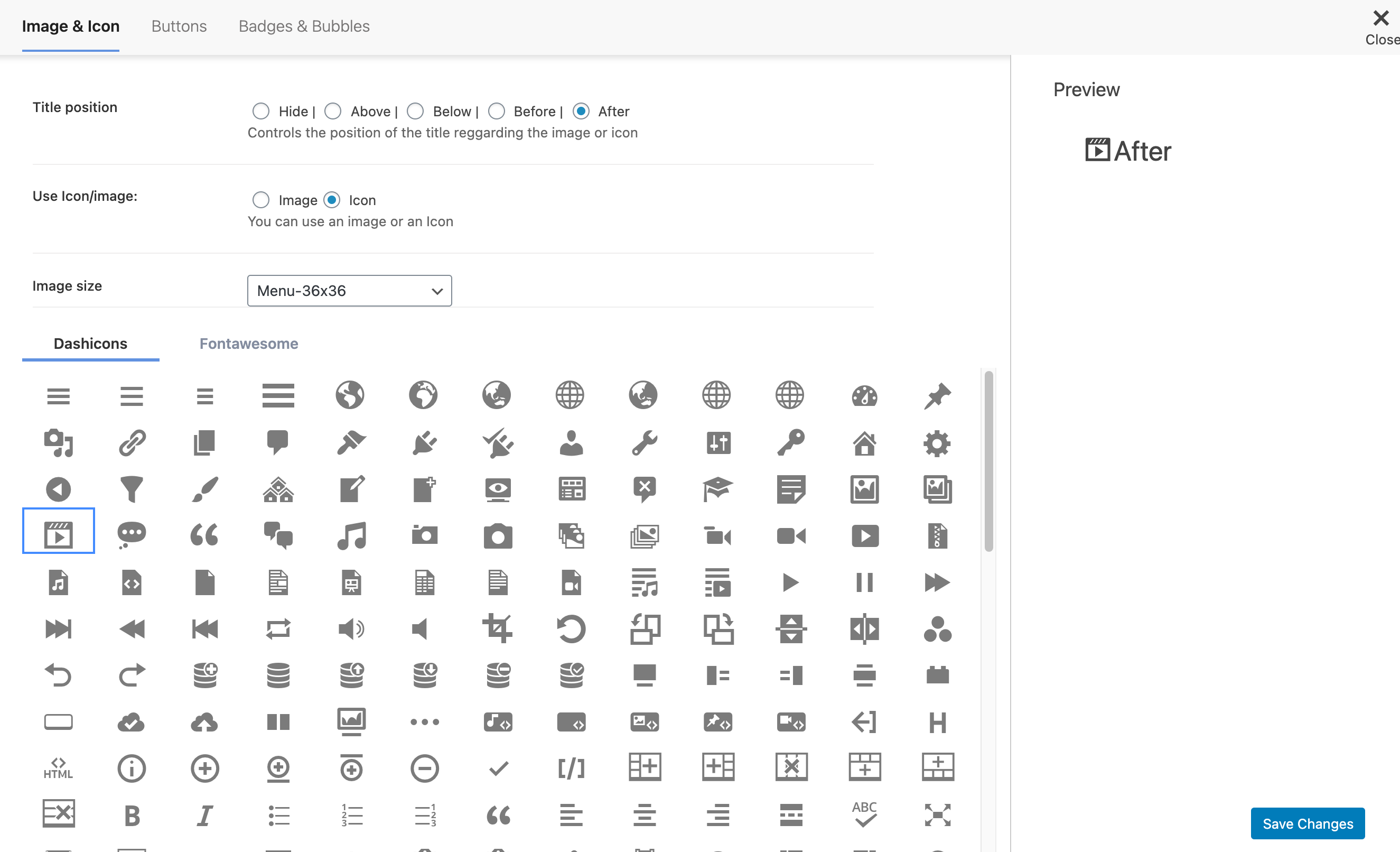
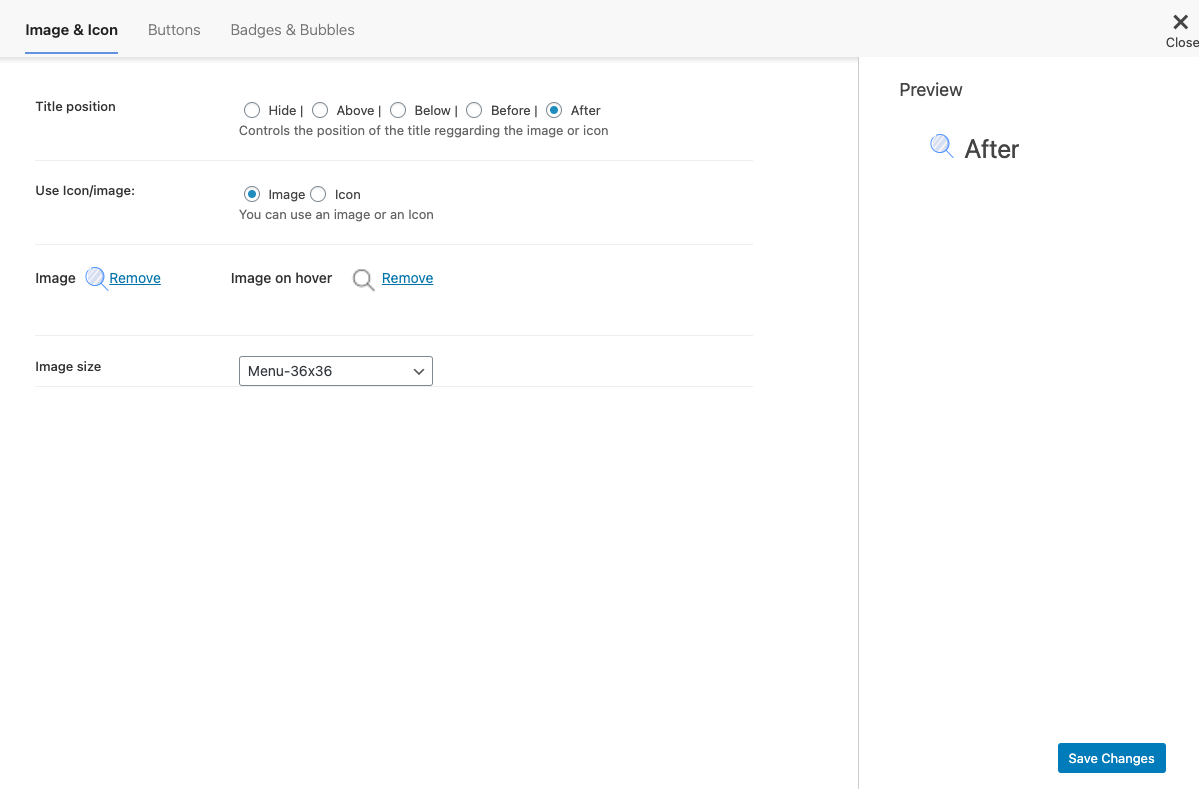
Adds an image or icon in the menu items. You can choose the position of the image (after, before, above, below) or even hide the menu item title.
| Last updated | July 20, 2025Not updated for over a year |
|---|---|
| Tested up to | WordPress 6.7.11Older than WordPress 7.1.4, the current release |
| Needs WordPress | 4.4.0 or newer |
| Needs PHP | Not stated |
| First published | May 23, 2013 |
| Support, last two months | 0 of 1 threads resolved (0%) |
4.5 / 5 from 123 reviews
| 5 stars | 107 |
|---|---|
| 4 stars | 0 |
| 3 stars | 0 |
| 2 stars | 3 |
| 1 star | 13 |
Easily add an image or icon in a menu item. Creating a better website menu.
Control the position of the image or icon and also it’s size.
With Menu Image plugin you can do more, check some of the features:
Links
Related Plugins
• Mobile Menu: WP Mobile Menu is the best WordPress responsive mobile menu. Provide to your mobile visitor an easy access to your site content using any device smartphone/tablet/desktop.
• Pay With Stripe: Easily Sell your products with Stripe on your WordPress website without any other complex e-commerce solution.
What people is saying!
The opening of the plugin's own description. The full text, installation notes and changelog are on its WordPress.org page.
Check this article in the following link
Check this article in the following link
Check this article in the following link
Check this article in the following link
Check this article in the following link
Check this article in the following link
#166 by installs
An easy to use mega menu plugin. Written the WordPress way.

#543 by installs
Show/hide menu items to logged in users, logged out users or specific user roles. Display logged in user details in menu. Add a logout link to menu.

#606 by installs
Hide custom menu items based on user roles.

#992 by installs
Easily create floating menus of varying complexity. Use its capabilities to place unique navigation on the site.

#80 by installs
Adds breadcrumb navigation showing the visitor's path to their current location.

#131 by installs
Adds a more advanced paging navigation interface.
Read from the WordPress.org plugin API on , when WordPress 7.1.4 was the current release. WordPress.org rounds active installs into buckets. These are the directory's figures, not my verdict, and I haven't tested this plugin. The author takes donations at their donate page.