What the author says it does
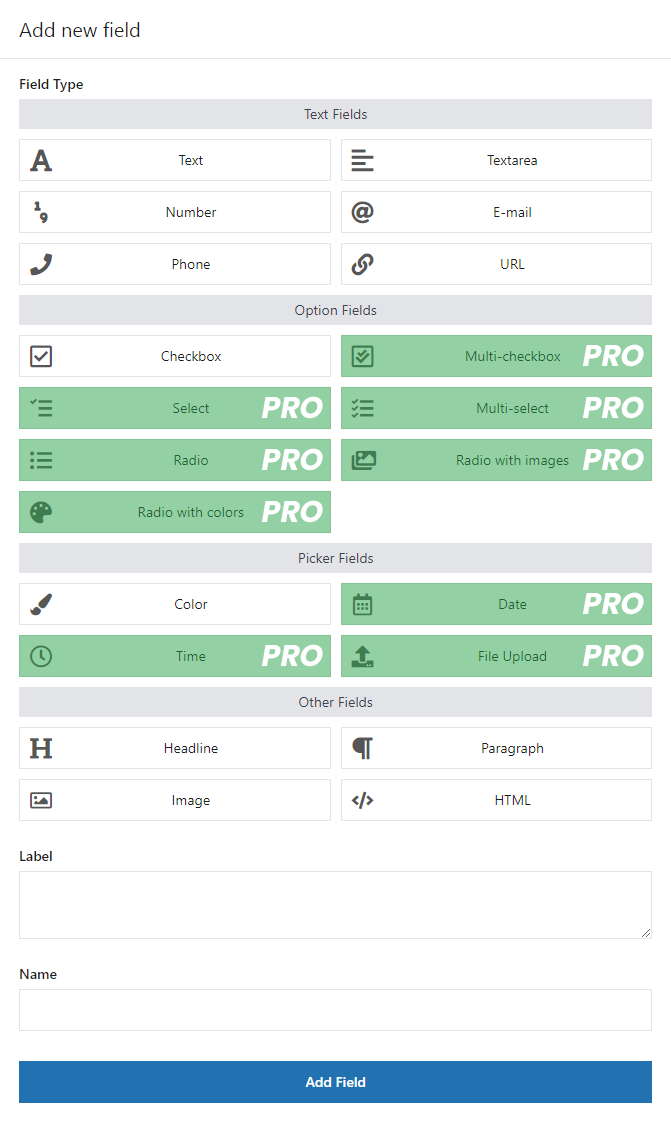
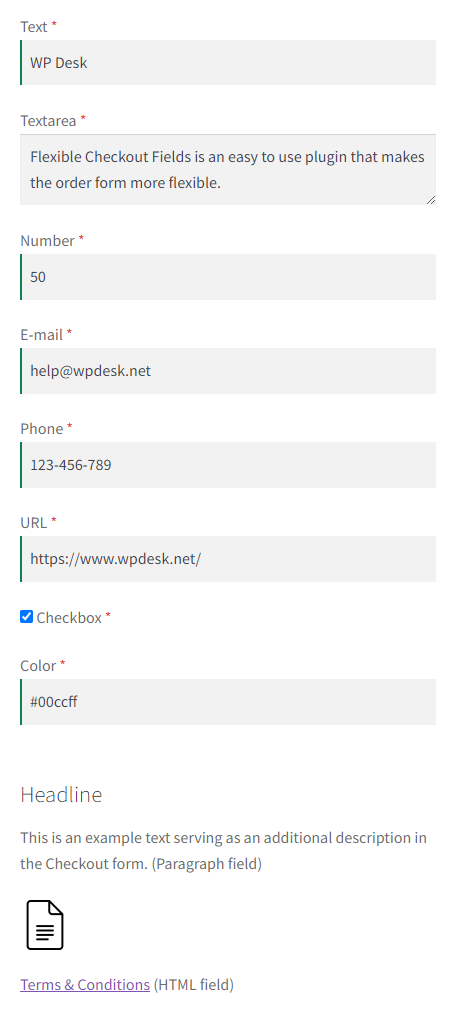
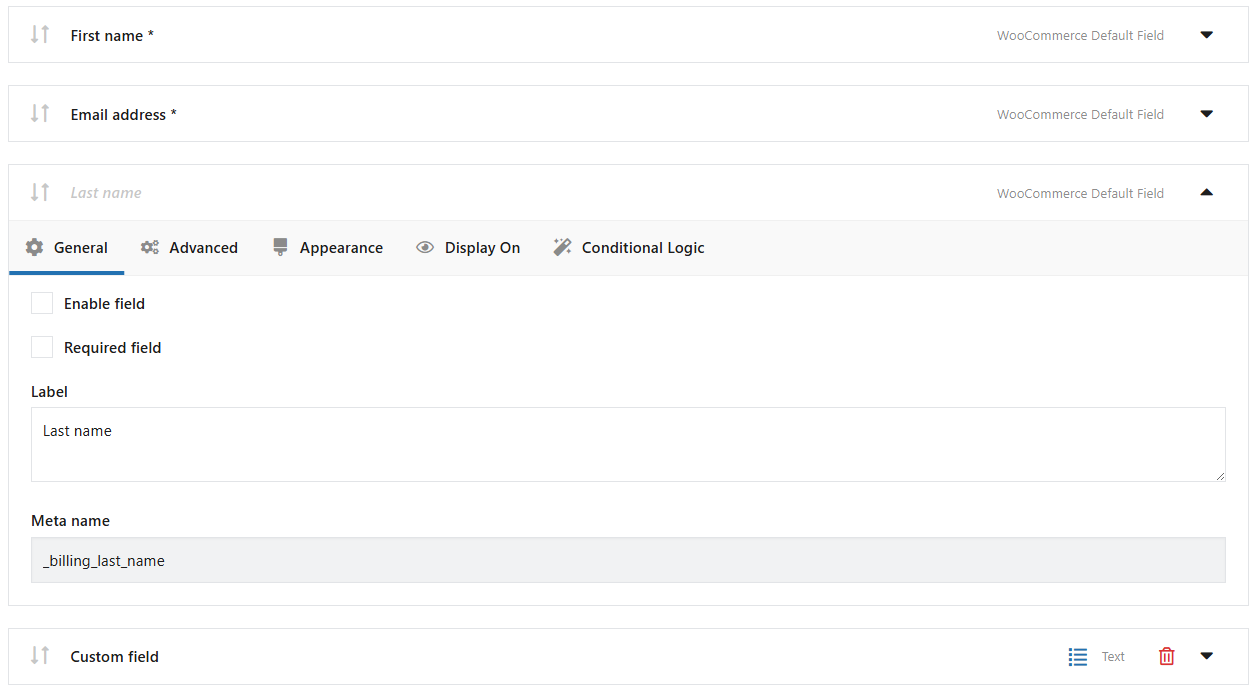
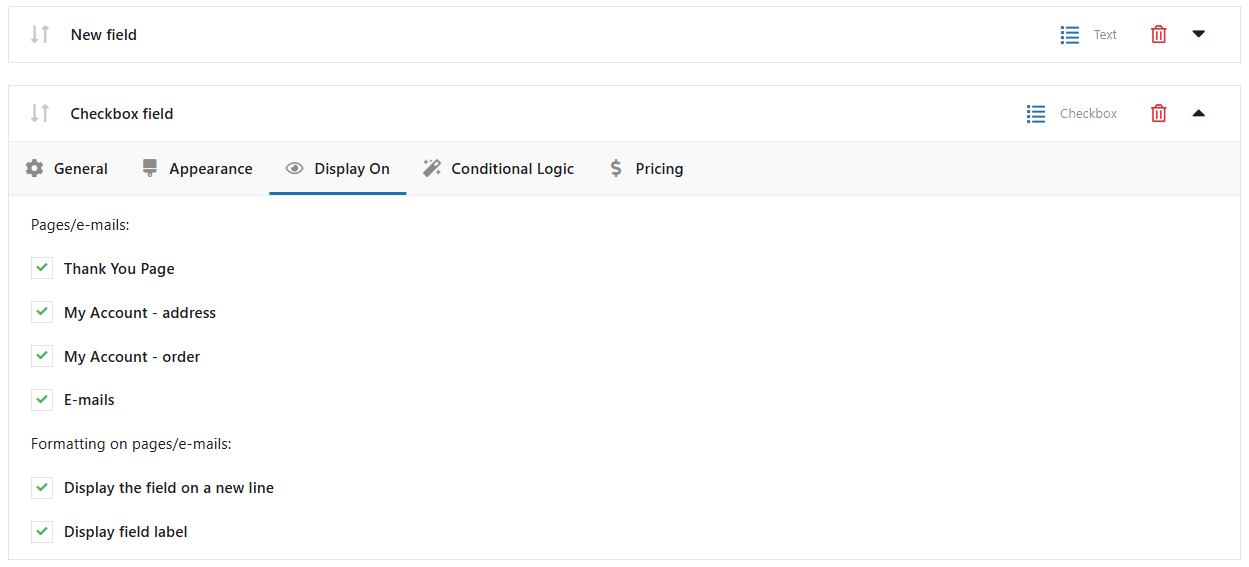
We think WooCommerce is the best ecommerce plugin for WordPress. But it lacks some very basic features like customizing checkout fields with a checkout manager in an easy to use interface. You can do it by hooks and filters but why bother if you can do it by Flexible Checkout Fields for WooCommerce – WooCommerce Checkout Manager. With this single page checkout plugin you can edit the default fields (change labels, hide, delete) or add your own checkout fields. You can set your own fields order. There are a lot of field types such as a checkbox field, a date field or a color picker field (some of them exclusively in the PRO version). Read on to see how easy it is to edit WooCommerce checkout fields with this plugin and how powerful it is.
Using the WooCommerce Checkout Blocks?
If you are using the block-based checkout (Checkout Blocks), check out our dedicated plugin Flexible Checkout Fields For Blocks, which lets you edit and add fields in the new block-based checkout for WooCommerce.
👉 Flexible Checkout Fields (this plugin) works with the classic checkout form based on the shortcode.
👉 Flexible Checkout Fields For Blocks is designed specifically for the block-based checkout (Checkout Blocks).
Faster checkout for more conversions 🛒
The Flexible Checkout Fields plugin is a free extension for editing the WooCommerce checkout page.
The opening of the plugin's own description. The full text, installation notes and changelog are on its WordPress.org page.