

Type to search.

#412 by installs

Pods – Custom Content Types and Fields

by Scott Kingsley ClarkVersion 3.3.9.2

Pods is a framework for creating, managing, and deploying customized content types and fields for any project.

Active installs
100,000+
#412 of 1,000
Downloads, all time
5.5M
5,536,069
Downloads, 30 days
14.9K
3.9K in the last 7
Rating
4.8 / 5
418 reviews
Last updated
2 months ago
Aug 31, 2026
Version
3.3.9.2
26 releases

Upkeep and compatibility

Last updatedAugust 31, 2026Updated in the last 3 months
Tested up toWordPress 7.1.4Covers WordPress 7.1.4, the current release
Needs WordPress6.3 or newer
Needs PHP7.2 or newer
First publishedOctober 8, 2008
Support, last two months26 of 26 threads resolved (100%)

Reviews

4.8 / 5 from 418 reviews

Reviews by star rating
5 stars390
4 stars13
3 stars4
2 stars0
1 star11

Downloads, last 30 days

Low 201 a dayHigh 772 a day

What the author says it does

Manage all your custom content needs in one location with the Pods Framework.

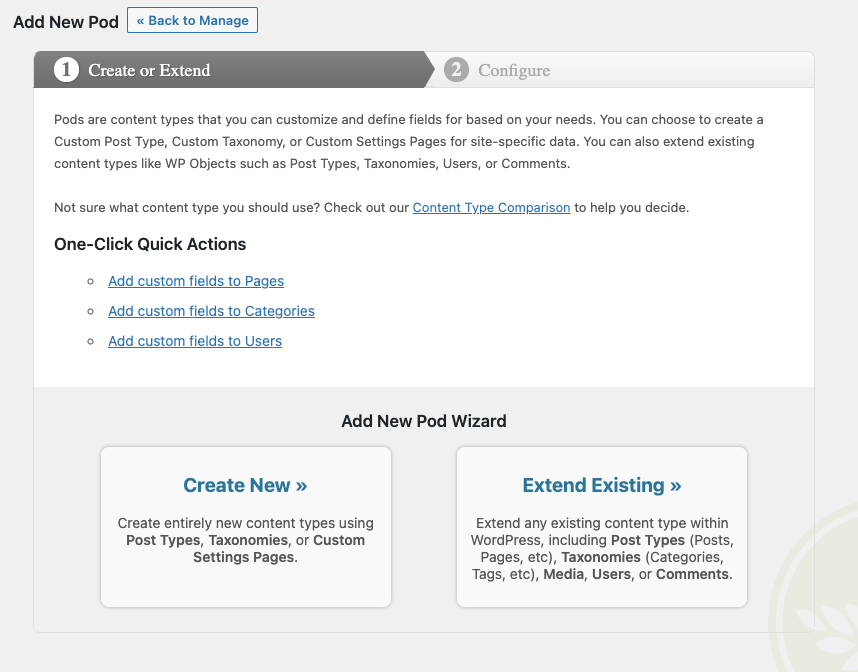
  • Create content types including Custom Post Types, Custom Taxonomies, and our special Advanced Content Types (ACTs get their own custom tables)
  • Extend and customize content types including Posts, Pages, Categories, Tags, Users, and Media with one easy click
  • Create custom settings pages easily within seconds
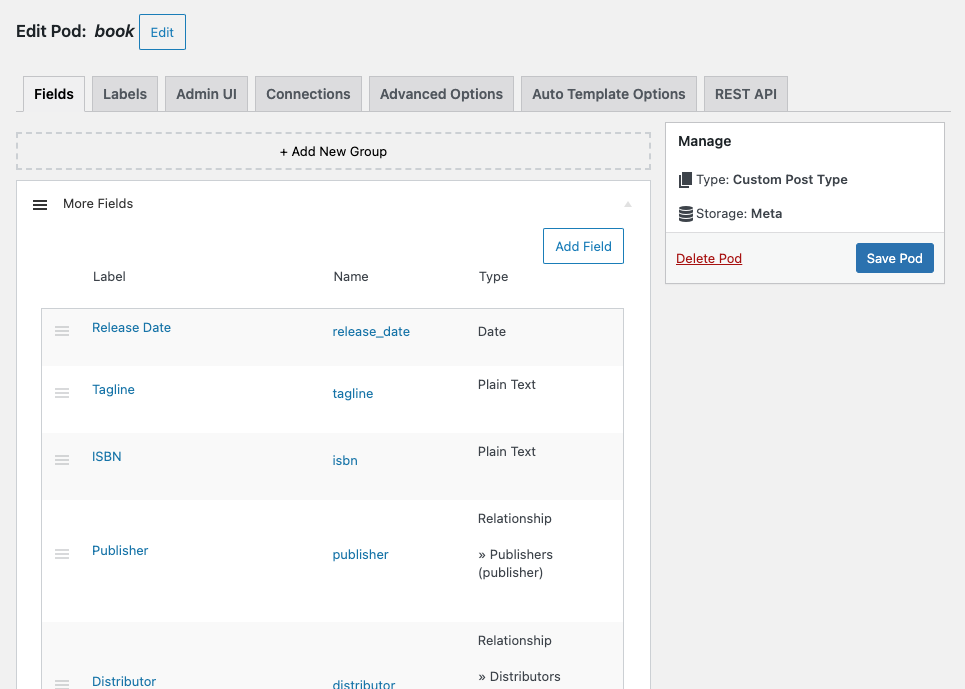
  • Add custom fields to any content type
  • Conditionally show fields based on the value of other fields with Conditional Logic
  • Group your fields however you’d like into their own sections and add additional headings to help organize
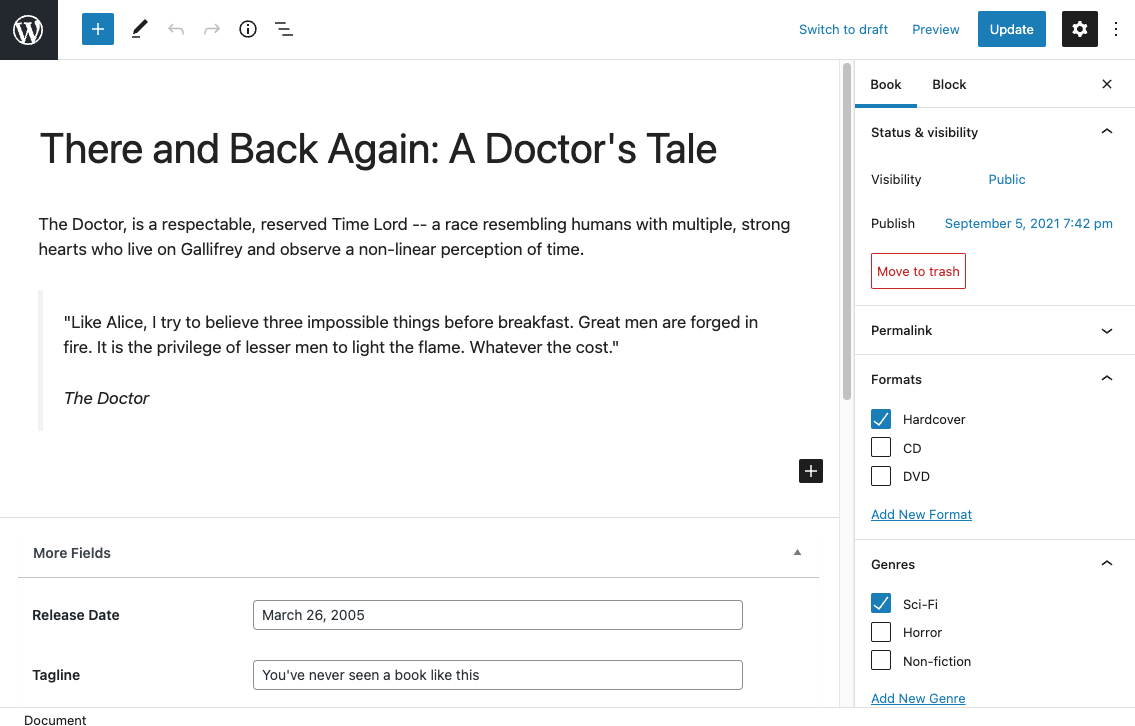
  • Show your fields anywhere using our blocks, shortcodes, widgets, or the non-coder Pods Template approach along with our automatic theme integration
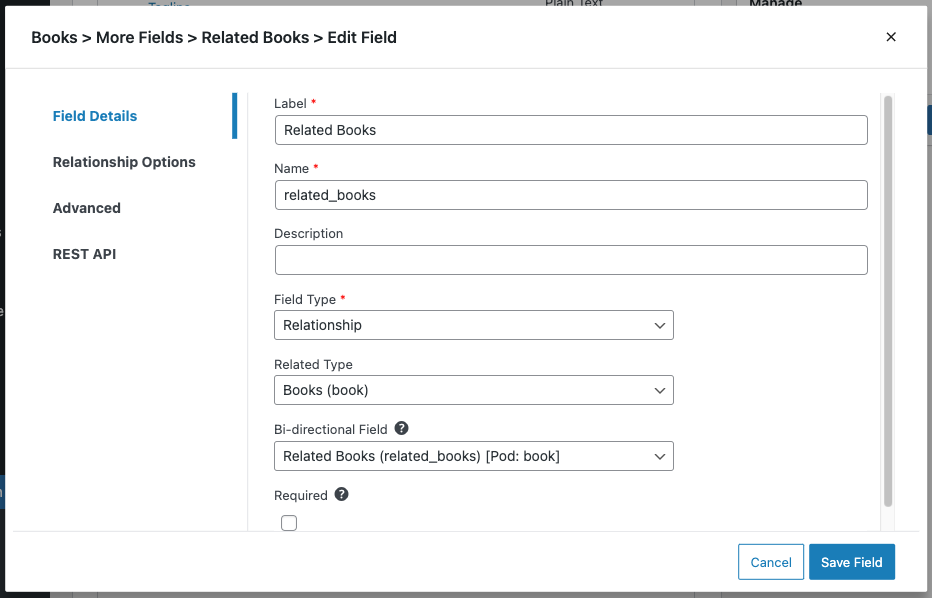
  • Create connections between any of your content with relationship fields to keep your content organized

Let Pods help you grow your development and site building skills so that you can manage content beyond the standard WordPress Posts & Pages.

Want to check it out? Give Pods a test drive with our new One-click Demo.

Check out our Documentation, Support Forums, and our Live Community Slack Chat for assistance building your dream project with Pods.

Introduction

Content types that evolve with your needs

The opening of the plugin's own description. The full text, installation notes and changelog are on its WordPress.org page.

Questions the author answers

Where do I go for Support on your plugin?

Our primary Support is handled through our Support Forums. For the fastest support, you can contact us on our Live Community Slack Chat in the #support channel. We do not staff our Slack channel 24/7, but we do check any questions that come through daily and reply to any unanswered questions.

Where do I report bugs or request features?

If you’ve encountered a bug or have an idea for a new feature, we kindly request you to create an Issue on our GitHub Repository at https://github.com/pods-framework/pods/issues/new. Please be very specific about what steps you did to create the issue you’re having and include any screenshots or other configuration parameters to help us recreate or isolate the issue.

Will Pods work with my Theme?

Most likely the answer is yes. We don’t require any special CSS or display attributes to use Pods with your theme, so you should have little to no difficulty showing your content in your theme. If you encounter any issues, contact your theme developer and ask them about their support for the standard WordPress theming functions and how to use WordPress Template Hierarchy with their theme.

Latest changelog entry

3.3.9.2 – August 31st, 2026

This is a major security hardening release covering multiple areas of the plugin. We recommend updating as soon as possible.

Additional releases with these security fixes have been backported to each major version of Pods from Pods 2.7 and above to make it easy to update.

  • Security: Restricted display callbacks to an explicit allow list of safe functions, with optional customized additions requiring a dedicated prefix. Added detection and admin notices when disallowed display callbacks are used on a site. (Jakub Herman, @sc0ttkclark)

Screenshots

First 4 of 6, from WordPress.org.

Tagged

Plugins that share its tags

Meta Box plugin is a powerful, professional developer toolkit to create custom meta boxes and custom fields for your custom post types in WordPress.

Installs
500,000+
Rating
4.8 (165)
Updated
11 days ago

#50 by installs

Custom Post Type UI

by webdevstudios

Admin UI for creating custom content types like post types and taxonomies

Installs
1+ million
Rating
4.6 (276)
Updated
4 months ago

#742 by installs

Sydney Toolbox

by Syed Balkhi

Registers custom post types and custom fields for the Sydney theme

Installs
50,000+
Rating
2.3 (15)
Updated
39 days ago

#28 by installs

Advanced Custom Fields (ACF®)

by WP Engine

ACF helps customize WordPress with powerful, professional and intuitive fields. Proudly powering over 2 million sites, WordPress developers love ACF.

Installs
2+ million
Rating
4.5 (1.4K)
Updated
51 days ago

#336 by installs

Admin Columns

by Codepress

Take control of your WordPress admin list tables. Add, remove, and reorder columns for posts, users, media, and more - no coding needed.

Installs
100,000+
Rating
4.9 (1.7K)
Updated
4 days ago

#420 by installs

Secure Custom Fields

by WordPress.org

Secure Custom Fields boosts content management with custom fields and options. It deactivates Advanced Custom Fields to prevent duplicate code errors.

Installs
100,000+
Rating
4.8 (69)
Updated
10 days ago

Where this page's numbers come from

Read from the WordPress.org plugin API on , when WordPress 7.1.4 was the current release. WordPress.org rounds active installs into buckets. These are the directory's figures, not my verdict, and I haven't tested this plugin. The author takes donations at their donate page.

