#578 by installs
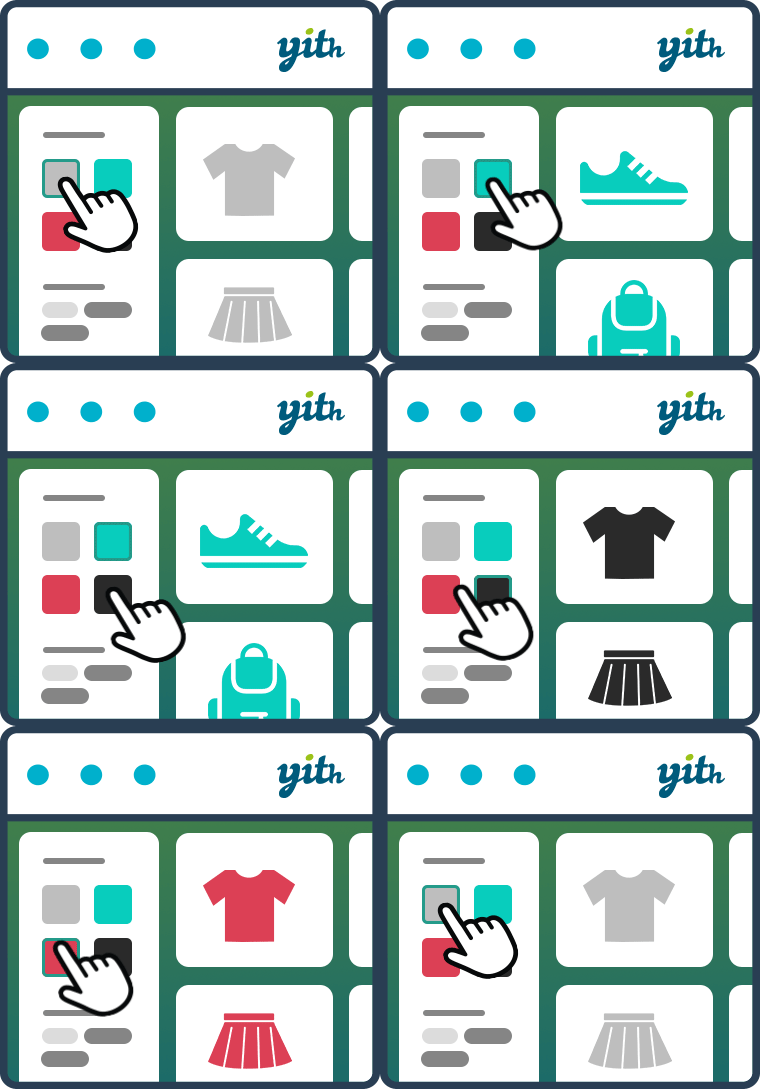
YITH WooCommerce Ajax Product Filter
YITH WooCommerce Ajax Product Filter offers you the perfect way to filter all products of your WooCommerce shop.
- Installs
- 70,000+
- Rating
- 3.5 (98)
- Updated
- 30 days ago

The most flexible filters for WooCommerce products & WordPress content. Includes everything needed, supports Elementor & builders, AJAX, quick setup.
| Last updated | September 22, 2026Updated in the last 3 months |
|---|---|
| Tested up to | WordPress 7.1.4Covers WordPress 7.1.4, the current release |
| Needs WordPress | 6.0 or newer |
| Needs PHP | 7.4 or newer |
| First published | June 22, 2021 |
| Support, last two months | 10 of 13 threads resolved (77%) |
4.6 / 5 from 154 reviews
| 5 stars | 134 |
|---|---|
| 4 stars | 5 |
| 3 stars | 3 |
| 2 stars | 0 |
| 1 star | 12 |
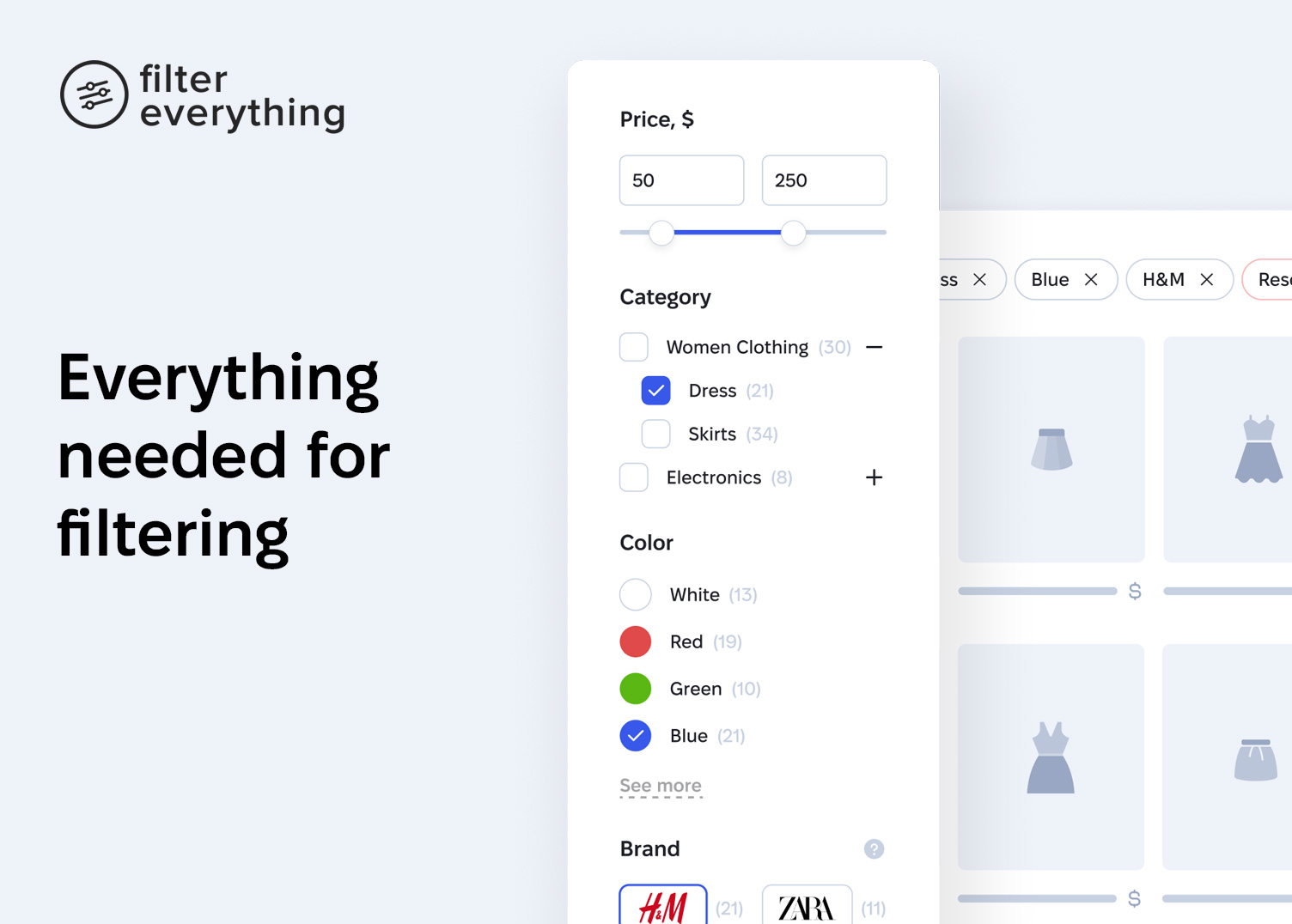
Improve your site’s navigation and drive more conversions with Filter Everything.
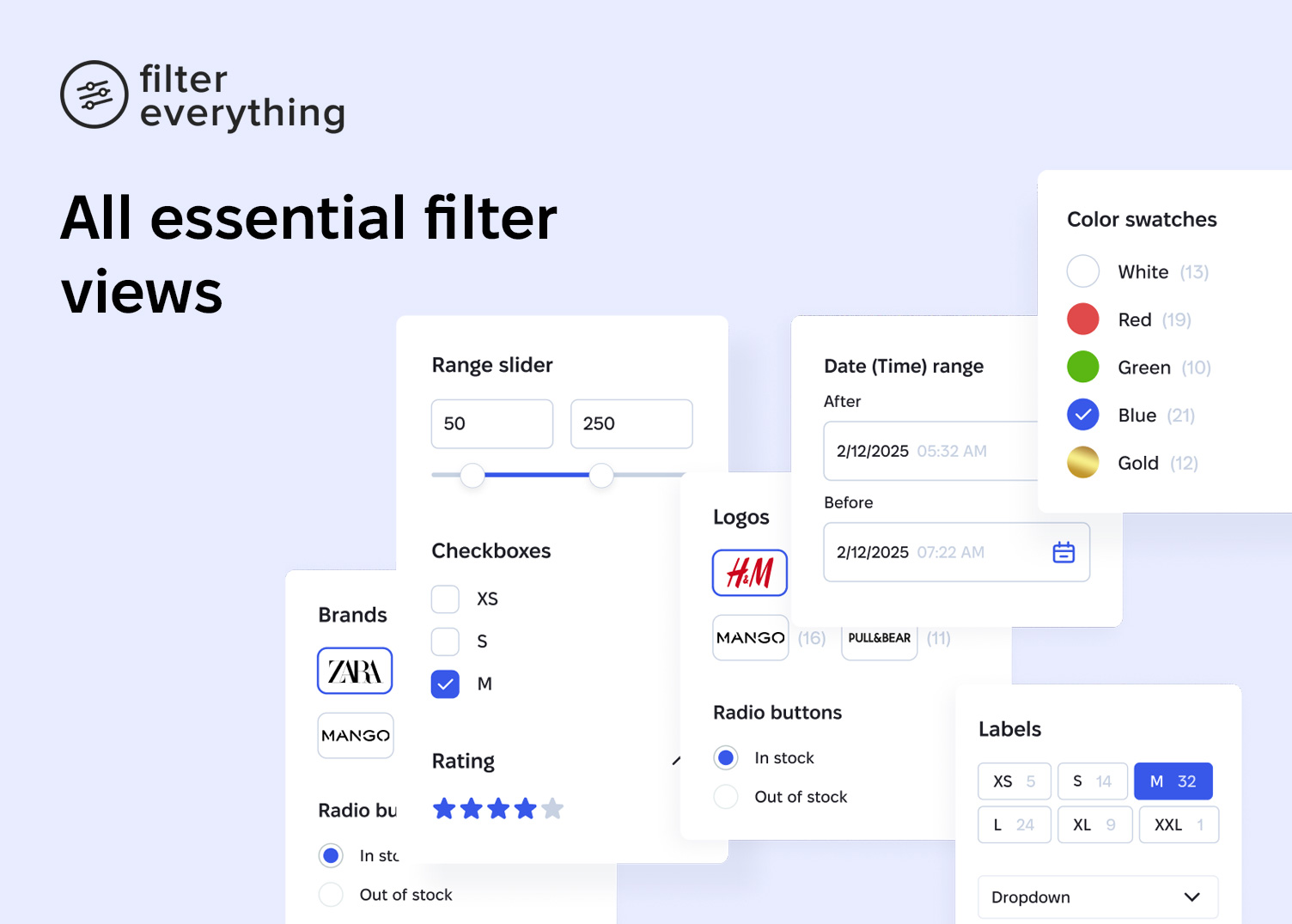
Filter Everything is a versatile filtering plugin that works with any content type — WooCommerce products, posts, listings, events, and more. It covers filtering completely — every filter type, every layout, and every option you may need, all in one plugin.
Watch a video walkthrough by WPTuts:
Filter everything and everywhere
Use it to filter WooCommerce products, posts, listings, events, and many more — on any page of your site and any device, whether desktop, tablet, or mobile.
See how it works ↗
Configure every filtering detail
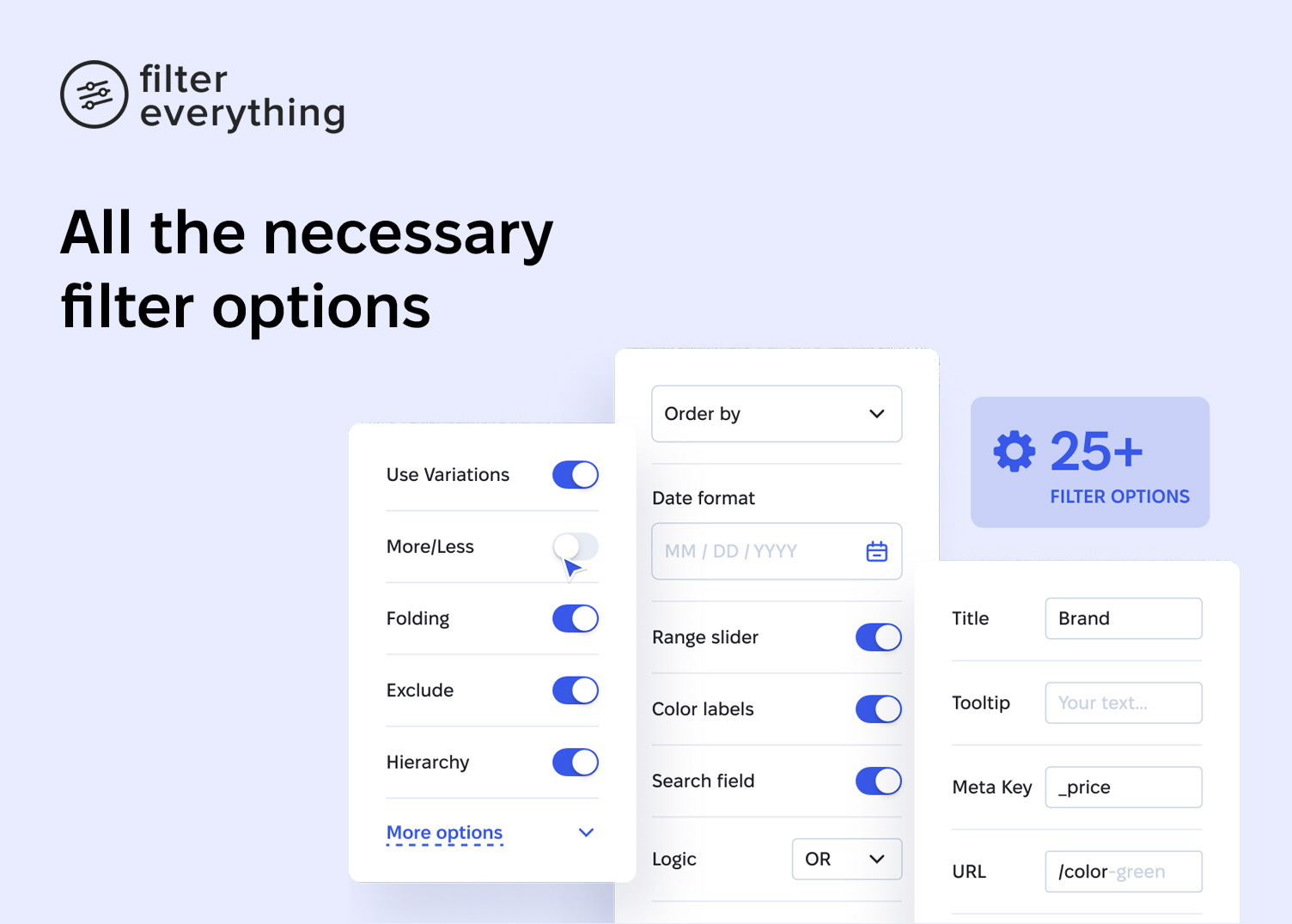
25+ filter options covering every need — display type, filter logic, counters, collapsing, custom URL names, hiding empty filters, and more.
Complete filtering toolkit
Use shortcodes, sort results, and search by text within filtered content. Turn on AJAX filtering with no page reloads. Pick the mode that fits your workflow — Step by step filtering, Select and apply, or Auto-submitting — and choose a horizontal or vertical layout.
Unlimited filtering criteria
The opening of the plugin's own description. The full text, installation notes and changelog are on its WordPress.org page.
You can try to find a solution to your problem in the plugin documentation or ask your question on the support forum. PRO version users can get more info about support here.
Filter combinations produce a practically unlimited number of URLs, and once crawlers discover them they can keep requesting them for months. Since version 1.9.6 the plugin ships two protections in Settings → General → «Crawlers and bots»: «Disable filter links for crawlers» renders filter links as <span> instead of <a>, so bots stop discovering new filter URLs, and «Block filter URLs in robots.txt» adds Disallow…
Release Date – 22 September 2026
* Security – A security fix related to the Elementor Pro «Load More» / infinite scroll pagination on filtered pages
* Dev – NEW: optional «Plugin notifications» (off unless you allow them) — see «External services» for details
* Fix – Fixed the Apply button building a broken GET link (e.g. ?yes=on) instead of the pretty filter URL when two filters share the same custom field with different filter types — such as a numeric «Sale Price» filter and an «On Sale» checkbox both based on _sale_price

#578 by installs
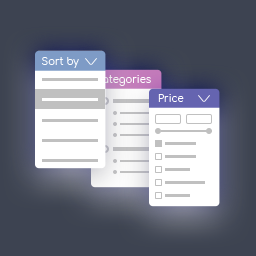
YITH WooCommerce Ajax Product Filter offers you the perfect way to filter all products of your WooCommerce shop.
#731 by installs
Filter products by categories, attributes, prices, and more. Elementor Compatibility. Shoppers easily find products with WooCommerce Product Filter
HUSKY - WooCommerce Products Filter (former WOOF) – filter by categories, attributes, price and meta fields, with a built-in MCP server
Easy to show posts, pages, custom posts in customizable grid, list, slider, accordion... Available as Widgets (for Elementor), Shortcode, and Blocks.
Read from the WordPress.org plugin API on , when WordPress 7.1.4 was the current release. WordPress.org rounds active installs into buckets. These are the directory's figures, not my verdict, and I haven't tested this plugin.

