Type to search.

#578 by installscommercial

YITH WooCommerce Ajax Product Filter

by YITHEMESVersion 5.24.0

YITH WooCommerce Ajax Product Filter offers you the perfect way to filter all products of your WooCommerce shop.

Active installs
70,000+
#578 of 1,000
Downloads, all time
5.2M
5,189,277
Downloads, 30 days
30.3K
2.9K in the last 7
Rating
3.5 / 5
98 reviews
Last updated
30 days ago
Oct 1, 2026
Version
5.24.0
79 releases

Upkeep and compatibility

Last updatedOctober 1, 2026Updated in the last 3 months
Tested up toWordPress 7.1.4Covers WordPress 7.1.4, the current release
Needs WordPress6.9 or newer
Needs PHP8.0 or newer
Needs pluginswoocommerce
First publishedJune 24, 2013
Support, last two months0 of 3 threads resolved (0%)

Reviews

3.5 / 5 from 98 reviews

Reviews by star rating
5 stars57
4 stars4
3 stars2
2 stars4
1 star31

Downloads, last 30 days

Low 239 a dayHigh 7.7K a day

What the author says it does

E-commerce product filtering is a must-have tool to help your customers narrow in on the product they’re looking for and find products they might be interested in based on specific features (size, color, category, etc.)

A reliable product filtering is what allows your visitors to enjoy and appreciate your product catalog instead of leaving it after a few seconds.

After all, if users can’t easily browse your product lists, they can’t easily find what they are looking for. And if they can’t find it, they can’t buy it. It’s easy to understand. 🙂

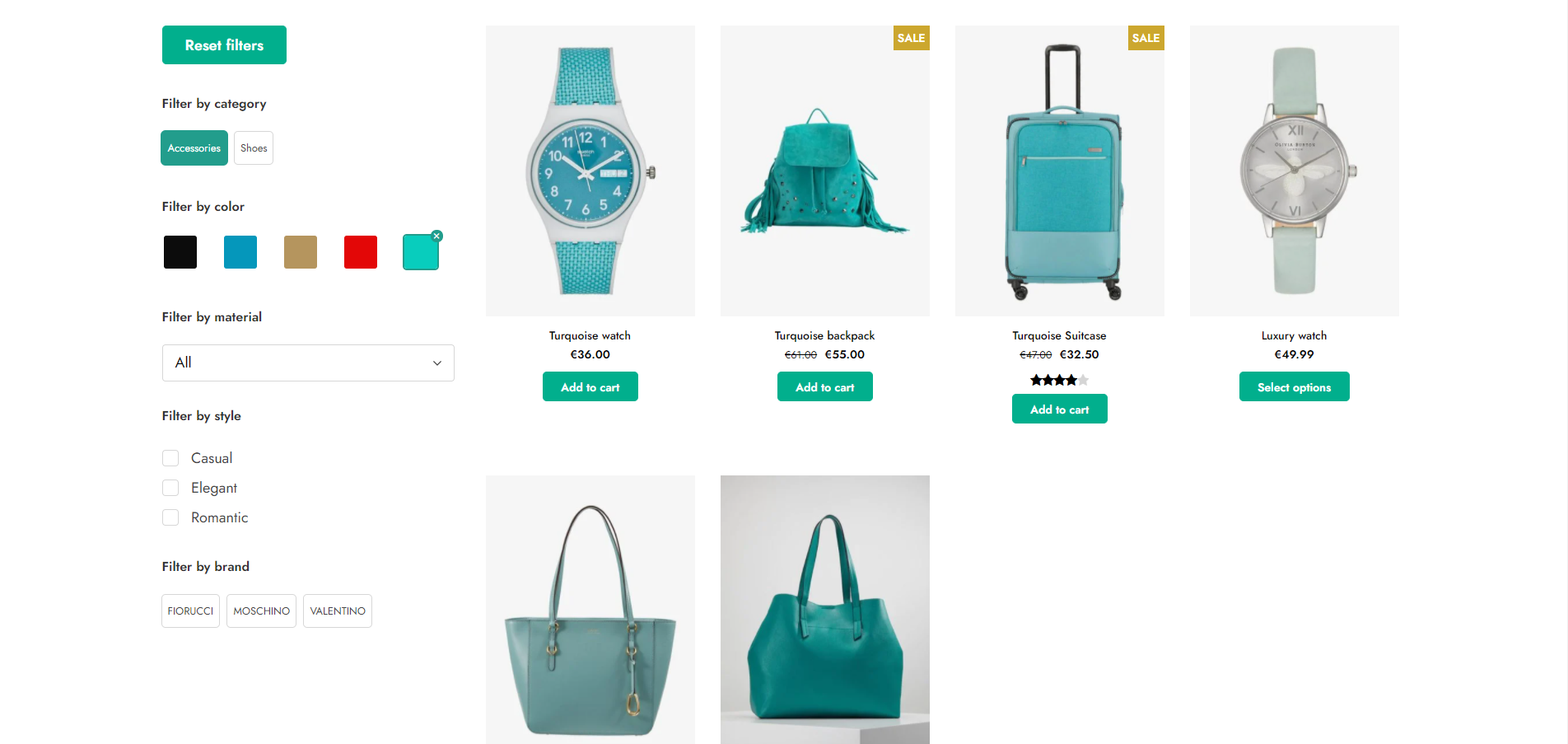
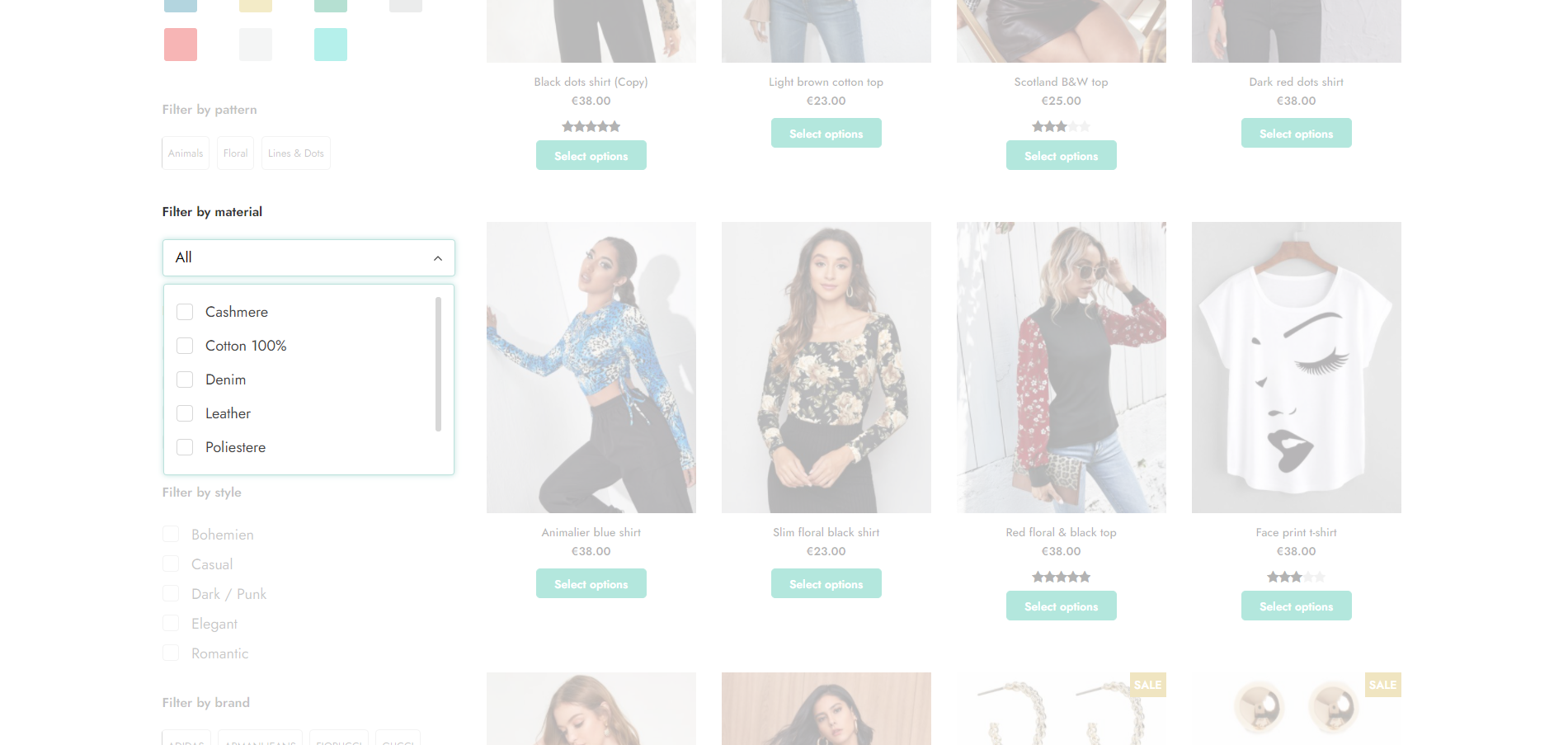
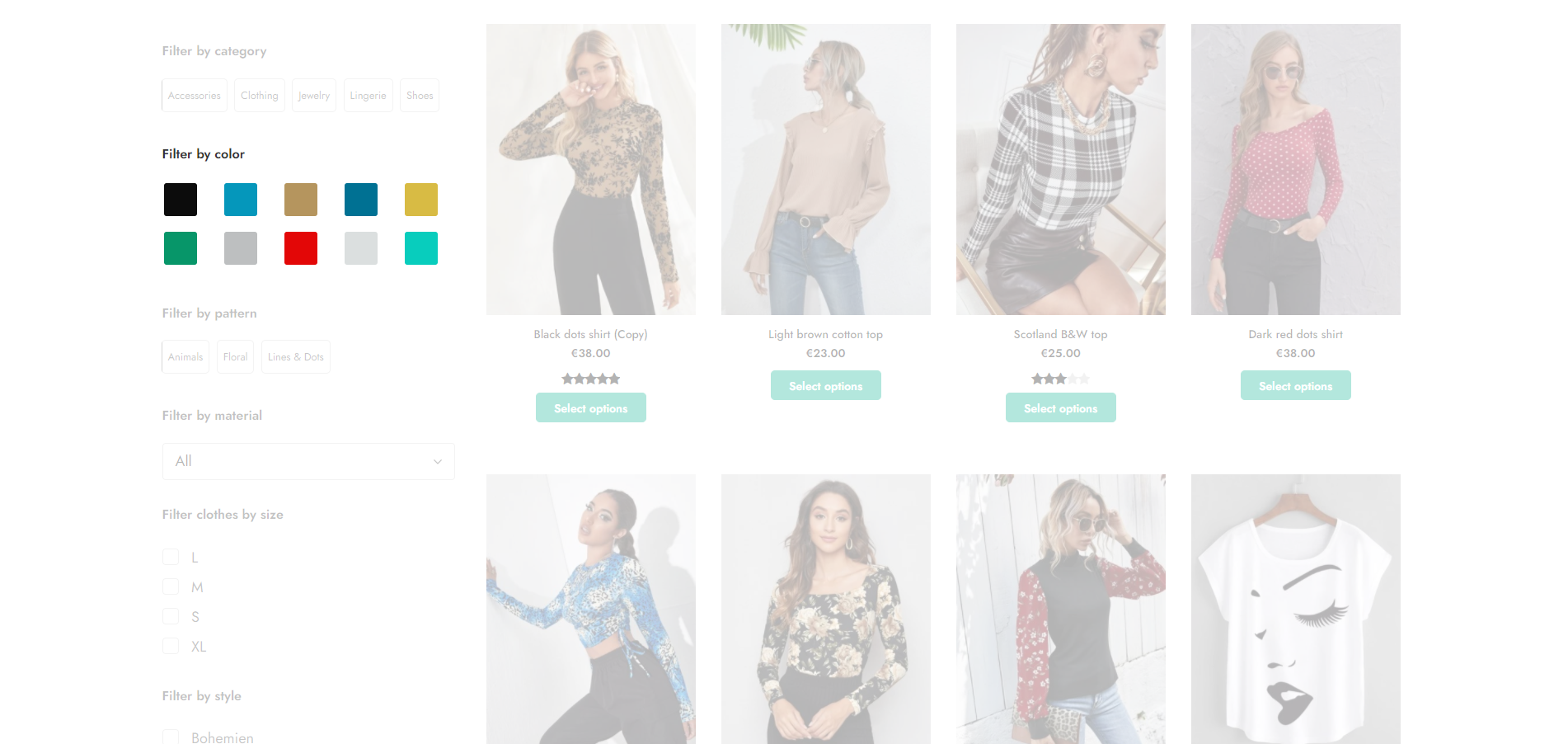
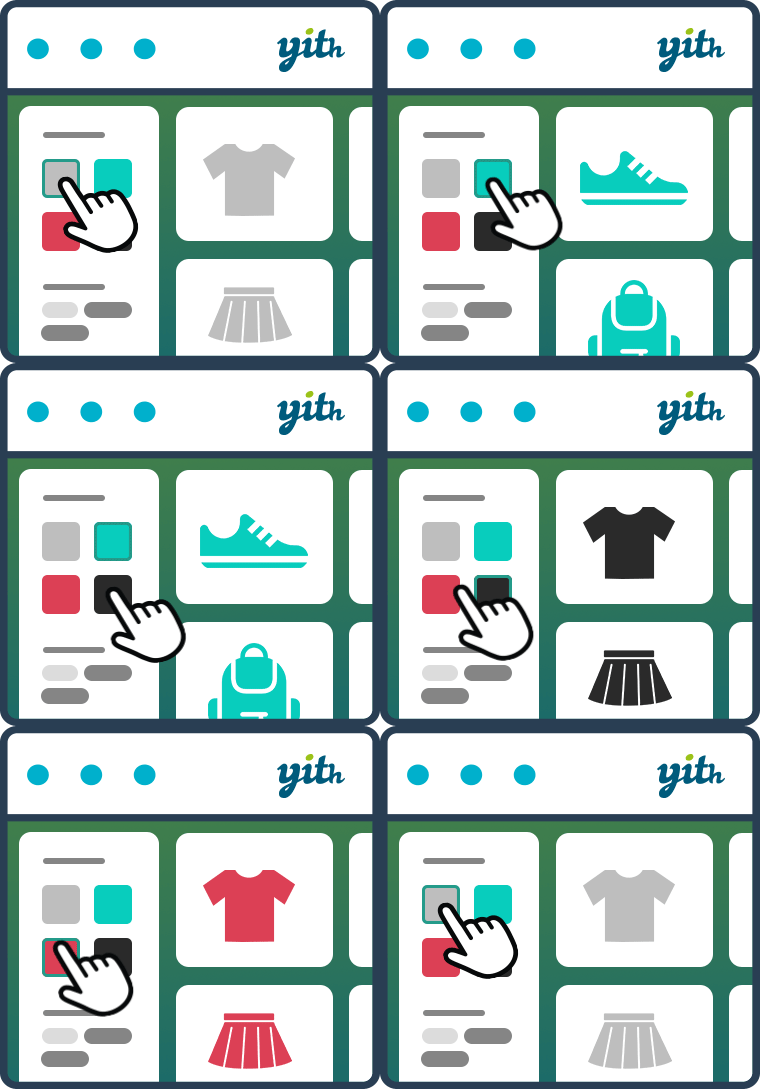
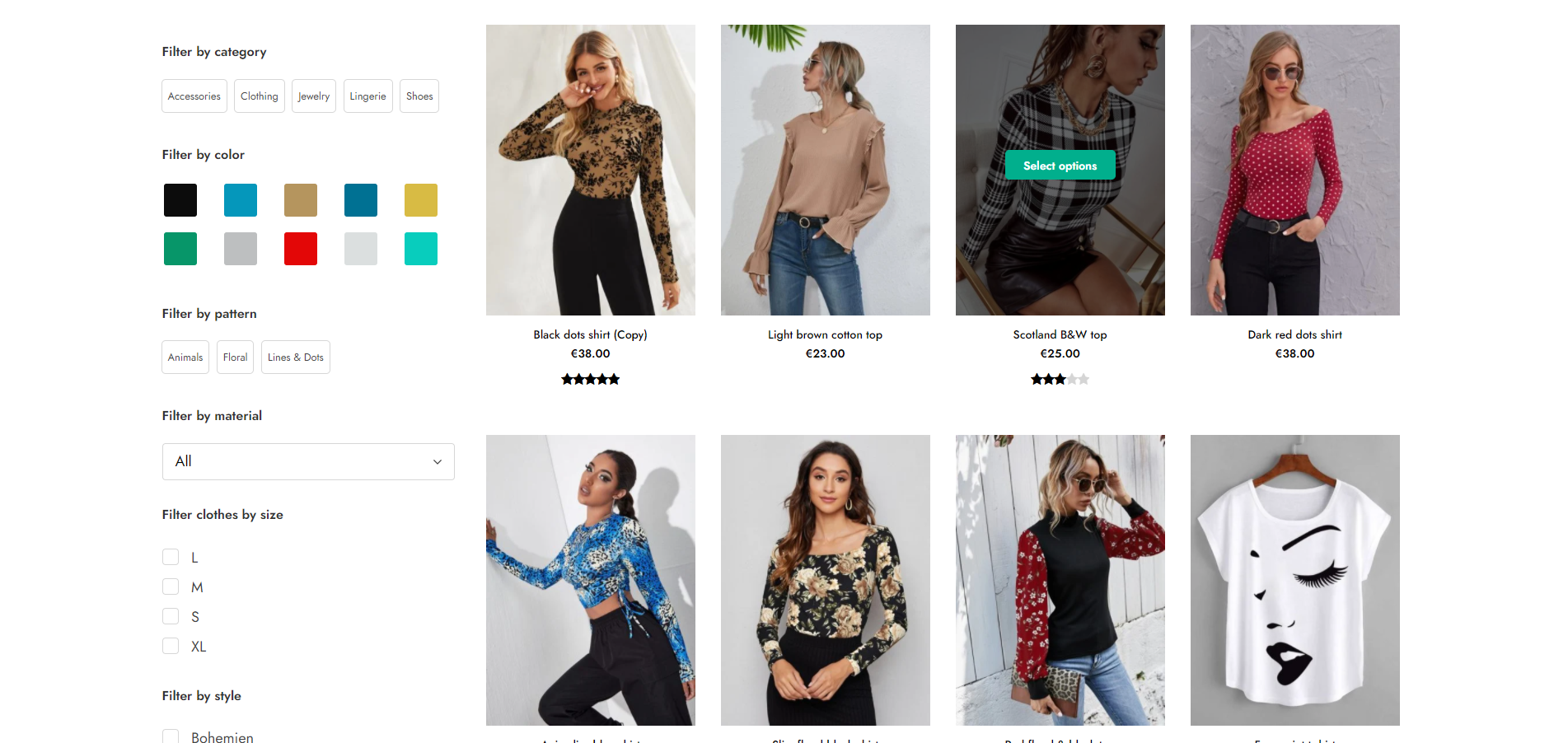
With the YITH WooCommerce Ajax Product filter its latest massive redesign, you can finally tackle the user experience in your WooCommerce powered shop. You can help your customers easily find and filter your products by categories, tags, taxonomy, and all kinds of attributes like sizes, colors, materials, brands, etc.

You can create unlimited presets and show the filters on standard WooCommerce pages (Shop, Category pages) or custom pages created with Gutenberg or Elementor. You can add your filters anywhere, using the built-in widget, shortcode, or Gutenberg block. In this way, you can create a preset of filters for the shop page, a preset of filters for a specific product category, another preset of filters for a custom page, and so on: no limits and total maximum control.

YITH WooCommerce Ajax Product filter features

The opening of the plugin's own description. The full text, installation notes and changelog are on its WordPress.org page.
Questions the author answers

I’m using YITH AJAX Product Filter widgets in my sidebar; can I continue to use them, or shall I switch to preset?

Widgets will continue to work with the 4.x version, and we will continue to support them in the upcoming plugin versions. We encourage you to give the Preset system a try and, if you like it, to switch from widgets to Presets (we even included a tool to help you transition to the new system)

We will eventually deprecate old widgets, but we will make sure to notify everyone before this happens 🙂

How do I upgrade to the new Preset system?

It will be as easy as clicking a button: when updating to version 4.x, if you’re already using the plugin’s widgets, the system will automatically add a note in presets pages

Clicking on that note, you’ll be able to run our automatic conversion tool to create preset from your current sidebar configuration.

Where can I see your plugin in action?

The chances are that you’ve already seen it in some store, given its great adoption 🙂

The best way to test the full functionality is on our Live demo, where you’ll be able to create your test-environment and try every option of the plugin

If you want more, you could also look at our premium version here

I’ve installed your plugin, but not all selected filters are appearing on the frontend

Our plugin automatically hides filters that don’t have any matching item with current product selection (this mostly work on shop-pages or product taxonomies)

If you think filters are incorrect, you could try to clear plugin transients, visiting WooCommerce -> Status -> Tools and using the dedicated button.

I’ve installed your plugin, and now I’m missing some products from my shop page

Our plugin doesn’t change the product list until a filter is activated

If you feel something is strange with your current product selection, you should try to clear plugin transients, visiting WooCommerce -> Status -> Tools and using the dedicated button.

Is it compatible with all WordPress themes?

Compatibility with all themes is impossible because there are too many who don’t follow the recommended coding standards for WooCommerce, but generally if themes are developed according to WordPress and WooCommerce guidelines, YITH plugins are compatible with them.

For an optimal result, we suggest you use our plugins in conjunction with our amazing YITH Proteo theme, available for free download on WordPress.org

Latest changelog entry

5.24.0 – Released on 1 October 2026

  • New: support for WooCommerce 11.2
  • Update: YITH plugin framework
  • Fix: prevent fatal error in navigation widget when queried object is null

Screenshots

First 4 of 14, from WordPress.org.

Tagged

Plugins that share its tags

#731 by installs

Product Filter for WooCommerce by WBW

by WBW Plugins

Filter products by categories, attributes, prices, and more. Elementor Compatibility. Shoppers easily find products with WooCommerce Product Filter

Installs
50,000+
Rating
4.8 (325)
Updated
1 day ago

The most flexible filters for WooCommerce products & WordPress content. Includes everything needed, supports Elementor & builders, AJAX, quick setup.

Installs
50,000+
Rating
4.6 (154)
Updated
39 days ago

Where this page's numbers come from

Read from the WordPress.org plugin API on , when WordPress 7.1.4 was the current release. WordPress.org rounds active installs into buckets. These are the directory's figures, not my verdict, and I haven't tested this plugin.