What the author says it does
TL;DR:
- 🚀 Lightning fast backups
- 🪶 Lightweight – just over 1MB
- ⚡ Super-quick migration with only a few clicks
- 🎯 Incredibly easy to use – no tech skills required
- ☁️ Many free storage options: Google Drive, Dropbox, OneDrive, pCloud, Amazon S3 & more
- 🔒 Exclusive own storage solution with 1GB of free space – unique on the market!
👉 Try it out instantly on a live demo
—
Creating a backup of your site has never been easier!
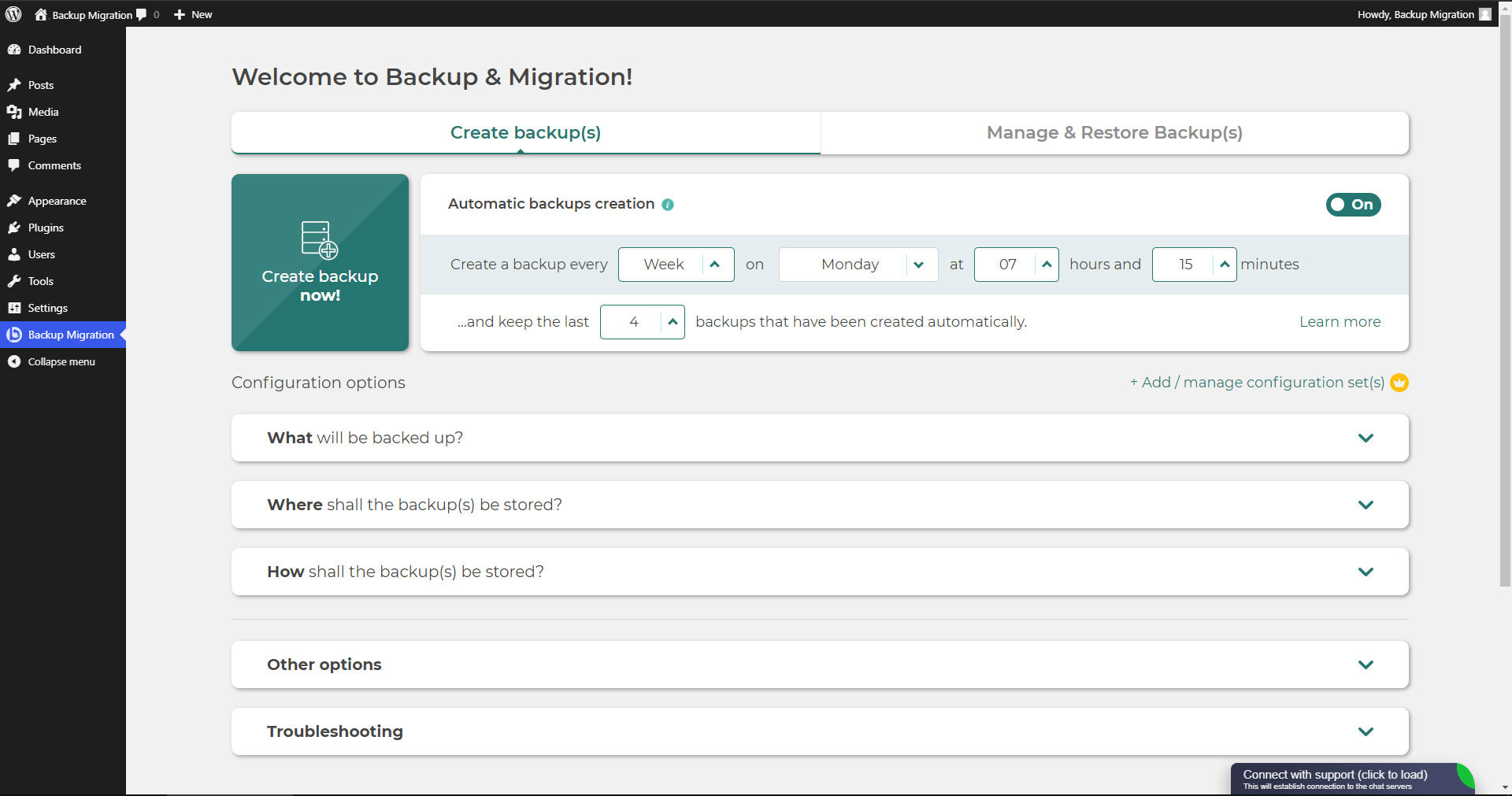
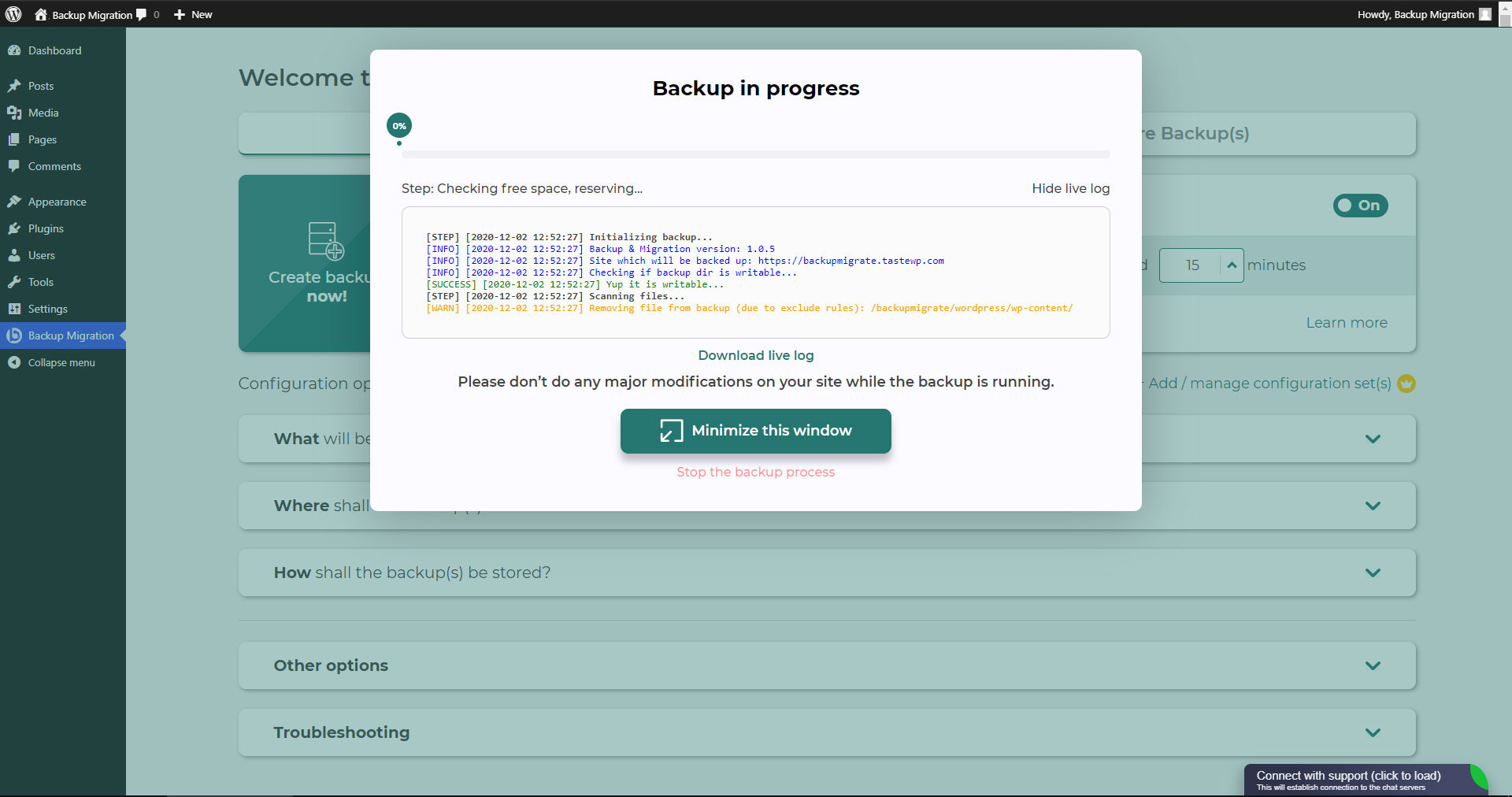
Simply install the plugin, click on “Create backup now” – done.
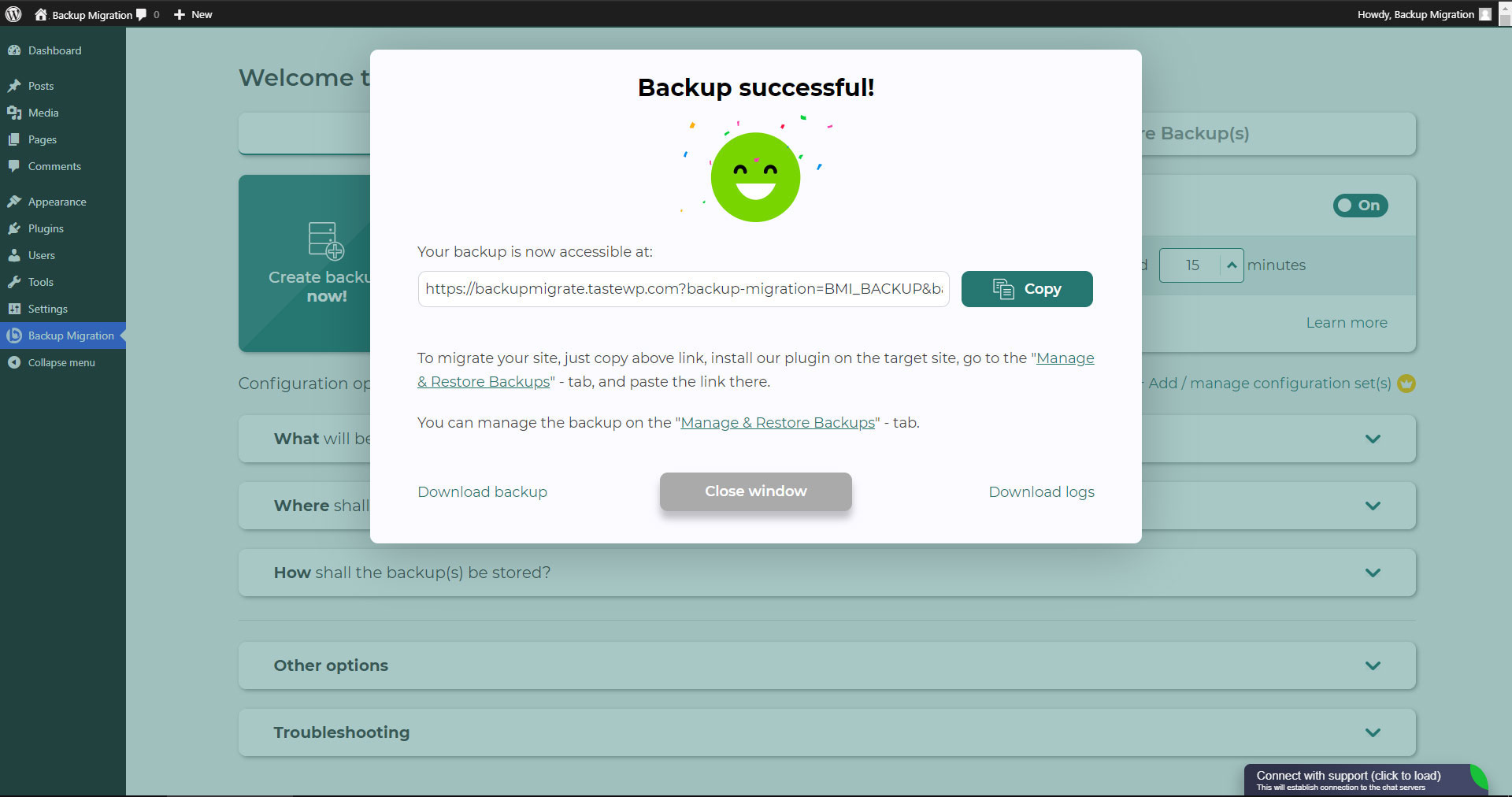
Website migration is just as easy and FREE, with just two clicks!
Wide range of available cloud storage locations: Google Drive, Dropbox, OneDrive, Amazon S3, Wasabi, pCloud, SFTP & FTP, and free cloud storage BackupBliss.
You can also schedule backups, e.g. define that a backup should be taken automatically every week (or every day/month).
Use a wide choice of configuration options:
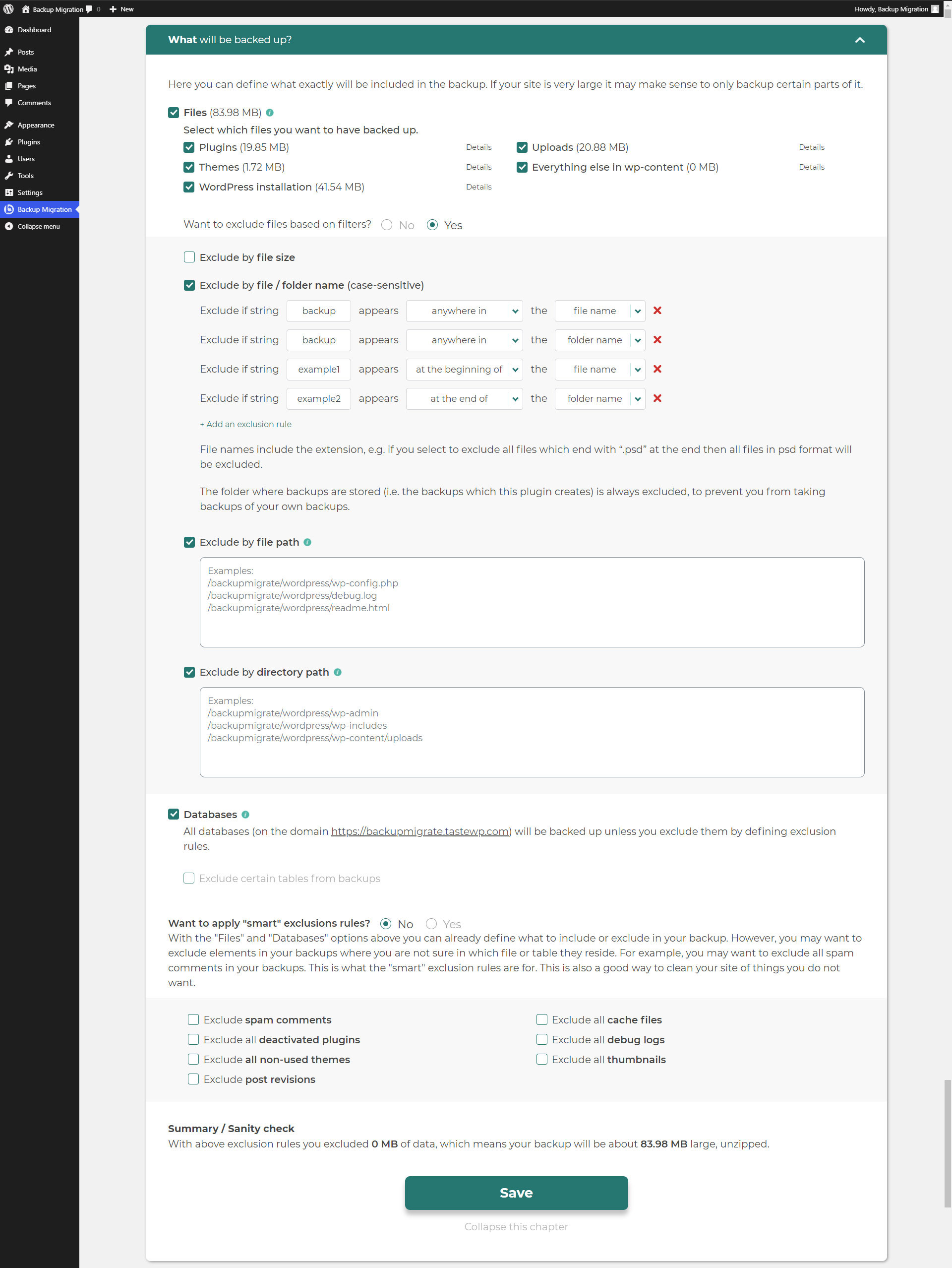
- Define exactly which files / databases should be in the backup, and which should not
- Define where the backup will be stored (store locally and/or backup to cloud)
- Define what name your backup should have, in which instances you should receive a notification email, and much more
- Additional advanced features included in the premium: smart exclusion rules, Tar and GZip compression methods, full email notifications, automatic backups before updates, and more.
The opening of the plugin's own description. The full text, installation notes and changelog are on its WordPress.org page.