Type to search.

#10 by installscommercial

All-in-One WP Migration and Backup

by ServMaskVersion 7.113

Trusted by 60M+ sites: The gold standard for WordPress migration and backup. Migrate, backup, and restore your WordPress site with one click.

Active installs
5+ million
#10 of 1,000
Downloads, all time
192.9M
192,933,278
Downloads, 30 days
3.5M
1.5M in the last 7
Rating
4.5 / 5
7,676 reviews
Last updated
4 days ago
Oct 27, 2026
Version
7.113
18 releases

Upkeep and compatibility

Last updatedOctober 27, 2026Updated in the last 3 months
Tested up toWordPress 7.1.4Covers WordPress 7.1.4, the current release
Needs WordPress3.3 or newer
Needs PHP5.3 or newer
First publishedJanuary 7, 2014
Support, last two months6 of 7 threads resolved (86%)

Reviews

4.5 / 5 from 7,676 reviews

Reviews by star rating
5 stars6,388
4 stars217
3 stars108
2 stars91
1 star872

Downloads, last 30 days

Low 16.8K a dayHigh 777.7K a day

What the author says it does

The Most Trusted WordPress Migration & Backup Plugin Since 2013

All-in-One WP Migration is the gold standard for WordPress site migration and backup, used by over 60 million websites worldwide – from small blogs to Fortune 500 companies and government agencies. Whether you need to migrate WordPress to a new host, create a full site backup, or restore a previous backup, our plugin offers enterprise-grade reliability with beginner-friendly simplicity.

Free vs. paid, plainly: The free plugin backs up and exports sites of any size. To restore for free, download your backup file and import it on the Import screen. Your hosting company decides how large a file you can upload, so a very large backup may not go through that way. The paid Unlimited Extension adds one-click Restore from the Backups page and uploads that get around your host’s file-size restrictions. That is how we fund the free plugin.

Why Choose All-in-One WP Migration?

  • Effortless Migration: Migrate your entire site with a single click – including database, media, themes, and plugins
  • One-Click Backup: Create a complete WordPress backup before you migrate, so you can restore anytime
  • Zero Downtime: Complete your migration with no service interruptions
  • Universal Compatibility: Migrate between any hosting providers – from budget shared hosting to high-end dedicated servers

The opening of the plugin's own description. The full text, installation notes and changelog are on its WordPress.org page.

Questions the author answers

Is restoring free?

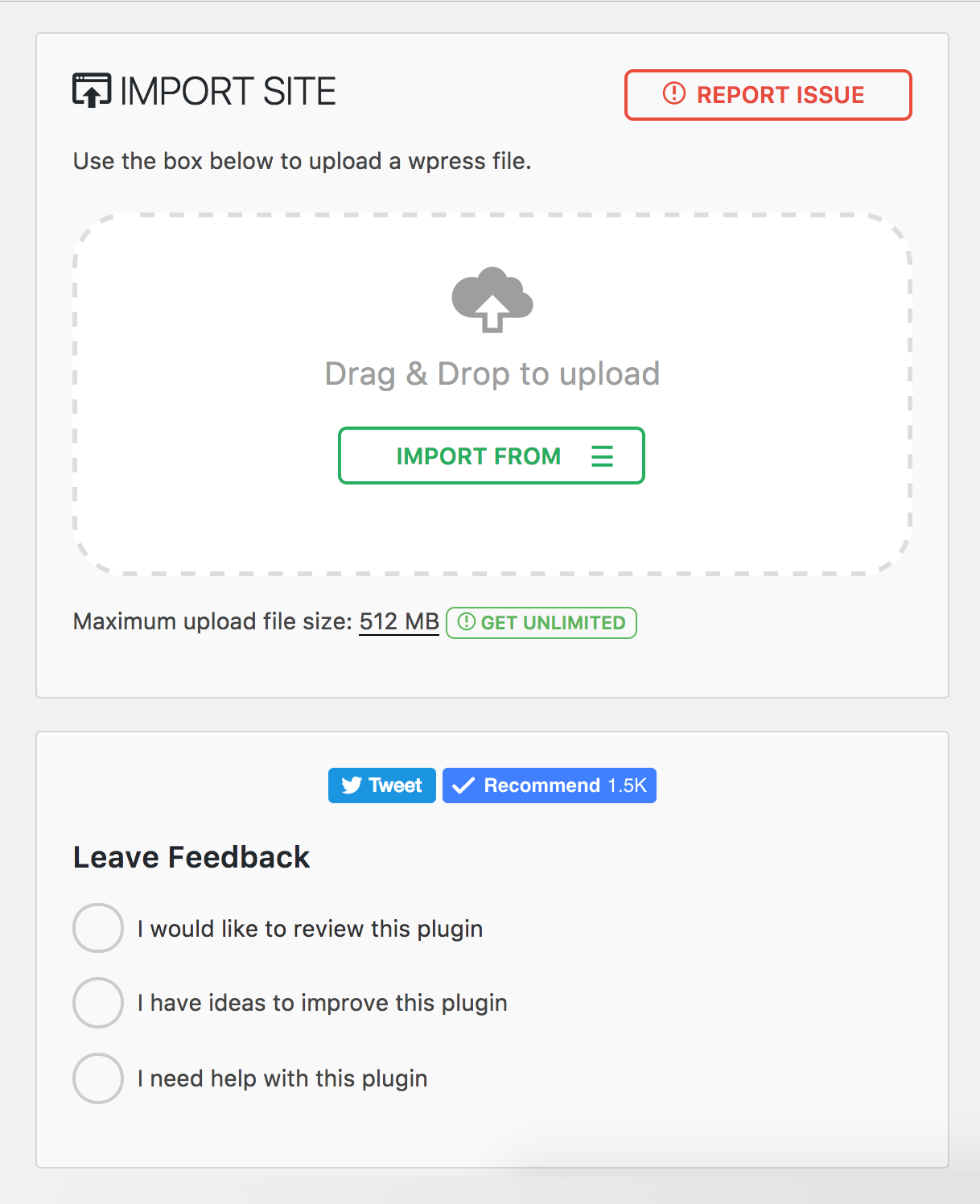
Yes, with one thing to know. Download your backup, then go to All-in-One WP Migration > Import and upload it. Your hosting company decides how large a file you can upload – the Import screen shows that number, and we have no say in it. If your backup is bigger than that, your host can usually help, or you can follow our guide to uploading larger backups.

How do I migrate my WordPress site to a new host?

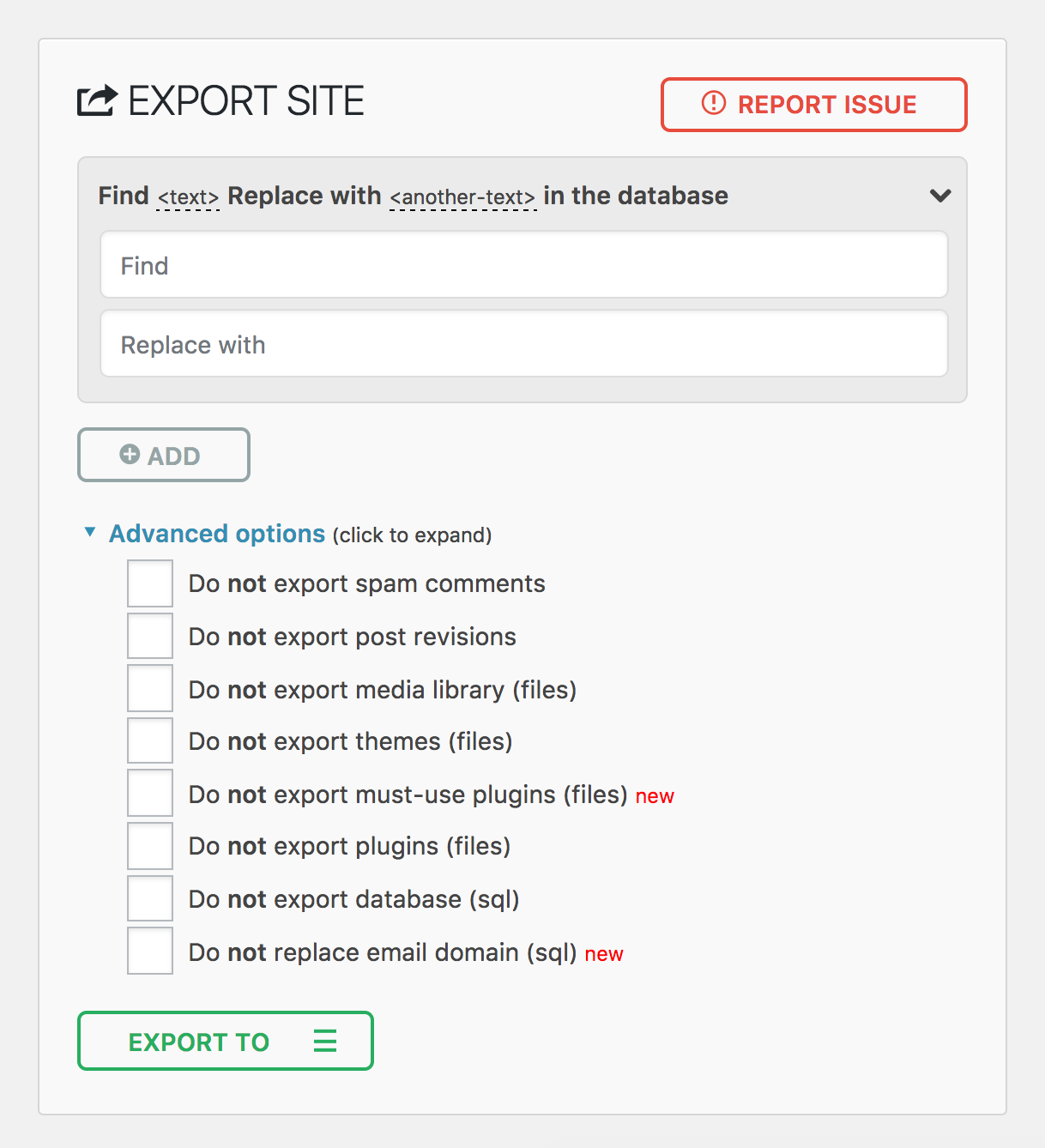
Install All-in-One WP Migration on your current site and click Export. The plugin creates a single .wpress file containing your entire WordPress site – database, media, themes, and plugins. Then install a fresh copy of WordPress on your new host, install the plugin there as well, and use the Import feature to upload the .wpress file.

How do I backup and restore my WordPress site?

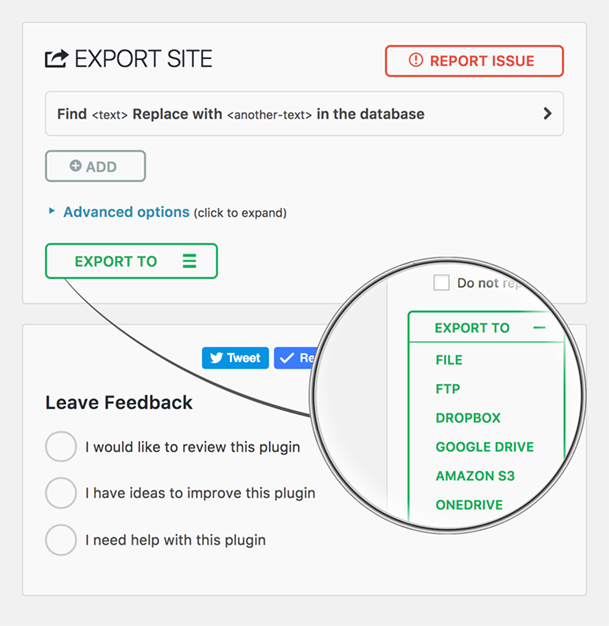
To create a backup, go to All-in-One WP Migration > Export and choose your backup destination – local download or cloud storage. The plugin creates a complete backup of your entire WordPress site in a single .wpress file. To restore a backup, go to All-in-One WP Migration > Import and upload or select your .wpress backup file. The plugin will restore your database, themes, plugins, and media files automatically.

Can I migrate a WordPress multisite network?

Yes. The Multisite Extension allows you to migrate an entire WordPress multisite network as a single .wpress file. You can also extract a single subsite – when you migrate a subsite, the plugin automatically converts table prefixes and reorganizes media file paths. Multisite migrations require special handling because the network uses shared database tables for users and per-site tables with unique prefixes.

What if my backup file exceeds the upload size limit?

The upload limit is set by your hosting company, not by the plugin (see “Is restoring free?” above). If you are comfortable editing server configuration, you can raise the PHP upload limit by adding php_value upload_max_filesize 512M and php_value post_max_size 512M to your .htaccess file, or set client_max_body_size 512m for Nginx servers.

How do I migrate a WooCommerce store?

You can migrate a WooCommerce store the same way you migrate any WordPress site – export on your current host and import on the new one. However, after you migrate a WooCommerce store, you should immediately verify that payment gateway API keys are configured correctly, update any webhook URLs to reference your new domain, and run a small real transaction to confirm checkout works end-to-end.

Latest changelog entry

7.113

Fixed

  • Restoring a backup on sites using SQLite Database Integration could leave the site on an empty or corrupted database

Screenshots

From WordPress.org.

Tagged

Plugins that share its tags

#69 by installs

WPvivid — Backup, Migration & Staging

by wpvividplugins

All-in-one WordPress backup, migration and staging plugin — schedule automatic backups, restore in one click, and migrate or clone sites safely.

Installs
900,000+
Rating
4.9 (1.6K)
Updated
1 day ago

Create a staging WordPress site from production (live site). Ideal for testing updates, version change or re-write. Sync back only the changes.

Installs
40,000+
Rating
4.5 (11)
Updated
4 days ago

#822 by installs

Clone

by migrate

100% FREE clone and migration

Installs
40,000+
Rating
4.1 (339)
Updated
12 months ago

#55 by installs

ManageWP Worker

by ManageWP

A better way to manage dozens of WordPress websites.

Installs
1+ million
Rating
4.6 (679)
Updated
2 months ago

#235 by installs

WP Migrate Lite – Migration Made Easy

by WP Engine

Migrate your database. Export full sites including media, themes, and plugins. Find and replace content with support for serialized data.

Installs
200,000+
Rating
4.2 (318)
Updated
19 days ago

#272 by installs

Migrate Guru – Site Migration & Cloning

by migrateguru

Effortlessly migrate, clone, or transfer your WordPress site to over 5,000 web hosts with Migrate Guru, trusted by Cloudways, Pantheon, and Dreamhost.

Installs
200,000+
Rating
4.9 (1.6K)
Updated
2 months ago

Where this page's numbers come from

Read from the WordPress.org plugin API on , when WordPress 7.1.4 was the current release. WordPress.org rounds active installs into buckets. These are the directory's figures, not my verdict, and I haven't tested this plugin.