
#504 by installs
WPC Smart Quick View for WooCommerce
WPC Smart Quick View allows users to get a quick look at products without opening the product page.
- Installs
- 80,000+
- Rating
- 4.9 (31)
- Updated
- 26 days ago

This plugin adds the possibility to have a quick preview of the products right from product list
| Last updated | October 7, 2026Updated in the last 3 months |
|---|---|
| Tested up to | WordPress 7.1.4Covers WordPress 7.1.4, the current release |
| Needs WordPress | 6.9 or newer |
| Needs PHP | 8.0 or newer |
| Needs plugins | woocommerce |
| First published | February 17, 2015 |
| Support, last two months | No threads opened |
3.8 / 5 from 27 reviews
| 5 stars | 15 |
|---|---|
| 4 stars | 4 |
| 3 stars | 2 |
| 2 stars | 0 |
| 1 star | 6 |
Show a product preview in a modal window to improve your customers’ shopping experience
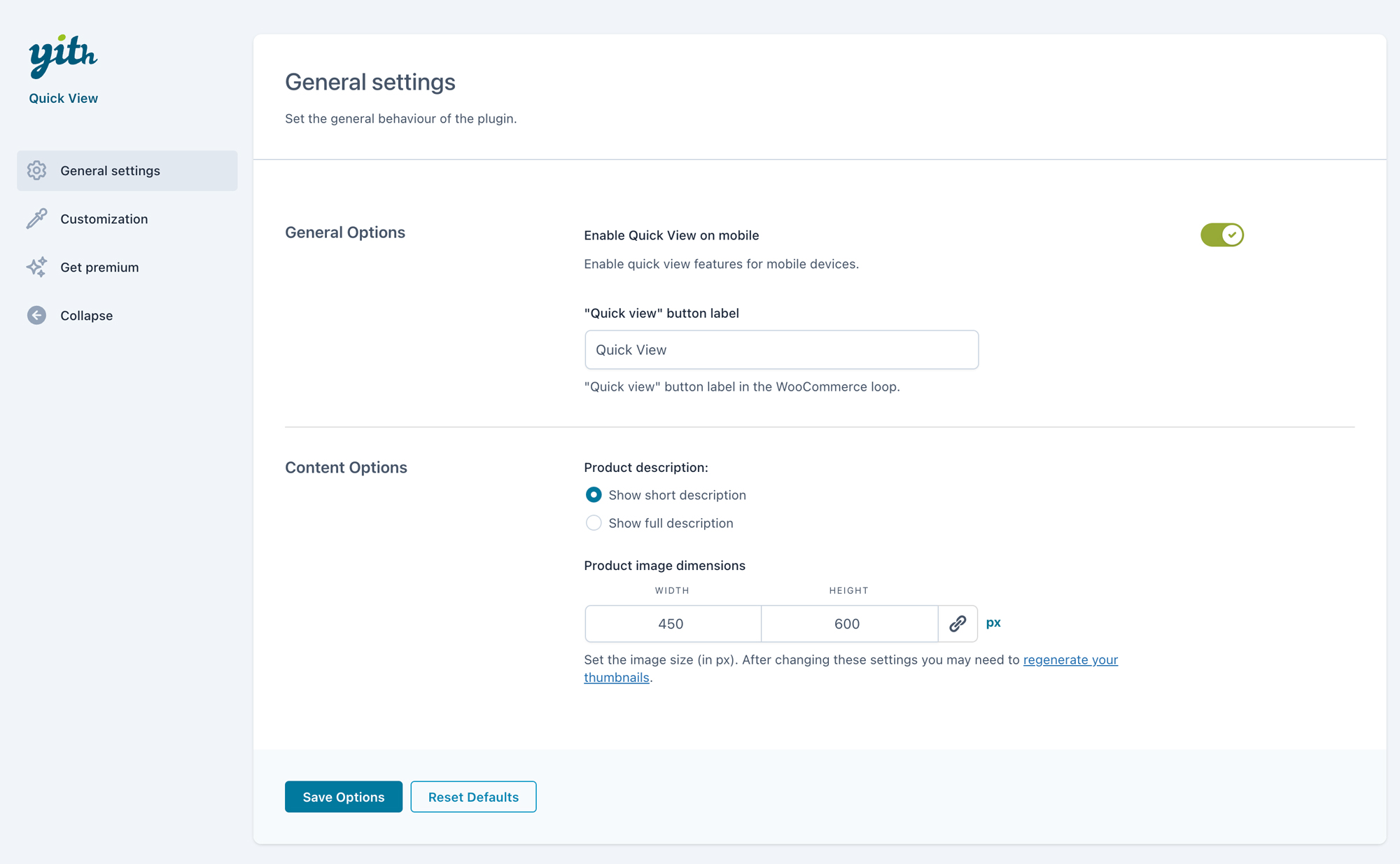
YITH WooCommerce Quick View is the free solution to simplify the product viewing and buying process for your customers.
In fact, the plugin allows you to show a preview of your products in a modal window, directly on the shop page.
This way, with just one click, your customers can view available sizes and colors, read product descriptions, and add items to their shopping carts without leaving the catalog. This makes comparing products and purchasing multiple items a quick and easy process.
And thanks to the new 100% mobile friendly design, YITH WooCommerce Quick View also improves the shopping experience for customers who purchase using smartphones and tablets.
Free version features
Want to see the plugin in action? Take a look at the live demo of the free version >.
The opening of the plugin's own description. The full text, installation notes and changelog are on its WordPress.org page.
You can report security bugs through the Patchstack Vulnerability Disclosure Program. The Patchstack team help validate, triage and handle any security vulnerabilities. Report a security vulnerability.
Released 07 October 2026
* New: support for WooCommerce 11.2
* Update: YITH plugin framework


#504 by installs
WPC Smart Quick View allows users to get a quick look at products without opening the product page.

#74 by installs
Native integration with Google that allows merchants to easily display their products across Google’s network.

#82 by installs
PayPal's latest payment processing solution. Accept PayPal, Pay Later, credit/debit cards, alternative digital wallets and bank accounts.

#85 by installs
Accept debit and credit cards in 135+ currencies, many local methods like Alipay, ACH, and SEPA, and express checkout with Apple Pay and Google Pay.

#115 by installs
We’re here to help with tax rates: collect accurate sales tax, automatically.

#154 by installs
The WooCommerce Legacy REST API, which is now part of WooCommerce itself but will be removed in WooCommerce 9.0.
Read from the WordPress.org plugin API on , when WordPress 7.1.4 was the current release. WordPress.org rounds active installs into buckets. These are the directory's figures, not my verdict, and I haven't tested this plugin.