
#869 by installs
WCBoost – Wishlist
WCBoost - Wishlist lets shoppers create wishlists for later purchases, reminding them of desired items, driving repeat visits and boost sales.
- Installs
- 40,000+
- Rating
- No reviews
- Updated
- 47 days ago

YITH WooCommerce Catalog Mode, a plugin for disabling sales in your e-commerce and turn it into an e-commerce into an online catalogue.
| Last updated | September 30, 2026Updated in the last 3 months |
|---|---|
| Tested up to | WordPress 7.1.4Covers WordPress 7.1.4, the current release |
| Needs WordPress | 6.9 or newer |
| Needs PHP | 8.0 or newer |
| Needs plugins | woocommerce |
| First published | February 19, 2015 |
| Support, last two months | No threads opened |
3.7 / 5 from 45 reviews
| 5 stars | 28 |
|---|---|
| 4 stars | 2 |
| 3 stars | 0 |
| 2 stars | 2 |
| 1 star | 13 |
Are you interested in displaying a catalog with products or services without making them immediately available for sale?
Are you taking inventory but would like to leave products online? Or maybe your store might be temporarily closed due to holidays or prepare for a sales period and you need to temporarily suspend sales?
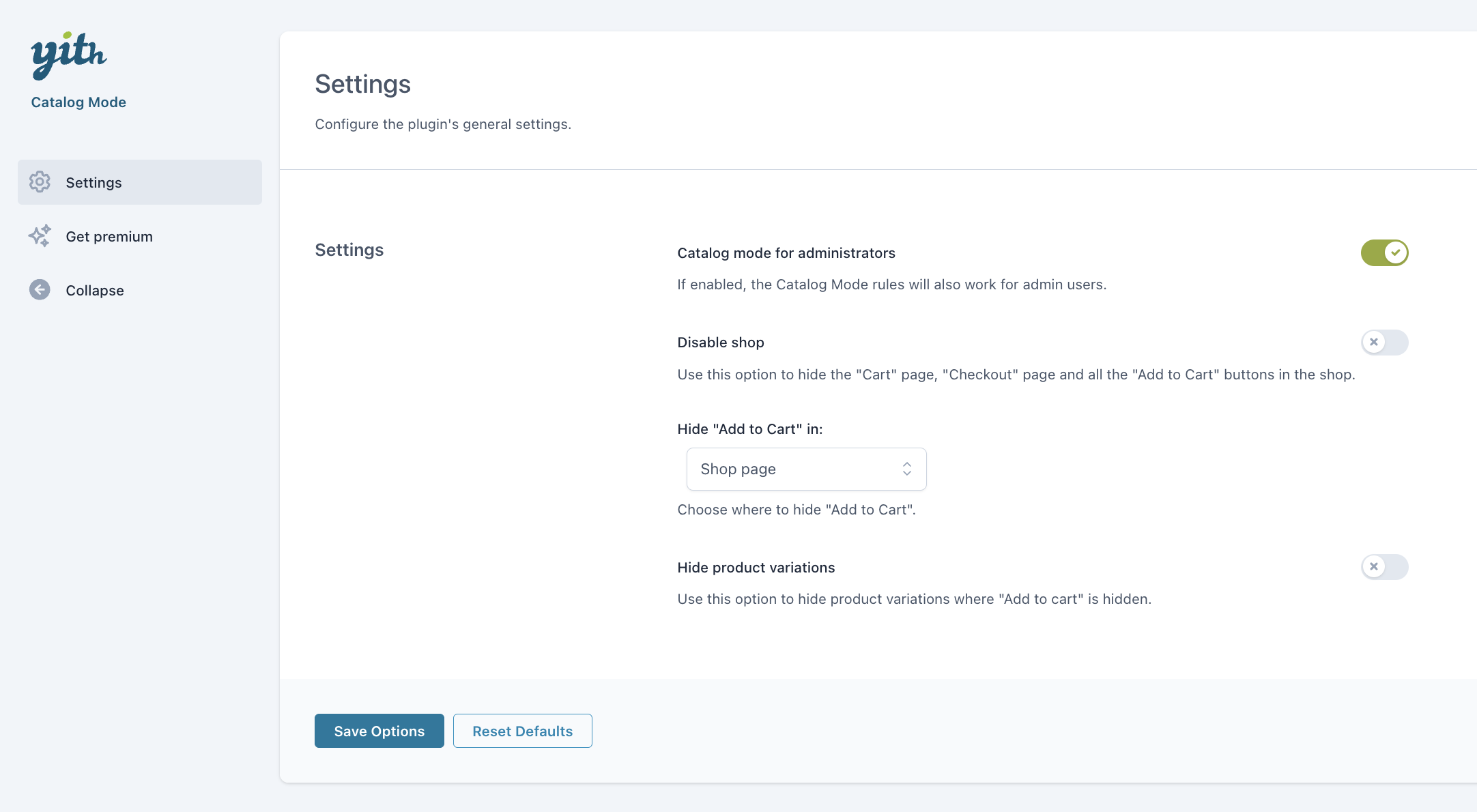
YITH WooCommerce Catalog Mode is the easy and quick solution to turn your online shop into a catalogue, by removing all Add to Cart buttons and any access to checkout pages.
A catalogue gives you the opportunity to leave your products online and to let your customers contact you anyway for whatever question they might have or to ask a custom quote. This increases customers’ loyalty and you do not lose visibility online.
With 60,000+ active installations, YITH WooCommerce Catalog mode is the most popular free plugin to convert a shop to an online catalog and the easiest solution: you can do that with just two clicks!
In our last update, we also improved the panel and the code to provide a better experience to all users that trust in our products.
Features of YITH WooCommerce Catalog Mode:
The opening of the plugin's own description. The full text, installation notes and changelog are on its WordPress.org page.
Compatibility with all themes is impossible, because they are too many, but generally if themes are developed according to WordPress and WooCommerce guidelines, YITH plugins are compatible with them.
Yet, we can grant compatibility with themes developed by YIThemes, because they are constantly updated and tested with our plugins.
If you have problems with our plugins or something is not working as it should, first follow this preliminary steps:
You can get more features with the premium version of YITH WooCommerce Catalog Mode, available on YIThemes page. Here you can read more about the premium features of the plugin and make it give it its best shot!
If you want to see a demonstration version of the premium plugin, you can see that in this page. Browse it and try all options available so that you can see how your plugin looks like.
Recently YITH WooCommerce Catalog Mode has been selected to be included in the “translate.wordpress.org” translate programme.
In order to import correctly the plugin strings in the new system, we had to change the text domain form ‘ywctm’ to ‘yith-woocommerce-catalog-mode’.
You can report security bugs through the Patchstack Vulnerability Disclosure Program. The Patchstack team help validate, triage and handle any security vulnerabilities. Report a security vulnerability.


#869 by installs
WCBoost - Wishlist lets shoppers create wishlists for later purchases, reminding them of desired items, driving repeat visits and boost sales.

#889 by installs
افزونه رسمی ترب برای افزودن قابلیتهای ترب به فروشگاههای ووکامرسی.

#74 by installs
Native integration with Google that allows merchants to easily display their products across Google’s network.

#82 by installs
PayPal's latest payment processing solution. Accept PayPal, Pay Later, credit/debit cards, alternative digital wallets and bank accounts.

#85 by installs
Accept debit and credit cards in 135+ currencies, many local methods like Alipay, ACH, and SEPA, and express checkout with Apple Pay and Google Pay.

#115 by installs
We’re here to help with tax rates: collect accurate sales tax, automatically.
Read from the WordPress.org plugin API on , when WordPress 7.1.4 was the current release. WordPress.org rounds active installs into buckets. These are the directory's figures, not my verdict, and I haven't tested this plugin.