Type to search.

#300 by installscommercial

WP STAGING – Backups & Restore, Migration & Clone Plugin – Cloud Backups, Scheduled Backups

by Rene HermenauVersion 4.19.0

WordPress backup plugin: backups, restore & migration in minutes. Clone or duplicate your site, test updates on a staging copy. 100% unit-tested.

Active installs
100,000+
#300 of 1,000
Downloads, all time
6.5M
6,542,303
Downloads, 30 days
261.4K
66.9K in the last 7
Rating
4.8 / 5
2,470 reviews
Last updated
3 days ago
Oct 28, 2026
Version
4.19.0
76 releases

Upkeep and compatibility

Last updatedOctober 28, 2026Updated in the last 3 months
Tested up toWordPress 7.1.4Covers WordPress 7.1.4, the current release
Needs WordPress3.6 or newer
Needs PHP7.0 or newer
First publishedAugust 5, 2015
Support, last two months29 of 29 threads resolved (100%)

Reviews

4.8 / 5 from 2,470 reviews

Reviews by star rating
5 stars2,317
4 stars66
3 stars13
2 stars8
1 star66

Downloads, last 30 days

Low 1.2K a dayHigh 38.8K a day

What the author says it does

WordPress Backup, Restore, Staging, Cloning & Migration — All in One

WP STAGING is the all-in-one WordPress backup, restore, staging, cloning, and migration plugin, built for professional workflows with 100% unit-tested code, thousands of automated tests, and extensive end-to-end testing across supported PHP versions.

Create a full backup or an exact clone or copy of your website in minutes. Use it to duplicate your site, test plugin and theme updates safely, restore your site when needed, move or migrate WordPress to another server, transfer your site to a new host, or build a staging copy before making changes. WP STAGING also works as a WordPress duplicator, so you do not need a separate duplicator plugin to copy your website.

WP STAGING reliably backs up, clones, and migrates WooCommerce stores too, including orders, products, and customer data.

WP STAGING is developed in Germany and designed for agencies, developers, and businesses that need reliable WordPress backup, recovery, staging, restore, and migration workflows.

WP STAGING | PRO also includes advanced workflows such as Remote Sync, which lets you pull a WordPress site securely from one server to another using an API key, and WP STAGING CLI, which can turn a WP STAGING backup into a local Docker-based development site.

The opening of the plugin's own description. The full text, installation notes and changelog are on its WordPress.org page.

Questions the author answers

Why should I use a staging site and backup workflow?

Plugin updates, theme changes, and custom code should be tested before they reach your live site. A staging workflow lets you clone your production website, test changes safely, and keep a working backup ready in case something goes wrong. Safe updates and update testing on a staging copy protect your live site from broken releases.

Is WP STAGING a backup plugin?

Yes. WP STAGING started as a staging plugin and grew into a complete WordPress backup plugin, with restore, staging, cloning, and migration in one tool.

Even the free version lets you create backups and restore them when needed. WP STAGING | PRO adds more advanced backup workflows, cloud storage destinations, migration tools, and developer-focused features.

How is WP STAGING different from other backup plugins?

WP STAGING combines backup, restore, staging, cloning, and migration in one workflow. While many backup plugins focus mainly on archive-based backups or simple migration, WP STAGING also helps you create a working staging copy, test updates safely, and restore your site when needed.

How do I back up and restore a WordPress site?

After installing WP STAGING, go to the backup section in the plugin and create a full-site backup. You can then restore that backup if a plugin update, theme change, deployment, or unexpected issue breaks your site.

WP STAGING is designed to make backup and restore simple, even on shared hosting and large WordPress installations.

What is Remote Sync in WP STAGING Pro?

Remote Sync is a Pro feature that lets you pull a WordPress site securely from one server to another using an API key. Instead of manually exporting databases and copying files, you connect the two sites and start the sync from inside WP STAGING.

This is especially useful for agencies, developers, and site owners who want a faster and more reliable workflow for moving content between WordPress installs.

How can I turn a backup into a local Docker development site?

WP STAGING | PRO includes access to WP STAGING CLI, which can turn a WP STAGING backup into a local Docker-based WordPress site with one command.

This is ideal for debugging, QA, development, and reproducing client issues locally. It helps you create repeatable local environments without building custom Docker setups for every project.

Learn more:

WP STAGING CLI – Upgrade Now

Latest changelog entry

4.19.0

  • Enh: Let a backup plan keep up to 30 backups instead of 10. (Pro)
  • Ux: Keep the log filters and autoscroll working for a job that runs on the first run page.
  • Security: This release includes security hardening. Updating is strongly recommended.
  • Fix: A restore no longer gets stuck on “Extracting files” when a backed-up file cannot be written; the file is skipped, logged, and the restore continues.
  • Fix: A backup plan launched in the background no longer reports a successful run before its backup exists.

Screenshots

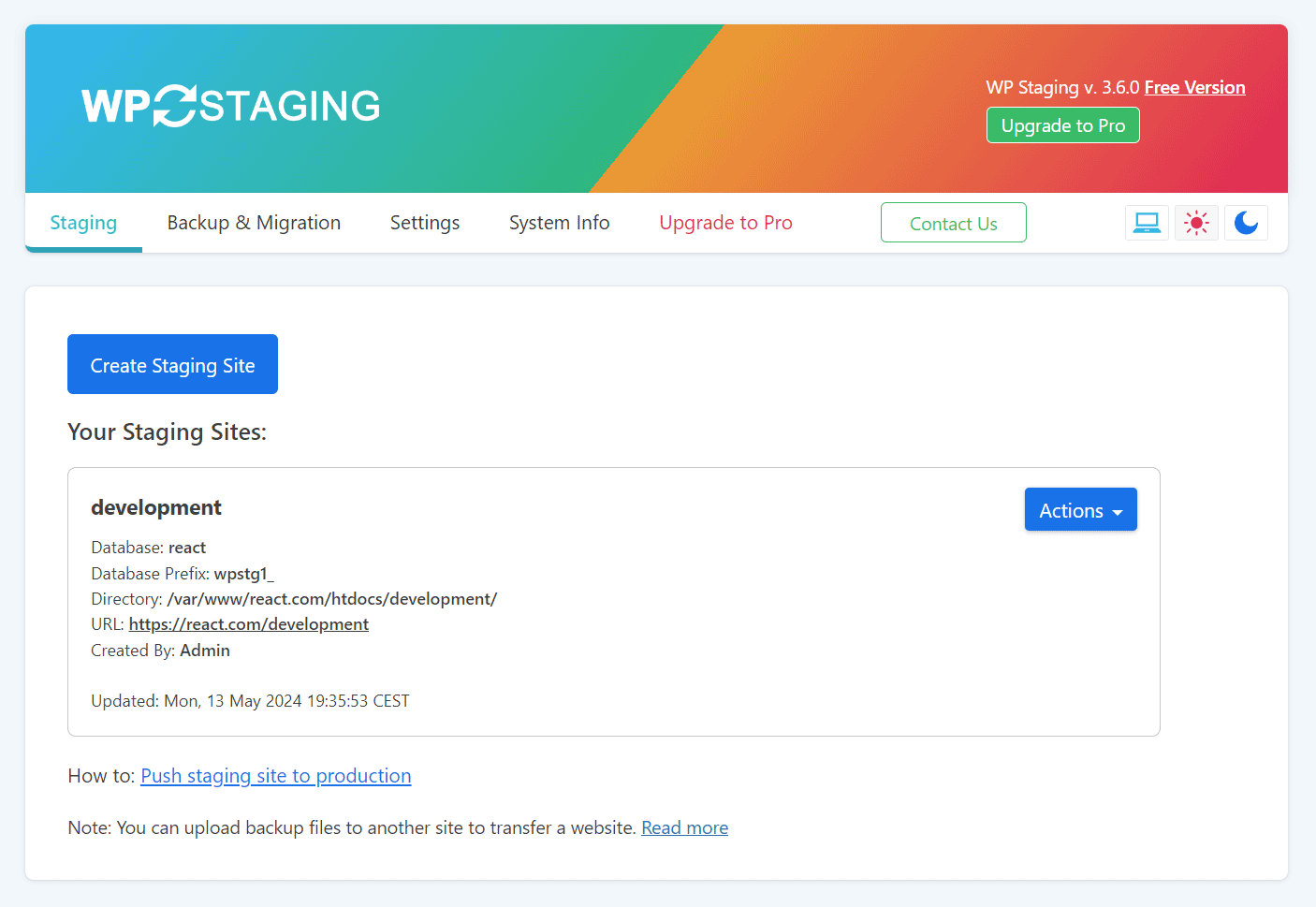
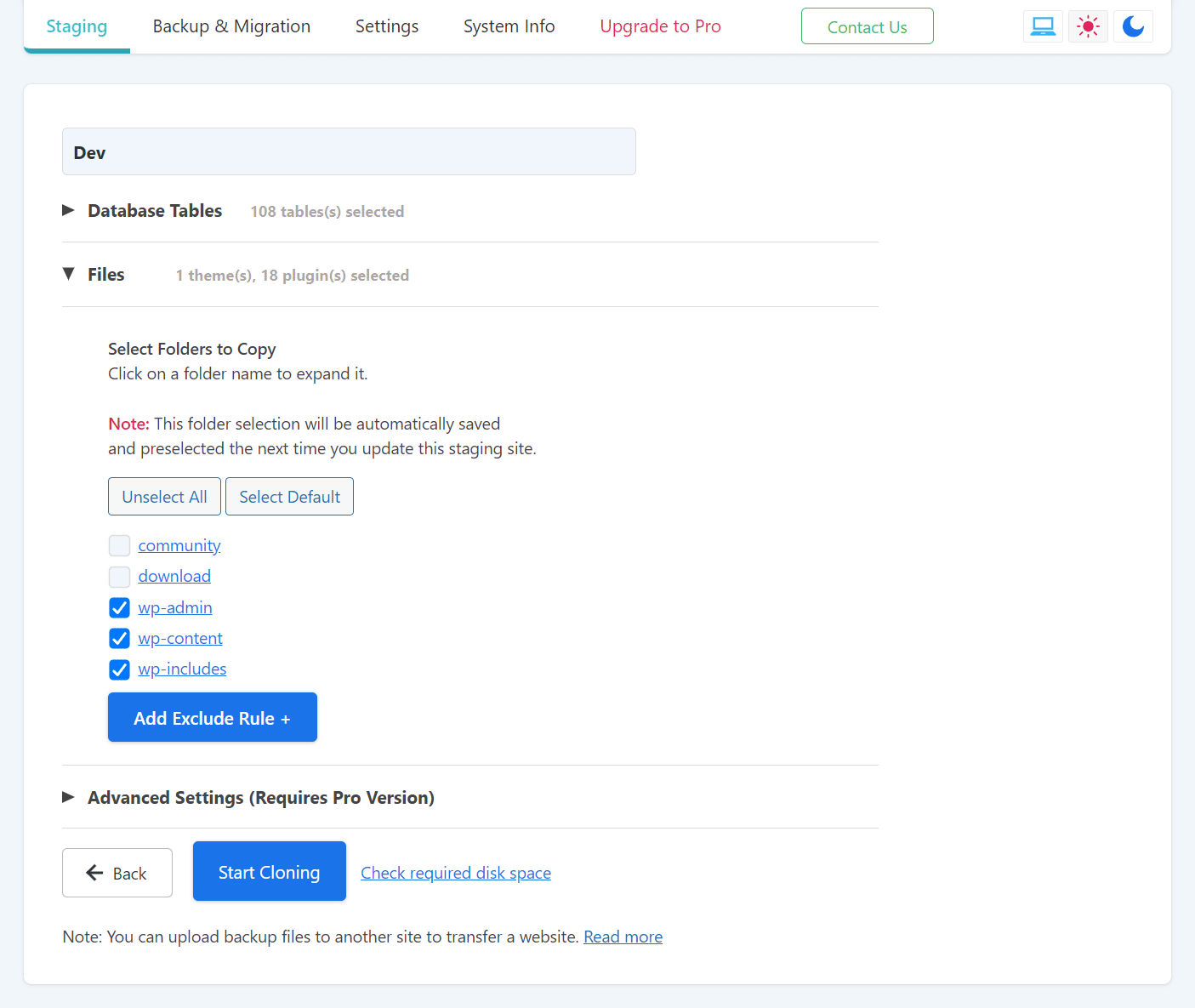
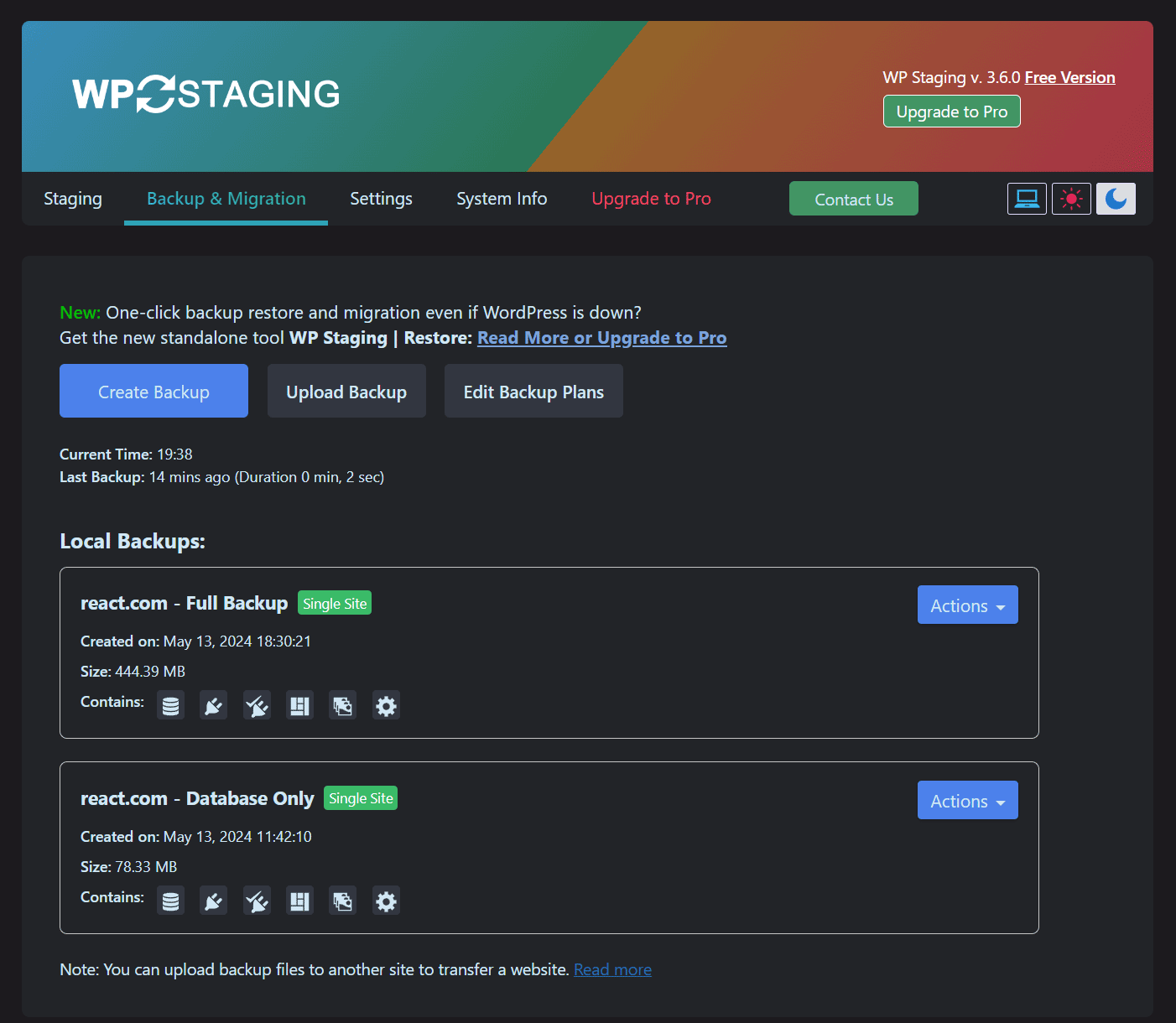
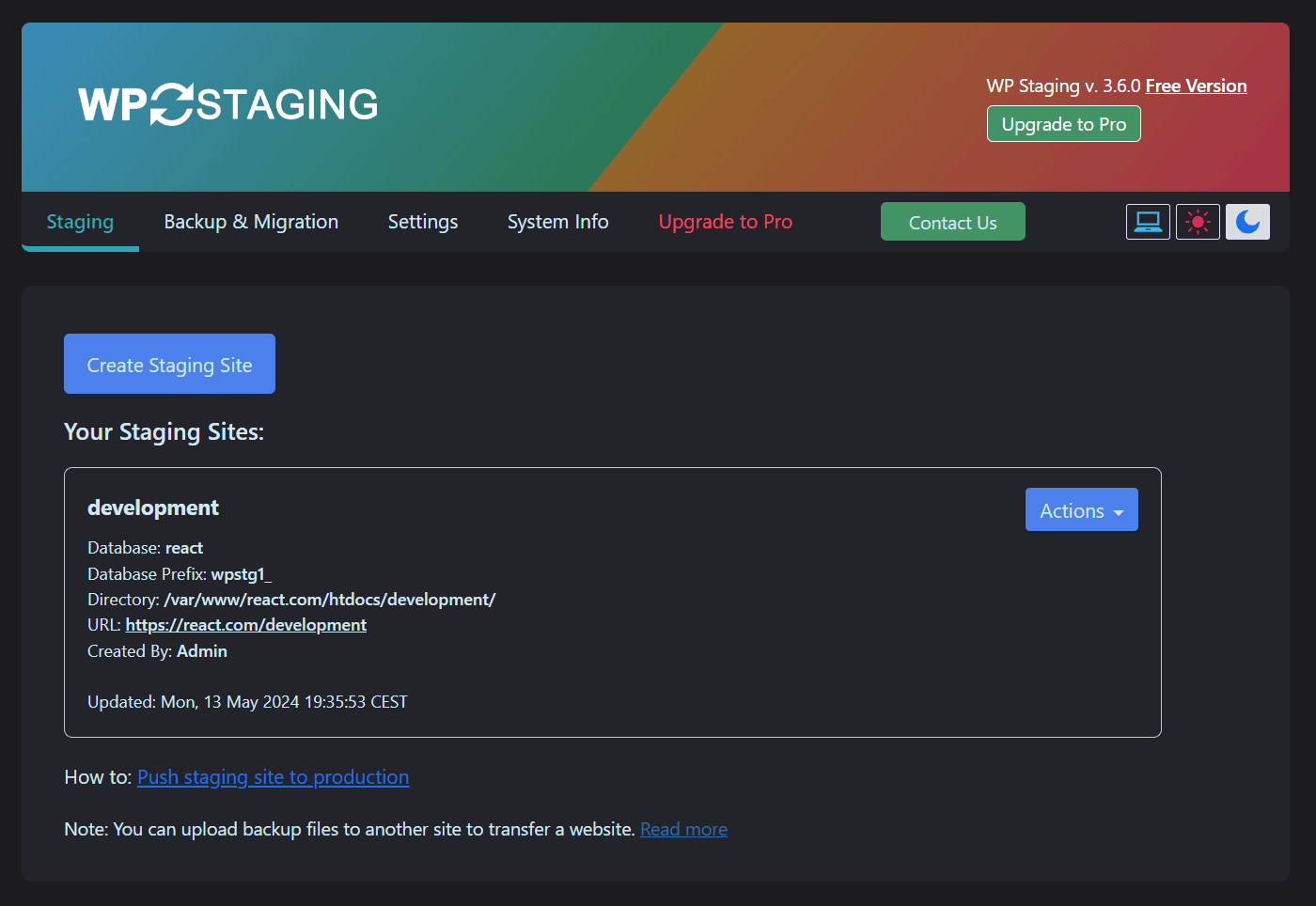
First 4 of 9, from WordPress.org.

Tagged

Plugins that share its tags

Backup, restores, and migration with Backuply are fairly simple with a wide range of storage options from Local Backups, FTP to cloud options like AWS …

Installs
600,000+
Rating
4.5 (135)
Updated
9 days ago

Back up, restore, and protect your WordPress website with automated backups, cloud storage, one-click recovery, and AI-assisted backup management.

Installs
400,000+
Rating
4.0 (1.3K)
Updated
17 days ago

#14 by installs

UpdraftPlus: WP Backup & Migration Plugin

by David Anderson / Team Updraft

Backup, restore or migrate your WordPress website to another host or domain. Schedule backups or run manually. Migrate in minutes.

Installs
4+ million
Rating
4.8 (8.7K)
Updated
5 days ago

#243 by installs

JetBackup – Backup, Restore & Migrate

by JetBackup

Backup, restore, and migrate WordPress sites fast. Supports TAR, remote backups, multi schedules, and full multisite compatibility.

Installs
200,000+
Rating
4.5 (1.1K)
Updated
13 days ago

Where this page's numbers come from

Read from the WordPress.org plugin API on , when WordPress 7.1.4 was the current release. WordPress.org rounds active installs into buckets. These are the directory's figures, not my verdict, and I haven't tested this plugin. The author takes donations at their donate page.