Type to search.

#135 by installscommercial

BackWPup – WordPress Backup & Restore Plugin

by WP MediaVersion 5.7.8

Back up, restore, and protect your WordPress website with automated backups, cloud storage, one-click recovery, and AI-assisted backup management.

Active installs
400,000+
#135 of 1,000
Downloads, all time
25.4M
25,388,495
Downloads, 30 days
455.3K
38.8K in the last 7
Rating
4.0 / 5
1,323 reviews
Last updated
17 days ago
Oct 14, 2026
Version
5.7.8
185 releases

Upkeep and compatibility

Last updatedOctober 14, 2026Updated in the last 3 months
Tested up toWordPress 7.1.4Covers WordPress 7.1.4, the current release
Needs WordPress5.3 or newer
Needs PHP7.4 or newer
First publishedJuly 5, 2009
Support, last two months17 of 18 threads resolved (94%)

Reviews

4.0 / 5 from 1,323 reviews

Reviews by star rating
5 stars918
4 stars54
3 stars28
2 stars27
1 star296

Downloads, last 30 days

Low 1.9K a dayHigh 119.3K a day

What the author says it does

A WordPress site represents real work: content, customers, sales, and reputation. A failed update, a server problem, or a single mistake can take it all offline in seconds. BackWPup exists to make sure that never becomes a disaster.

BackWPup is a complete WordPress backup and restore solution. It automatically backs up your database and files, stores them securely on your server or in the cloud, and helps you restore your site when something goes wrong. Trusted by more than 500,000 WordPress websites and refined over more than a decade, BackWPup helps keep your data protected without adding unnecessary complexity.

BackWPup Free includes everything needed to automate, store, and restore WordPress backups with confidence. BackWPup Pro adds advanced recovery, migration, security, and multisite capabilities for professionals, agencies, and businesses. Starting with version 5.7, BackWPup also supports AI-assisted backup management, making it easier to check backup status, run backups, and troubleshoot issues using natural language.

🚀 Why Choose BackWPup

Reliable backups when you need them most.

A backup is only valuable if it works when something goes wrong. BackWPup creates complete backups of your WordPress files and database, stores them securely, and gives you clear visibility into backup status and history.

Simple to get started. Powerful when you need more.

The opening of the plugin's own description. The full text, installation notes and changelog are on its WordPress.org page.

Questions the author answers

How do I create my first backup?

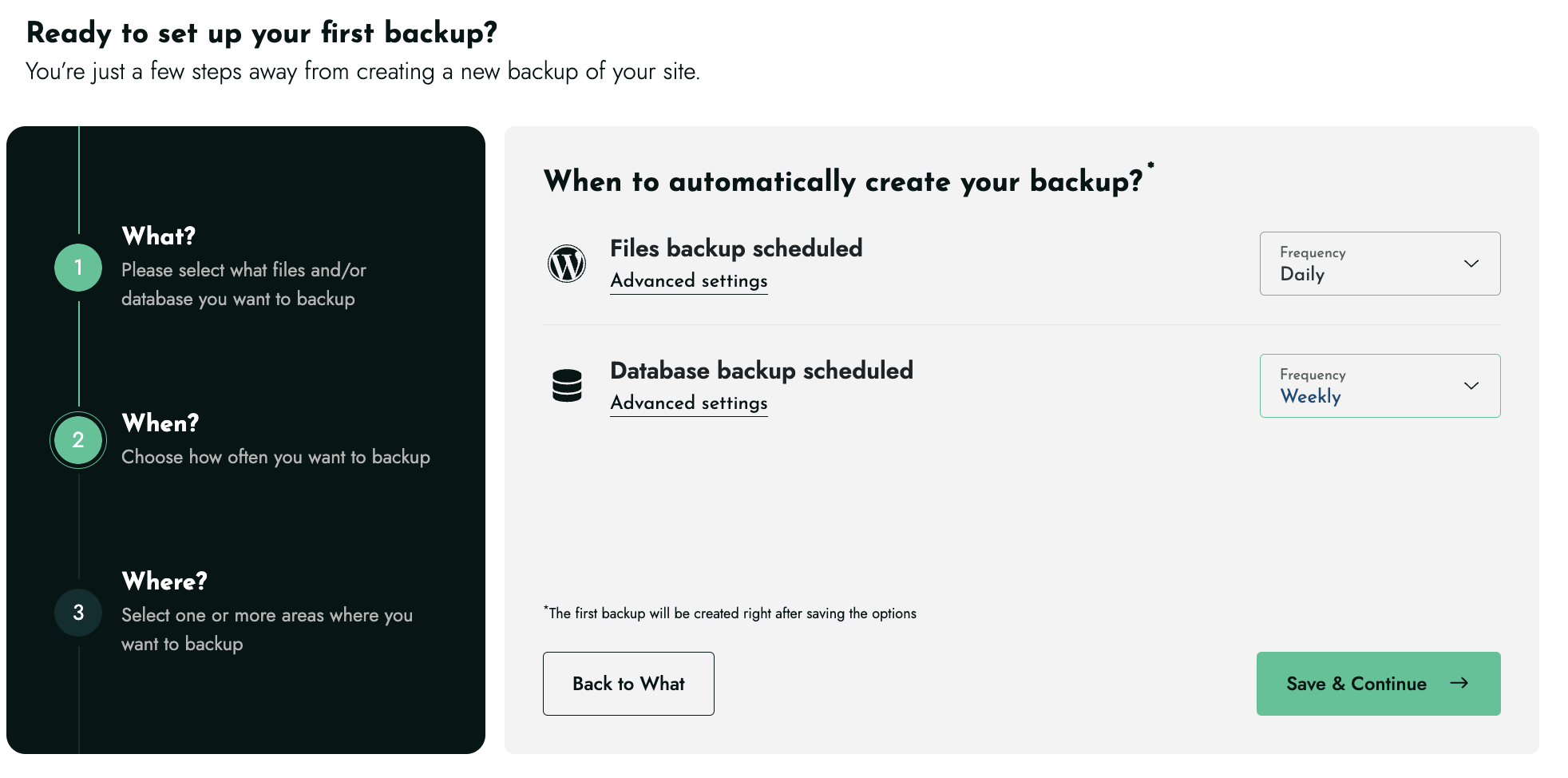
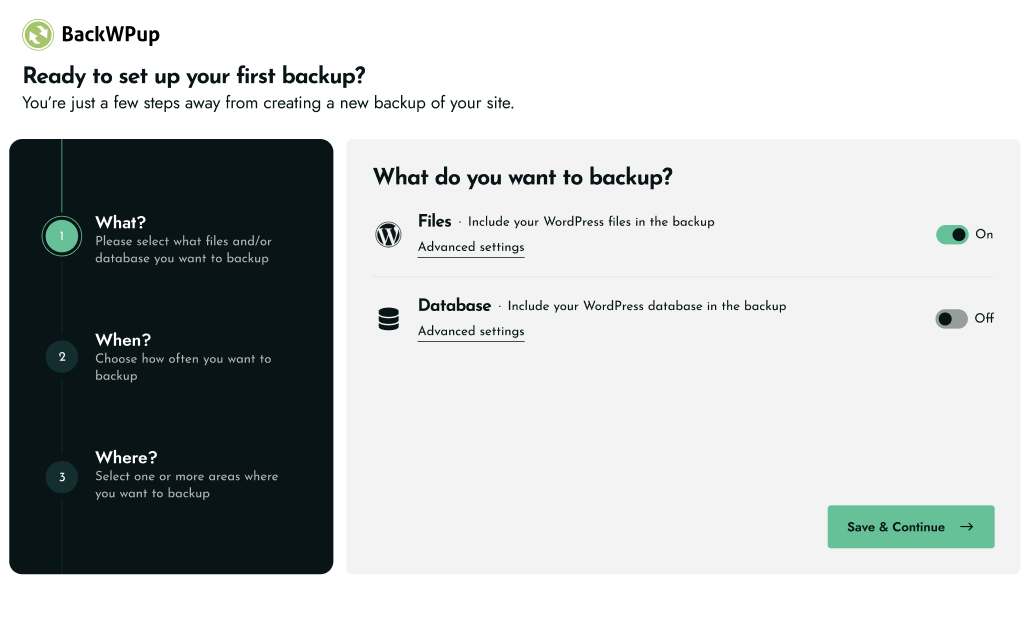
Open BackWPup in your WordPress admin and follow the setup. Choose what to back up, set a schedule, pick a storage destination, and save. You can run a backup immediately with a single click.

How do I restore my site?

Go to your backups in the BackWPup dashboard, select the backup you want, and restore. In the free version you can restore backups you upload manually; BackWPup Pro lets you restore directly from any storage destination, including the cloud.

Is BackWPup free?

Yes, BackWPup Free includes full database and file backups, automated scheduling, multiple cloud storage destinations, restore functionality, and support for both WP-CLI and MCP (Model Context Protocol). BackWPup Pro adds direct cloud restores, encryption, website migration, advanced multisite capabilities, the standalone restore application, and premium support.

Where can I store my backups?

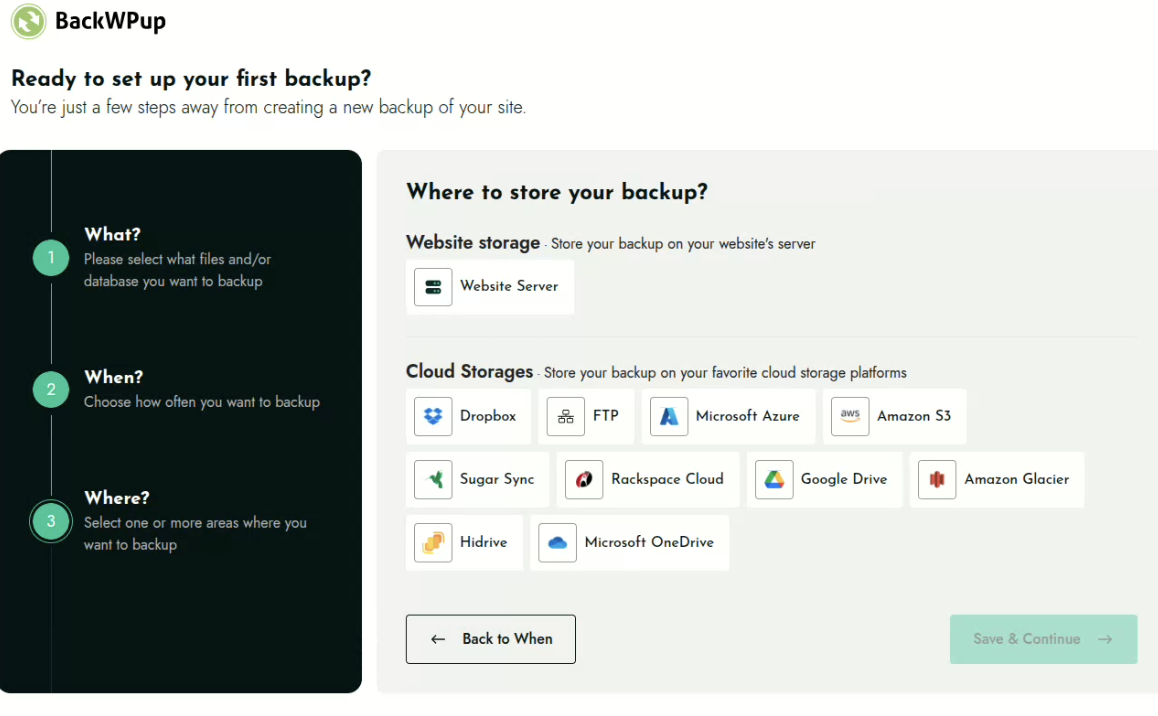
On your own web space, in the cloud, or both at once. A single backup job can store the same backup across multiple destinations, so you can combine local and cloud storage for extra protection. The free version includes Website Server (local), Dropbox, FTP, Microsoft Azure, Amazon S3 and compatible storage, SugarSync, and Rackspace Cloud Files; Pro adds Google Drive, Microsoft OneDrive, Amazon Glacier, and HiDrive.

Can I move my site to a new domain or host?

Yes, with BackWPup Pro. Migration restores your backup to a new URL and updates the database automatically, so you can move hosts or change domains without a manual rebuild.

Does BackWPup work with WP-CLI?

Yes. BackWPup supports WP-CLI in both Free and Pro, so you can trigger and automate backups from the command line and in your deployment scripts.

Latest changelog entry

5.7.8

Release date: October 14, 2026

  • Enhancement: Added a notice guiding MCP users to install the standalone MCP Adapter plugin, which is no longer bundled with BackWPup.
  • Fix: Fixed an issue where the restore files security warning reappeared after being dismissed.

Screenshots

First 4 of 7, from WordPress.org.

Tagged

Plugins that share its tags

Backup, restores, and migration with Backuply are fairly simple with a wide range of storage options from Local Backups, FTP to cloud options like AWS …

Installs
600,000+
Rating
4.5 (135)
Updated
9 days ago

#14 by installs

UpdraftPlus: WP Backup & Migration Plugin

by David Anderson / Team Updraft

Backup, restore or migrate your WordPress website to another host or domain. Schedule backups or run manually. Migrate in minutes.

Installs
4+ million
Rating
4.8 (8.7K)
Updated
5 days ago

Where this page's numbers come from

Read from the WordPress.org plugin API on , when WordPress 7.1.4 was the current release. WordPress.org rounds active installs into buckets. These are the directory's figures, not my verdict, and I haven't tested this plugin.