
Type to search.

#243 by installs

JetBackup – Backup, Restore & Migrate

by JetBackupVersion 3.1.24.10

Backup, restore, and migrate WordPress sites fast. Supports TAR, remote backups, multi schedules, and full multisite compatibility.

Active installs
200,000+
#243 of 1,000
Downloads, all time
4.9M
4,910,501
Downloads, 30 days
120.7K
26.1K in the last 7
Rating
4.5 / 5
1,056 reviews
Last updated
13 days ago
Oct 18, 2026
Version
3.1.24.10
83 releases

Upkeep and compatibility

Last updatedOctober 18, 2026Updated in the last 3 months
Tested up toWordPress 7.1.4Covers WordPress 7.1.4, the current release
Needs WordPress6.0 or newer
Needs PHP7.4 or newer
First publishedMay 12, 2012
Support, last two months0 of 1 threads resolved (0%)

Reviews

4.5 / 5 from 1,056 reviews

Reviews by star rating
5 stars880
4 stars43
3 stars16
2 stars11
1 star106

Downloads, last 30 days

Low 1.7K a dayHigh 26.8K a day

What the author says it does

JetBackup is a powerful, easy-to-use WordPress backup and migration plugin. Create full or partial backups, restore in 1 click, and migrate across domains or hosts. Supports TAR format, cloud storage, and full automation.

Download JetBackup premium versions here: https://www.jetbackup.com/jetbackup-for-wordpress.

See JetBackup in Action Here!

Free Features

  • Free Cloud Storage – 2 GB of free off site premium cloud storage
  • Unlimited backup – create as many backups as you want, there is no limit
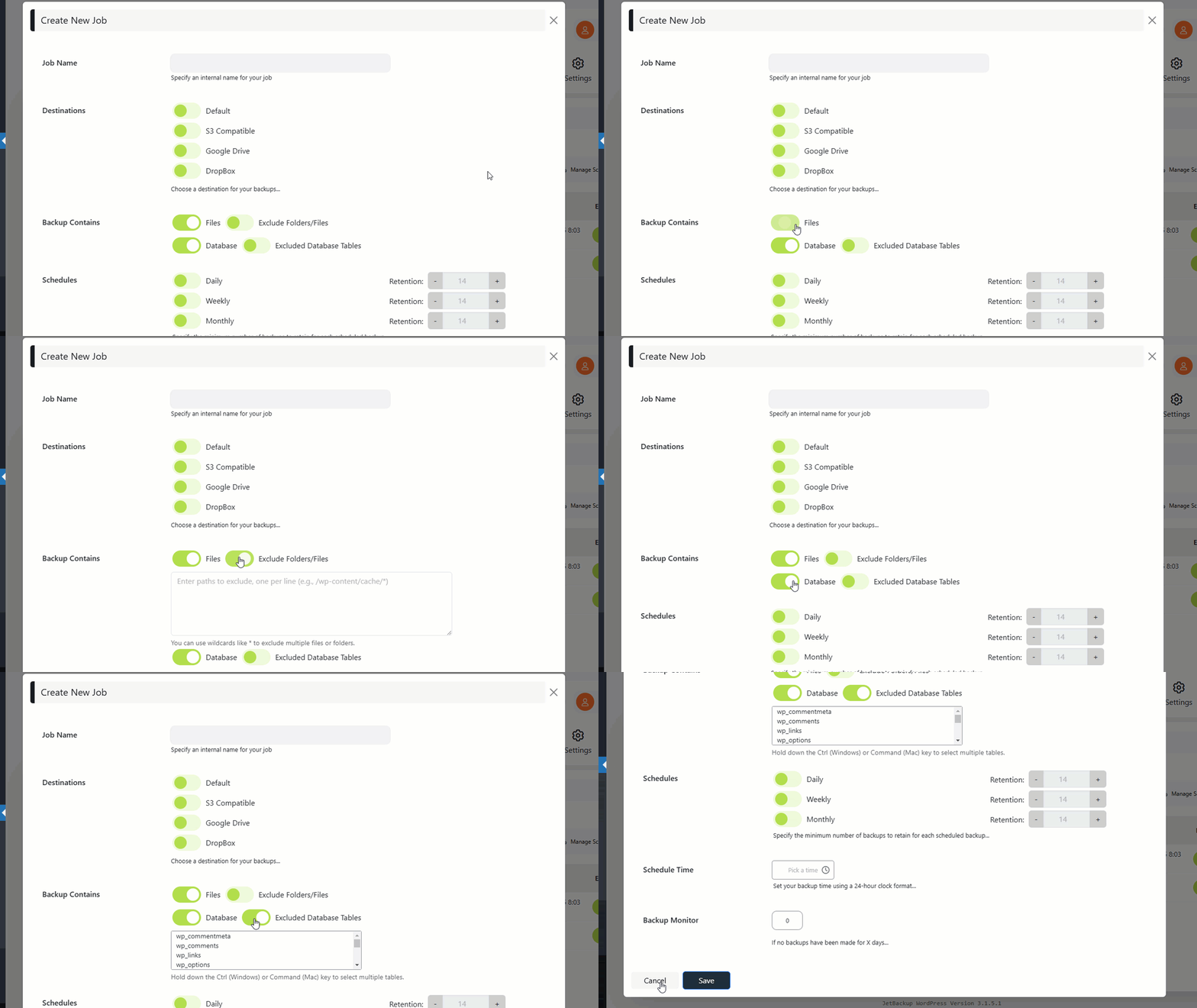
  • Backup files, database or both – you can backup your database or files, or both
  • Unlimited restore – restore any backup file whenever needed
  • Download backup – download your backup files for migration
  • Import backup – upload your backup file to restore it right away
  • Backup cancellation – cancel the backup process while it is not finished yet
  • Manage backups – delete backups, view backup or restore log
  • Backup customization – you choose which folders you want to backup
  • Live progress – precise progress of the current backup and restore process
  • Export Backups – Export backups to hosting control panels (supports cPanel & DirectAdmin)
  • MultiSite – Multisite support with selective subsite restore.
  • Website migration – migrate your website from one hosting/domain to another one
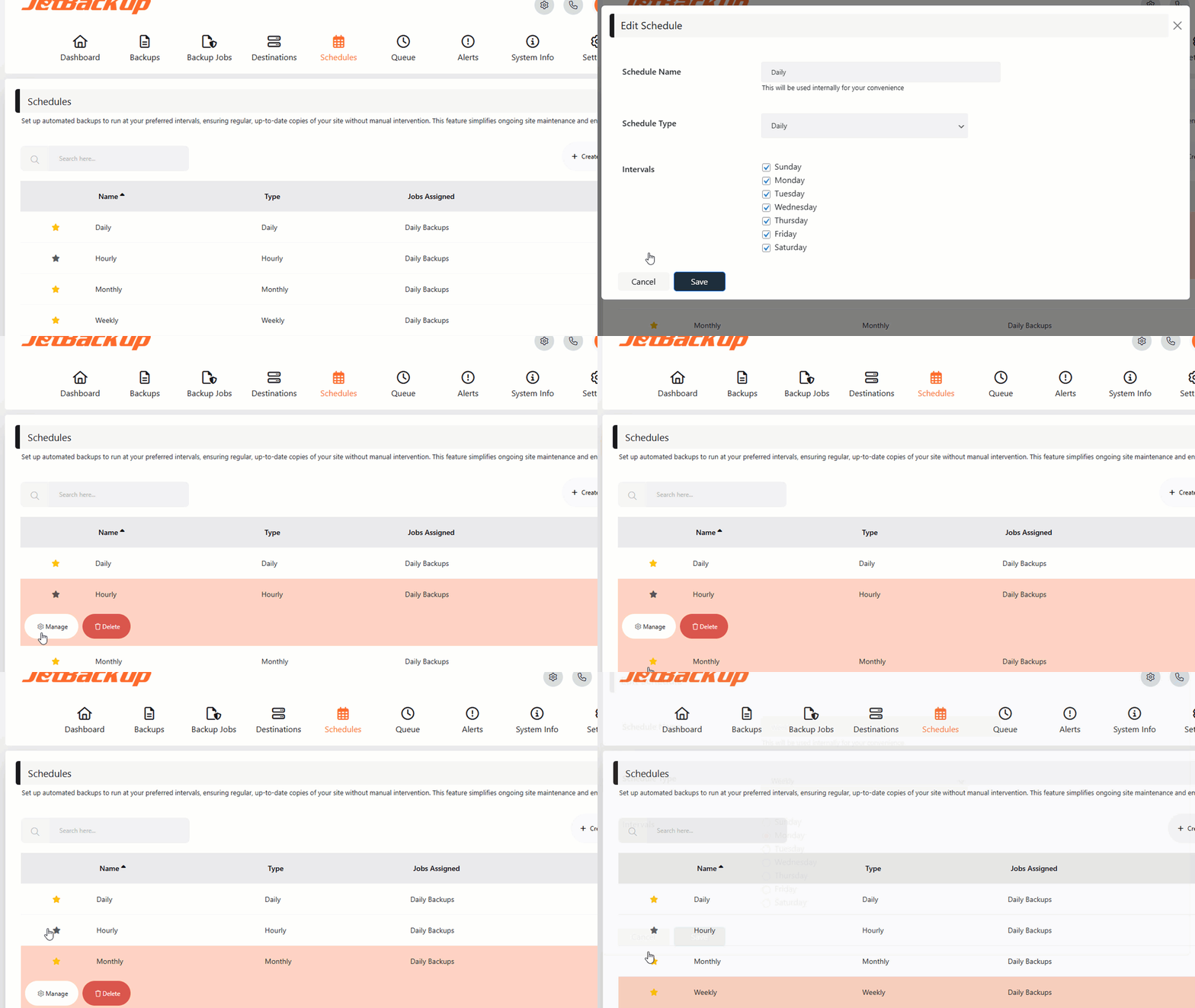
  • Scheduled backup – set the frequency and time to perform automatic backup

The opening of the plugin's own description. The full text, installation notes and changelog are on its WordPress.org page.

Questions the author answers

Why is it important to back up my website?

Your website is at risk of data loss due to hacking, hardware failure, or accidental deletions. Regular backups ensure you can restore your website anytime.

How often should I create backups?

It depends on how frequently your website content changes. Daily backups are ideal for dynamic sites, while weekly backups may be sufficient for static websites.

What is included in the free version?

The free version allows unlimited backups and restores, migration capabilities, and local storage management.

Why upgrade to JetBackup Premium?

Premium users get cloud storage options, scheduled backups, priority support, and advanced backup management.

What are the minimum requirements?

JetBackup requires PHP 7.4+ and a Linux-based server for optimal performance. Windows is supported but may have limitations due to known PHP issues.

Is JetBackup suitable for migration?

Yes! JetBackup creates an exact snapshot of your website. When restored, it maintains the same state, making migrations effortless.

Latest changelog entry

3.1.24.10

  • Prevent setting a backup job schedule’s retention to 0.
  • Prevent changing destination to read only while job is assigned.
  • Implement site migration wizard between hosts.
  • Multisite – add subsite path to restore site dropdown.
  • Backup lock mechanism’s improvement.
  • Fixed a completed backup being marked as failed when a follow-up step fails.
  • Harden archive extraction against unsafe symlinks and workspace changes during import/restore.
  • Hardened Local destination file browsing against path traversal.
  • Improve backup job and destination deletion handling.

Screenshots

From WordPress.org.

Tagged

Plugins that share its tags

Backup, restores, and migration with Backuply are fairly simple with a wide range of storage options from Local Backups, FTP to cloud options like AWS …

Installs
600,000+
Rating
4.5 (135)
Updated
9 days ago

Back up, restore, and protect your WordPress website with automated backups, cloud storage, one-click recovery, and AI-assisted backup management.

Installs
400,000+
Rating
4.0 (1.3K)
Updated
17 days ago

#493 by installs

WP Umbrella: Security Backup Restore & Monitoring

by WP Umbrella - Backup WordPress

Everything you need to sell WordPress maintenance and manage multiple sites effortlessly: backup, update, uptime monitoring, and security.

Installs
90,000+
Rating
4.8 (80)
Updated
1 day ago

#702 by installs

WP-DBManager

by Lester Chan

Manages your WordPress database.

Installs
50,000+
Rating
4.4 (95)
Updated
3 months ago

Where this page's numbers come from

Read from the WordPress.org plugin API on , when WordPress 7.1.4 was the current release. WordPress.org rounds active installs into buckets. These are the directory's figures, not my verdict, and I haven't tested this plugin. The author takes donations at their donate page.