

Type to search.

#493 by installs

WP Umbrella: Security Backup Restore & Monitoring

by WP Umbrella - Backup WordPressVersion 2.28.1

Everything you need to sell WordPress maintenance and manage multiple sites effortlessly: backup, update, uptime monitoring, and security.

Active installs
90,000+
#493 of 1,000
Downloads, all time
2.1M
2,104,906
Downloads, 30 days
105.5K
29K in the last 7
Rating
4.8 / 5
80 reviews
Last updated
1 day ago
Oct 30, 2026
Version
2.28.1
71 releases

Upkeep and compatibility

Last updatedOctober 30, 2026Updated in the last 3 months
Tested up toWordPress 7.1.4Covers WordPress 7.1.4, the current release
Needs WordPress5.8 or newer
Needs PHP7.4 or newer
First publishedJune 18, 2020
Support, last two months2 of 2 threads resolved (100%)

Reviews

4.8 / 5 from 80 reviews

Reviews by star rating
5 stars73
4 stars2
3 stars2
2 stars1
1 star2

Downloads, last 30 days

Low 325 a dayHigh 20.2K a day

What the author says it does

WP Umbrella empowers agencies and WordPress developers to master WordPress maintenance, and manage multiple sites effortlessly. Key features include:

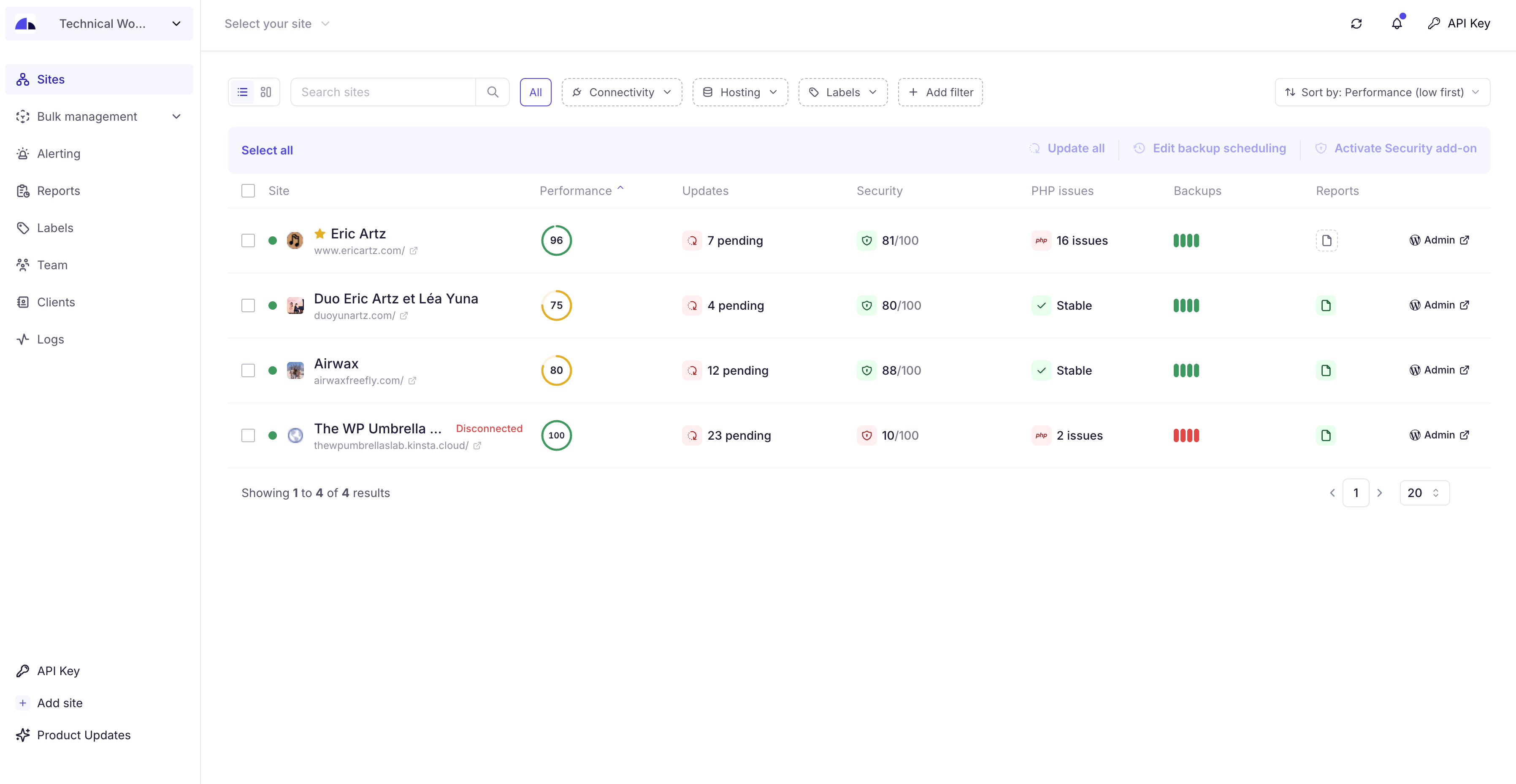
  • Dashboard: Monitor, update, and backup all your sites from a single dashboard.
  • Automated Cloud Backup: Secured, incremental backup with GDPR compliance, ensuring your data’s safety and easy backup restoration. WP Umbrella provide with GDPR Backup.
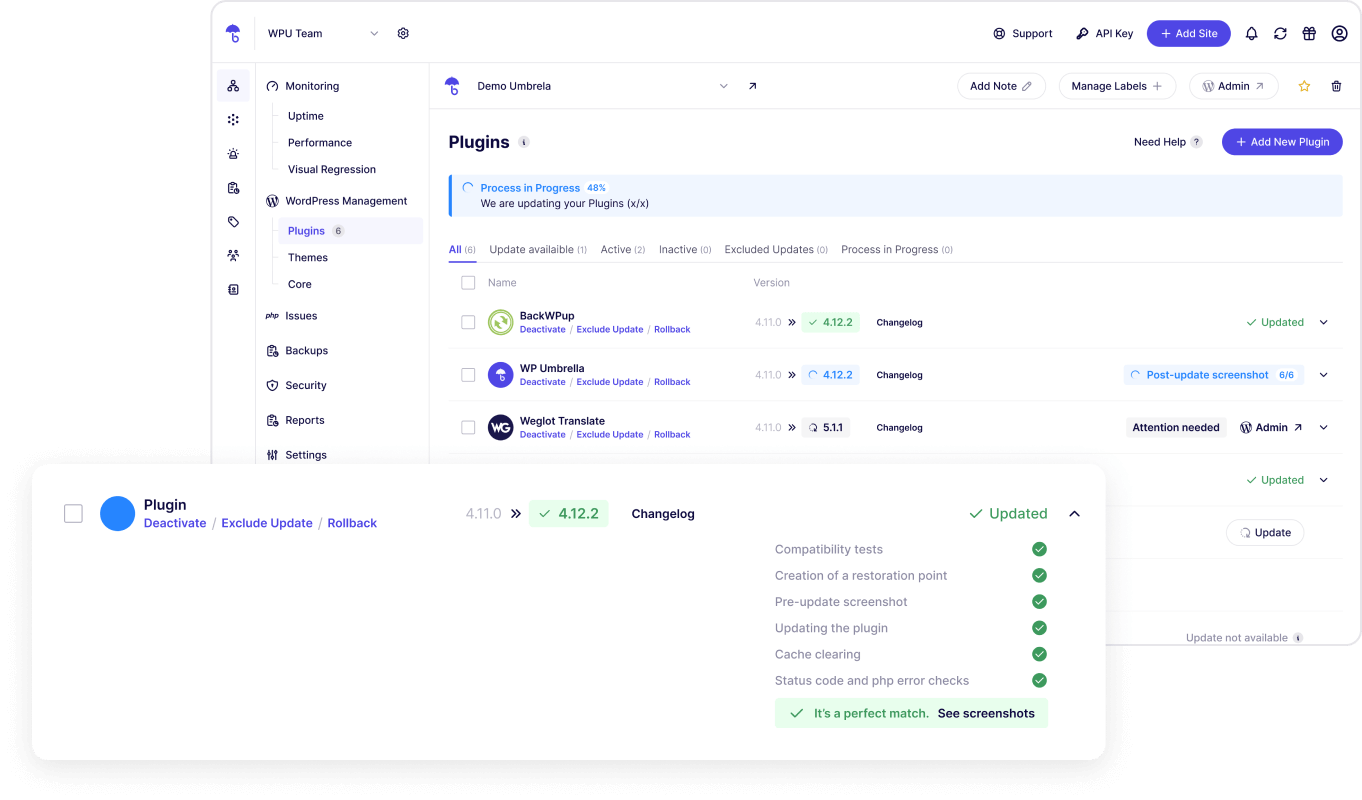
  • One-Click Updates: Update core, themes, and plugins, maintaining security and performance. Update Rollback available. Exclude update and ignore updates too.
  • Uptime Monitoring: Stay informed with alerts on uptime, downtime, and site performance, including Google Page Speed monitoring.
  • Error Tracking: Monitor PHP errors to maintain a safe website.
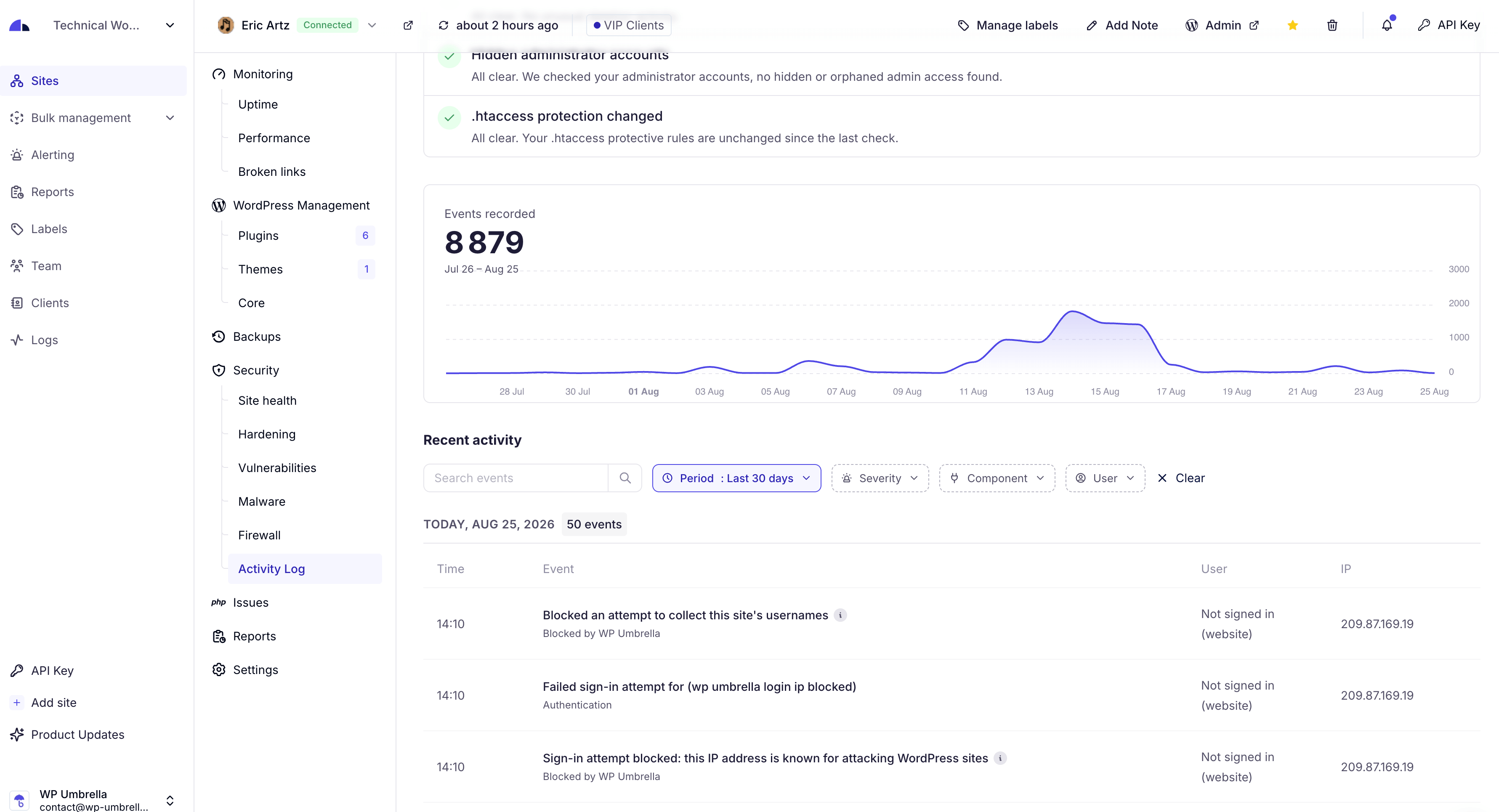
  • Security monitoring: monitor vulnerabilities and security metrics.
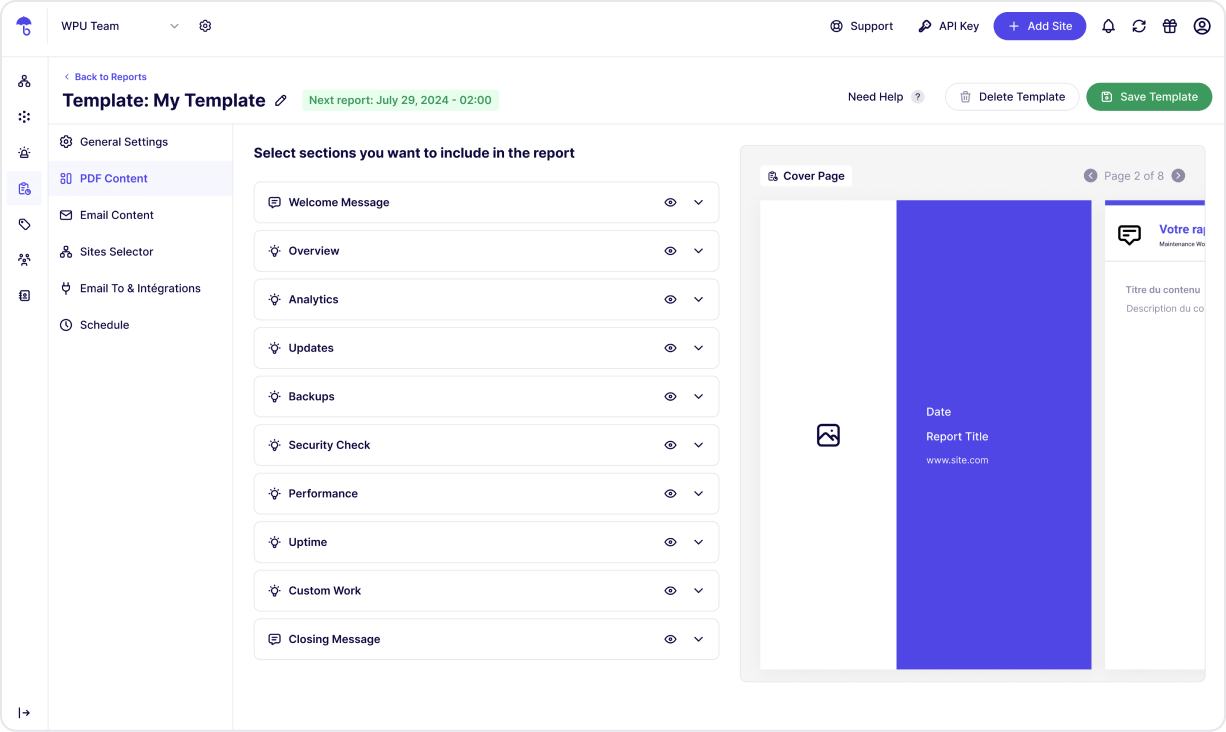
  • Reports: automate your reporting on update, GDPR backup, uptime, etc.

WP Umbrella is the best alternative to ManageWP, MainWP, WP Remote, InfiniteWP and ModularDS.

WordPress Management Features

  • Multiple Sites Management: manage and log into your WordPress sites with a unified dashboard.
  • Update Management: Bulk update plugins, and themes in 1-click. Rollback included.
  • Backup and Restoration: automated and scheduled backups. Backup WordPress now!
  • Comprehensive Monitoring: From uptime to WordPress errors.

Premium / Freemium

The opening of the plugin's own description. The full text, installation notes and changelog are on its WordPress.org page.

Questions the author answers

Why do I need WP Umbrella ?

WP Umbrella is an all-in-one tool for managing multiple WordPress sites. Save time with centralized backup, monitoring, updates, and restoration. Perfect for developers and agencies managing multiple sites.

Is WordPress maintenance needed?

Routine maintenance keeps WordPress sites secure, updated, and optimized. WP Umbrella makes site management simple with automated backups, uptime monitoring, and bulk updates.

How does WP Umbrella handle backups?

WPumbrella offers GDPR-compliant backups on Google Cloud servers in Europe. Our GDPR backup system store your backups during 50 days. Our GDPR backups are incremental and the backup encrypted.

How can I bulk update WordPress ?

WP Umbrella’s update manager lets you update all plugins, themes, and WordPress core across multiple sites in one click. Rollback, Enable or disable automatic updates as needed.

What do you monitor?

WP Umbrella includes uptime and downtime alerts, performance checks, and Google PageSpeed insights. Get notified instantly for any site issues, allowing quick resolutions. Read our guide about WordPress monitoring! for more info.

How can I manage multiple WordPress sites?

We suggest you to read our guide about How to manage multiple WordPress sites easily

Latest changelog entry

2.28.1 (10-30-2026)

  • Changed: application passwords keep working for your integrations while two-factor is required for administrators.
  • Improved: your dashboard now receives the license status of your premium plugins with every sync.
  • Improved: the cache of W3 Total Cache, WP-Optimize, Hummingbird, Cache Enabler, Autoptimize, Raidboxes and xCloud is now cleared after an update.
  • Improved: the login protection now also counts failed application password attempts.
  • Improved: the hardening rules are applied more reliably, including on WordPress Multisite networks.

Screenshots

First 4 of 8, from WordPress.org.

Tagged

Plugins that share its tags

#941 by installs

The WP Remote WordPress Plugin

by akshatc

Manage updates, backups, and more across all your WordPress sites with WP Remote.

Installs
30,000+
Rating
4.6 (74)
Updated
1 day ago

Backup, restores, and migration with Backuply are fairly simple with a wide range of storage options from Local Backups, FTP to cloud options like AWS …

Installs
600,000+
Rating
4.5 (135)
Updated
9 days ago

Back up, restore, and protect your WordPress website with automated backups, cloud storage, one-click recovery, and AI-assisted backup management.

Installs
400,000+
Rating
4.0 (1.3K)
Updated
17 days ago

#243 by installs

JetBackup – Backup, Restore & Migrate

by JetBackup

Backup, restore, and migrate WordPress sites fast. Supports TAR, remote backups, multi schedules, and full multisite compatibility.

Installs
200,000+
Rating
4.5 (1.1K)
Updated
13 days ago

Where this page's numbers come from

Read from the WordPress.org plugin API on , when WordPress 7.1.4 was the current release. WordPress.org rounds active installs into buckets. These are the directory's figures, not my verdict, and I haven't tested this plugin.



