
Effortlessly manage transactional emails with Email Deliverability. High deliverability, logs and statistics, and no SMTP plugins needed.
- Installs
- 200,000+
- Rating
- 2.5 (17)
- Updated
- 4 months ago

Log, view, and resend all emails sent from your WordPress site. Great for resolving email sending issues or keeping a copy for auditing.
| Last updated | October 14, 2026Updated in the last 3 months |
|---|---|
| Tested up to | WordPress 7.1.4Covers WordPress 7.1.4, the current release |
| Needs WordPress | 5.3 or newer |
| Needs PHP | 7.4 or newer |
| First published | June 13, 2014 |
| Support, last two months | 2 of 2 threads resolved (100%) |
4.7 / 5 from 375 reviews
| 5 stars | 342 |
|---|---|
| 4 stars | 10 |
| 3 stars | 1 |
| 2 stars | 2 |
| 1 star | 20 |
WP Mail Logging is the most popular plugin for logging emails sent from your WordPress site. Simply activate it and it will work immediately, no extra configuration is needed.
Are your WordPress emails not being sent or delivered?
Use this plugin to log all outgoing emails from your WordPress site. If there are any errors when sending the email from your site, our email logs will catch that error and display it to you.
This will allow you to debug and fix your email sending issue.
Did a client not receive your email?
Our email logs allow you to resend any email that was sent from your site. No more lost emails!
Do you just want to keep a record of all emails sent from your site?
By default, WordPress and your web host do not log, store or keep track of emails sent from your website.
This plugin will allow you to do just that. Our email logs will store every email that is sent from your WordPress site.
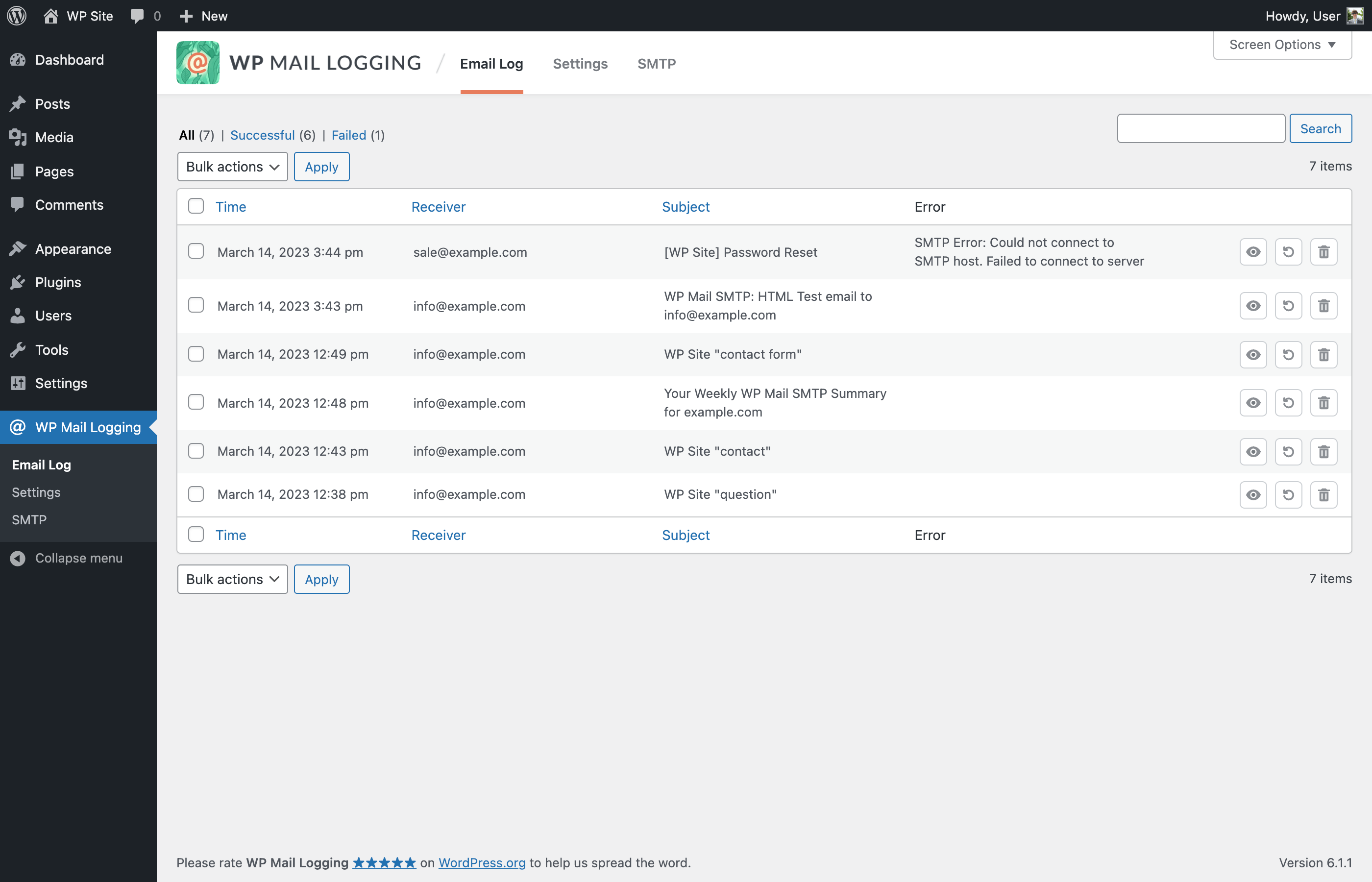
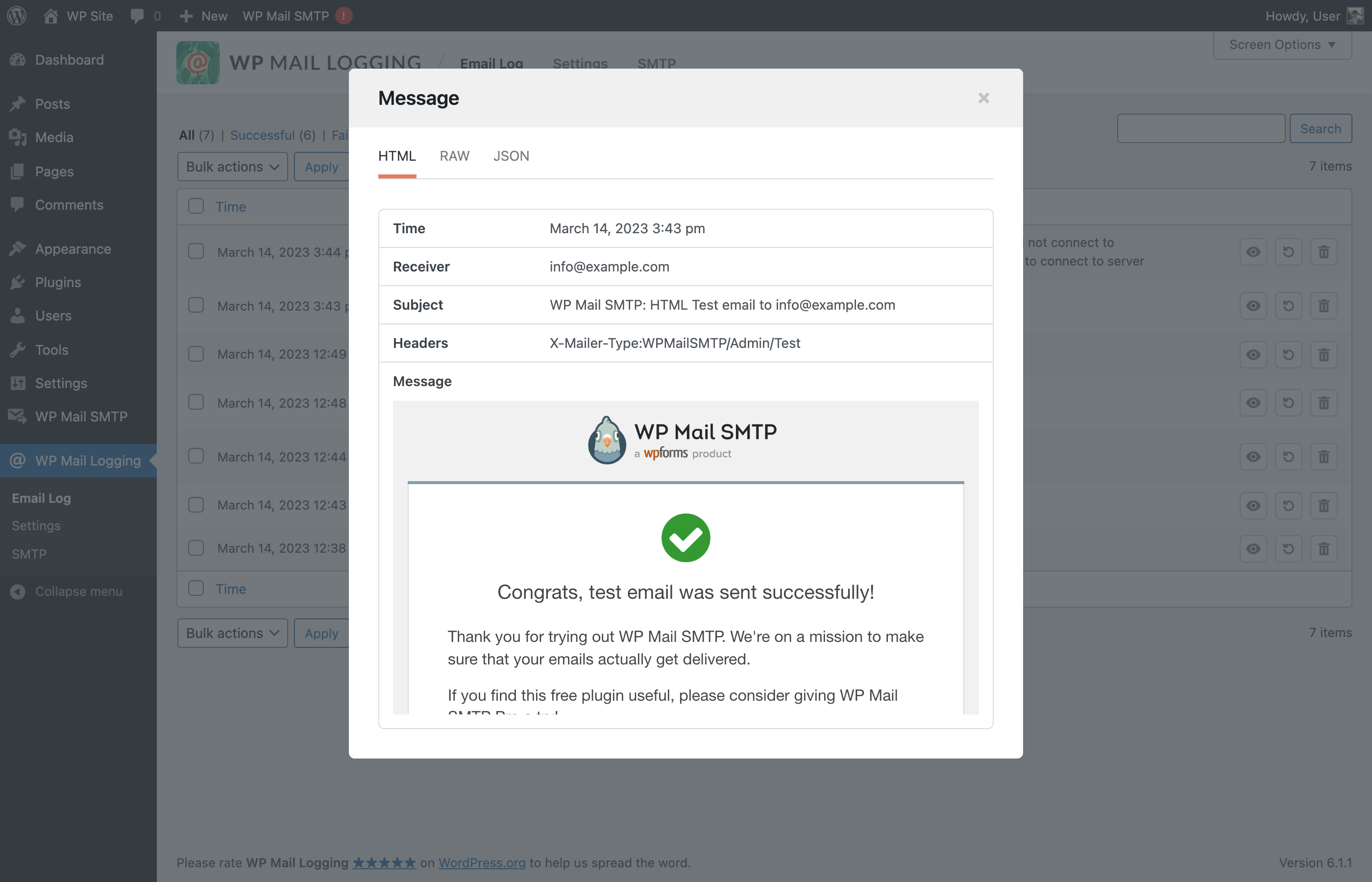
You can search and view a particular email log, inspect its content or attachments, and even resend that email.
What email information is logged?
All emails sent from your WordPress site are logged. And here is the information that is stored:
The opening of the plugin's own description. The full text, installation notes and changelog are on its WordPress.org page.
Yes, it logs all emails sent from your site, including any emails that are created by your plugins or your theme.
This plugin only stores the file path of the attachments and not the attachments file themselves. If the attachment file path does not exist or the file was deleted, then it will not show up in the logs.
Please open a new support thread and provide as much information as possible, without any private information (it is a public forum).
And we will try to help out as soon as possible.
Please open a new support thread and provide as much information as possible, without any private information (it is a public forum).
And we will investigate the issue as soon as possible.
Yes, you can contribute on GitHub.
Fixed: PHP warning when settings page is first loaded.
Fixed: Security updates.
Effortlessly manage transactional emails with Email Deliverability. High deliverability, logs and statistics, and no SMTP plugins needed.

#466 by installs
Check & Log email allows you to test if your website is correctly sending emails . Overriding of email headers and carbon copying to another address.

#670 by installs
Email deliverability made SOLID. Connect to your chosen email provider with an intuitive set-it-and-forget-it SMTP plugin.

Make email delivery easy for WordPress. Connect with SMTP, Gmail, Brevo, SendGrid, Amazon SES + more, with powerful WordPress SMTP Email plugin.

Make SMTP email sending and delivery easy. Configure Gmail SMTP, Outlook, Brevo, SendGrid, Mailgun, SendLayer or connect to any SMTP server.

SureMail – SMTP and Email Logs Plugin with Amazon SES, Postmark, and Other Providers
Read from the WordPress.org plugin API on , when WordPress 7.1.4 was the current release. WordPress.org rounds active installs into buckets. These are the directory's figures, not my verdict, and I haven't tested this plugin.