
#164 by installs
WP Mail Logging
Log, view, and resend all emails sent from your WordPress site. Great for resolving email sending issues or keeping a copy for auditing.
- Installs
- 300,000+
- Rating
- 4.7 (375)
- Updated
- 17 days ago

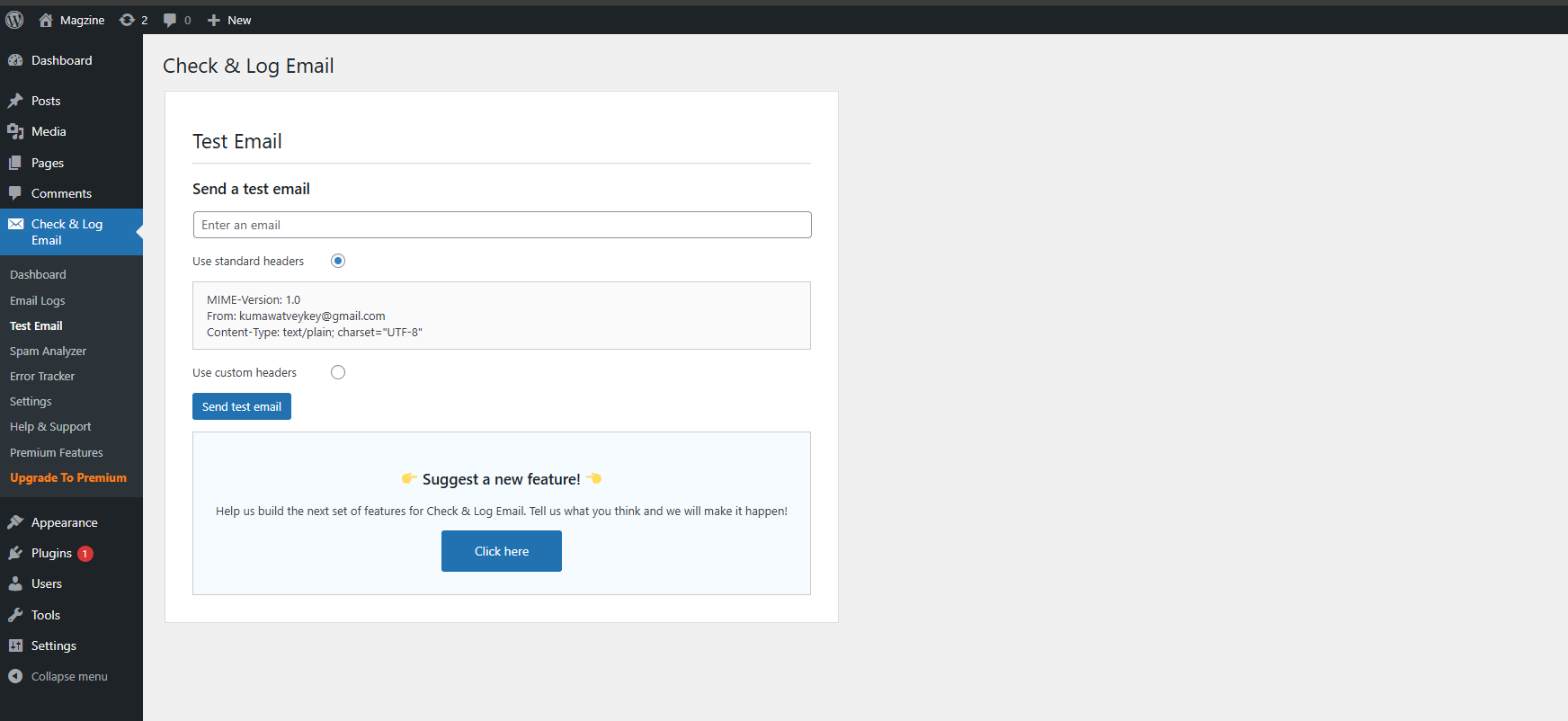
Check & Log email allows you to test if your website is correctly sending emails . Overriding of email headers and carbon copying to another address.
| Last updated | October 22, 2026Updated in the last 3 months |
|---|---|
| Tested up to | WordPress 7.1.4Covers WordPress 7.1.4, the current release |
| Needs WordPress | 5.0 or newer |
| Needs PHP | 5.6 or newer |
| First published | September 7, 2010 |
| Support, last two months | 1 of 2 threads resolved (50%) |
4.8 / 5 from 292 reviews
| 5 stars | 272 |
|---|---|
| 4 stars | 8 |
| 3 stars | 2 |
| 2 stars | 2 |
| 1 star | 8 |
In need of a tool that allows you to easily log and view all emails sent from WordPress? Check & Log might be just the solution for that.
This WordPress plugin helps you store sent emails for auditing purposes, as well as debug email related problems in your WordPress site. Works best on eCommerce websites that have been created with WooCommerce or Easy Digital Downloads.
Home | Help & Tech Support | Documentation | Premium Features
New Features of the plugin Check & Log Email 2.0
The opening of the plugin's own description. The full text, installation notes and changelog are on its WordPress.org page.
Check the WordPress Admin Dashboard for “Check & Log Email” menu item.
Someone using one of my other plugins had trouble with emails not being sent. I knocked this together to help him (and anyone else).



#164 by installs
Log, view, and resend all emails sent from your WordPress site. Great for resolving email sending issues or keeping a copy for auditing.
Effortlessly manage transactional emails with Email Deliverability. High deliverability, logs and statistics, and no SMTP plugins needed.

#525 by installs
Log and view all outgoing emails from WordPress. Very useful if you have to debug email related problems or have to store sent emails for auditing.

#670 by installs
Email deliverability made SOLID. Connect to your chosen email provider with an intuitive set-it-and-forget-it SMTP plugin.

Make email delivery easy for WordPress. Connect with SMTP, Gmail, Brevo, SendGrid, Amazon SES + more, with powerful WordPress SMTP Email plugin.

Make SMTP email sending and delivery easy. Configure Gmail SMTP, Outlook, Brevo, SendGrid, Mailgun, SendLayer or connect to any SMTP server.
Read from the WordPress.org plugin API on , when WordPress 7.1.4 was the current release. WordPress.org rounds active installs into buckets. These are the directory's figures, not my verdict, and I haven't tested this plugin.
