LiveWP Force SSL
WP Force SSL lifetime deal
From $49 lifetime (AppSumo shows $199 original price)
Fixes SSL configuration problems on a WordPress site and monitors the SSL certificate and uptime. Sold on AppSumo.

Enable SSL & HTTPS redirect with 1 click! Add SSL certificate & WP Force SSL to redirect site from HTTP to HTTPS & fix SSL errors.
LiveWP Force SSL
From $49 lifetime (AppSumo shows $199 original price)
Fixes SSL configuration problems on a WordPress site and monitors the SSL certificate and uptime. Sold on AppSumo.
| Last updated | August 16, 2026Updated in the last 3 months |
|---|---|
| Tested up to | WordPress 7.1.4Covers WordPress 7.1.4, the current release |
| Needs WordPress | 4.6 or newer |
| Needs PHP | 5.2 or newer |
| First published | January 16, 2015 |
| Support, last two months | 1 of 1 threads resolved (100%) |
4.7 / 5 from 179 reviews
| 5 stars | 163 |
|---|---|
| 4 stars | 1 |
| 3 stars | 1 |
| 2 stars | 5 |
| 1 star | 9 |
WP Force SSL helps you redirect insecure HTTP traffic to secure HTTPS and fix SSL errors without touching any code. Activate Force SSL and everything will be set and SSL enabled. The entire site will move to HTTPS using your SSL certificate. It works with any SSL certificate. It can be free SSL certificate from Let’s Encrypt or a paid SSL certificate.
How to add SSL & enable SSL? Most hosting companies support the free SSL certificate from Let’s Encrypt, so login to your hosting panel and add SSL certificate. You’ll see a button labeled “Add SSL Certificate” or “Add Let’s Encrypt Certificate” and after that it’s 1 click to have the SSL enabled on your site with WP Force SSL. If that doesn’t work get WP Force SSL PRO and it’ll generate free SSL certificate for your site. And will regenerate SSL certificate every 90 days.
Access WP Force SSL settings via the main Settings menu -> WP Force SSL.
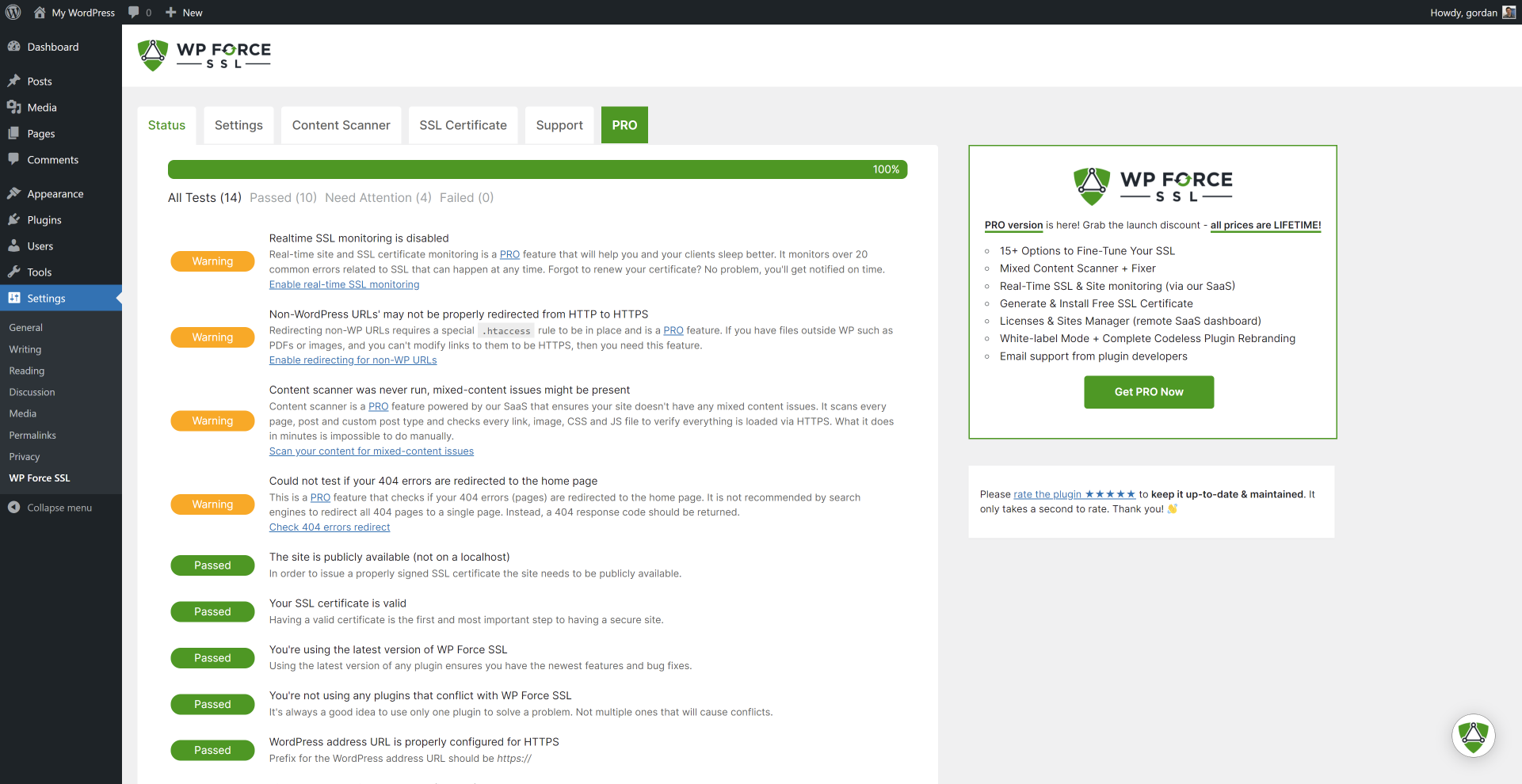
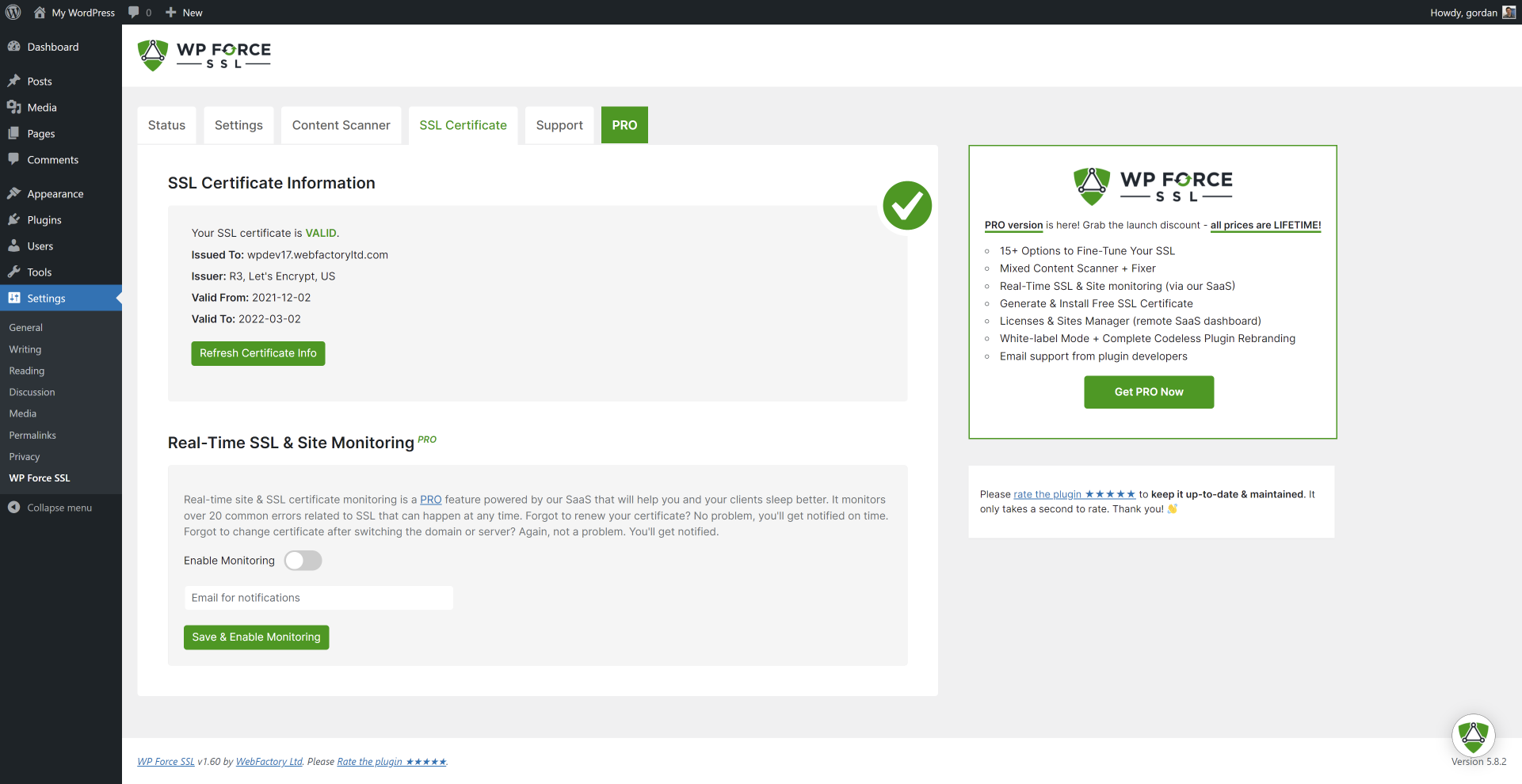
SSL Tests available in the plugin
The opening of the plugin's own description. The full text, installation notes and changelog are on its WordPress.org page.
For anyone who has an SSL certificate installed on their site and wants to be sure all content is accessed (and redirected if needed) via a secure connection.
Yes, you do need an SSL certificate. If you don’t have one you can buy WP Force SSL PRO which will generate an SSL certificate for free.
No, nothing. After activating WP Force SSL, the main option “redirect SSL” will already be active. What you can do is use our tests to make sure everything related to SSL is working.
You can report security bugs through the Patchstack Vulnerability Disclosure Program. The Patchstack team help validate, triage and handle any security vulnerabilities. Report a security vulnerability.


#322 by installs
Clean up WordPress website HTTPS insecure content

#368 by installs
The plugin allows an automatic redirection to the "HTTPS" version/URL of the site. Make your site SSL compatible easily.
Lifetime SSL solution - Free SSL certificate & HTTPS redirect, force HTTPS, fix insecure site / SSL errors, security headers.
Easily improve site security with WordPress Hardening, Two-Factor Authentication (2FA), Login Protection, Vulnerability Detection and SSL certificate.

#20 by installs
Simplified WordPress management. Manage site info, maintenance, security, & redirects.

#227 by installs
All of Cloudflare’s performance and security benefits in a simple one-click install.
Read from the WordPress.org plugin API on , when WordPress 7.1.4 was the current release. WordPress.org rounds active installs into buckets. These are the directory's figures, not my verdict, and I haven't tested this plugin.