
#14 by installs
UpdraftPlus: WP Backup & Migration Plugin
Backup, restore or migrate your WordPress website to another host or domain. Schedule backups or run manually. Migrate in minutes.
- Installs
- 4+ million
- Rating
- 4.8 (8.7K)
- Updated
- 5 days ago

Database Backup for WordPress is your one-stop database backup solution for WordPress.
| Last updated | April 20, 2026Updated in the last year |
|---|---|
| Tested up to | WordPress 6.9.11Older than WordPress 7.1.4, the current release |
| Needs WordPress | 3.6.0 or newer |
| Needs PHP | 5.3 or newer |
| First published | July 12, 2005 |
| Support, last two months | No threads opened |
4.5 / 5 from 66 reviews
| 5 stars | 53 |
|---|---|
| 4 stars | 3 |
| 3 stars | 3 |
| 2 stars | 2 |
| 1 star | 5 |
⚠️ WARNING
Database Backups for WordPress is no longer actively maintained.
This software is still free to use under the license provided, but users should be aware that it is not currently maintained. No additional releases, including security releases, will be made available.
Backup your database instantly, send the backup via email, or schedule backups to run automatically.
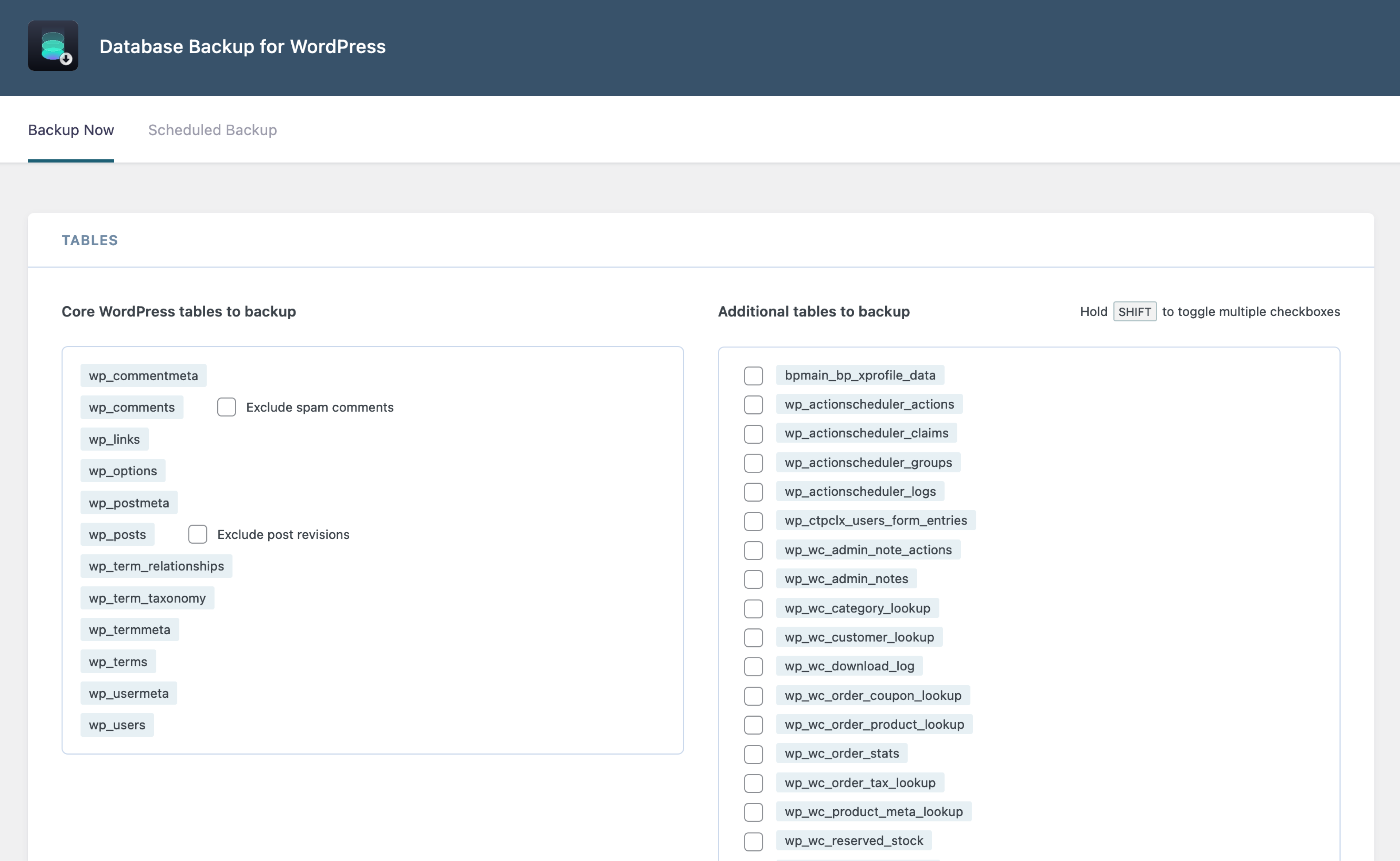
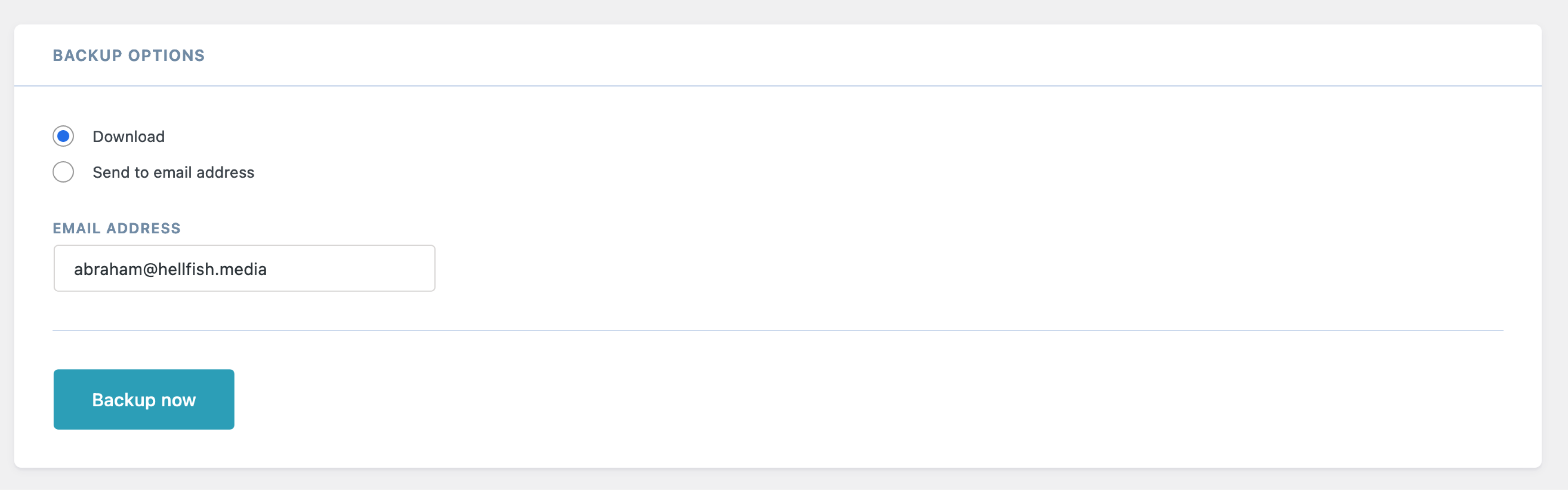
Database Backup for WordPress allows you to quickly back up your core WordPress database tables, and either download the backup as a gzipped file, or send it via email to an address you choose.
By default, the plugin will always back up all the core WordPress database tables. However, you may also selectively back up any custom tables that might be created by other plugins.
Additional options include the ability to exclude spam comments from the comments table, or post revisions from the posts table, saving you space and bandwidth.
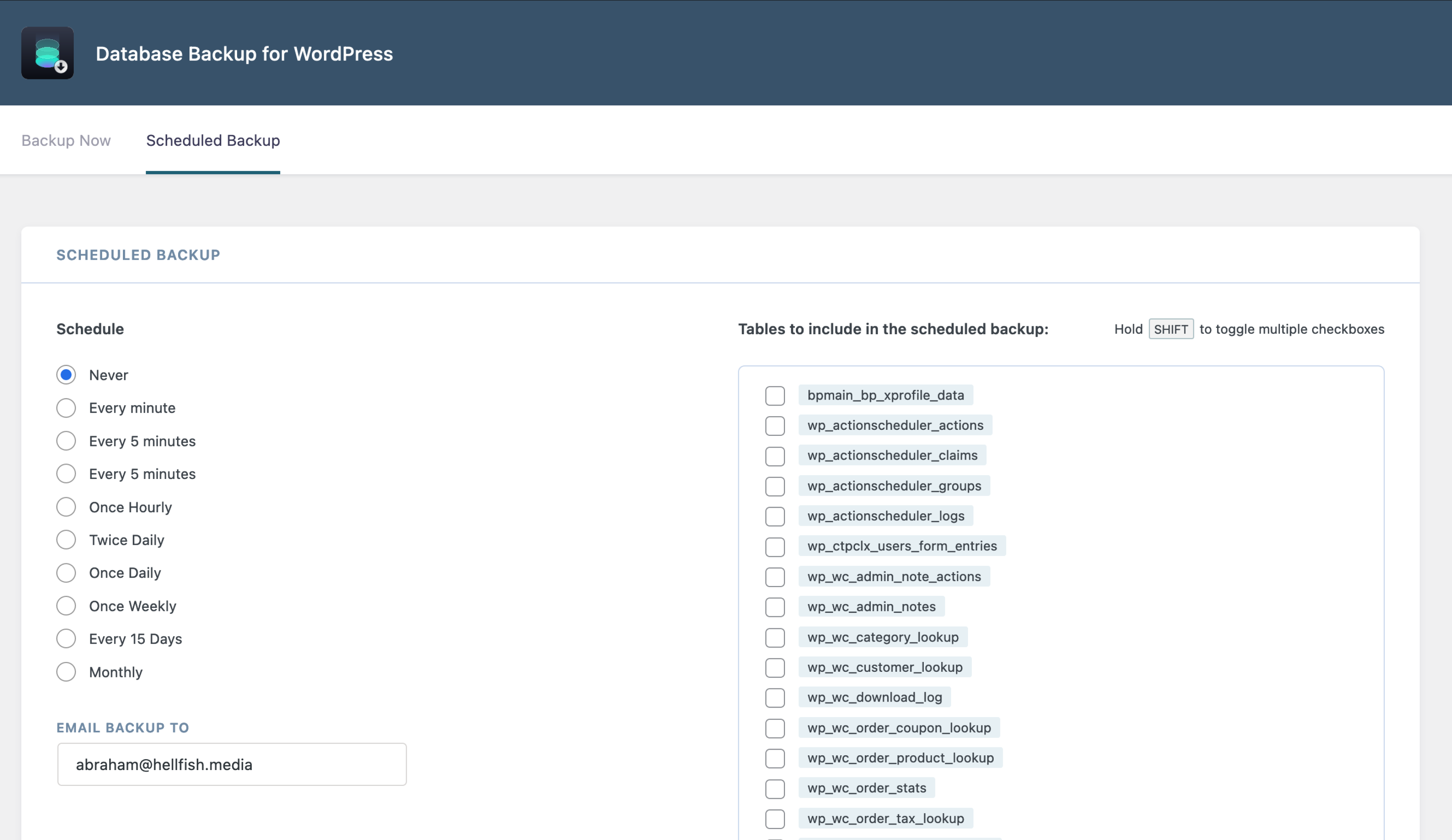
You can also enable scheduled backups to run automatically at set intervals, and configure the email address to send the scheduled backups to.
Backup Before You Mess Up
Backups are the one thing you don’t think of until you need them. You might have the best web host, the most secure server, and a tried and tested process for running plugin, theme, or core updates. But all it takes is one little thing to go wrong, and you lose your entire website.
The opening of the plugin's own description. The full text, installation notes and changelog are on its WordPress.org page.
The backup file is a gzipped MySQL database export, which can be used to restore with MySQL applications like phpMyAdmin, included with most hosting control panels. If you are comfortable with the command line, you can also restore the database using the mysql command. More info on how to restore databases is available here.
If the backup stops prematurely, you can enable a plugin setting that will implement a small delay after each table is backed up. To do this, add the following line to your wp-config.php file, just above the /* That's all, stop editing! Happy publishing. */ line:
define( 'DBBWP_MOD_EVASIVE_OVERRIDE', true );
This file is used by non-English users to translate the user interface text into their native language. Translators are encouraged to submit translated files, which will be made available to others here.
Generally the most important site data is stored in the core WordPress tables. It’s not uncommon for some plugins to have a bunch of visitor statistics stored in their custom tables that aren’t usually considered essential data that needs to be restored after a catastrophic failure. However, it’s possible that some important data is stored in these additional tables, and you may want to back them up.
The plugin will attempt to create a directory /wp-content/backup-*/ inside your WordPress directory. You may need to make /wp-content writable (at least temporarily) for it to create this directory. For example:
#14 by installs
Backup, restore or migrate your WordPress website to another host or domain. Schedule backups or run manually. Migrate in minutes.
The best WordPress backup and migration plugin. Quickly and easily backup ,migrate, copy, move, or clone your site from one location to another.

#100 by installs
Backup, restores, and migration with Backuply are fairly simple with a wide range of storage options from Local Backups, FTP to cloud options like AWS …

#135 by installs
Back up, restore, and protect your WordPress website with automated backups, cloud storage, one-click recovery, and AI-assisted backup management.

#514 by installs
Simple automated backups of your WordPress-powered website.

#702 by installs
Manages your WordPress database.
Read from the WordPress.org plugin API on , when WordPress 7.1.4 was the current release. WordPress.org rounds active installs into buckets. These are the directory's figures, not my verdict, and I haven't tested this plugin.
