Type to search.

#836 by installs

WP Call Button – Easy Click to Call Button for WordPress

by Syed BalkhiVersion 1.4.4

The best WordPress call now button plugin. We help you add a clickable phone link (quick call button), so people can easily call your business phone.

Active installs
40,000+
#836 of 1,000
Downloads, all time
393.1K
393,066
Downloads, 30 days
3.7K
827 in the last 7
Rating
4.7 / 5
69 reviews
Last updated
8 months ago
Mar 16, 2026
Version
1.4.4
12 releases

Upkeep and compatibility

Last updatedMarch 16, 2026Updated in the last year
Tested up toWordPress 6.9.11Older than WordPress 7.1.4, the current release
Needs WordPress4.9 or newer
Needs PHP5.6 or newer
First publishedAugust 3, 2019
Support, last two monthsNo threads opened

Reviews

4.7 / 5 from 69 reviews

Reviews by star rating
5 stars61
4 stars1
3 stars2
2 stars1
1 star4

Downloads, last 30 days

Low 70 a dayHigh 236 a day

What the author says it does

WordPress Click to Call Now Button Plugin

We believe that you shouldn’t have to hire a developer to create a click to call button in WordPress. That’s why we built WP Call Button, a click to call button plugin for WordPress that’s EASY and POWERFUL.

WP Call Button allows you to add a beautiful call now (click-to-call) button on your website with just a few clicks, no coding skills needed.

User experience is our #1 priority with WP Call Button. That’s why we have added plenty of customization options to make it easy for beginners and non-techy users to personalize their click to call buttons to match their website brand and color schemes.

WP Call button is a 100% mobile responsive which means that it will always look great on all devices (mobile, tablet, laptop, and desktop). You also have the option to only show the call button on mobile devices only!

WP Call button plugin is also highly optimized for web and server performance because we understand the importance of speed when it comes to SEO, marketing, and conversion. We can honestly say that WP Call Button plugin is one of the most lightweight and fastest WordPress call button plugins in the world.

Beginner Friendly Call Button – Easy for Non-techies

We took the pain out of creating click to call buttons and made it easy. Simply enable the plugin, enter your phone number, and that’s it!

The opening of the plugin's own description. The full text, installation notes and changelog are on its WordPress.org page.

Questions the author answers

Why should I use WP Call Button?

WP Call Button helps you add quick click now button on your website, so your website visitors can easily call your business. Our smart click to call links help users avoid calling the wrong number and ensures that your business get maximum leads.

Do I need to have coding skills to use WP Call Button?

Absolutely not. You can create and manage quick call buttons without any coding knowledge. WP Call Button is the most beginner friendly click to call button plugin in the market.

Do I need to start the phone number with country code?

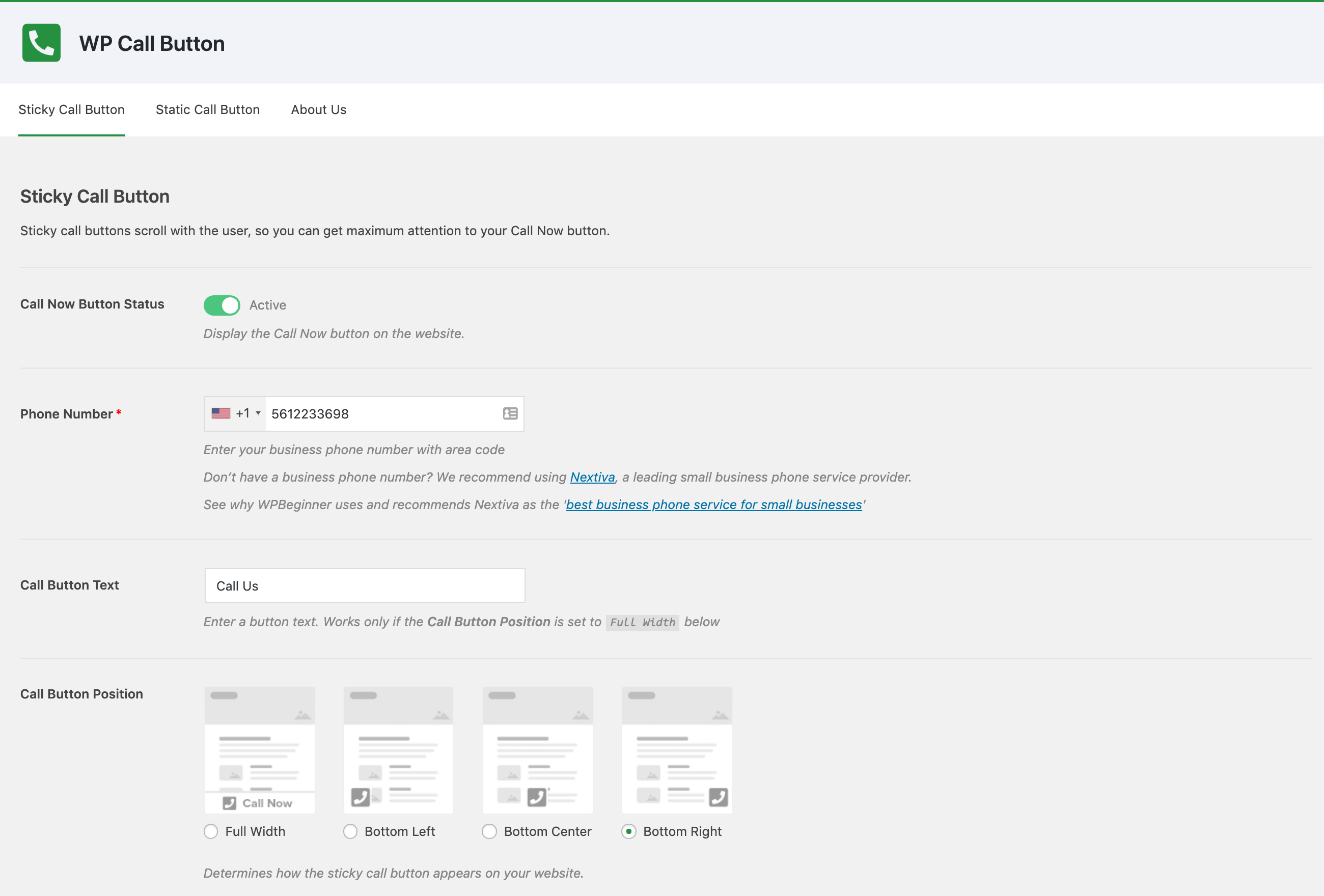
WP Call button comes with a smart phone field, so you don’t need to enter the country code. Simply select your country from the dropdown, and we will format the code accordingly.

Can I change the appearance of the Call Now Button?

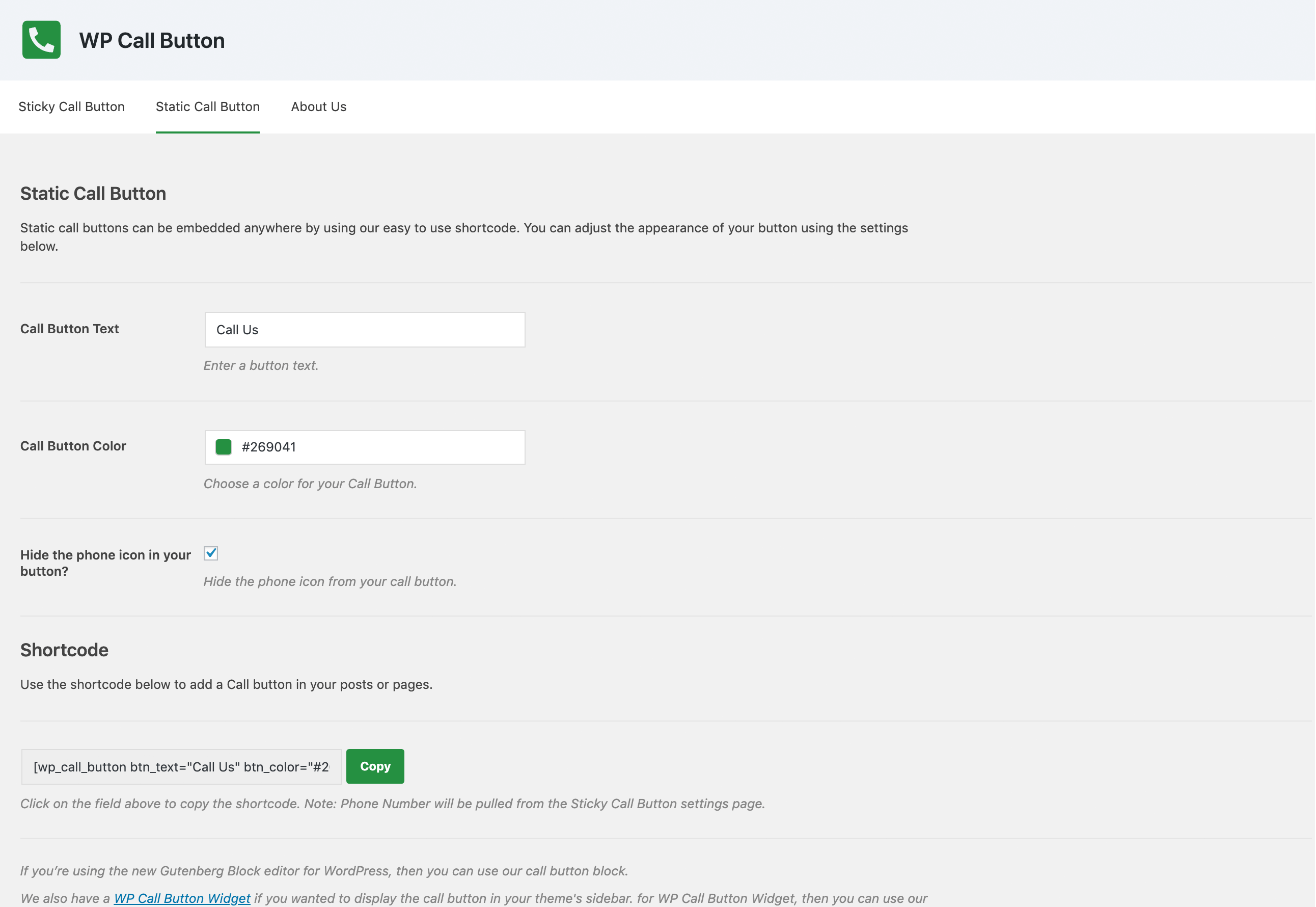
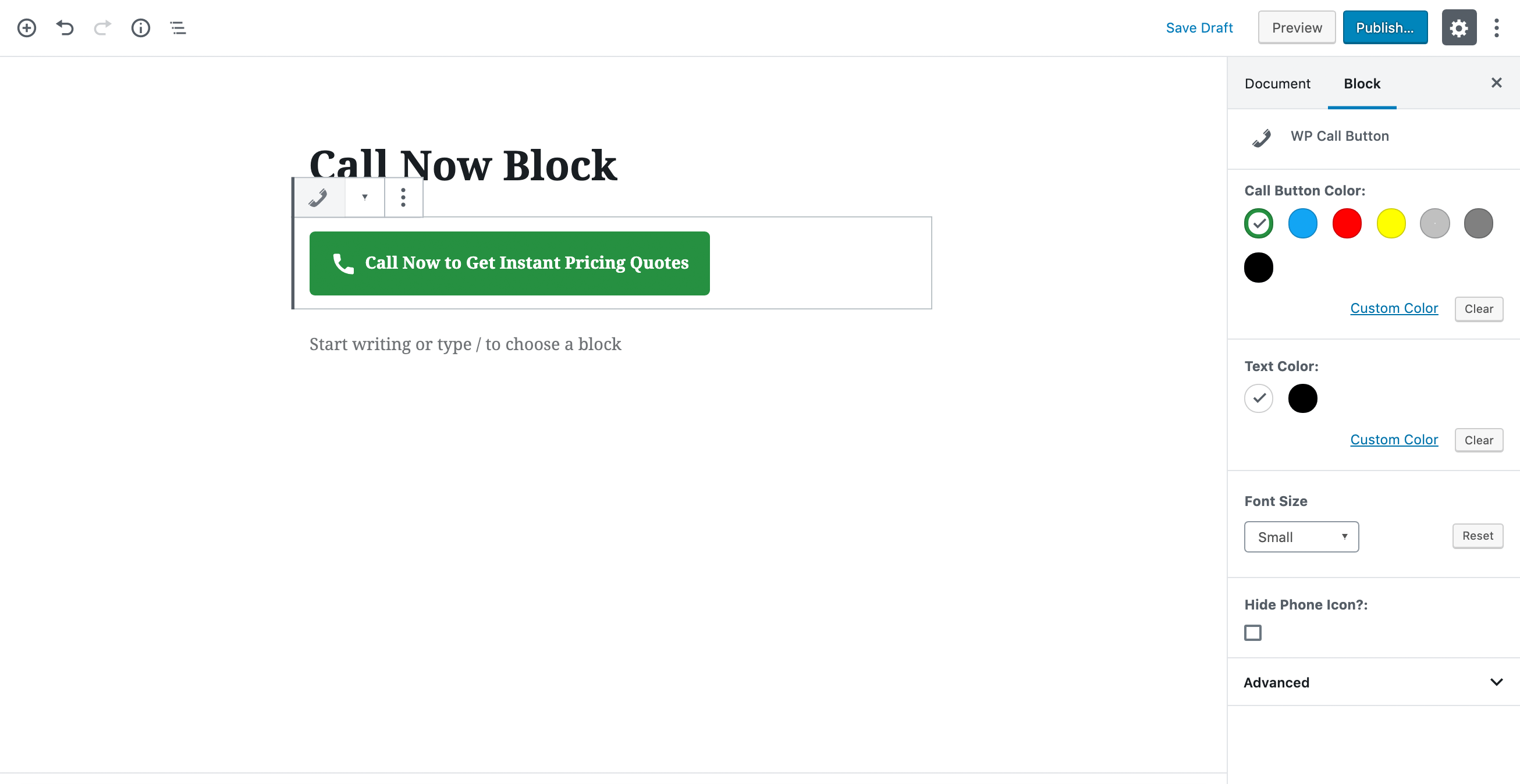
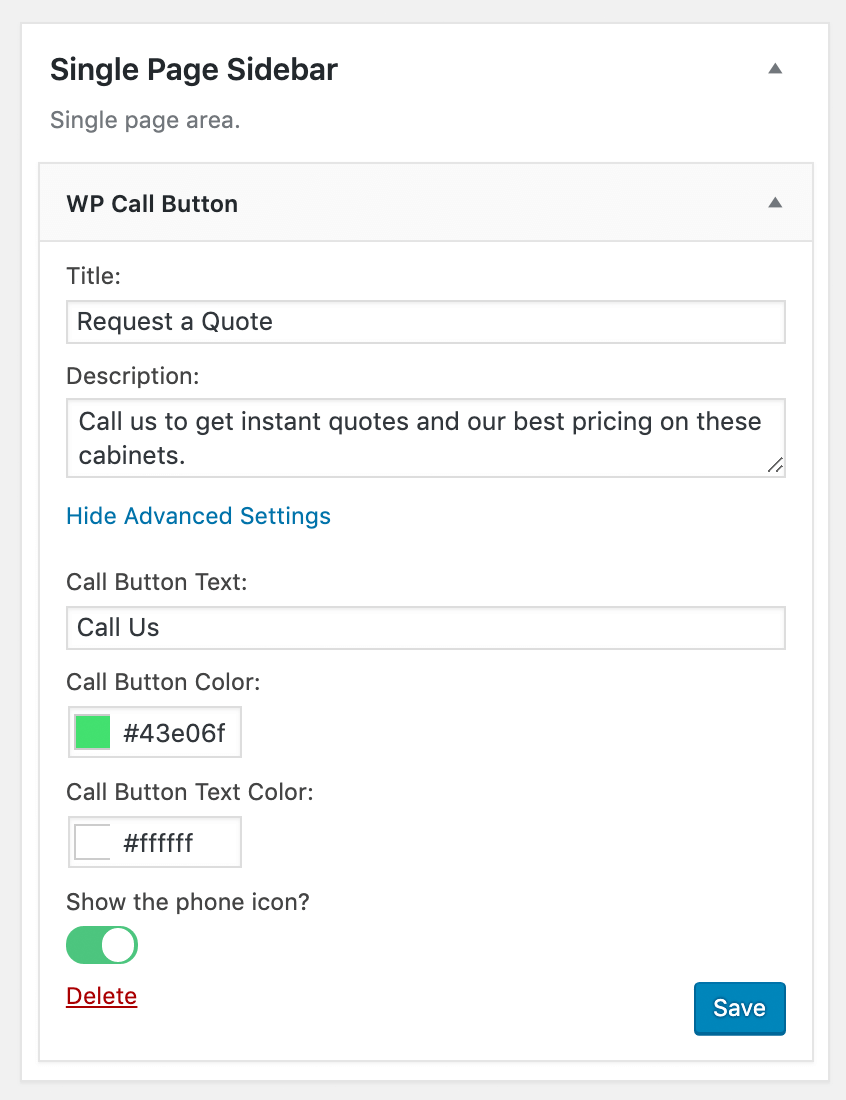
Yes. You can easily customize the color, text, placement, and everything else related to the call now button.

Can I show the call now button only to mobile users?

Yes. We have the option to only display call now button to mobile users only.

Latest changelog entry

1.4.4

  • Fix: Load text domain at init to resolve WordPress 6.7 translation notice
  • Fix: Defer plugin initialization until init hook
  • Fix: Replace deprecated Block Editor Button and RichText props
  • Fix: Set block apiVersion 3 for iframe editor compatibility
  • Fix: FontSizePicker and ToggleControl deprecation props

Screenshots

From WordPress.org.

Tagged

Plugins that share its tags

Where this page's numbers come from

Read from the WordPress.org plugin API on , when WordPress 7.1.4 was the current release. WordPress.org rounds active installs into buckets. These are the directory's figures, not my verdict, and I haven't tested this plugin.