
#89 by installs
Joinchat – Enhanced “click to chat”
The most installed WordPress plugin for WhatsApp: a customizable floating button that turns your visitors into chats, leads and sales.
- Installs
- 700,000+
- Rating
- 4.7 (189)
- Updated
- 18 days ago

The click-to-call button for WordPress since 2013. Add a call button in under a minute. No code, mobile and desktop, with click tracking.
| Last updated | October 30, 2026Updated in the last 3 months |
|---|---|
| Tested up to | WordPress 7.1.4Covers WordPress 7.1.4, the current release |
| Needs WordPress | 6.1 or newer |
| Needs PHP | 7.4 or newer |
| First published | September 30, 2012 |
| Support, last two months | No threads opened |
4.8 / 5 from 102 reviews
| 5 stars | 97 |
|---|---|
| 4 stars | 0 |
| 3 stars | 2 |
| 2 stars | 0 |
| 1 star | 3 |
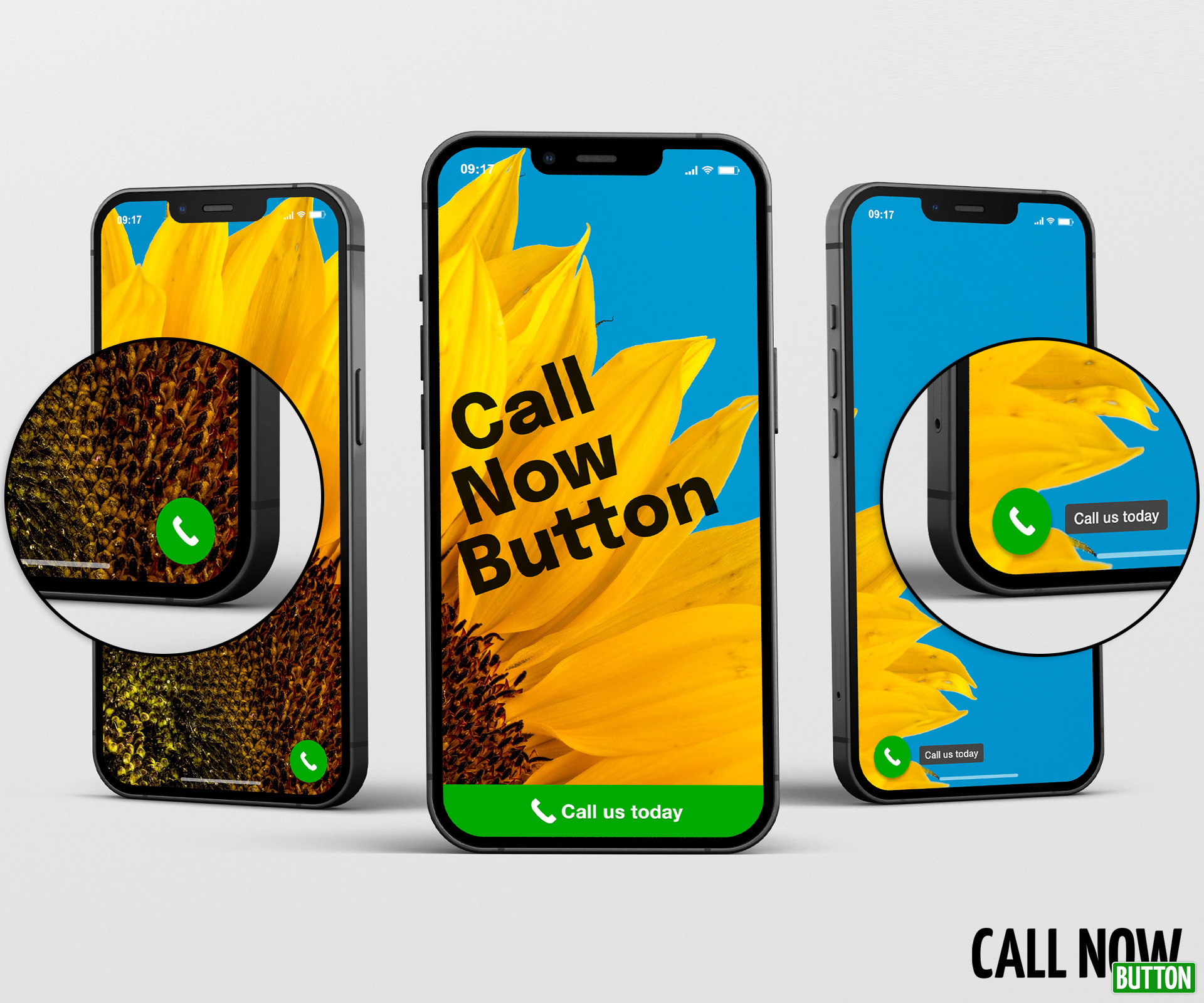
Call Now Button puts a floating call button on your website. On a phone, one tap starts the call. On a desktop, it’s a standard click-to-call link that opens in the visitor’s calling app. Either way, nobody has to hunt for your contact page or copy a number by hand.
It has been doing exactly that since 2013, on more than 200,000 websites.
Set it up in under a minute
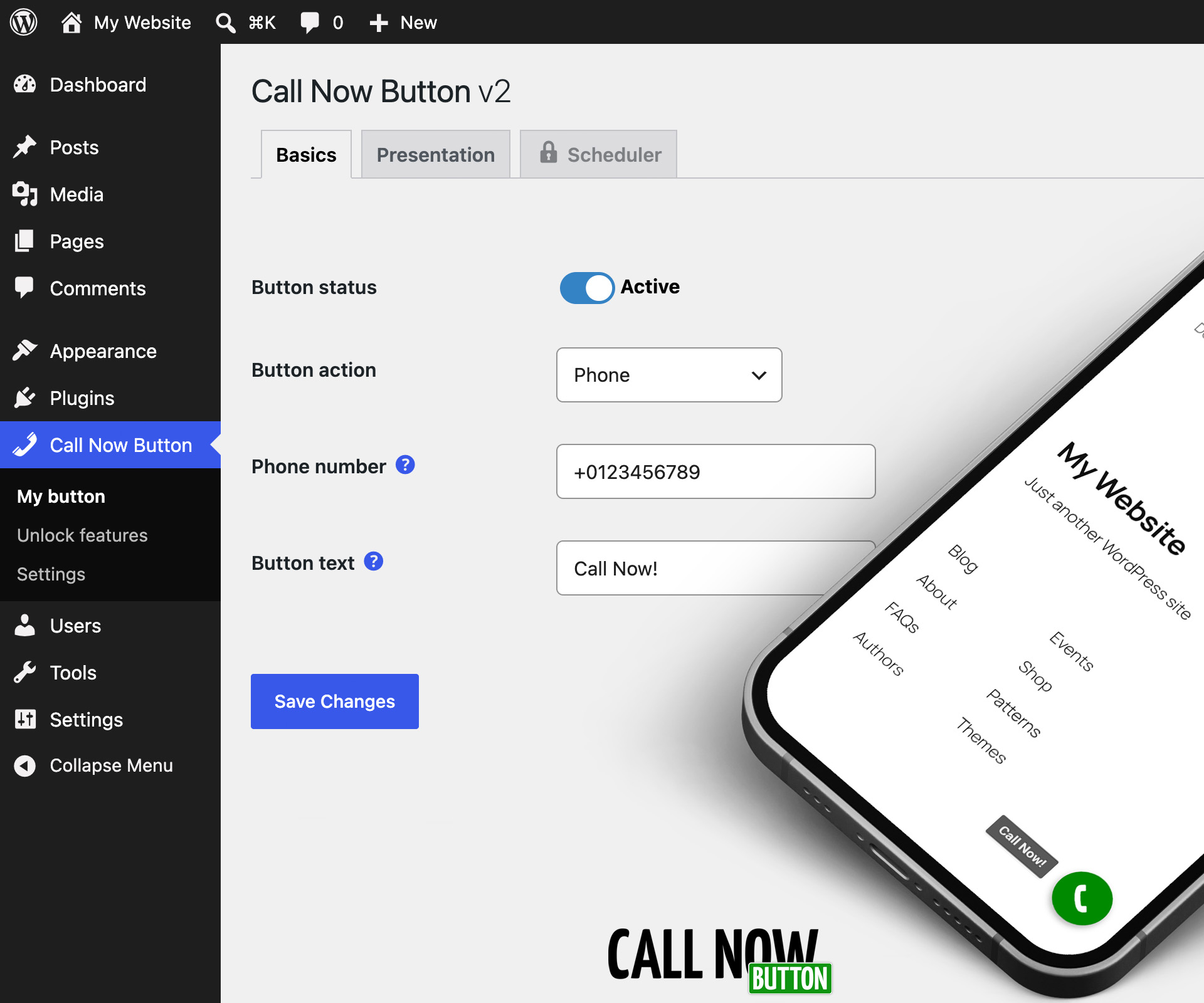
Install, enable the button, type your phone number, save. There is no account to create, no code to paste, and nothing more to configure before it works.
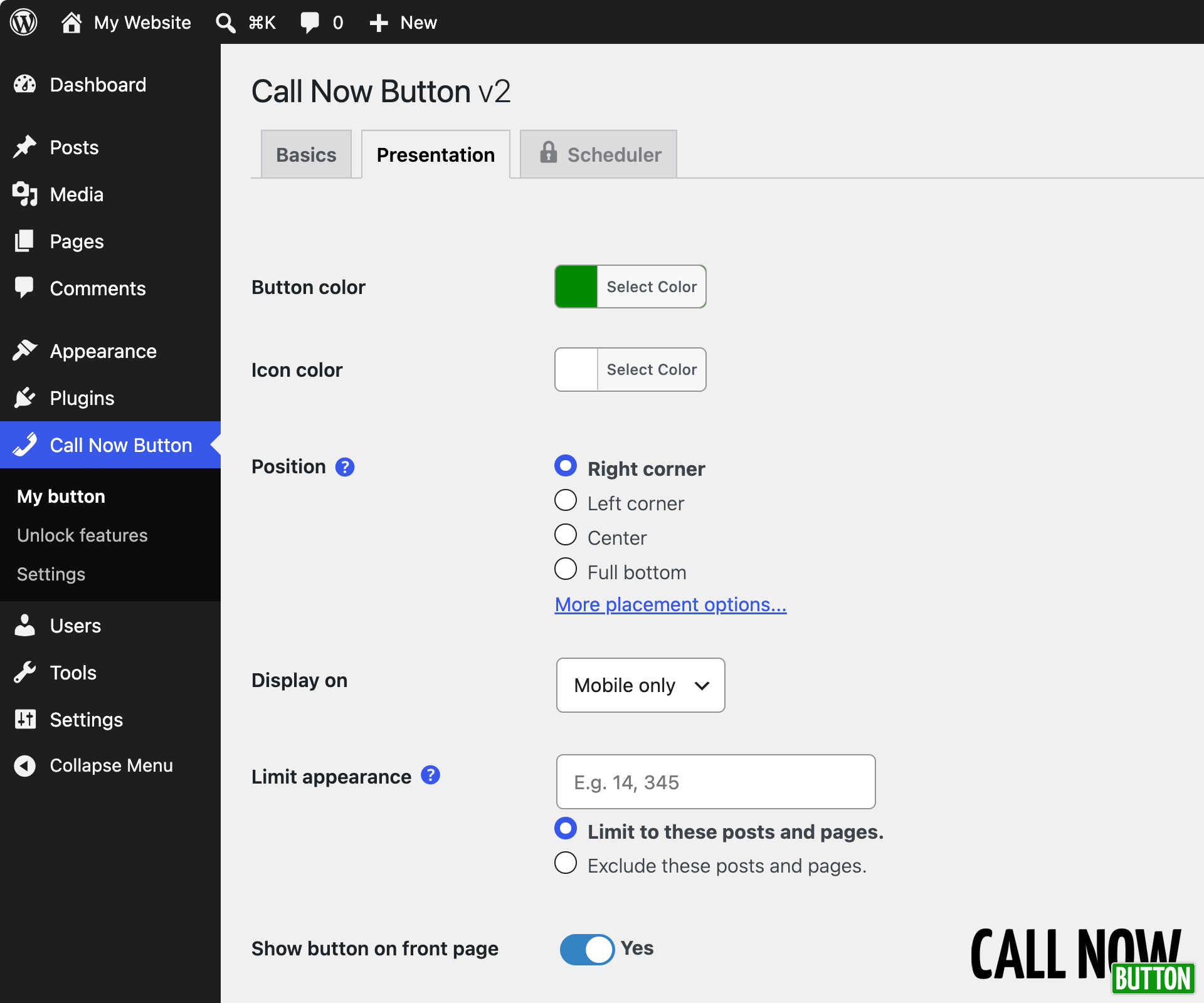
From there you can make it yours:
The opening of the plugin's own description. The full text, installation notes and changelog are on its WordPress.org page.
Yes. Without an account you get one call button with labels, your own colors, all 8 screen positions, button size and layering controls, include/exclude by post and page ID, mobile/desktop control, Google Analytics click tracking and Google Ads conversion tracking. No account, no signup, no code.
Yes. You choose whether the button shows on mobile only, desktop only, or both. On mobile a tap starts the call directly. On desktop the button is a standard tel: link, the same kind used across the web. The visitor’s computer opens it in whichever app handles calls, such as Teams, a softphone or a phone-linked app like Phone Link on Windows or Handoff on a Mac.
No. Without an account, no external service is contacted at all. The button is rendered by your own site and nothing is fetched from us. If you connect to an account, your button configuration is served from a CDN, loaded asynchronously and cached in WordPress rather than fetched on every page view.
Yes. The button is added to the page independently of your theme or page builder, so it works alongside all of them. The only requirement is a responsive theme. If you have to zoom in to read your site on a phone, the button will not behave correctly.
Without a NowButtons.com account the plugin sets no cookies, collects no personal data and makes no external requests. The button is rendered by your own site. Nothing about your visitors reaches us and nothing is loaded from our servers.
Two things to be aware of:
When you create an account, the email address you enter and your site’s domain are sent to us. After that, your button configuration is stored on and served from our servers, and requests identify your WordPress version, PHP version and site URL. Nothing is sent before you connect. See the Privacy statement and Terms & Conditions.

#89 by installs
The most installed WordPress plugin for WhatsApp: a customizable floating button that turns your visitors into chats, leads and sales.

#781 by installs
Powerful platform with Live Chat, AI Chatbots, and Real-Time Visitor Monitoring! Also, create Call, Email, SMS, & Contact buttons to increase conv …

#93 by installs
WhatsApp Chat🔥. Let's make your Web page visitors contact you through 'WhatsApp', 'WhatsApp Business'. Add matching Widget✅

#138 by installs
Reach more customers and drive sales on Facebook, Instagram and WhatsApp with the official Meta for WooCommerce plugin.

WhatsApp chat, Facebook Messenger, Telegram, TikTok, Instagram, Email, Line, WeChat Phone call, SMS, 20+ live chat icons & WhatsApp chat pop up 💬

#217 by installs
WhatsApp Chat🔥 allows you to enhance customer engagement! Integrate "WhatsApp" or "WhatsApp Business" with a single click.
Read from the WordPress.org plugin API on , when WordPress 7.1.4 was the current release. WordPress.org rounds active installs into buckets. These are the directory's figures, not my verdict, and I haven't tested this plugin.