
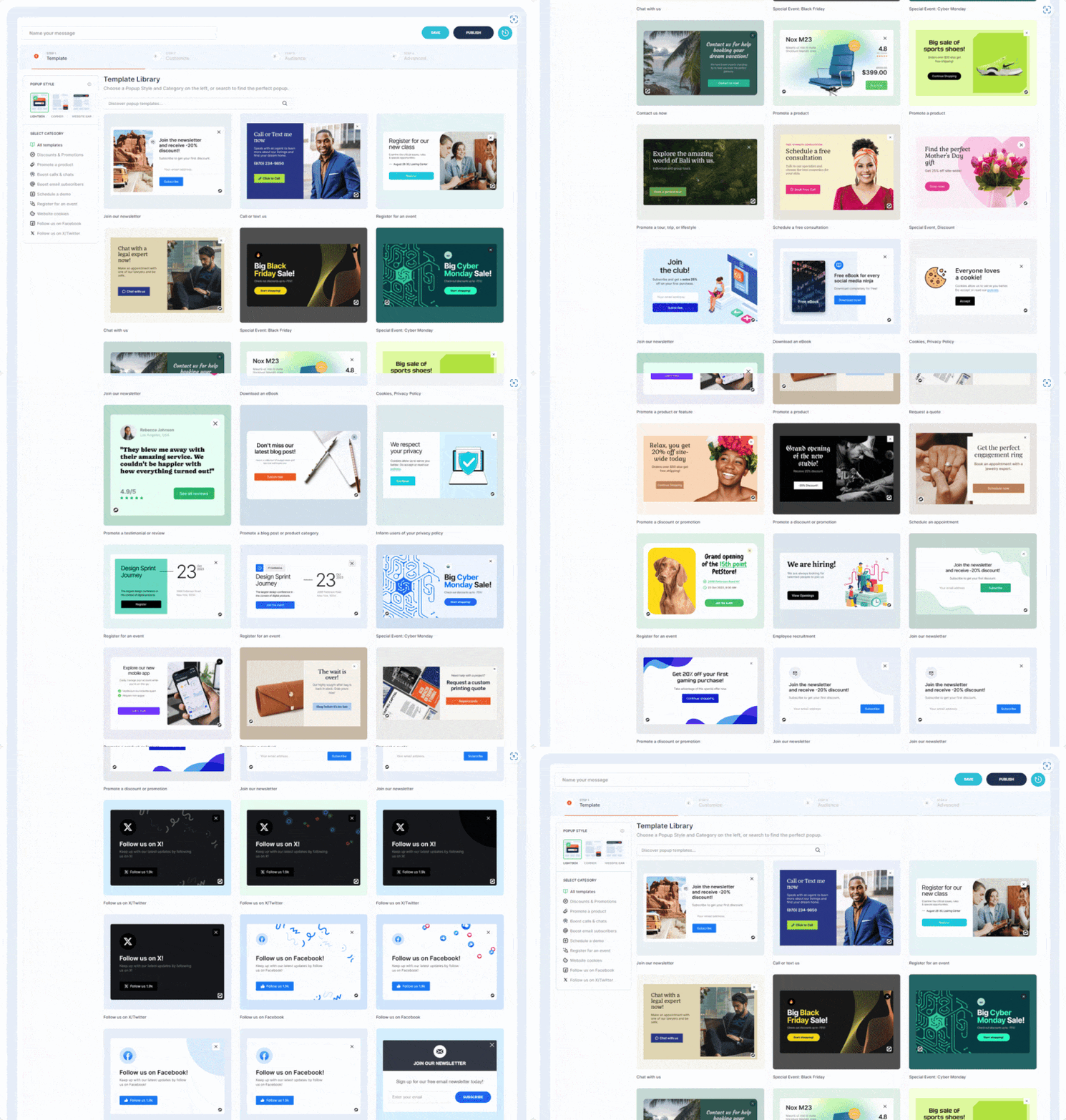
Want to boost sales & marketing efforts? Use your favorite forms & builder. Unlimited popups & impressions, keep your data, no monthly subscription.
- Installs
- 600,000+
- Rating
- 4.9 (4.5K)
- Updated
- 50 days ago

Floating Menus, Sticky Buttons, & Popup builder. WhatsApp Chat, Facebook Messenger, Telegram, Live Chat, Call, SMS, Email & more.
| Last updated | October 13, 2026Updated in the last 3 months |
|---|---|
| Tested up to | WordPress 7.1.4Covers WordPress 7.1.4, the current release |
| Needs WordPress | 4.7 or newer |
| Needs PHP | 7.0 or newer |
| First published | August 31, 2017 |
| Support, last two months | 0 of 1 threads resolved (0%) |
4.5 / 5 from 151 reviews
| 5 stars | 124 |
|---|---|
| 4 stars | 6 |
| 3 stars | 2 |
| 2 stars | 4 |
| 1 star | 15 |
Features | Knowledge base | Community
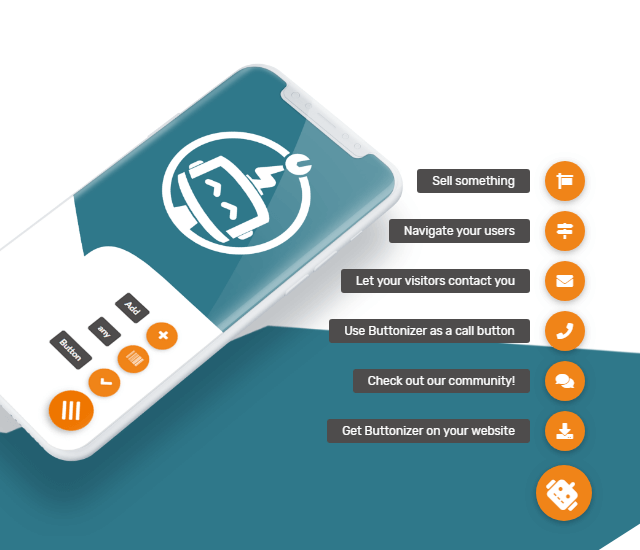
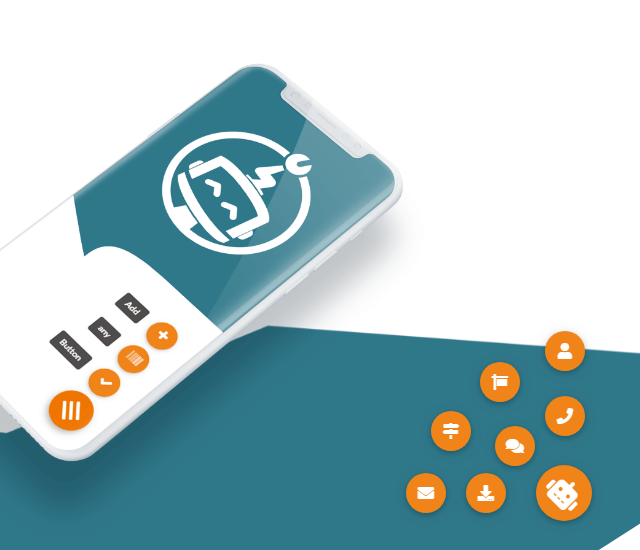
Buttonizer is a powerful platform to create floating menus, sticky buttons, and popups for your WordPress site.
Choose from many options, including WhatsApp Chat and WhatsApp widgets, Facebook Messenger, floating contact form, Click to Chat, Call, Email, SMS and the list goes on.
Watch the video below to learn how easy it is to add Buttonizer floating menus, sticky buttons, and popups to your website:
WhatsApp Chat, Business and 40+ click to chat channels 💬
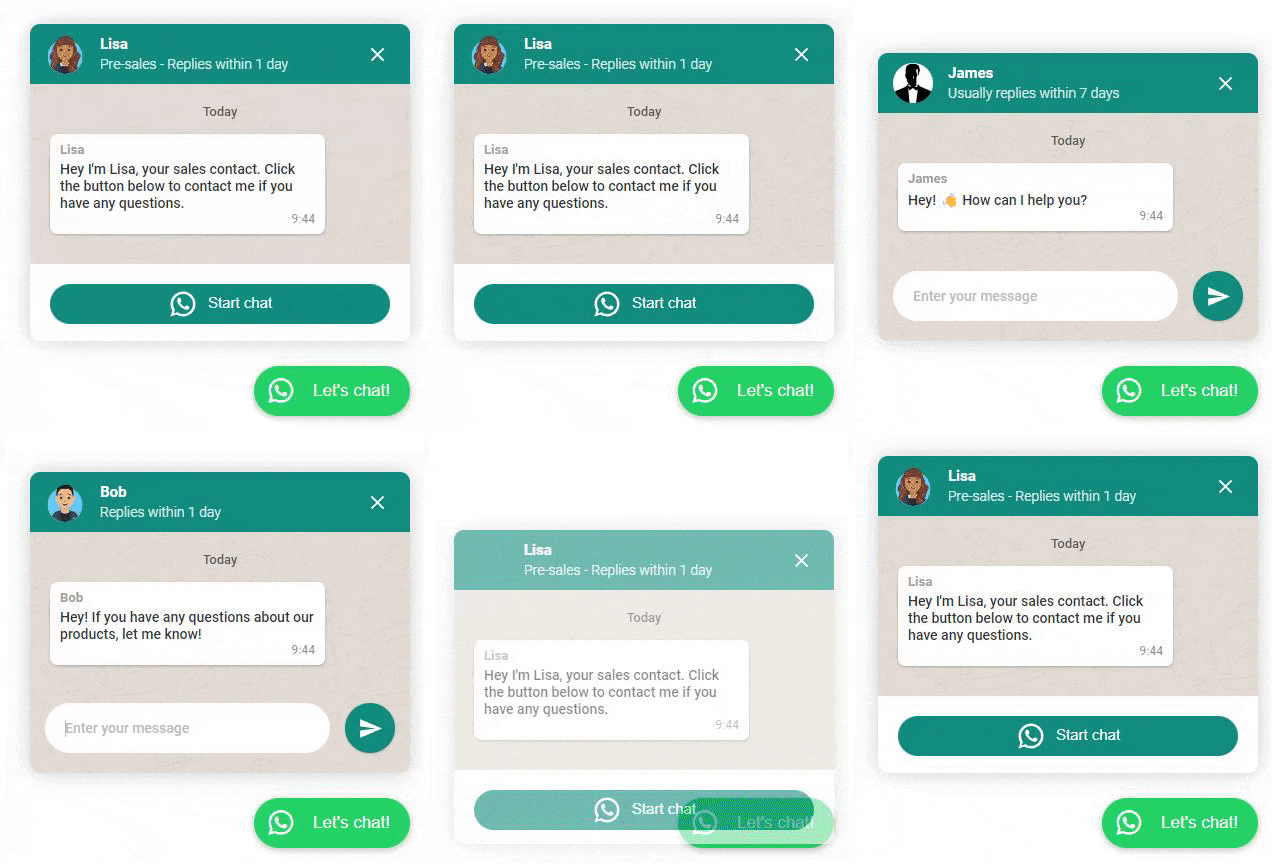
Buttonizer is specially designed in creating easy, smart floating chat buttons. You can connect with your visitors with WhatsApp or WhatsApp Business with ease. You can even create a WhatsApp Popup, work with multiple WhatsApp phone numbers (agents), manage opening and closing times and use page rules.
📱 Mobile: Navigates to WhatsApp Mobile App.
The opening of the plugin's own description. The full text, installation notes and changelog are on its WordPress.org page.
A floating action button is a button that ‘floats’ in the right corner of your website.
Maybe you noticed already that a lot of applications (mobile and web) have their primary floating action button (FAB), on the right corner of their website or app. You see this a lot with chat functions. The Floating Action Button is becoming a standard in application and web design.
With Buttonizer you don’t just add the same button to every page on your website. No, the key is that each action must be relevant. With the Buttonizer it’s possible to add buttons to a select number of pages with “page rules”, decide for each button if it shows on mobile and/or desktop, style your button with your own icons & colors, add social sharing buttons, Show the button on opening hours and make use of many…
WhatsApp chat, Facebook Messenger, Instagram, TikTok, Email, SMS, Snapchat, X (Twitter), LinkedIn, Microsoft Teams, Vkontakte, Phone (click to call), Telegram, Line, WeChat, Viber, Waze, Google maps, Poptin, Custom URL, Page Select, and many more.
We have the following widgets natively integrated:
– WhatsApp widget
– Facebook Messenger widget
– Contact form (PRO: integrated Webhook support)
– Iframe widget (PRO)
Customize their position and visibility wherever you need. With the iframe widget you are able to show YouTube video’s, integrate Calendly or any other page or website.
You can also interact with widgets using the Widget JavaScript API.
Please make sure you’ve chosen at least one button and clicked on the green “Publish” button. If you still don’t see any changes on the live site, you can clear the cache of your website if you have a caching plugin.
Download the WordPress plugin, choose the WhatsApp templates, change your phone number, change the text and there you go. You can also choose the WhatsApp widget option to add a popup window. Don’t forget to enter the WhatsApp number with country code
E.g.
country code +1
number: 6123456789
** WhatsApp number: 16123456789 **
Release date: October 12, 2026
Changelog:
– Updated Freemius SDK integration
If you experience bugs, problems or you just have some feedback, let us know on our Buttonizer community!
Want to boost sales & marketing efforts? Use your favorite forms & builder. Unlimited popups & impressions, keep your data, no monthly subscription.

#41 by installs
Launch and grow your email marketing effortlessly with Hostinger Reach. Collect contacts, sync subscribers, and send emails – all in one, AI powered.

🤩 Make popups & optin forms to get more email newsletter subscribers, leads, and sales - #1 most popular popup builder plugin! 🚀

#208 by installs
Get your products in front of Pinterest users searching for ideas and things to buy. Connect your WooCommerce store to make your catalog browsable.

#221 by installs
The CRM, Sales, and Marketing WordPress plugin to grow your business better. Capture and engage web visitors with free live chat, forms, CRM, email ma …

#392 by installs
Newsletters, Email Marketing, Email Automation, Forms, Pop Up, SMS by Omnisend
Read from the WordPress.org plugin API on , when WordPress 7.1.4 was the current release. WordPress.org rounds active installs into buckets. These are the directory's figures, not my verdict, and I haven't tested this plugin.