
WhatsApp chat, Facebook Messenger, Telegram, TikTok, Instagram, Email, Line, WeChat Phone call, SMS, 20+ live chat icons & WhatsApp chat pop up 💬
- Installs
- 300,000+
- Rating
- 5.0 (1.2K)
- Updated
- 3 days ago

Get leads with a floating contact form tab, chat & social buttons like Facebook Messenger, WhatsApp, Viber, Telegram, Twitter, Instagram & more 🎉
| Last updated | October 13, 2026Updated in the last 3 months |
|---|---|
| Tested up to | WordPress 7.1.4Covers WordPress 7.1.4, the current release |
| Needs WordPress | 4.7 or newer |
| Needs PHP | Not stated |
| First published | July 13, 2014 |
| Support, last two months | 1 of 1 threads resolved (100%) |
4.9 / 5 from 542 reviews
| 5 stars | 525 |
|---|---|
| 4 stars | 11 |
| 3 stars | 0 |
| 2 stars | 0 |
| 1 star | 6 |
Support | Demo | Recommended Plugins | Upgrade to Pro ⭐
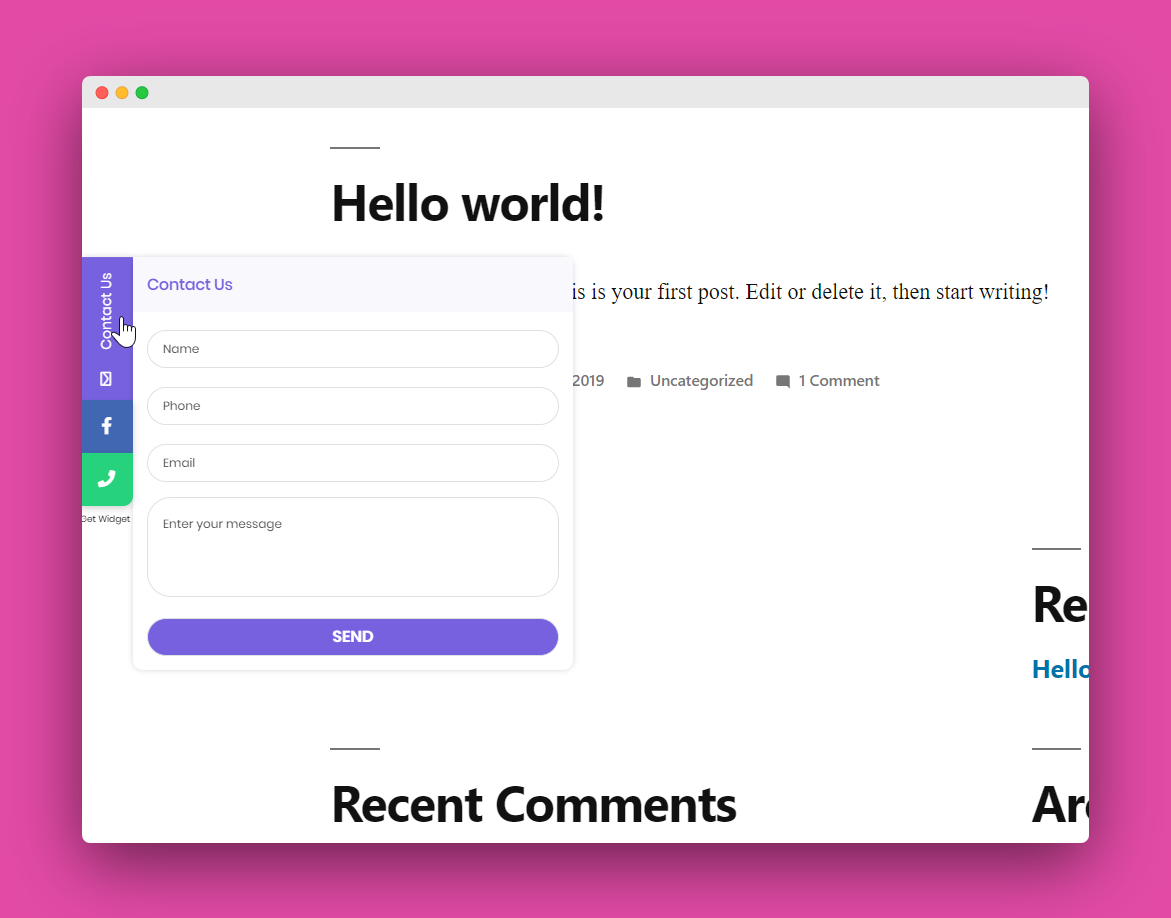
Floating form and tabs for your website to help your visitors contact you through WhatsApp chat, Facebook, YouTube, open hours, address, phone number, email or any other important business information
With My Sticky Elements:
🎥 My Sticky Elements overview
Check out My Sticky Elements Pro Plans.
📝 Contact form and social buttons in one plugin
Tabs that will help your website visitors contact you on any popular social channel such as Facebook, Messenger, Instagram, Threads, WhatsApp, Telegram, Pinterest, YouTube, WeChat, Line Messenger & more.
🚀 My Sticky Elements contact form, social & chat buttons
Contact form
X.com – Twitter
Instagram page
Instagram Direct Messenger (Instagram DM)
WhatsApp chat
YouTube
Poptin
Click to call
Facebook Messenger
Address
Open hours
Telegram
TikTok
Threads
Vimeo
Spotify
iTunes by Apple
SoundCloud
VK
Viber
Snapchat
Line
SMS
Tumblr
Qzone
Behance
Dribble
Quora
Yelp
Amazon
RSS
Flickrliv
eBay
Etsy
Slack
Trip Advisor
Medium
Google Play (Google)
App Store (Apple)
Fiverr
Shopify
Printful
The opening of the plugin's own description. The full text, installation notes and changelog are on its WordPress.org page.
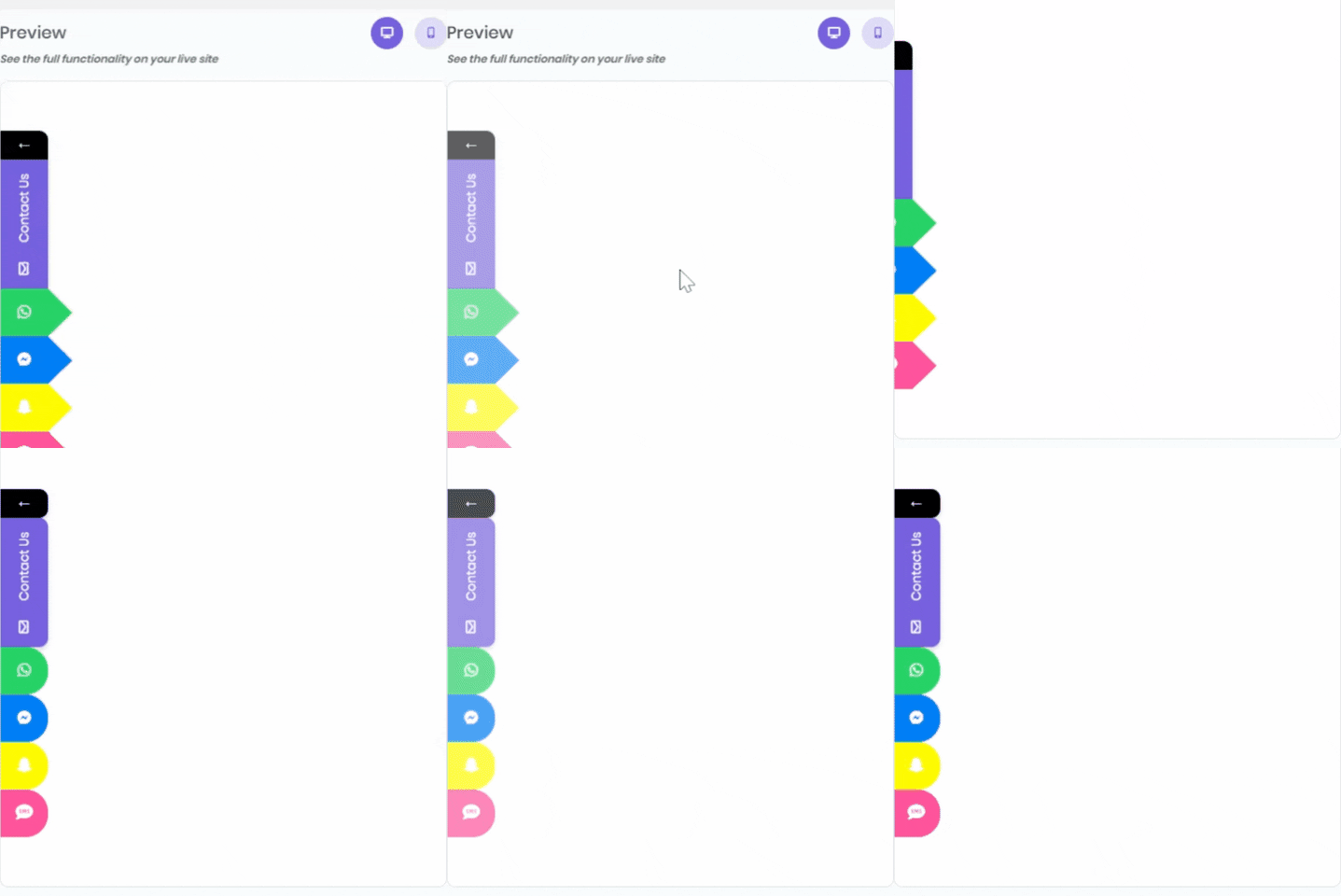
You can show a customized contact form and also up to two social channels (unlimited in the pro plan), display the floating tabs on desktop and mobile, choose LTR or RTL, change the background colors and call-to-action for each icon and more.
No. you can use the free plan as long as you want.
Yes! You can customize your contact form tab and choose to show only the contact tab without any social icon, or vice versa – show only social icons without the contact form.
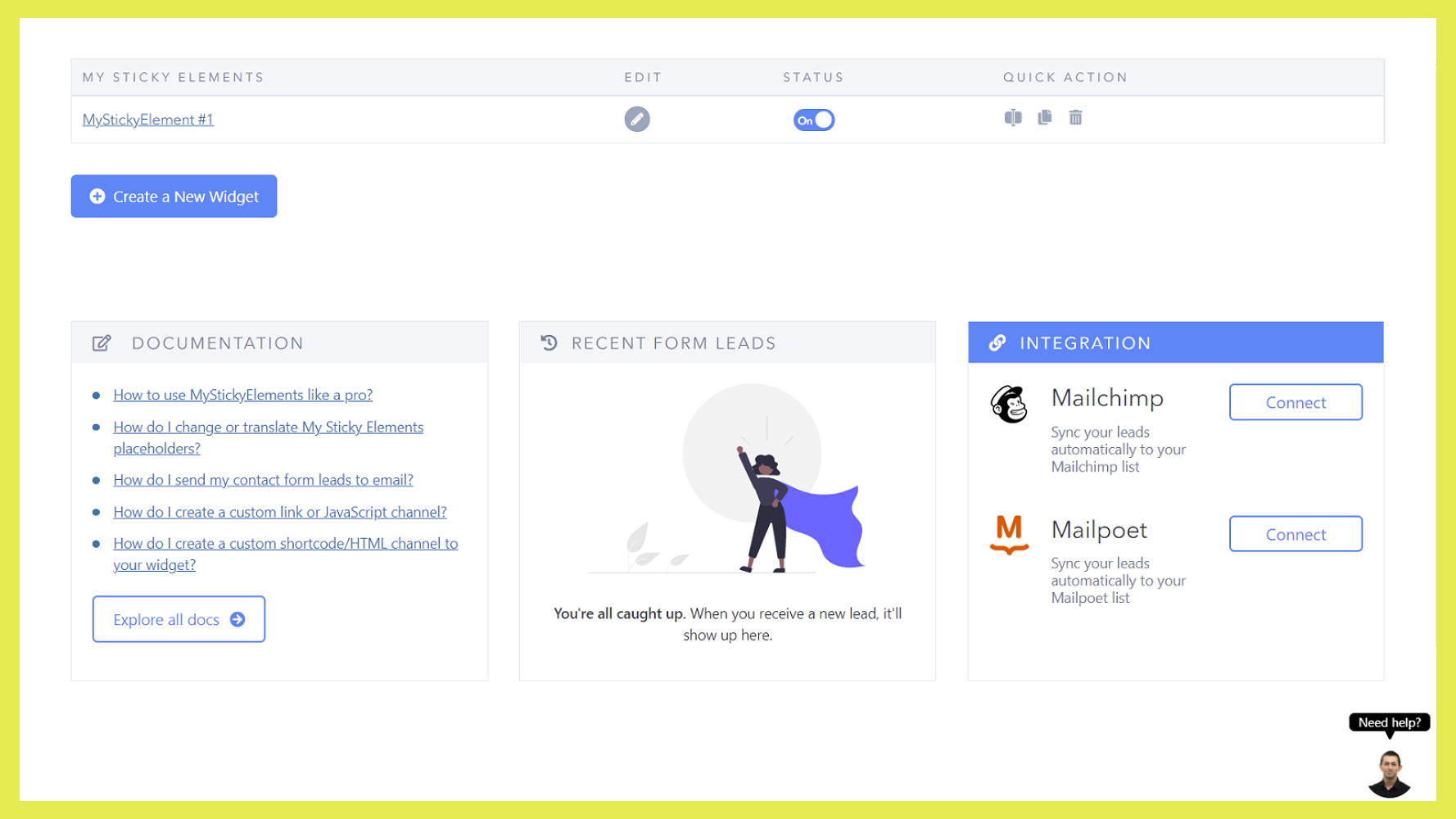
Please make sure the toggles of the contact form and/or social channels are turned ON and click on “SAVE CHANGES” button.
Just follow our pro installation guide.
A live demo for My Sticky Elements plugin is available at Premio’s demo site.
Email and URL validation for more reliable form submissions.
Live preview for attention effects, making it easier to customize animations.
Border radius customization for contact form input fields.
Improved compatibility with the MailPoet plugin.
Removed default hover text when custom channel hover text is cleared.

WhatsApp chat, Facebook Messenger, Telegram, TikTok, Instagram, Email, Line, WeChat Phone call, SMS, 20+ live chat icons & WhatsApp chat pop up 💬

#3 by installs
Just another contact form plugin. Simple but flexible.

#8 by installs
The best anti-spam protection to block spam comments and spam in a contact form. The most trusted antispam solution for WordPress and WooCommerce.

The best WordPress contact form plugin. Drag & Drop form builder to create beautiful contact forms, payment forms, & other custom forms.

#61 by installs
Formerly "Instagram Feed". Display clean, customizable, and responsive Instagram feeds from multiple accounts. Supports Instagram oEmbeds.

Get a fast contact form plugin. Create advanced forms using drag and drop form builder with all smart features.
Read from the WordPress.org plugin API on , when WordPress 7.1.4 was the current release. WordPress.org rounds active installs into buckets. These are the directory's figures, not my verdict, and I haven't tested this plugin.