
🤩 Make popups & optin forms to get more email newsletter subscribers, leads, and sales - #1 most popular popup builder plugin! 🚀
- Installs
- 1+ million
- Rating
- 4.3 (821)
- Updated
- 3 months ago

Setup email optin forms, popups, newsletter forms & subscription forms to generate email leads with the best marketing popup builder
| Last updated | October 22, 2026Updated in the last 3 months |
|---|---|
| Tested up to | WordPress 7.1.4Covers WordPress 7.1.4, the current release |
| Needs WordPress | 6.4 or newer |
| Needs PHP | 7.4 or newer |
| First published | May 19, 2011 |
| Support, last two months | 5 of 5 threads resolved (100%) |
4.4 / 5 from 859 reviews
| 5 stars | 660 |
|---|---|
| 4 stars | 70 |
| 3 stars | 30 |
| 2 stars | 19 |
| 1 star | 80 |
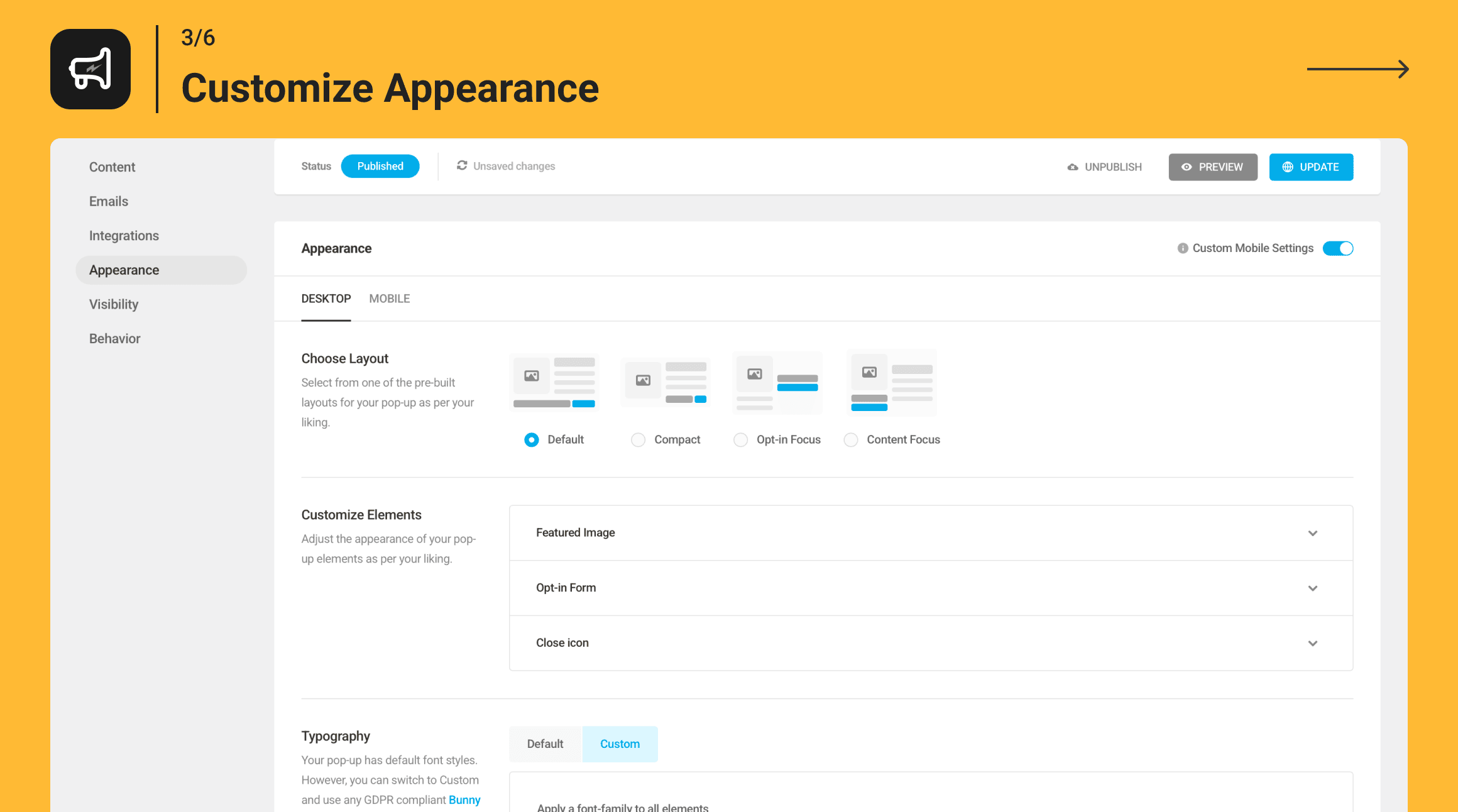
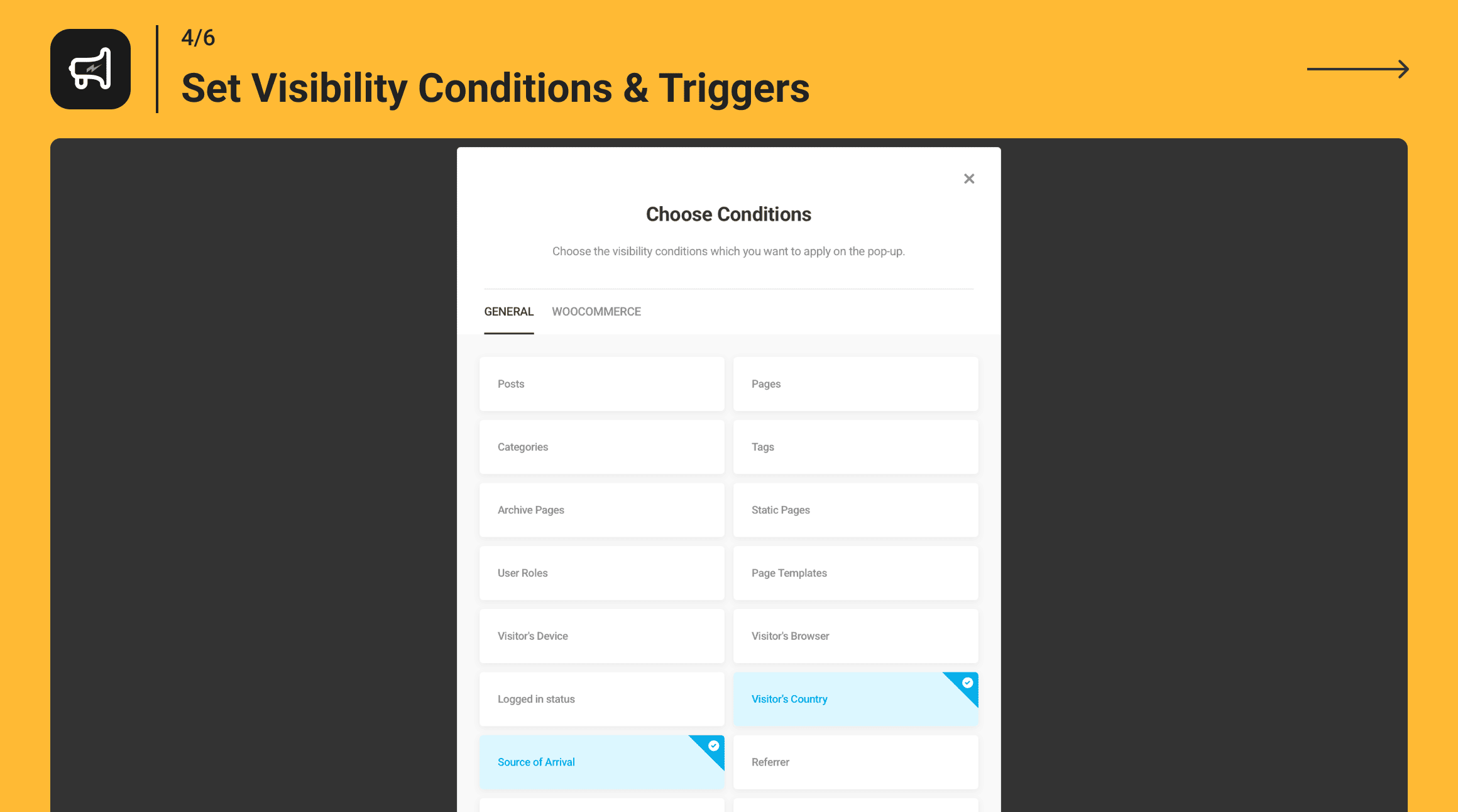
Hustle is the ultimate marketing plugin for building a mailing list and converting site traffic. Lead generation just got easier with simple set up optin forms, targeted marketing popups, and designer-made templates. Build a social following while you’re at it with Hustle’s diverse social sharing capabilities. From the award winning developers of Smush image optimization and Forminator form builder at WPMU DEV.
Hustle lets you easily grow your mailing list or display targeted ads across your site with popups, optins, slide-ins, widgets, and shortcodes.
Access unlimited pop-ups, slide-ins, and social shares from the start with Hustle Pro.
Level up immediately with unlimited campaign creation + access to the full suite of WPMU DEV performance and marketing plugins. Learn more about Pro.
Instant Templates For Every Kind Of Offer
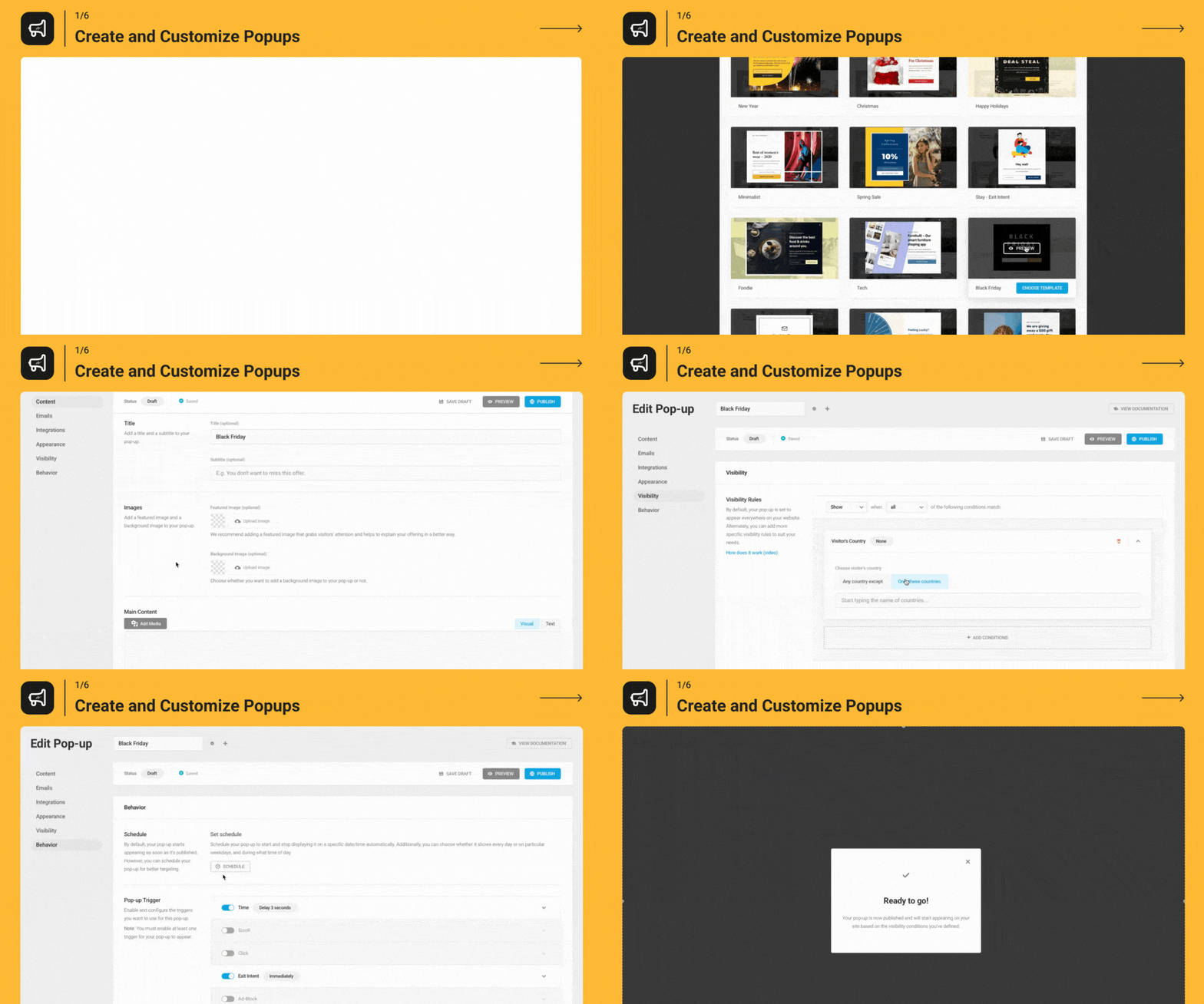
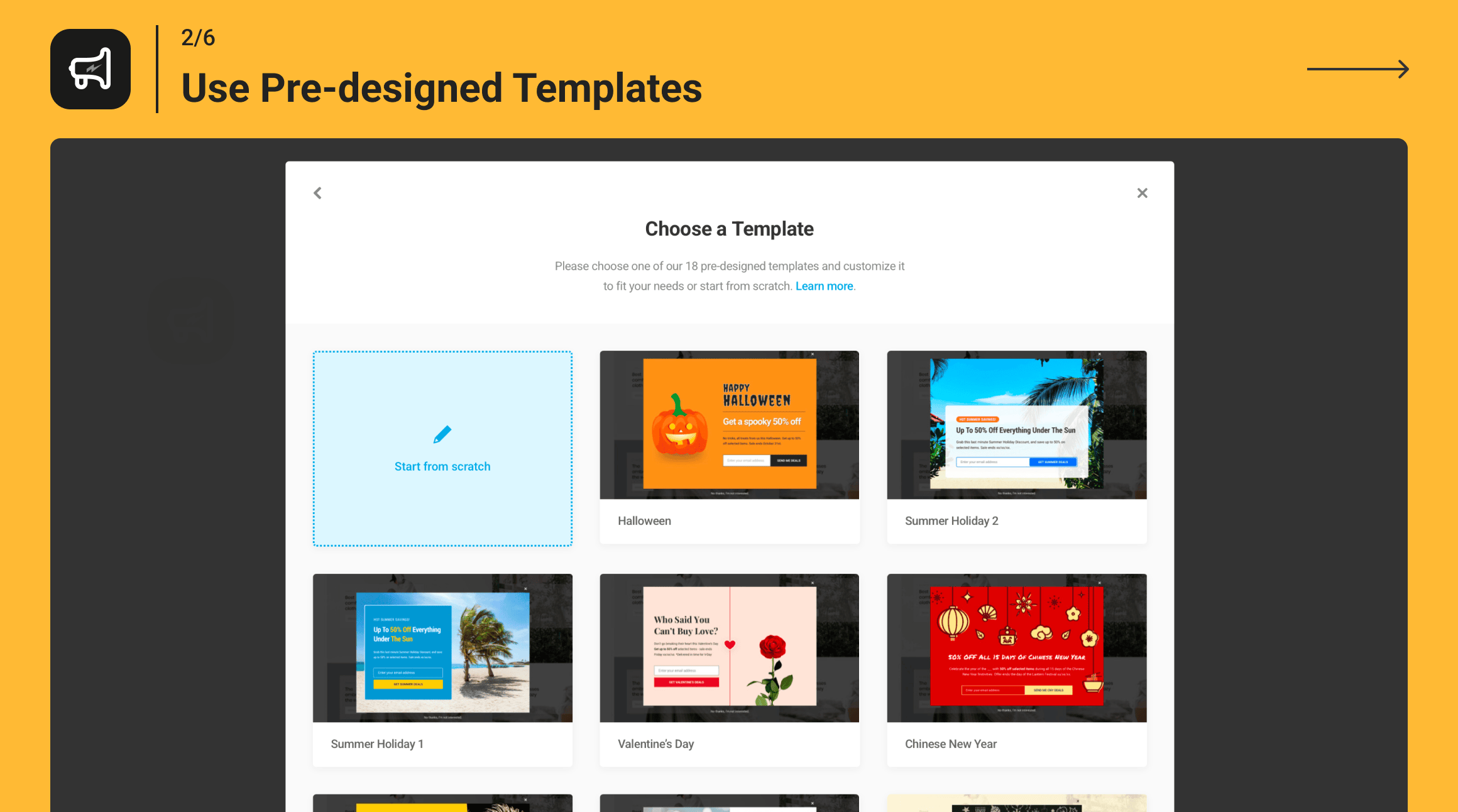
Hustle makes the process of creating popups, slide-ins, and embeds easier with a range of pre-designed templates. The templates available represent a number of different use cases (e.g. Black Friday, giveaway, COVID notice, newsletter signup), meaning you can get started with a module that aligns with your campaign goals. See them in action below:
Learn The Ropes With These Hands-On Hustle Tutorials
The opening of the plugin's own description. The full text, installation notes and changelog are on its WordPress.org page.
WordPress PopUp went through a massive makeover and is now a complete pop-up, slide-in and email opt-in marketing suite, so we gave it a new name. With Hustle you get even more options for growing your business. Enjoy all the new features!
Nope! All your pop-ups will seamlessly be added to the custom content module in Hustle.
No! Hustle gives you all the same settings and options as Hustle Pro. The only difference is Hustle Pro offers unlimited Opt-ins, Custom Content, and Social Sharing.
We take plugin security incredibly seriously; if you have a bug or vulnerability to report, you can do so through the Patchstack Vulnerability Disclosure Program. It’s fast, easy, and you will be notified when the issue is fixed. Report a vulnerability.
🤩 Make popups & optin forms to get more email newsletter subscribers, leads, and sales - #1 most popular popup builder plugin! 🚀

Want to boost sales & marketing efforts? Use your favorite forms & builder. Unlimited popups & impressions, keep your data, no monthly subscription.

#688 by installs
Display high-converting newsletter popups, a cookie notice, or a notification with the light-weight yet feature-rich plugin.

#41 by installs
Launch and grow your email marketing effortlessly with Hostinger Reach. Collect contacts, sync subscribers, and send emails – all in one, AI powered.

#392 by installs
Newsletters, Email Marketing, Email Automation, Forms, Pop Up, SMS by Omnisend

#430 by installs
A quick and easy way to create Popup layers inside the Divi Visual Builder!
Read from the WordPress.org plugin API on , when WordPress 7.1.4 was the current release. WordPress.org rounds active installs into buckets. These are the directory's figures, not my verdict, and I haven't tested this plugin.