
🤩 Make popups & optin forms to get more email newsletter subscribers, leads, and sales - #1 most popular popup builder plugin! 🚀
- Installs
- 1+ million
- Rating
- 4.3 (821)
- Updated
- 3 months ago

A quick and easy way to create Popup layers inside the Divi Visual Builder!
| Last updated | October 28, 2026Updated in the last 3 months |
|---|---|
| Tested up to | WordPress 7.0.8Older than WordPress 7.1.4, the current release |
| Needs WordPress | 4.0.0 or newer |
| Needs PHP | 7.0 or newer |
| First published | January 9, 2018 |
| Support, last two months | 2 of 3 threads resolved (67%) |
4.8 / 5 from 442 reviews
| 5 stars | 401 |
|---|---|
| 4 stars | 14 |
| 3 stars | 8 |
| 2 stars | 4 |
| 1 star | 15 |
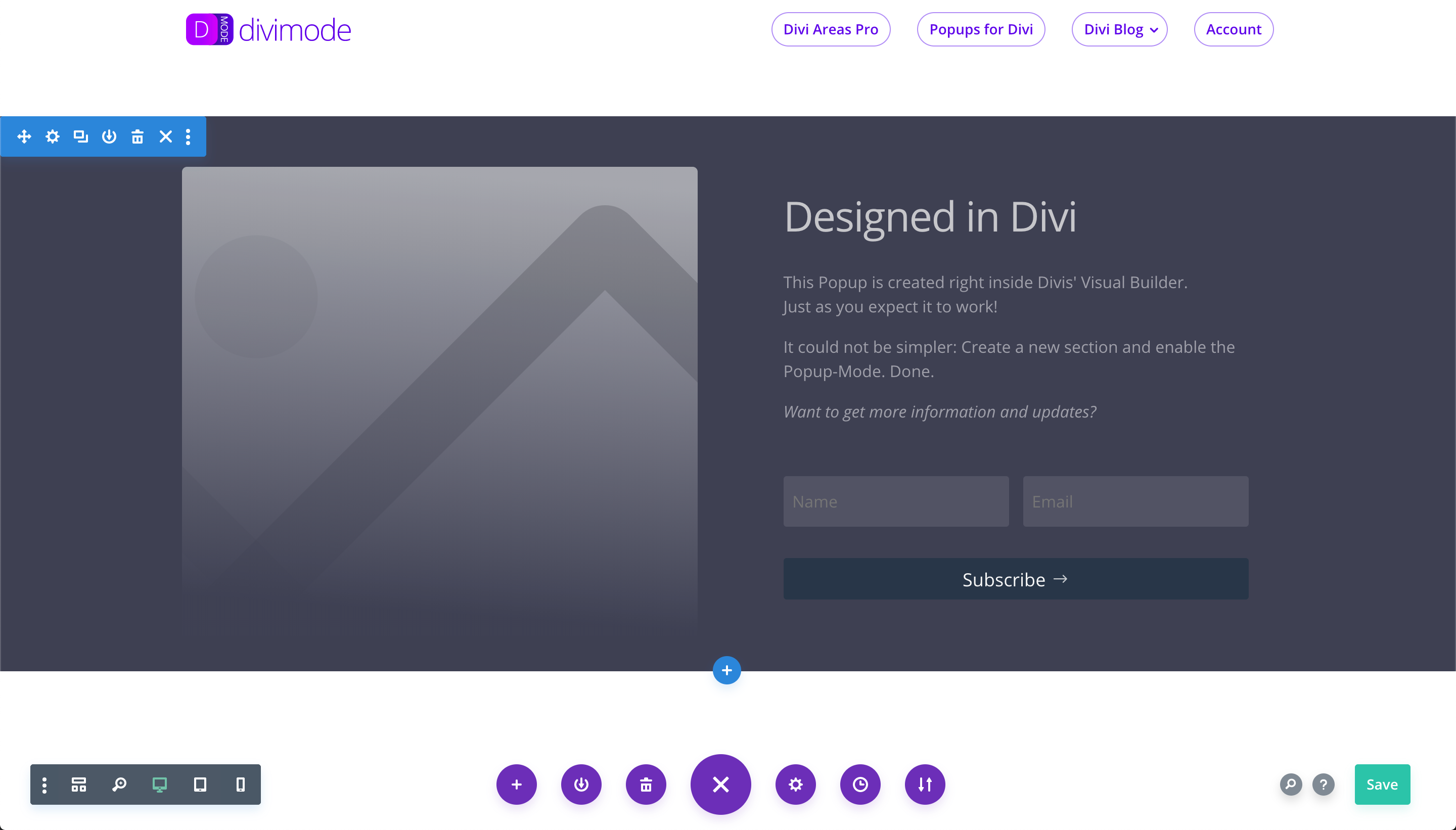
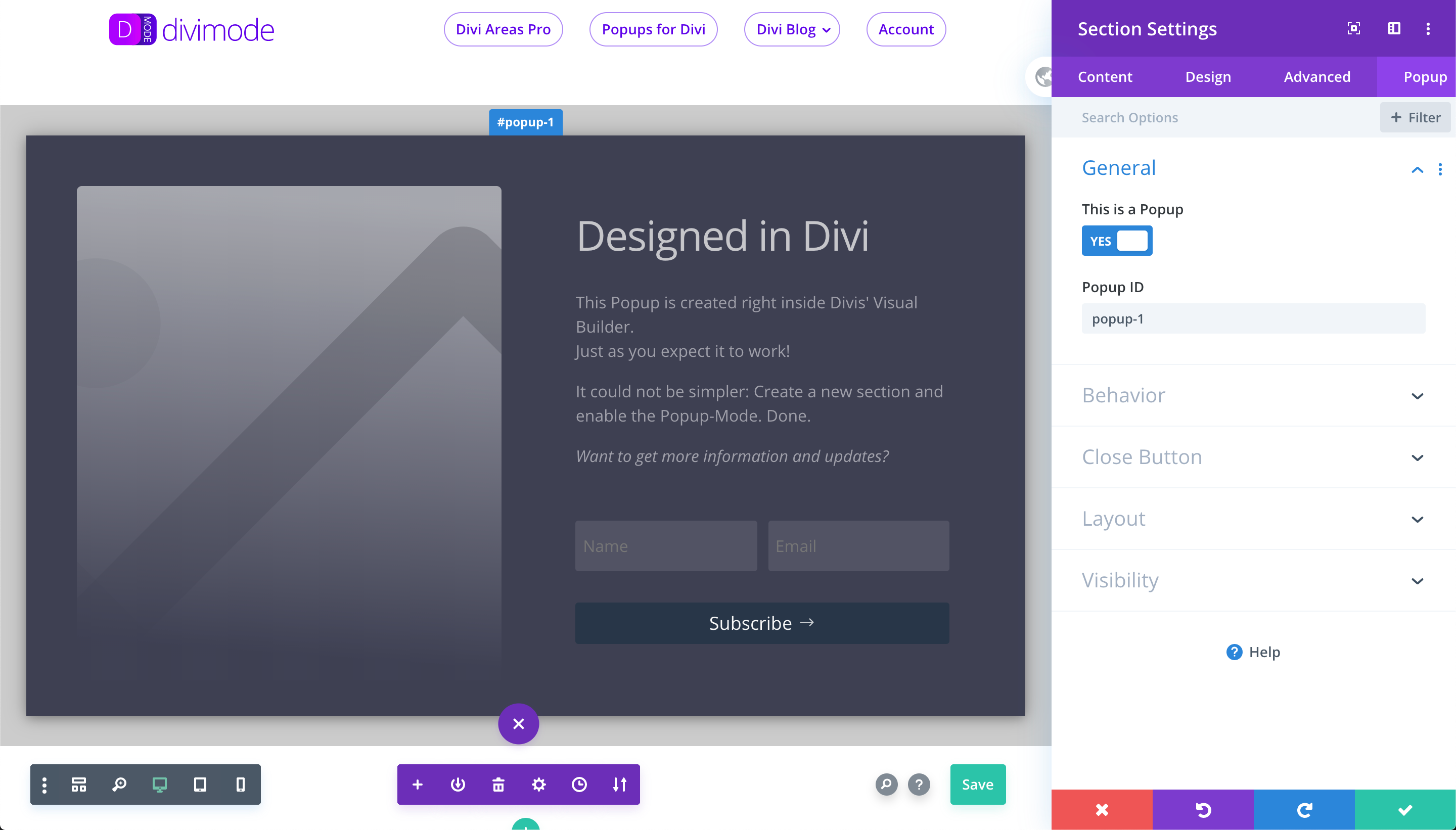
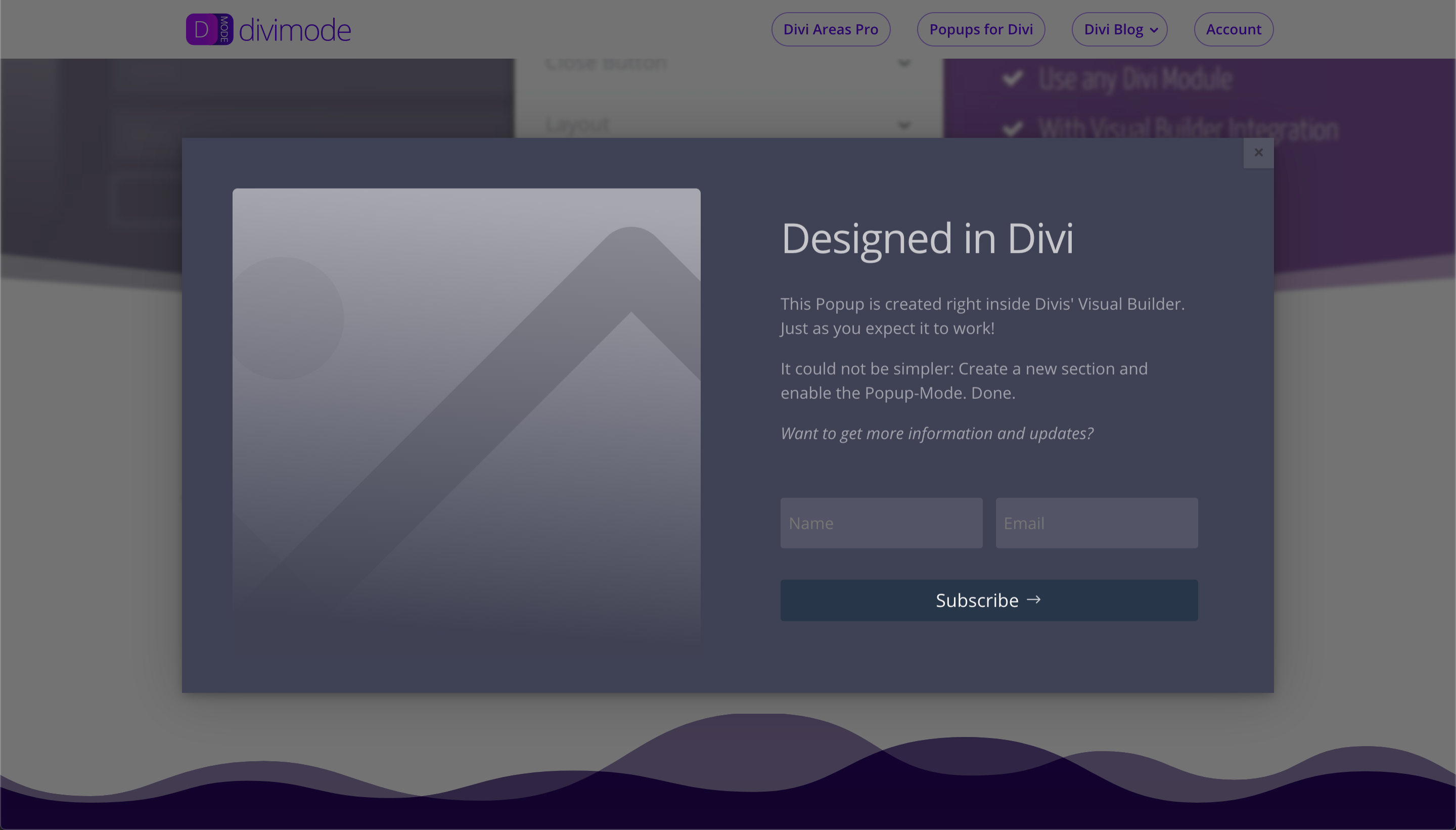
After the plugin is activated, the Visual Builder displays a new tab called “Popup” in the Section Settings modal. In the “Popup” tab, you can turn a regular Section into a Popup!
It’s super simple, as you can see on the plugins Demo Page: divimode.com/divi-popup/demo
ℹ️ How it works
First, activate the plugin (no configuration needed!)
⭐️ Additional details
Check out the Plugin website for more details. You’ll find:
Tested in all major browsers on Windows and Mac: Chrome, Firefox, Safari, IE 11, Edge!
Popups for Divi Course
During the past years, we’ve added a ton of features and have created a stable and powerful marketing plugin.
The opening of the plugin's own description. The full text, installation notes and changelog are on its WordPress.org page.
Actually none! We designed it with maximum page performance in mind. Our tests did show literally no change in page loading speed.
The plugin will add a single line of CSS to the page output and load two files that currently are only about 31 kb in size (9kb gzipped). Both files are cached by the browser and used on all other pages of your website.
Yes, absolutely! There is no dynamic logic in the PHP code like other popup plugins have. Popups for Divi is a little bit of PHP but the main logic sits inside the small javascript library it provides. It works on the client-side and therefore is not restricted by caching plugins.
This plugin is kept compatible with the latest Divi release.
We did test it with all releases since the initial Divi 3.0 release. Possibly it will also work with older versions
Yes, actually it will! But out of the box it is optimized to work with Divi 3.0 and later. If you use any other theme or site builder then you need to change the default options of the plugin via the evr_divi_popup-js_data filter.
For more details visit divimode.com/divi-popup
No. This plugin is free and does not display any ads. In fact, the plugin does not have a UI at all.
Popups for Divi is just that – a plain popup plugin, not our marketing strategy!
Since version 1.6.0 we now offer a six-day email course that shows you how the plugin works. You will see a notification in your wp-admin dashboard right after activating the plugin.
No, we do not collect or transmit any data from your website.
Since version 1.6.0 there is one exception: We now offer an email course that shows you how the plugin works. You will see a notification in your wp-admin dashboard right after activating the plugin.
🤩 Make popups & optin forms to get more email newsletter subscribers, leads, and sales - #1 most popular popup builder plugin! 🚀

Want to boost sales & marketing efforts? Use your favorite forms & builder. Unlimited popups & impressions, keep your data, no monthly subscription.

#505 by installs
Setup email optin forms, popups, newsletter forms & subscription forms to generate email leads with the best marketing popup builder

#688 by installs
Display high-converting newsletter popups, a cookie notice, or a notification with the light-weight yet feature-rich plugin.

#41 by installs
Launch and grow your email marketing effortlessly with Hostinger Reach. Collect contacts, sync subscribers, and send emails – all in one, AI powered.

#208 by installs
Get your products in front of Pinterest users searching for ideas and things to buy. Connect your WooCommerce store to make your catalog browsable.
Read from the WordPress.org plugin API on , when WordPress 7.1.4 was the current release. WordPress.org rounds active installs into buckets. These are the directory's figures, not my verdict, and I haven't tested this plugin.