
Site Kit is a one-stop solution for WordPress users to use everything Google has to offer to make them successful on the web.
- Installs
- 5+ million
- Rating
- 4.2 (1K)
- Updated
- 12 days ago

Web Stories are a visual storytelling format for the open web which immerses your readers in fast-loading, full-screen, and visually rich experiences.
| Last updated | May 15, 2025Not updated for over a year |
|---|---|
| Tested up to | WordPress 6.8.12Older than WordPress 7.1.4, the current release |
| Needs WordPress | 6.6 or newer |
| Needs PHP | 7.4 or newer |
| First published | September 22, 2020 |
| Support, last two months | 1 of 2 threads resolved (50%) |
4.2 / 5 from 87 reviews
| 5 stars | 61 |
|---|---|
| 4 stars | 6 |
| 3 stars | 5 |
| 2 stars | 5 |
| 1 star | 10 |
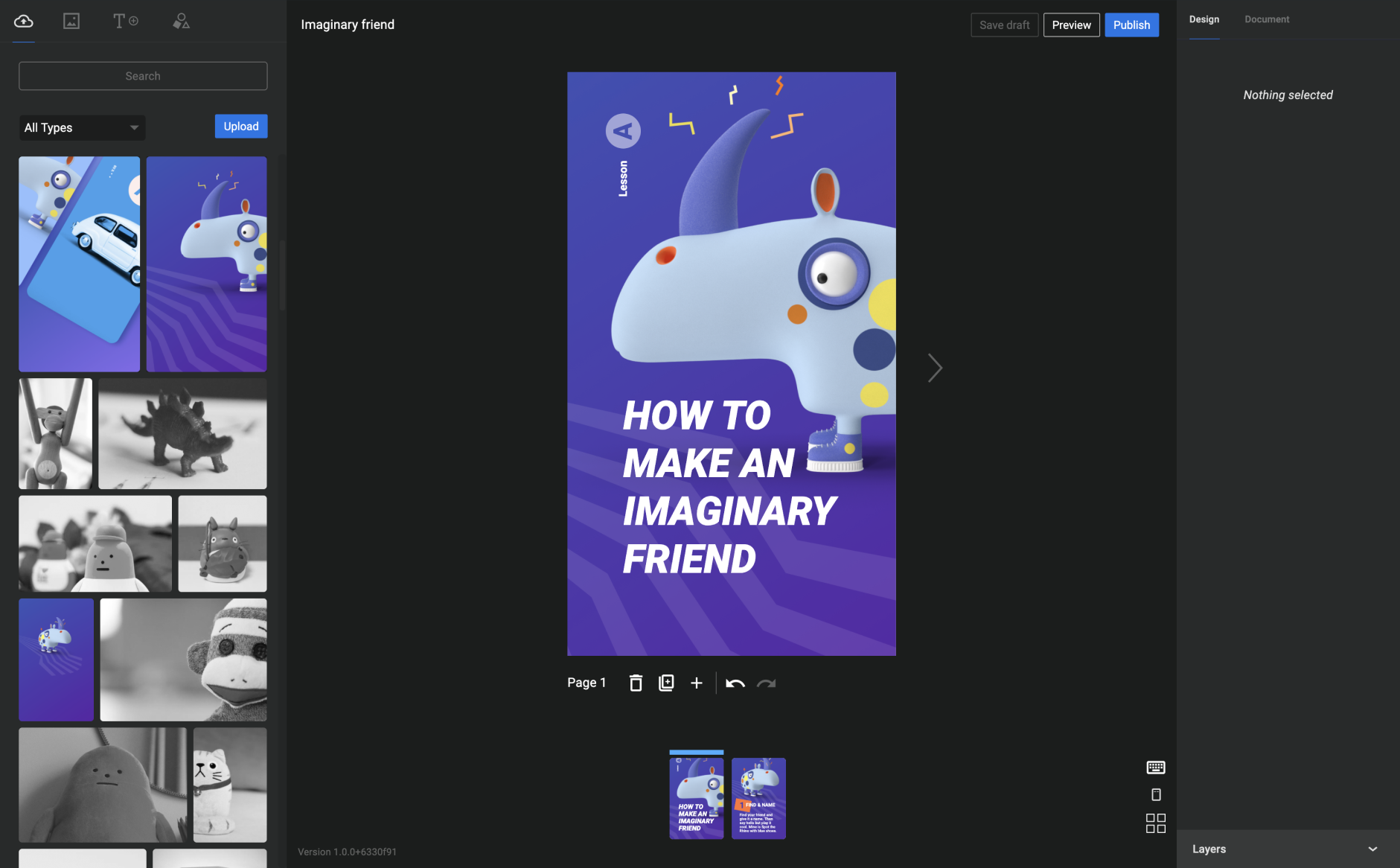
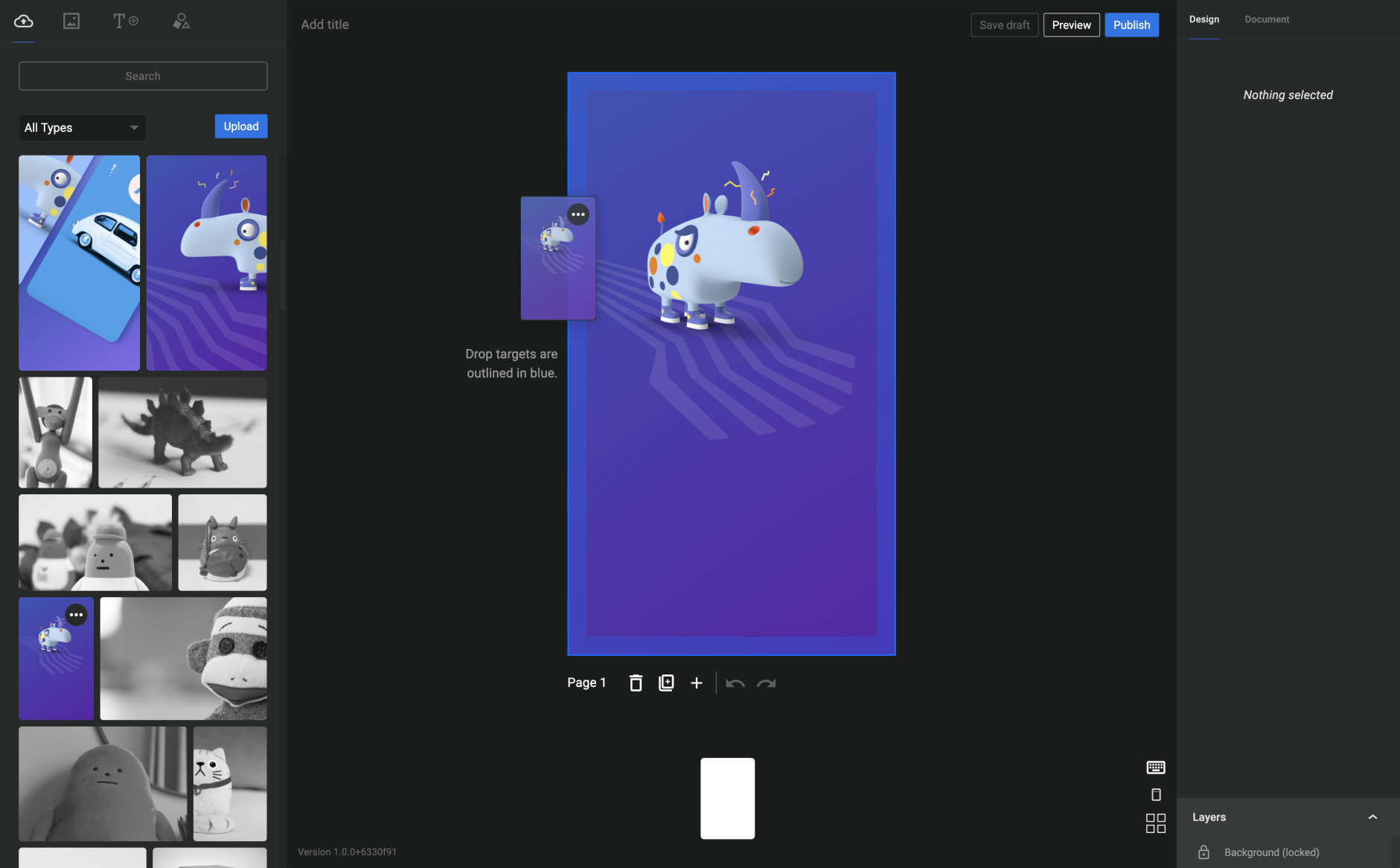
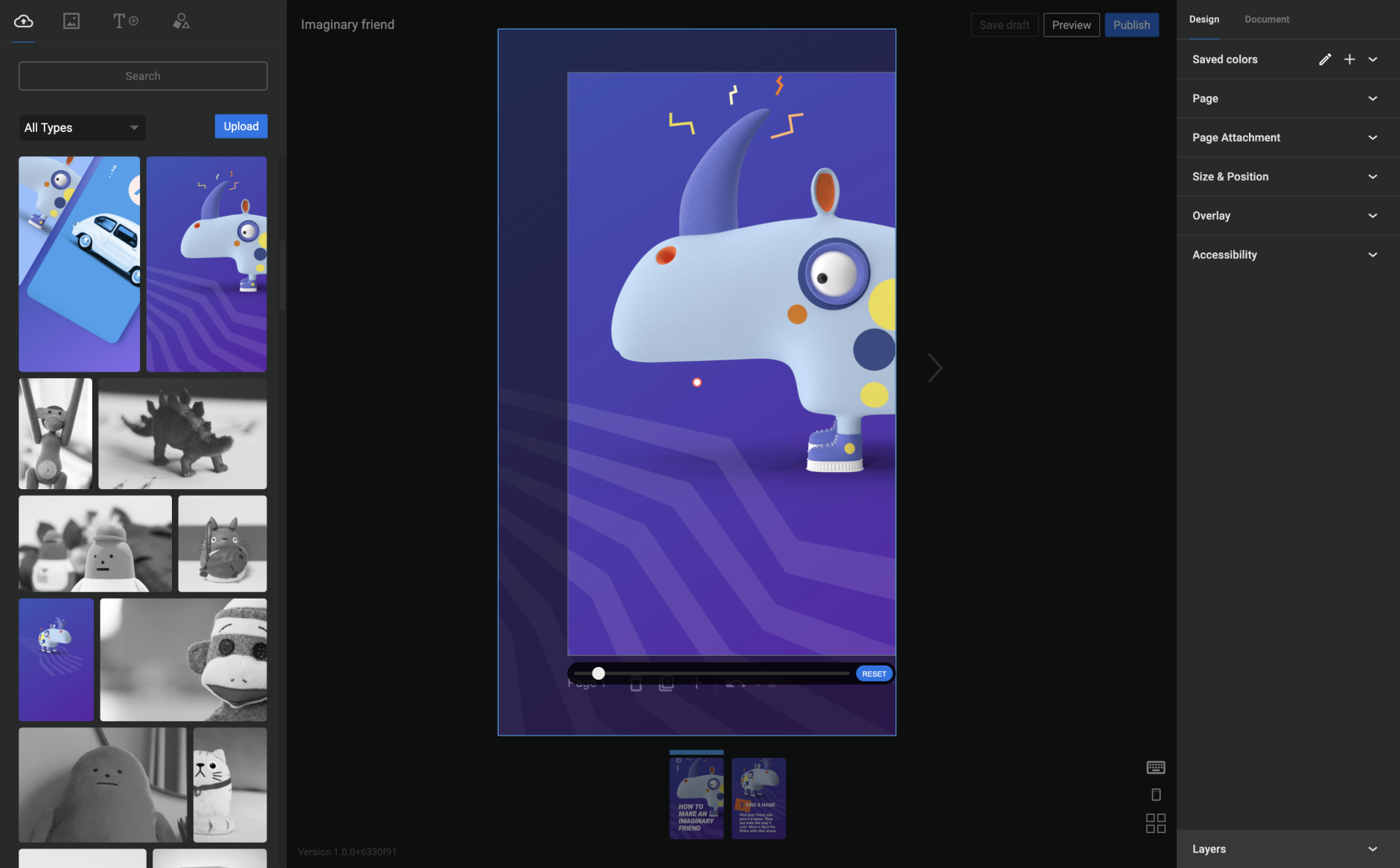
Web Stories are a free, open-web, visual storytelling format for the web, enabling you to easily create visual narratives with engaging animations and tappable interactions, and immerse your readers in great and fast-loading full-screen experiences.
Benefits of Web Stories
The Web Stories format puts features and capabilities at your fingertips to engage with your audience via the power of storytelling on the open web. Specifically, you can:
The opening of the plugin's own description. The full text, installation notes and changelog are on its WordPress.org page.
For an optimal Web Story creation experience, we recommend using the latest version of commonly popular web browsers (Chrome, Firefox, Safari, Edge).
Because the Web Story format is new to the web ecosystem, some WordPress plugins may need extra support. We are working to improve compatibility with the Web Story editor and encourage you to file any bugs and requests in the support forum.
The Web Story editor is not currently supported on touch screen devices, such as a smartphone or tablet.
For better chances of being discovered, after publishing your Web Story, we encourage you to embed it into a regular article or post on your site by using the Web Stories Gutenberg block.
While the default sitemaps in WordPress and most popular plugins handle it automatically, we encourage you to check that your Web Stories are included in your XML sitemaps.
Web Stories created using Web Stories for WordPress use what’s provided in the Document tab inside the editor to generate schema.org and social meta-data automatically. Ensure you review and update all requested metadata, including cover image, excerpt and publisher logo. Please see SEO for Web Stories for further SEO guidance.
There are two ways to include analytics in your Web Stories:

Site Kit is a one-stop solution for WordPress users to use everything Google has to offer to make them successful on the web.

#74 by installs
Native integration with Google that allows merchants to easily display their products across Google’s network.

#149 by installs
Adds Google Analytics tracking code to your WordPress site. Supports many tracking features.

#168 by installs
An easier path to great Page Experience for everyone. Powered by AMP.

#196 by installs
The original Google Fonts self-hosting plugin. Automagically caches your fonts locally — no configuration (or brains) required!

#198 by installs
Manage Google AdSense ads, banners, ad rotation, sticky widgets, AMP ads, ads.txt, tracking, header and footer code, PHP code, global custom fields
Read from the WordPress.org plugin API on , when WordPress 7.1.4 was the current release. WordPress.org rounds active installs into buckets. These are the directory's figures, not my verdict, and I haven't tested this plugin.