Type to search.

#198 by installs

Ad Inserter – Ad Manager & AdSense Ads

by SpacetimeVersion 2.8.20

Manage Google AdSense ads, banners, ad rotation, sticky widgets, AMP ads, ads.txt, tracking, header and footer code, PHP code, global custom fields

Active installs
300,000+
#198 of 1,000
Downloads, all time
19.5M
19,458,674
Downloads, 30 days
134.9K
82.1K in the last 7
Rating
4.9 / 5
2,433 reviews
Last updated
3 days ago
Oct 28, 2026
Version
2.8.20
15 releases

Upkeep and compatibility

Last updatedOctober 28, 2026Updated in the last 3 months
Tested up toWordPress 7.2Covers WordPress 7.1.4, the current release
Needs WordPress6.0 or newer
Needs PHP7.4 or newer
First publishedNovember 14, 2010
Support, last two months6 of 6 threads resolved (100%)

Reviews

4.9 / 5 from 2,433 reviews

Reviews by star rating
5 stars2,349
4 stars44
3 stars10
2 stars4
1 star26

Downloads, last 30 days

Low 1.4K a dayHigh 64.8K a day

What the author says it does

Ad management plugin with many advanced advertising features to insert ad codes at optimal positions.

Supports all kinds of ads including Google AdSense, Google Ad Manager (DFP – DoubleClick for publishers), Media.net , Infolinks and rotating banners.

This plugin is more than AdSense plugin or plugin for ads. It provides many advanced options to insert opt-in forms, header scripts, Javascript, CSS, HTML, PHP, analytics, tracking or advert code anywhere on the page.

Insert ads where other plugins fail.

It’s all about the settings.

Plugin reviews:

I’ve been using another ad placement manager for a couple years and just recently started using Ad Inserter.

I’m blown AWAY with the power and flexibility of it.

I can HIGHLY recommend this plugin to anyone looking for an easy way to manage ads within WordPress.

Difficult to choose, but certainly top 3 plugins I’ve ever used in WordPress, ever.

Features – check documentation for the complete list

  • AdSense integration
  • Support for Google Ad Manager (DoubleClick for publishers)
  • Syntax highlighting editor
  • Plain JavaScript code on front-end – no library dependencies
  • Code preview with visual CSS editor
  • Automatically inserts ads on posts and pages
  • Insert before or after post
  • Insert before or after content
  • Insert before or after paragraph
  • Insert before or after random paragraph

The opening of the plugin's own description. The full text, installation notes and changelog are on its WordPress.org page.

Questions the author answers

Settings for …

Check common settings

Does Ad Inserter insert any internal ads?

No revenue sharing and no such thing as “internal ads” or “our ads” on your website. Period. What you configure is what will be inserted (+ some internal scripts for plugin features).

Ad Inserter is free, open source plugin and inserts only the code you configure (blocks, Header, Footer). The code you see is the code that will be inserted. Please check page source code before you make any conclusion.

What is remote debugging?

Ad Inserter is basically used to insert ad codes according to the settings.

When the code is not inserted where it is expected or the inserted HTML/Javascript code does not display anything, you as the site administrator can use debugging functions to diagnose insertions.

Those tools are normally available to the administrator of the website and are shown as a menu item in the admin bar.

I have installed code for AdSense and I see ads placed at random positions.

You are probably using code for AdSense Auto ads.

Auto ads (known also as Page Level Ads) is a code that you insert on every page once and it will automatically display ads on positions chosen by the code.

The code uses Google’s machine learning to pick the best placements on your pages to show adverts.

I have installed code for AdSense but the ad blocks are blank.

Blank ad block means that the code is inserted properly, only the ad code doesn’t display ads.

This happens when Google for some reason does not serve ads for the website, page or specific ad block – the block remains unfilled.

Ad Inserter can detect, hide or replace blank AdSense blocks.

Please check Ads Not Displayed for more information.

What is GDPR?

The GDPR (General Data Protection Regulation) is a regulation in European Union (EU) on data protection and privacy for all individuals within the EU and the European Economic Area (EEA) that was designed to harmonize data privacy laws across Europe. If you collect personal information from any EU citizen (within or outside the EU), you must first obtain explicit and unambiguous consent.

Latest changelog entry

2.8.20

  • Security fix for arbitrary shortcode execution (credits to Kuba)
  • Security fix for cross Site Scripting (XSS) (credits to Md. Moniruzzaman Prodhan)
  • Security fix for cross Site Scripting (XSS) (credits to nh4tvd)
  • Security fix for cross Site Scripting (XSS) (credits to yzx001)
  • Security fix for cross Site Scripting (XSS) (credits to Deva Parekh)
  • Fixes for compatibility with WordPress 7.2
  • Few minor bug fixes, cosmetic changes and code improvements

Screenshots

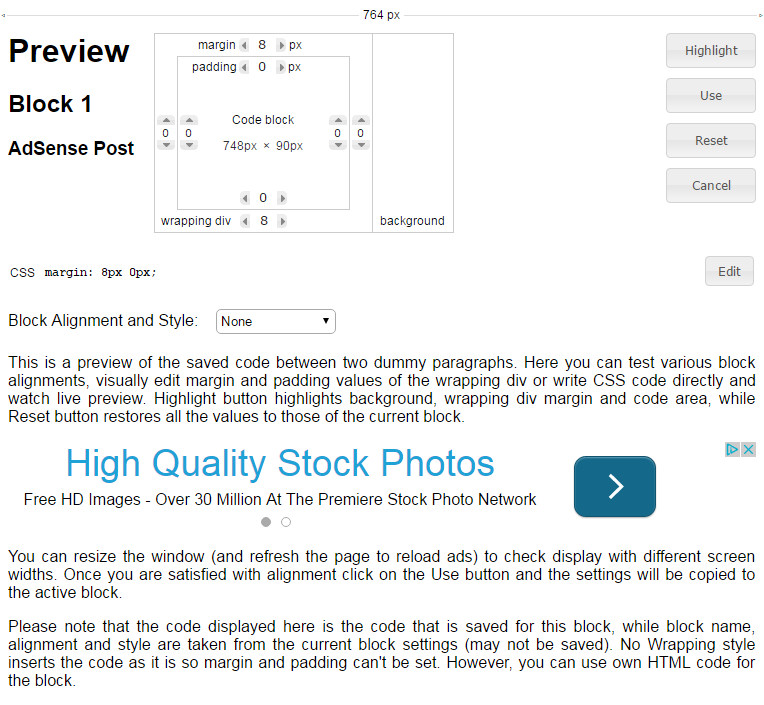
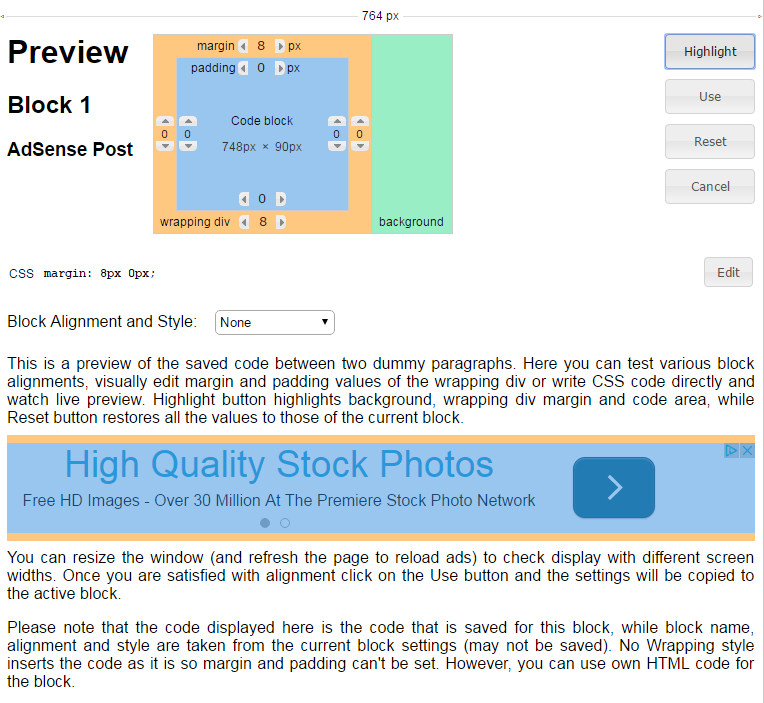
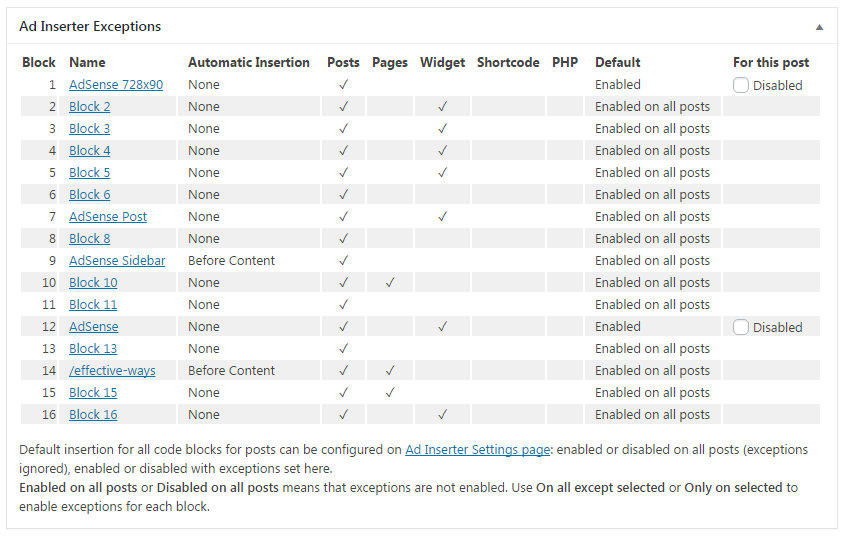
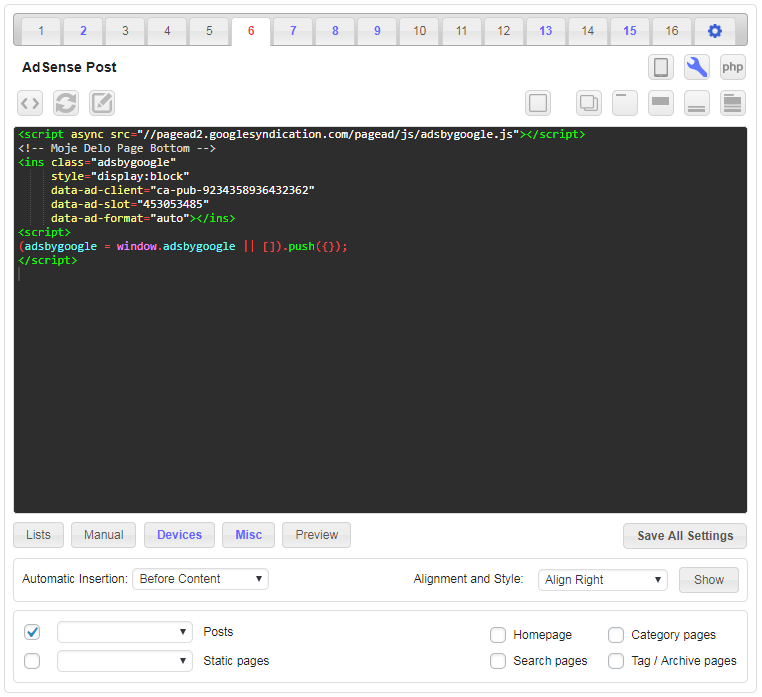
First 4 of 17, from WordPress.org.

Tagged

Plugins that share its tags

#465 by installs

Advanced Ads – Ad Manager & AdSense

by monetizemore

Advanced Ads is a WordPress ad manager that puts AdSense, Amazon, affiliate and direct-sold ads anywhere on your site without editing theme files.

Installs
90,000+
Rating
4.9 (1.5K)
Updated
3 days ago

#211 by installs

Head, Footer and Post Injections

by Stefano Lissa

Head and Footer plugin lets you to add HTML code to the head and footer sections of your site pages, inside posts... and more!

Installs
200,000+
Rating
4.9 (735)
Updated
7 months ago

#355 by installs

Ads.txt Manager

by 10up

Create, manage, and validate your ads.txt and app-ads.txt from within WordPress, like any other content asset.

Installs
100,000+
Rating
4.7 (15)
Updated
47 days ago

#74 by installs

Google for WooCommerce

by WooCommerce

Native integration with Google that allows merchants to easily display their products across Google’s network.

Installs
800,000+
Rating
2.7 (268)
Updated
11 days ago

#168 by installs

AMP

by Weston Ruter

An easier path to great Page Experience for everyone. Powered by AMP.

Installs
300,000+
Rating
3.8 (367)
Updated
19 months ago

Where this page's numbers come from

Read from the WordPress.org plugin API on , when WordPress 7.1.4 was the current release. WordPress.org rounds active installs into buckets. These are the directory's figures, not my verdict, and I haven't tested this plugin. The author takes donations at their donate page.