
#71 by installs
Translate WordPress with GTranslate
Translate WordPress with Google Translate multilanguage plugin using AI translation. Complete multilingual SEO solution, WooCommerce compatible.
- Installs
- 900,000+
- Rating
- 4.9 (5K)
- Updated
- 8 days ago

Translate WordPress into 110+ languages with AI. Multilingual plugin with SEO-friendly URLs, hreflang tags, language switcher, and glossary rules.
| Last updated | October 21, 2026Updated in the last 3 months |
|---|---|
| Tested up to | WordPress 7.1.4Covers WordPress 7.1.4, the current release |
| Needs WordPress | 6.0 or newer |
| Needs PHP | 7.4 or newer |
| First published | May 14, 2026 |
| Support, last two months | No threads opened |
5.0 / 5 from 1 review
| 5 stars | 1 |
|---|---|
| 4 stars | 0 |
| 3 stars | 0 |
| 2 stars | 0 |
| 1 star | 0 |
The Best AI Translation Plugin for Multilingual WordPress Sites
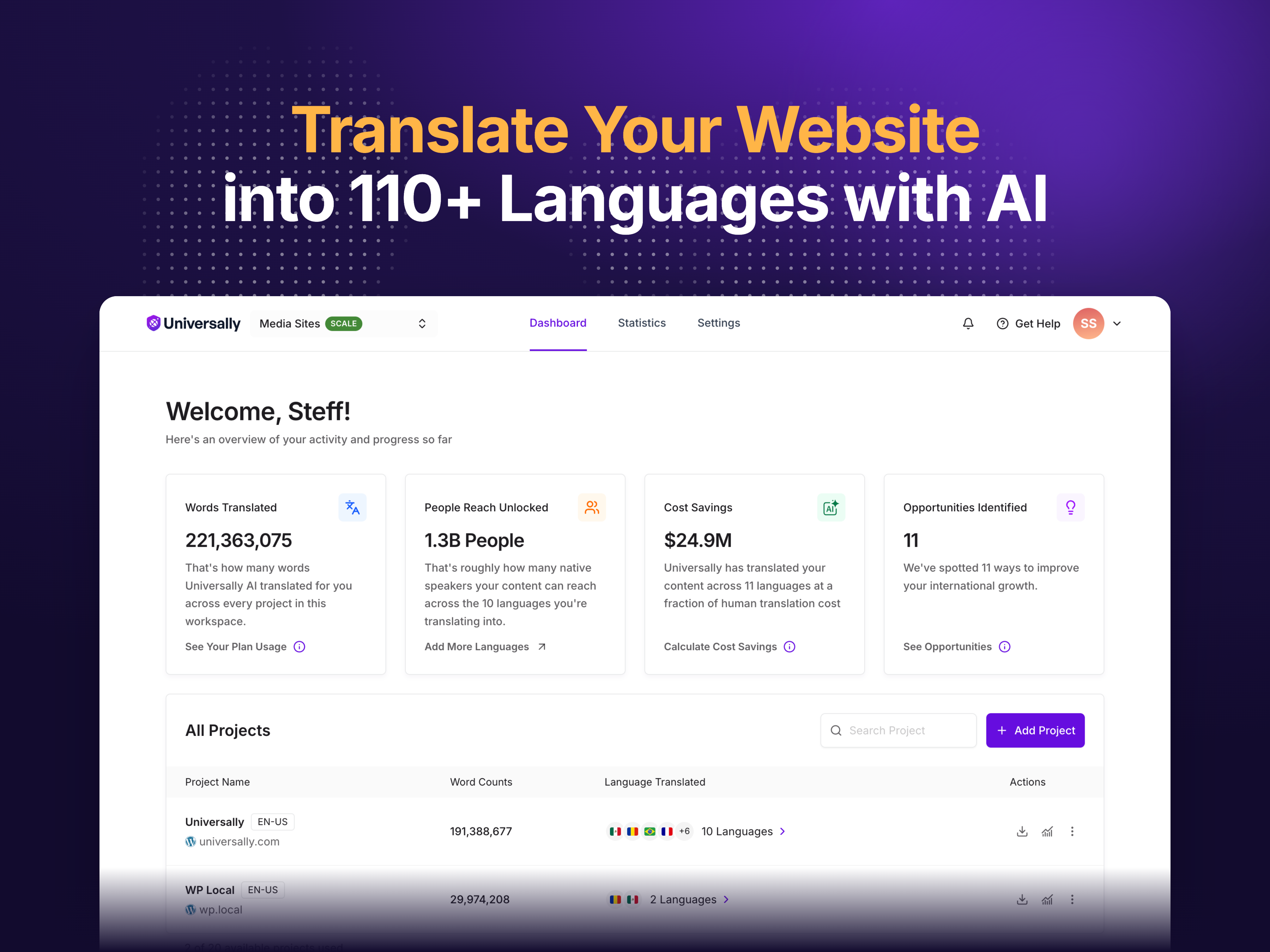
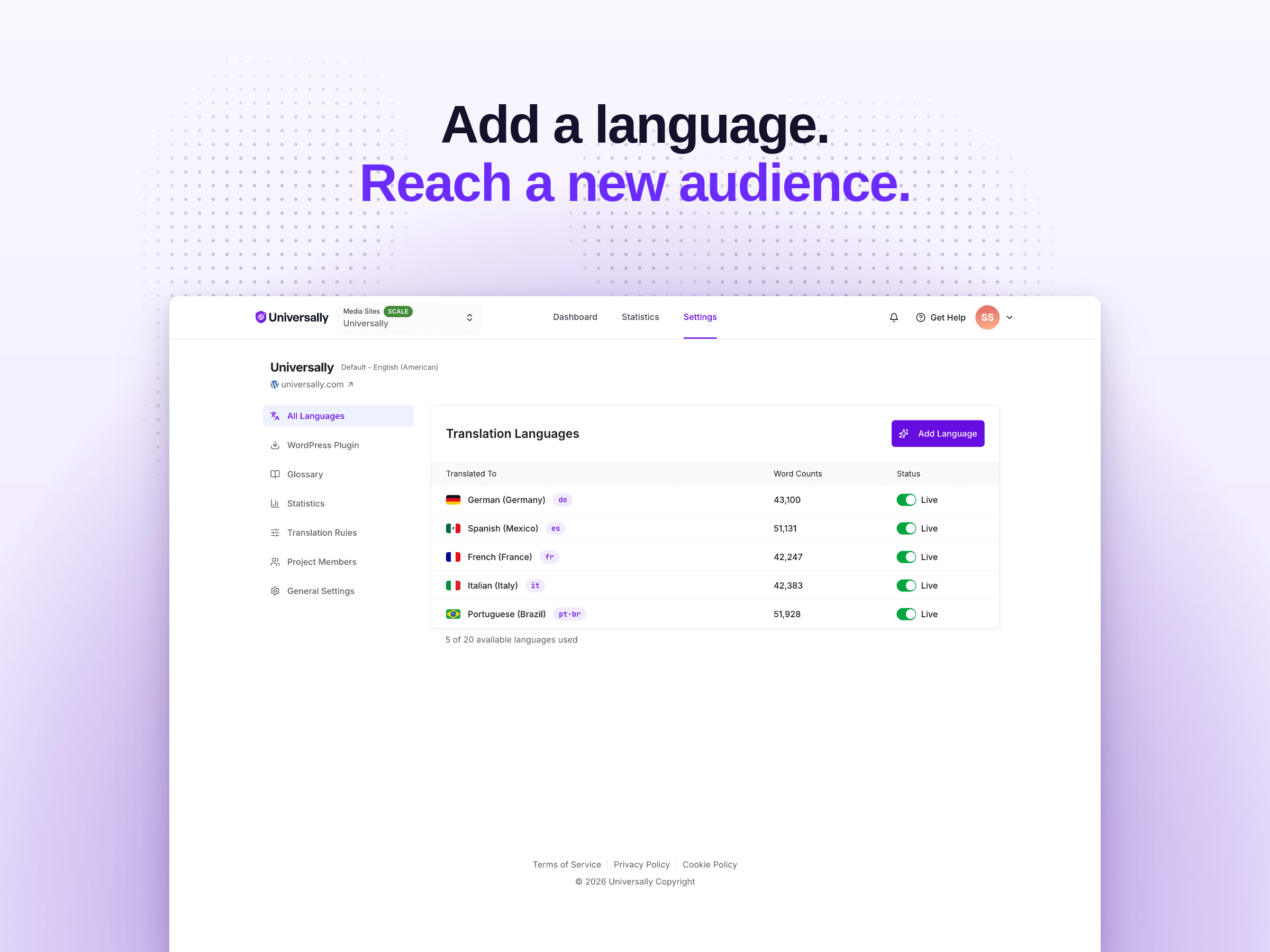
Universally is the fastest way to translate your WordPress website into 110+ languages and run a fully multilingual site. The plugin connects WordPress to the Universally AI translation service — install the plugin, connect your site, pick your languages, and every page is automatically translated with clean URLs, hreflang tags, and translated metadata. No code, no template editing, no database bloat from a million extra translation rows.
Your visitors land on translated pages at URLs like yoursite.com/fr/ or yoursite.com/es/, with proper hreflang tags and translated page metadata, so search engines crawl and rank every language version of your site independently. That is the multilingual SEO foundation most translation plugins skip — and the reason translated content stays invisible in Google when you use them.
Upgrade Your Translation
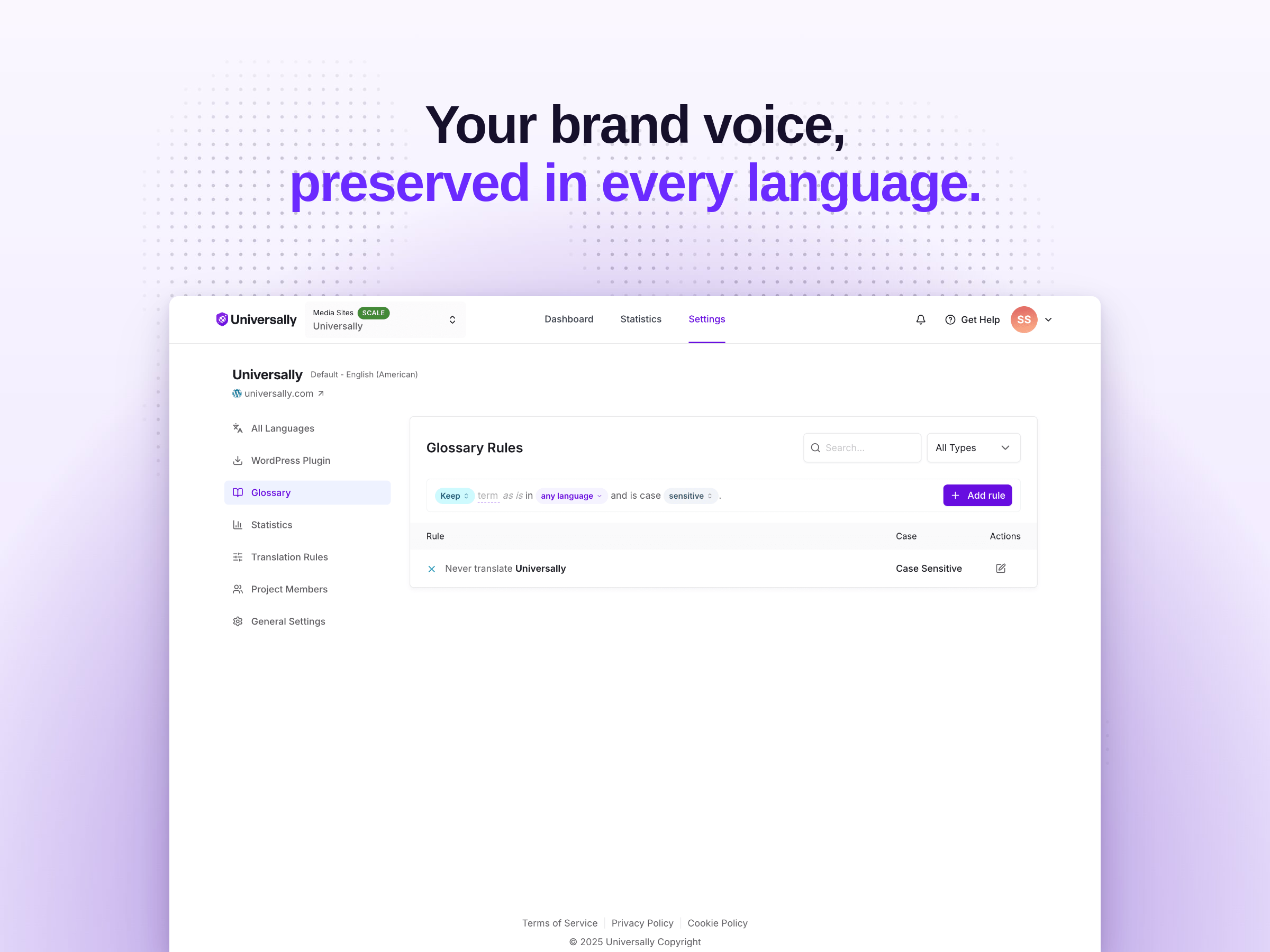
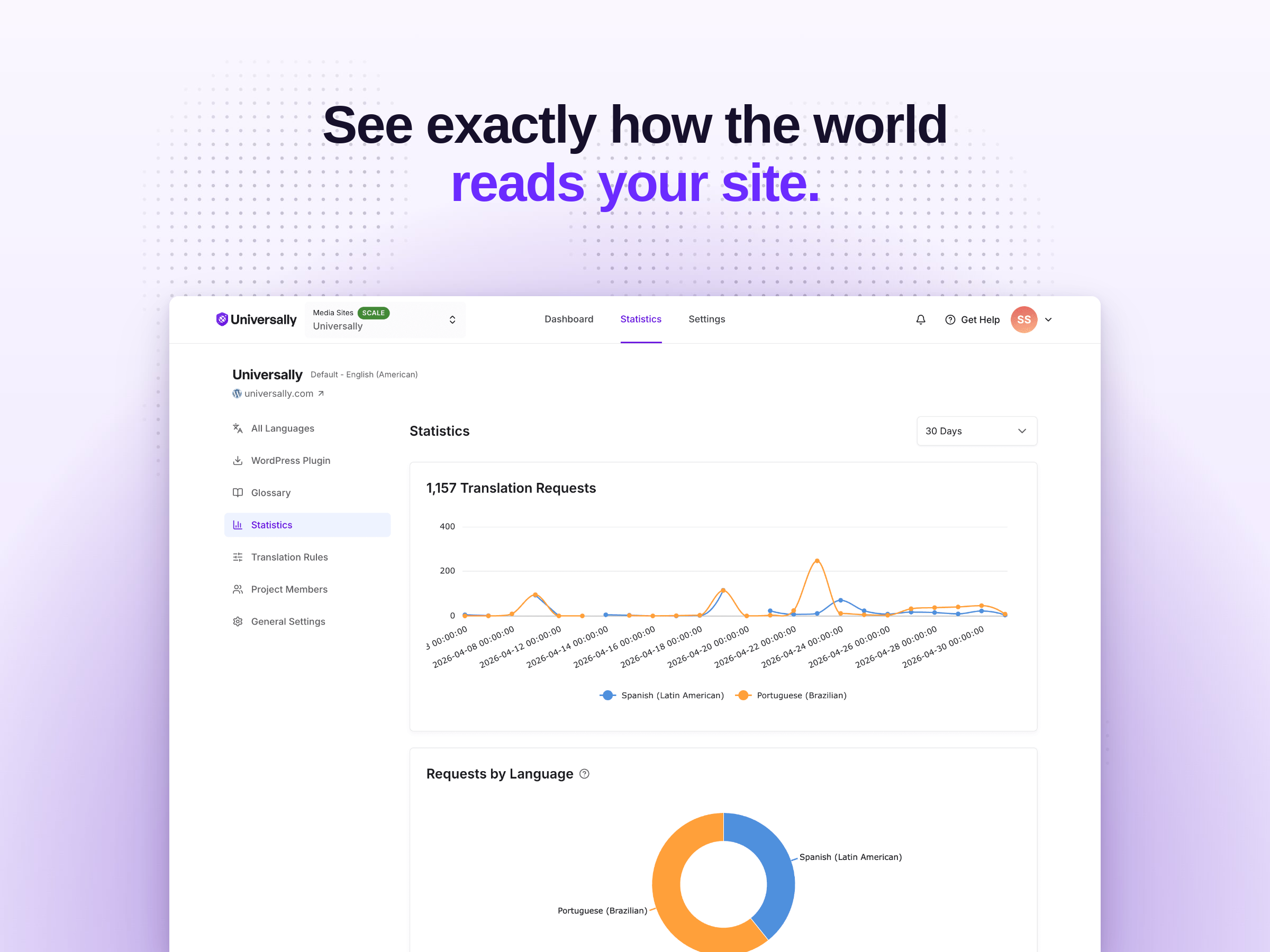
Universally is free for one language and up to 2,000 translated words. Upgrade to a paid plan to translate more words across more languages and more sites — with the AI translation glossary, multilingual SEO controls, custom translation rules, the translation analytics dashboard, and priority support. Enterprise unlocks unlimited words, languages, and sites with a dedicated success manager. See Universally pricing for details on every translation plan.
The opening of the plugin's own description. The full text, installation notes and changelog are on its WordPress.org page.
No. Universally works out of the box. Install the plugin, enter your API key, pick your languages, and your WordPress site is automatically translated into every language you select. No coding, no template editing, no shortcodes required — although shortcodes, Gutenberg blocks, and a PHP function are available if you want to place the language switcher manually.
When a visitor requests a translated page (for example, yoursite.com/fr/about/), Universally translates the full page HTML using AI and returns the translated page. Translations are cached on a global edge network so subsequent visits are served instantly with no extra translation cost.
Universally supports 110+ languages, including Spanish, French, German, Italian, Portuguese, Brazilian Portuguese, Dutch, Polish, Russian, Ukrainian, Turkish, Arabic, Hebrew, Hindi, Bengali, Urdu, Chinese (Simplified and Traditional), Japanese, Korean, Vietnamese, Thai, Indonesian, Malay, Filipino, Swahili, and many more. You can see the full list of supported translation languages in your Universally dashboard.
Yes. Universally translates everything visitors see, including WooCommerce product pages, product categories, the cart, the checkout, my-account pages, and order confirmation emails. Because translation happens at the HTML level, WooCommerce translation works out of the box with no per-product configuration.
Yes. Universally is compatible with Elementor, Divi, Beaver Builder, WPBakery, SeedProd, Gutenberg, Brizy, Oxygen, Bricks, and any other page builder. Translation happens at the output level, so it doesn’t matter how the content is built.
Yes. Every language gets its own URL prefix (/fr/, /es/, /de/), hreflang tags are added automatically to every page, page metadata is translated for each language, and translated pages appear in multilingual XML sitemaps. Search engines crawl and index each translation as a separate page. Universally is fully compatible with All in One SEO, Yoast SEO, Rank Math, and SEOPress.
#71 by installs
Translate WordPress with Google Translate multilanguage plugin using AI translation. Complete multilingual SEO solution, WooCommerce compatible.

#72 by installs
Go multilingual in a simple and efficient way. Keep writing posts and taxonomy terms as usual while defining their languages all at once.
Translate your site visually, directly from the front-end. Go multilingual in minutes using automatic AI translation. Works with any theme or plugin.
Translate your WordPress site into 110+ languages with AI translations true to your brand. Multilingual SEO, WooCommerce ready, 110k+ sites.

#37 by installs
Translate WordPress plugins and themes directly in your browser. Versatile PO file editor with integrated AI translation providers.

#200 by installs
Convert Non-Latin characters in post, page and term slugs to Latin characters.
Read from the WordPress.org plugin API on , when WordPress 7.1.4 was the current release. WordPress.org rounds active installs into buckets. These are the directory's figures, not my verdict, and I haven't tested this plugin.

