
Translate your WordPress site into 110+ languages with AI translations true to your brand. Multilingual SEO, WooCommerce ready, 110k+ sites.
- Installs
- 50,000+
- Rating
- 4.8 (1.9K)
- Updated
- 16 days ago

Translate your site visually, directly from the front-end. Go multilingual in minutes using automatic AI translation. Works with any theme or plugin.
| Last updated | October 13, 2026Updated in the last 3 months |
|---|---|
| Tested up to | WordPress 7.1.4Covers WordPress 7.1.4, the current release |
| Needs WordPress | 3.1.0 or newer |
| Needs PHP | 7.4 or newer |
| First published | August 31, 2017 |
| Support, last two months | 34 of 36 threads resolved (94%) |
4.7 / 5 from 1,667 reviews
| 5 stars | 1,460 |
|---|---|
| 4 stars | 83 |
| 3 stars | 32 |
| 2 stars | 21 |
| 1 star | 71 |
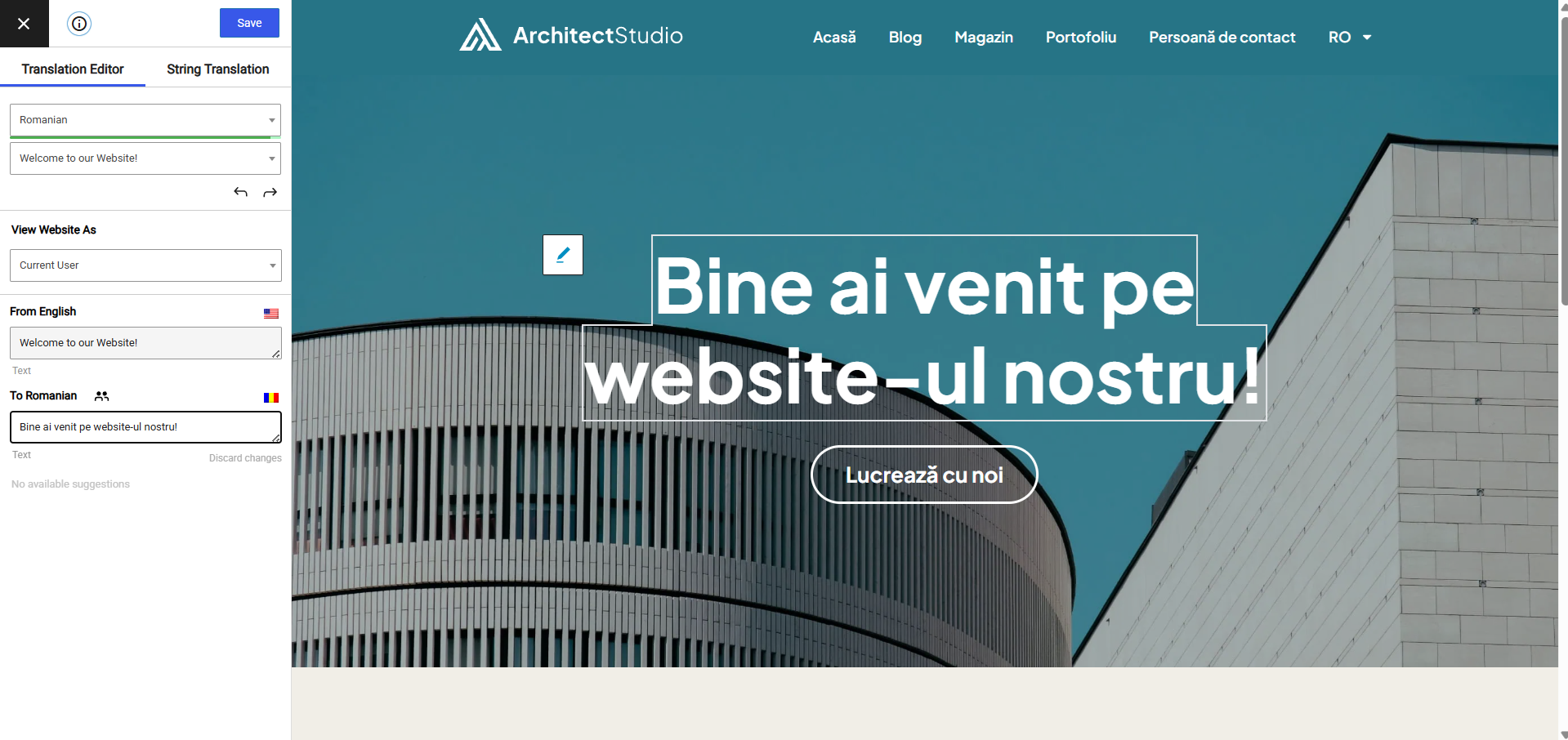
Experience a better way to translate your WordPress site and go multilingual, directly from the front-end using a visual translation interface. The built-in AI translation lets you translate automatically, then refine anything visually.
TranslatePress is a WordPress translation plugin that anyone can use.
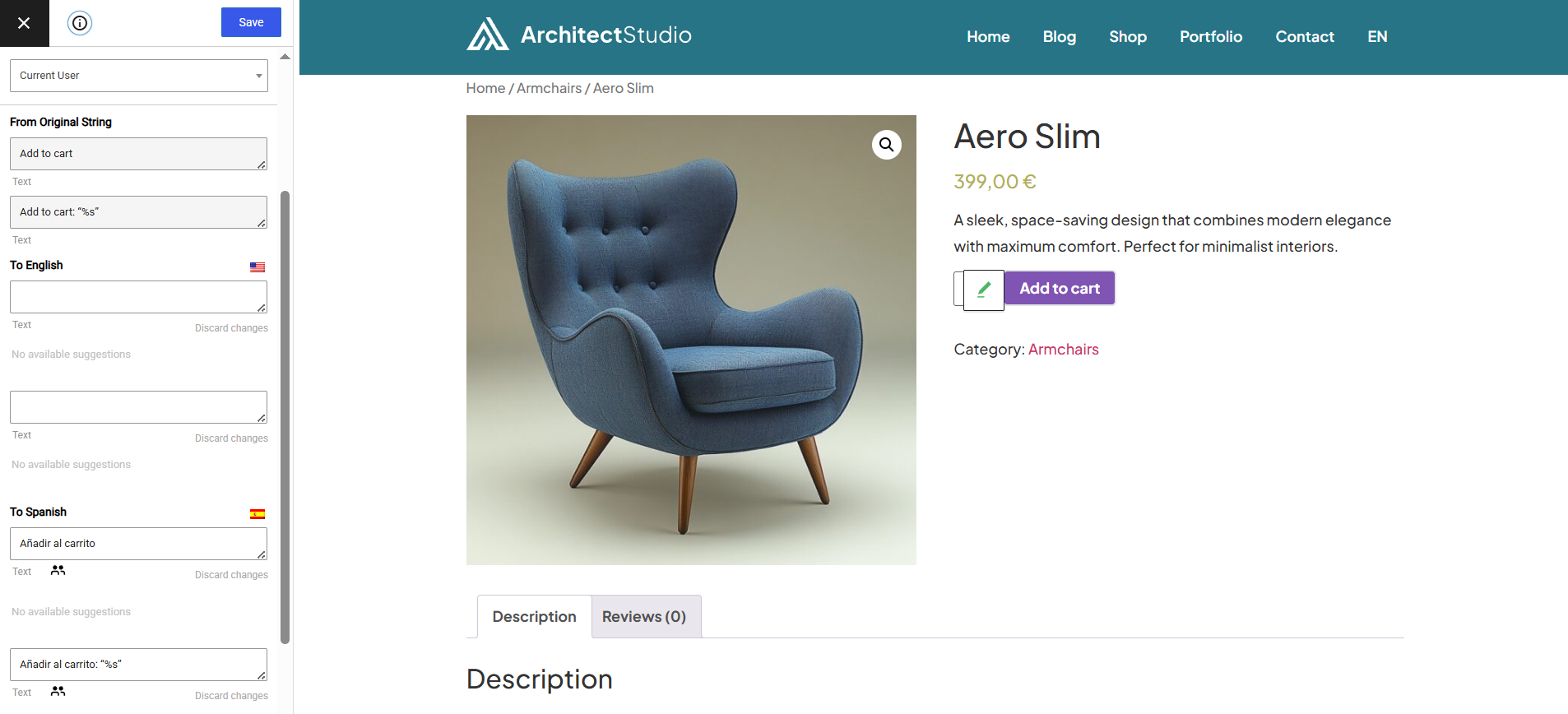
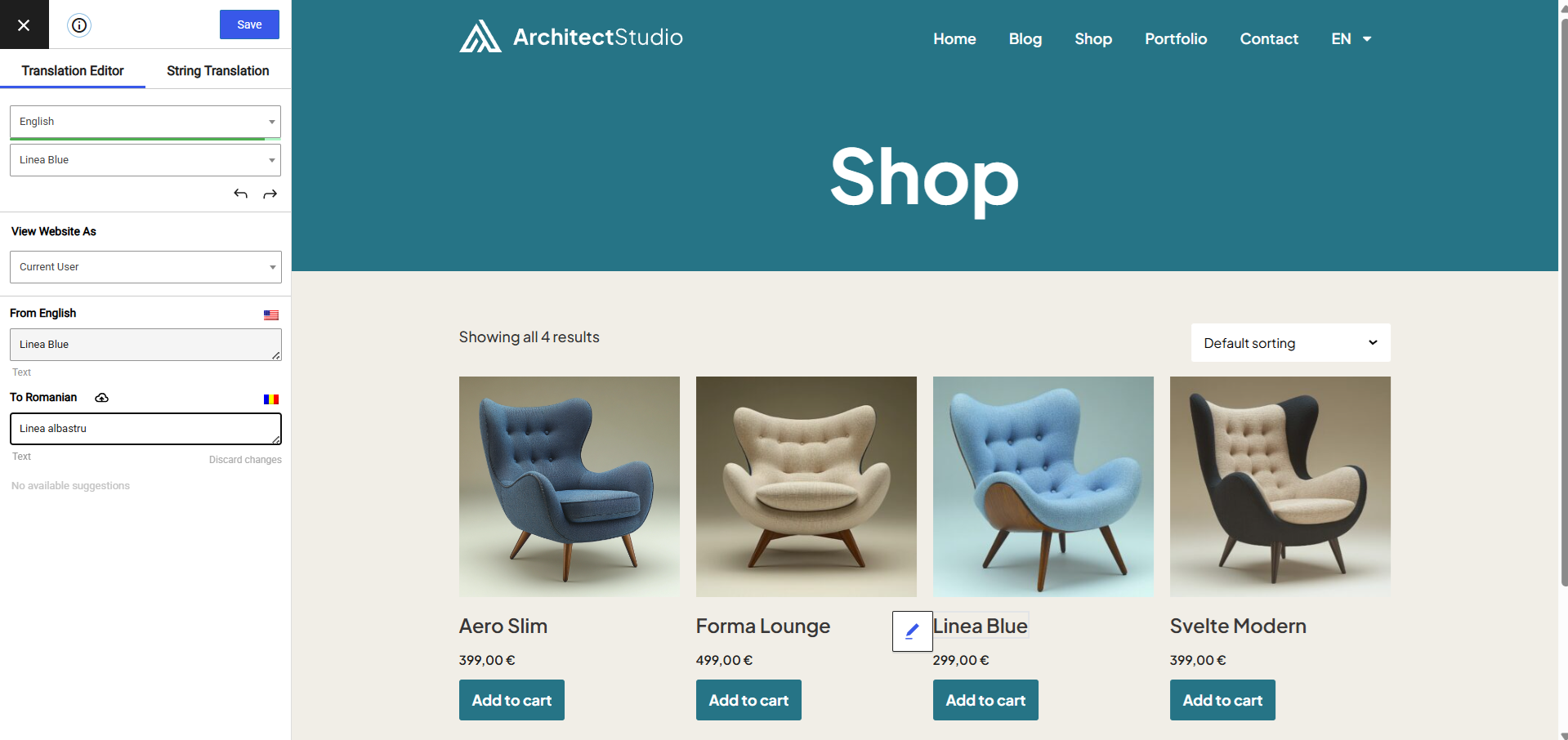
The interface allows you to easily translate the entire page at once, including output from shortcodes, forms and page builders. It also works out of the box with WooCommerce.
Built the WordPress way, TranslatePress – Multilingual is a GPL and self hosted translation plugin, meaning you’ll own all your translations, forever. It’s the fastest way to create a bilingual or multilingual site.
Multilingual & Translation Features
The opening of the plugin's own description. The full text, installation notes and changelog are on its WordPress.org page.
All the translation are stored locally in your server’s database.
TranslatePress – Multilingual plugin works out of the box with WooCommerce, custom post types, complex themes and site builders, so you’ll be able to translate any type of content.
TranslatePress is easier to use and more intuitive altogether. No more switching between the editor, string translation interfaces or badly translated plugins. You can now translate the full page content directly from the front-end. This makes TranslatePress a great alternative to plugins like Polylang and WPML.
After installing the plugin, select your secondary language and click “Translate Site” to start translating your entire site exactly as it looks in the front-end. To speed things up, use TranslatePress AI for automatic AI translation.
TranslatePress AI combines the best LLMs (like Gemini and GPT) and Neural Machine Translation (NMT) engines (like DeepL and Google Translate) into one integrated solution, to automatically translate your website. The system intelligently selects the most suitable engine for any given language pair and context, to ensure maximum accuracy.
TranslatePress will have little impact on your site speed. For more details see Top WordPress Translation Plugins Compared Based on Page Load Time

Translate your WordPress site into 110+ languages with AI translations true to your brand. Multilingual SEO, WooCommerce ready, 110k+ sites.

#71 by installs
Translate WordPress with Google Translate multilanguage plugin using AI translation. Complete multilingual SEO solution, WooCommerce compatible.

#72 by installs
Go multilingual in a simple and efficient way. Keep writing posts and taxonomy terms as usual while defining their languages all at once.

#602 by installs
LocoAI - Auto Translate For Loco Translate is a powerful tool for developers looking to quickly translate their WordPress plugins and themes.

Translate WordPress into 110+ languages with AI. Multilingual plugin with SEO-friendly URLs, hreflang tags, language switcher, and glossary rules.

#37 by installs
Translate WordPress plugins and themes directly in your browser. Versatile PO file editor with integrated AI translation providers.
Read from the WordPress.org plugin API on , when WordPress 7.1.4 was the current release. WordPress.org rounds active installs into buckets. These are the directory's figures, not my verdict, and I haven't tested this plugin. The author takes donations at their donate page.