
Translate your site visually, directly from the front-end. Go multilingual in minutes using automatic AI translation. Works with any theme or plugin.
- Installs
- 400,000+
- Rating
- 4.7 (1.7K)
- Updated
- 18 days ago

Translate your WordPress site into 110+ languages with AI translations true to your brand. Multilingual SEO, WooCommerce ready, 110k+ sites.
| Last updated | October 15, 2026Updated in the last 3 months |
|---|---|
| Tested up to | WordPress 7.1.4Covers WordPress 7.1.4, the current release |
| Needs WordPress | 5.9 or newer |
| Needs PHP | 7.4 or newer |
| First published | September 27, 2015 |
| Support, last two months | 3 of 3 threads resolved (100%) |
4.8 / 5 from 1,940 reviews
| 5 stars | 1,813 |
|---|---|
| 4 stars | 36 |
| 3 stars | 10 |
| 2 stars | 13 |
| 1 star | 68 |
Weglot 2.0 is a website translation plugin that translates your WordPress site into 110+ languages, with AI translations built around your brand. Trusted by 110,000+ websites, Weglot detects and translates all of your content, from pages and posts to WooCommerce products, emails, and the text inside your images, then gives you full control to review and publish every translation. Weglot installs in 5 minutes, with no coding required.
What’s New in Weglot 2.0
Weglot 2.0 builds on the Weglot you know, with even better translations tailored to your brand that you can trust and publish: a new AI Translation Model, a redesigned translation experience, and built-in multilingual visibility.
The opening of the plugin's own description. The full text, installation notes and changelog are on its WordPress.org page.
To translate WordPress with Weglot, install the plugin, add your API key, and select your languages. Weglot detects all of your content, including pages, posts, and WooCommerce products, and translates it with its AI Translation Model. You then review each translation in context and publish when you are happy with it.
Weglot 2.0 builds on the Weglot you know. It brings a new AI Translation Model that translates around your brand, a redesigned translation experience with a new dashboard, Visual Editor and Translation List, Image Translation, and built-in multilingual visibility for SEO and GEO.
Weglot 2.0 is the name of the product generation, not the plugin release number. The plugin keeps its own version numbering, which is what you see in your WordPress dashboard when an update is available.
A translation plugin for WordPress creates and serves translated versions of your content without duplicating your site. Weglot detects your content, translates it with AI built around your brand, and gives you a Visual Editor to review and refine every translation before it goes live.
To translate WordPress automatically, Weglot scans and translates your content as soon as you publish it. Your translations stay synchronized across all languages, and you keep full control to review and edit any translation in the Visual Editor.
Yes, you can translate WordPress with AI using Weglot’s AI Translation Model. It combines leading AI models with your Brand Profile, Translation Guidelines, and page context to produce translations that match the way your brand speaks in every language.
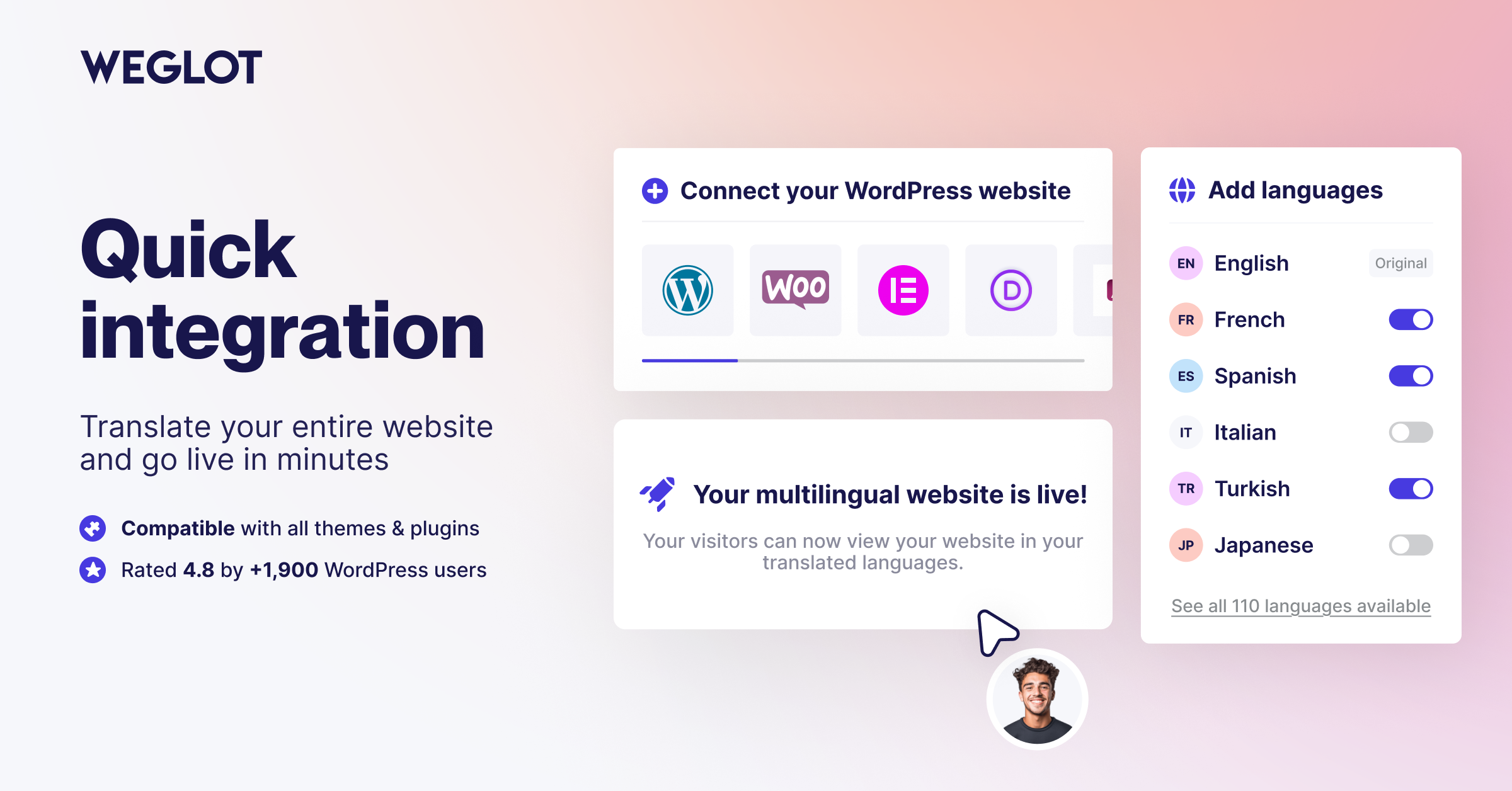
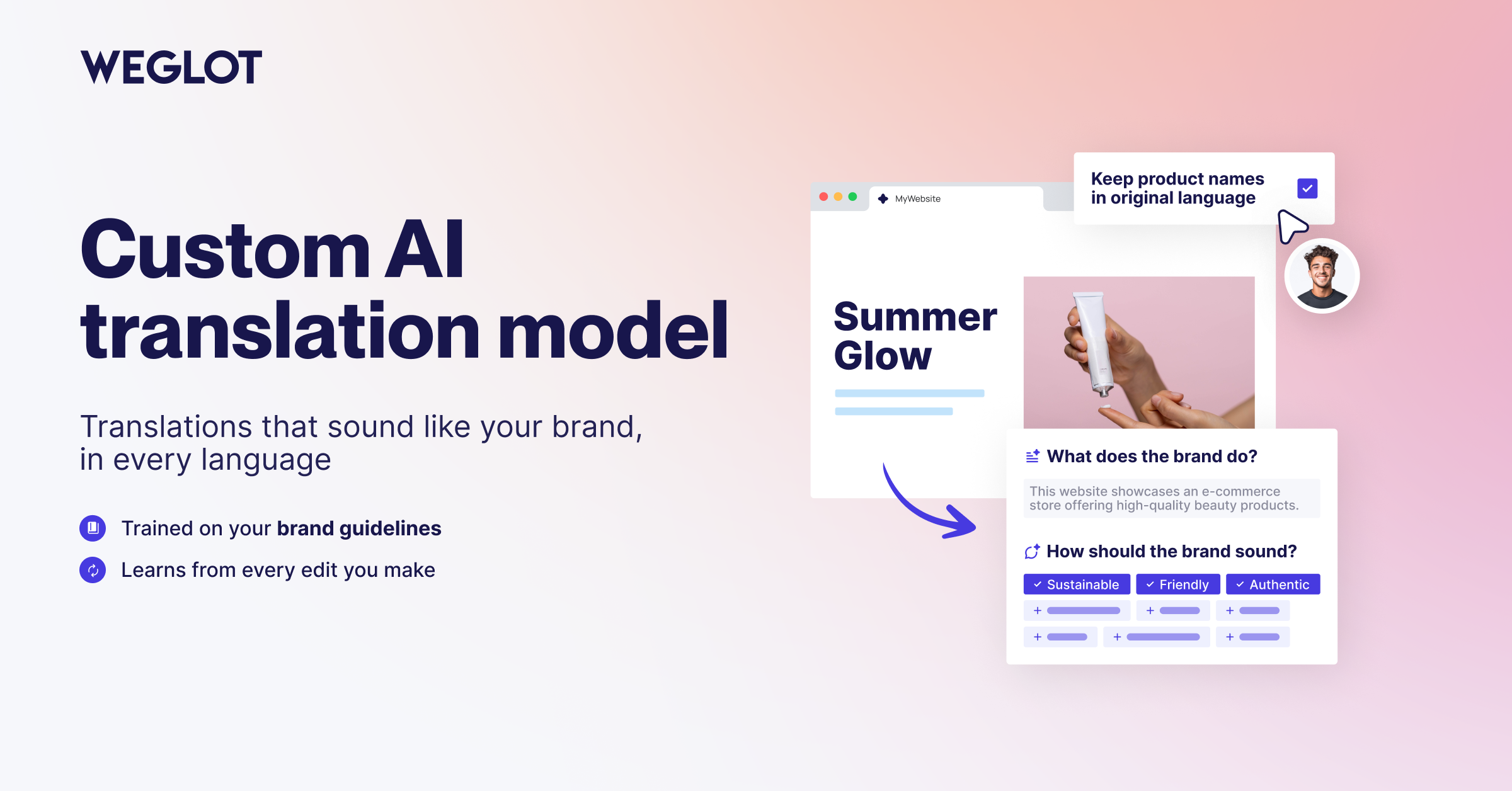
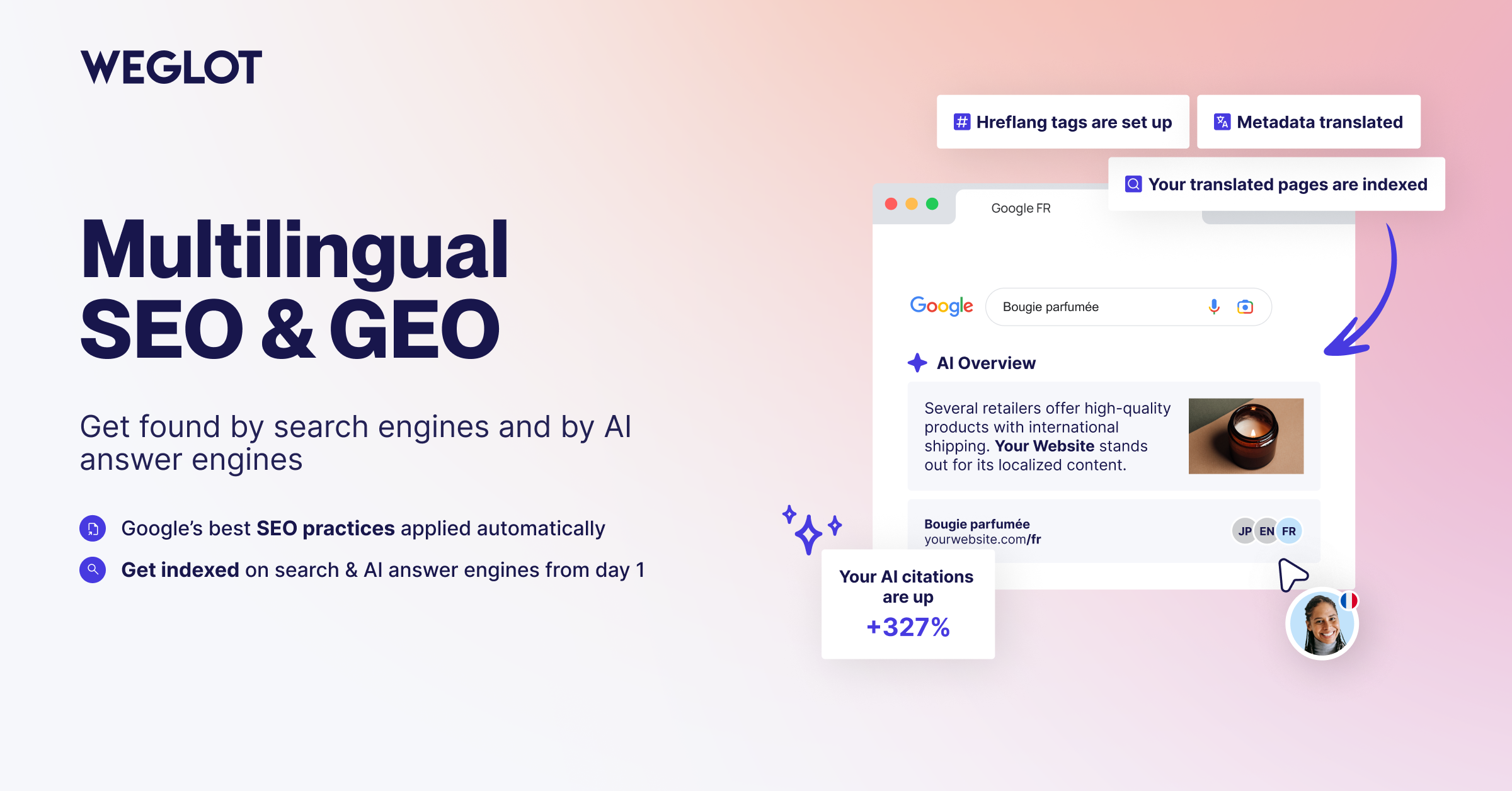
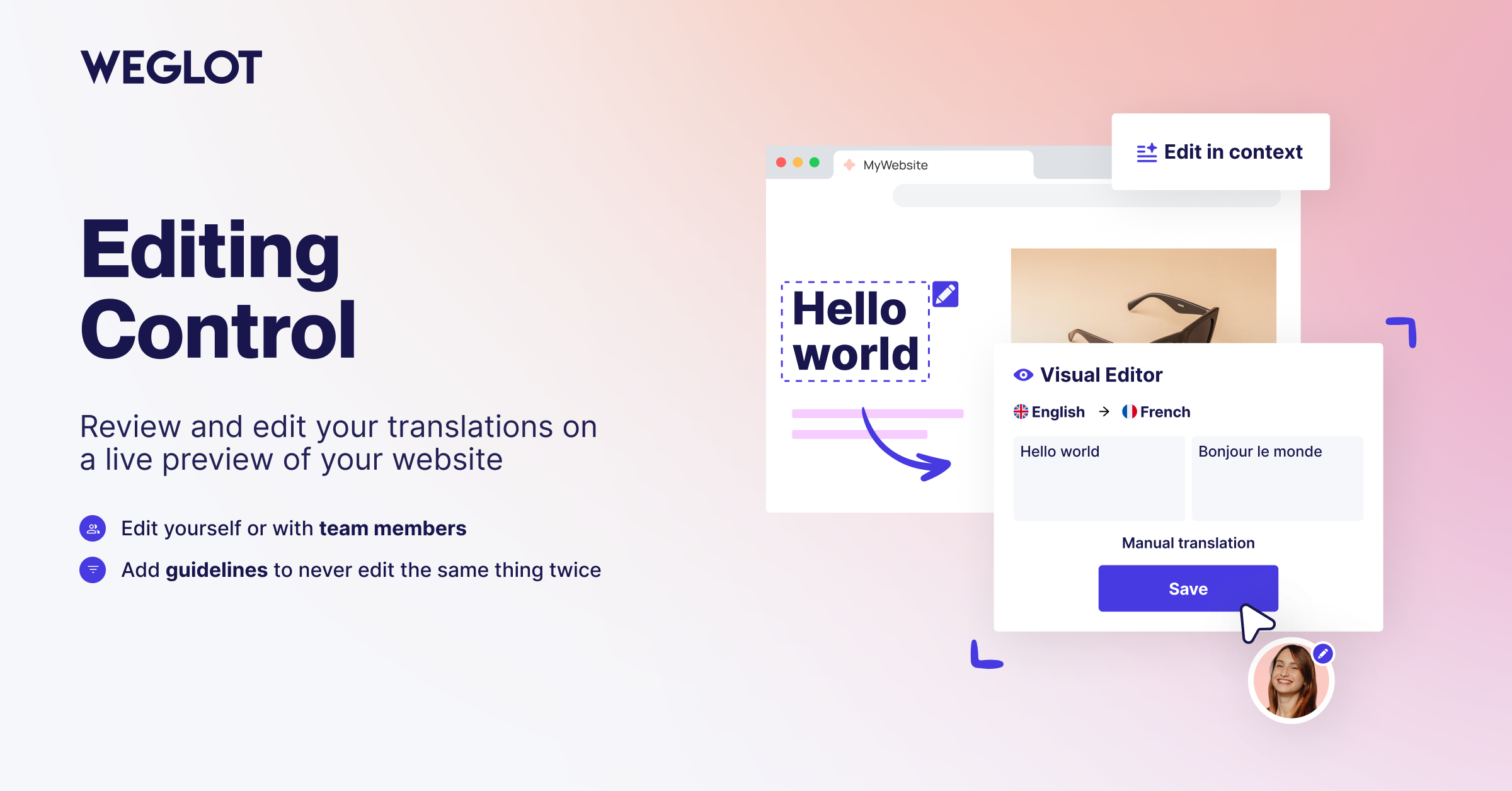
Translate your site visually, directly from the front-end. Go multilingual in minutes using automatic AI translation. Works with any theme or plugin.

#71 by installs
Translate WordPress with Google Translate multilanguage plugin using AI translation. Complete multilingual SEO solution, WooCommerce compatible.

#72 by installs
Go multilingual in a simple and efficient way. Keep writing posts and taxonomy terms as usual while defining their languages all at once.

#602 by installs
LocoAI - Auto Translate For Loco Translate is a powerful tool for developers looking to quickly translate their WordPress plugins and themes.

Translate WordPress into 110+ languages with AI. Multilingual plugin with SEO-friendly URLs, hreflang tags, language switcher, and glossary rules.

#37 by installs
Translate WordPress plugins and themes directly in your browser. Versatile PO file editor with integrated AI translation providers.
Read from the WordPress.org plugin API on , when WordPress 7.1.4 was the current release. WordPress.org rounds active installs into buckets. These are the directory's figures, not my verdict, and I haven't tested this plugin.