
Boost PageSpeed, SEO, and Core Web Vitals with full page caching, JS/CSS optimization, media optimization, and Cloudflare CDN.
- Installs
- 70,000+
- Rating
- 4.8 (517)
- Updated
- 11 days ago

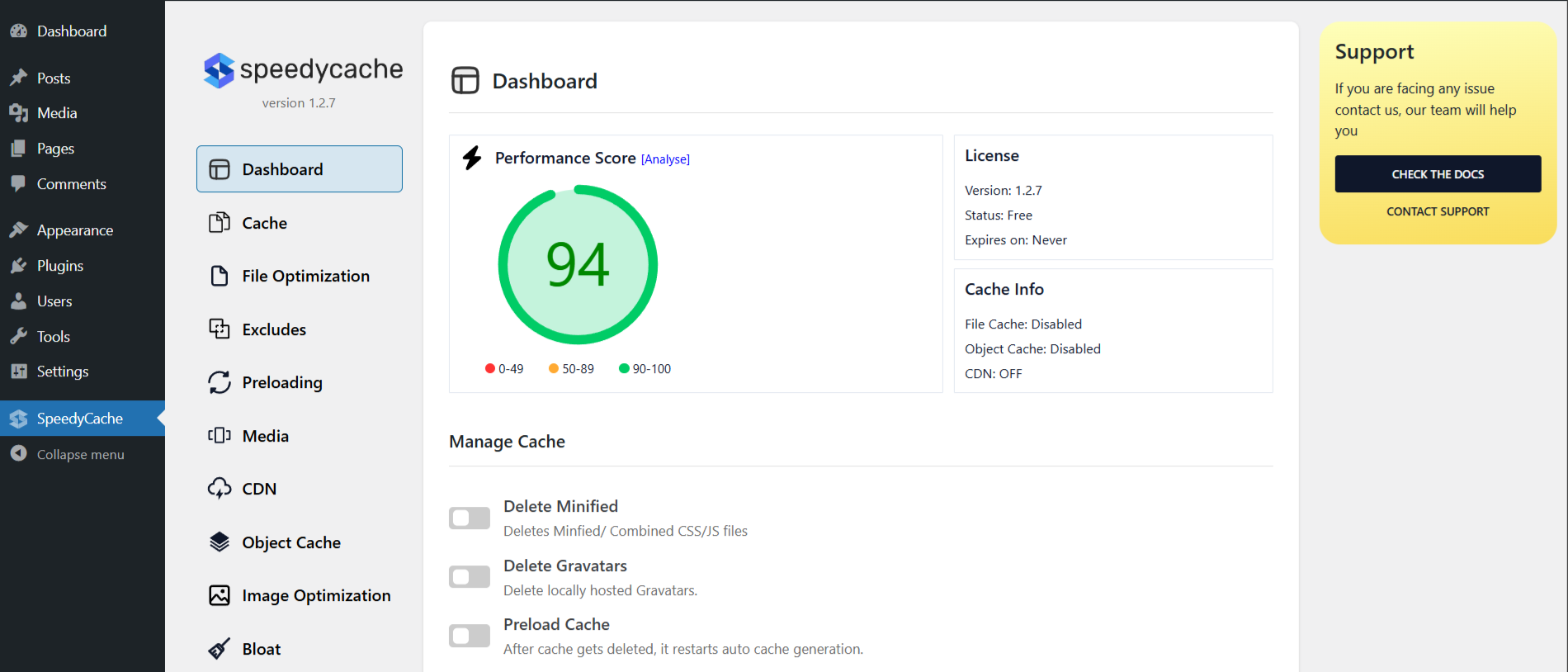
SpeedyCache is a WordPress cache plugin that helps you improve performance of your WordPress site by caching, minifying, and compressing your website.
| Last updated | October 8, 2026Updated in the last 3 months |
|---|---|
| Tested up to | WordPress 7.1.4Covers WordPress 7.1.4, the current release |
| Needs WordPress | 4.7 or newer |
| Needs PHP | 7.0 or newer |
| First published | February 1, 2023 |
| Support, last two months | No threads opened |
4.4 / 5 from 30 reviews
| 5 stars | 24 |
|---|---|
| 4 stars | 0 |
| 3 stars | 2 |
| 2 stars | 1 |
| 1 star | 3 |
SpeedyCache is a WordPress cache plugin that helps you improve performance of your WordPress site by caching, minifying, and compressing your website.
You can find our official documentation at https://speedycache.com/docs. We are also active in our community support forums on wordpress.org if you are one of our free users. Our Premium Support Ticket System is at https://softaculous.deskuss.com
Home Page | Support | Documents
Other than caching SpeedyCache can also do the following:-
1. It can minify and combine CSS/JS giving even better optimization as it reduces the file sizes and reduces the HTTP requests to the server.
2. Eliminate render-blocking JavaScript resources helping your website to load faster.
3. Lazy load images so that the images can be requested only if they come into the viewport.
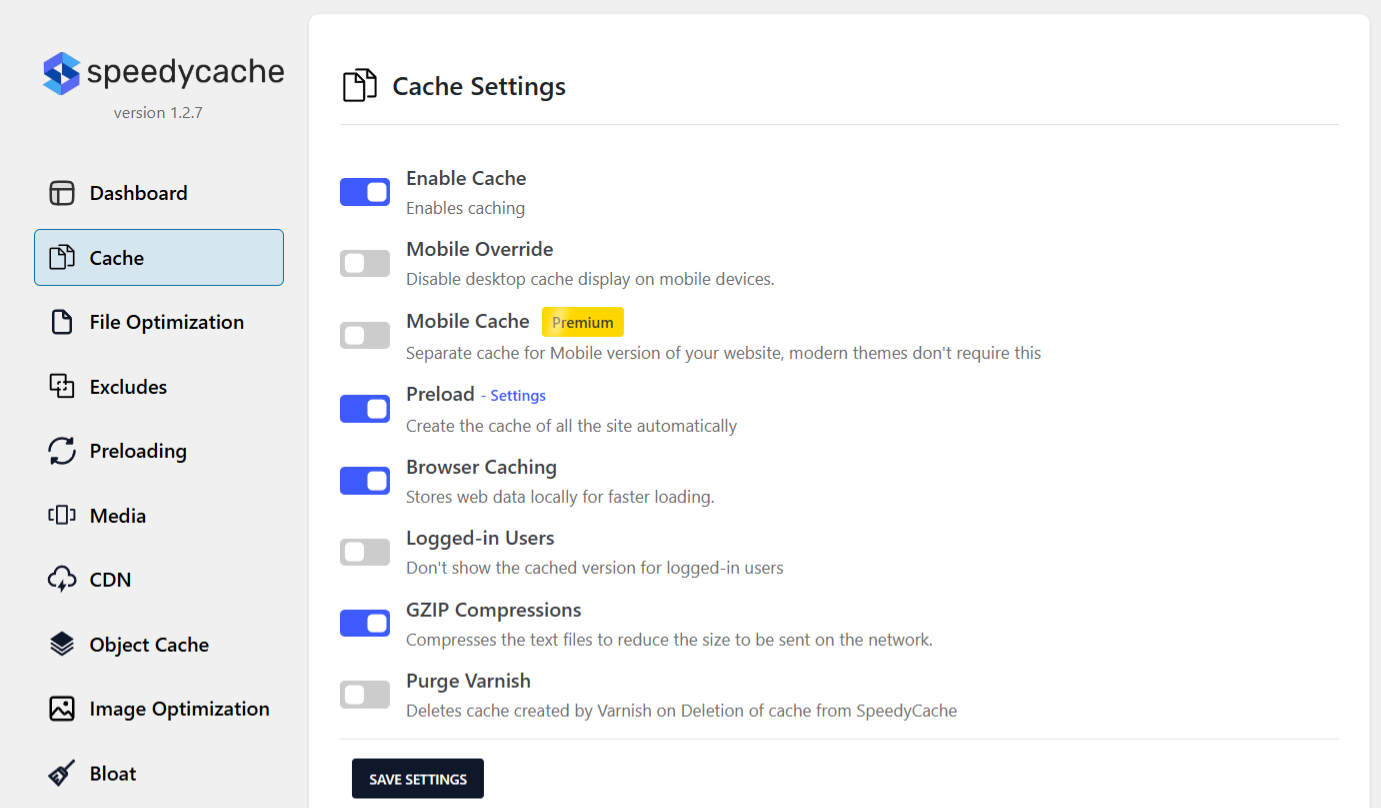
4. GZIP files to reduce the size of the file sent from the server.
Free Features
The opening of the plugin's own description. The full text, installation notes and changelog are on its WordPress.org page.
Go To your WordPress install -> Plugins -> Add New Button -> In Search Box, Look For SpeedyCache -> Click on Install.
You can either go to the Delete Cache Tab where you will find Stats about the Cache or you can just visit your website in incognito mode and Inspect the HTML and at the last, you will find a comment saying that page got cached with time.
You can report security bugs through the Patchstack Vulnerability Disclosure Program. The Patchstack team help validate, triage and handle any security vulnerabilities. Report a security vulnerability.
Boost PageSpeed, SEO, and Core Web Vitals with full page caching, JS/CSS optimization, media optimization, and Cloudflare CDN.
Optimize and tweak WordPress by disable unused features. Improve performance, SEO and security using Clearfy — super easy, fast and zero code.

#5 by installs
All-in-one unbeatable acceleration & PageSpeed improvement: caching, image/CSS/JS optimization...

#47 by installs
The simplest and fastest WP Cache system

Get caching and more with this powerful cache plugin. Cache, optimize images, clean your database and minify for maximum performance.

#73 by installs
Search Engine (SEO) & Performance Optimization (WPO) via caching. Integrated caching: CDN, Page, Minify, Object, Fragment, Database support.
Read from the WordPress.org plugin API on , when WordPress 7.1.4 was the current release. WordPress.org rounds active installs into buckets. These are the directory's figures, not my verdict, and I haven't tested this plugin.
