
#47 by installs
WP Fastest Cache – WordPress Cache Plugin
The simplest and fastest WP Cache system
- Installs
- 1+ million
- Rating
- 4.9 (4.2K)
- Updated
- 21 days ago

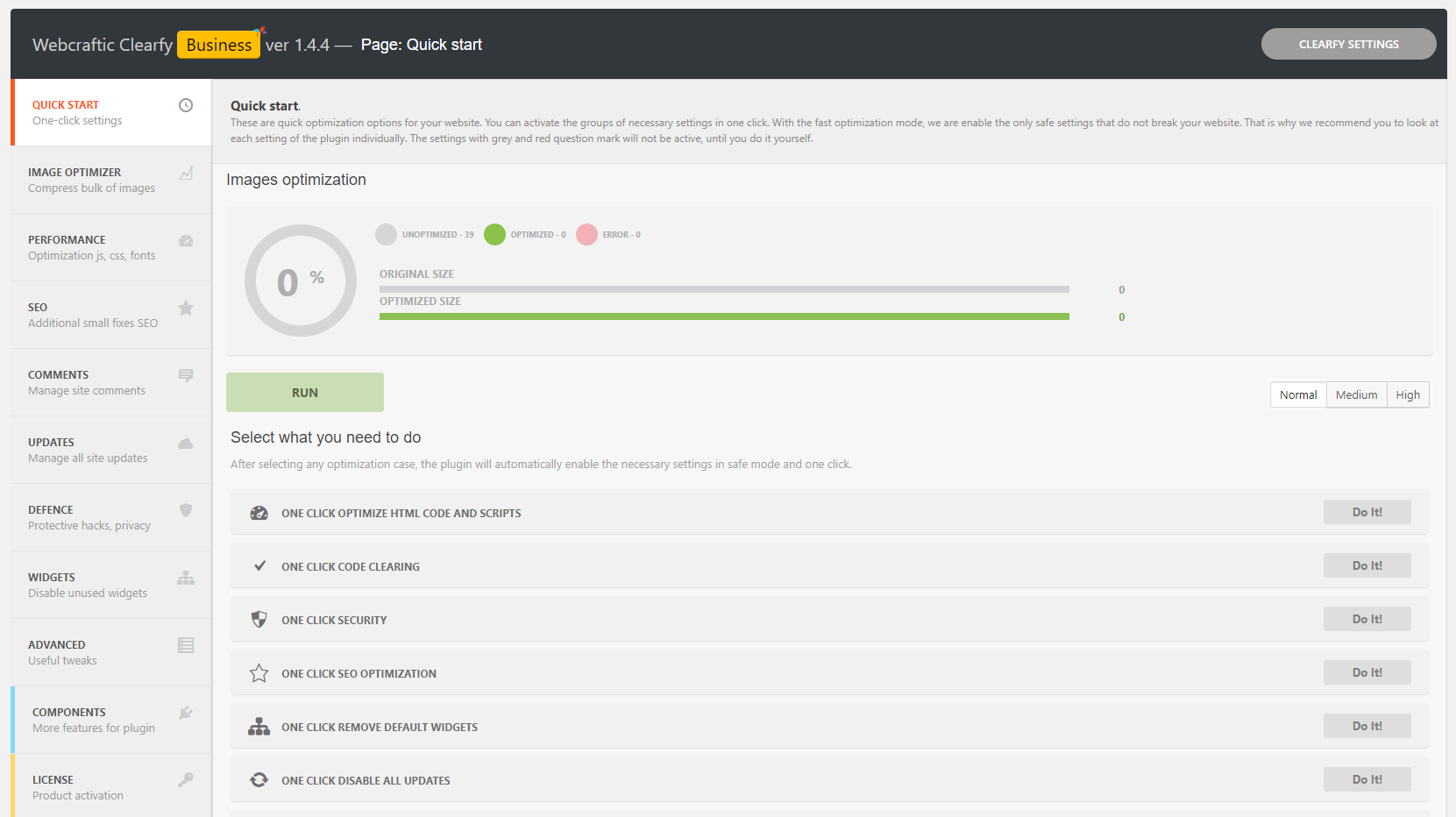
Optimize and tweak WordPress by disable unused features. Improve performance, SEO and security using Clearfy — super easy, fast and zero code.
| Last updated | July 23, 2026Updated in the last year |
|---|---|
| Tested up to | WordPress 6.9.11Older than WordPress 7.1.4, the current release |
| Needs WordPress | 6.0 or newer |
| Needs PHP | 7.4 or newer |
| First published | September 7, 2017 |
| Support, last two months | No threads opened |
4.7 / 5 from 339 reviews
| 5 stars | 294 |
|---|---|
| 4 stars | 13 |
| 3 stars | 15 |
| 2 stars | 4 |
| 1 star | 13 |
Clearfy Cache is no longer under active development. We recommend using Super Page Cache as it provides a more powerful and modern caching solution for WordPress.
In October 2025, Clearfy Cache was acquired by Super Page Cache. We’re retiring Clearfy Cache in favor of Super Page Cache to ensure users have access to the best performance optimization features, improved compatibility, and a superior user experience.
Thousands of users already optimized their WordPress sites with Clearfy plugin. It’s multipurpose and free tool with tons of settings. Combine it with other plugins and you’ll get better optimized and secure WordPress website.
Optimize SEO and SPEED of your website in 5 minutes
You’ll get 50+ useful functions for your WordPress website optimization, mixed and packed into the only one Clearfy plugin. In addition, we have quality video lessons and tutorials that will help you to understand plugin settings. But don’t hurry to download Clearfy until you know its history and strengths.
WordPress optimization plugin Clearfy — the beginning
The opening of the plugin's own description. The full text, installation notes and changelog are on its WordPress.org page.
If you have access to the WordPress admin dashboard, just deactivate the plugin. If you do not have access, then remove the plugin via FTP using this instruction. If you cannot to solve the problem by yourself, do not hurry to write negative feedback. Contact us on the support forum, and we will solve the problem as quickly as possible.
Similar functions can conflict with each other, but Clearfy is a very flexible tool. Try to disable another plugin and check does the Clearfy satisfy your needs. If does not, just disable the Clearfy functions which intersecting with other plugin and tell us about the missing option on the support forum or by email, which you can find in the plugin console. We will add them in the following updates.
No. The Clearfy plugin only complements them, but does not replace.
Absolutely not. On the contrary, we recommend you to install one of them with Clearfy and improve the protection of your website, blog or online store.
Of course you do. Clearfy helps you with better site caching. If you have Clearfy premium installed, you will not need additional installation of caching plugins. The page caching function is included in the premium Clearfy package.
It looks like that there is already has a robots.txt file at the root folder of your website. Delete it and activate the option to create robots.txt again.


#47 by installs
The simplest and fastest WP Cache system

#324 by installs
Aruba HiSpeed Cache interfaces directly with an Aruba hosting platform's HiSpeed Cache service and automates its management.
Speed up your site with 10Web Booster. Pass Core Web Vitals by optimizing HTML / CSS / JavaScript, Image Optimization, Lazy Loading, Cache, Google Fon …

#741 by installs
Turns on site high speed to be attractive for people and search engines.

#5 by installs
All-in-one unbeatable acceleration & PageSpeed improvement: caching, image/CSS/JS optimization...

#73 by installs
Search Engine (SEO) & Performance Optimization (WPO) via caching. Integrated caching: CDN, Page, Minify, Object, Fragment, Database support.
Read from the WordPress.org plugin API on , when WordPress 7.1.4 was the current release. WordPress.org rounds active installs into buckets. These are the directory's figures, not my verdict, and I haven't tested this plugin.
