
#359 by installs
Simple Custom CSS Plugin
Add Custom CSS to your WordPress site without any hassles.
- Installs
- 100,000+
- Rating
- 4.7 (159)
- Updated
- 20 months ago

Add CSS to your website through an admin editor, the Customizer or a metabox for page/post specific CSS.
| Last updated | September 15, 2025Not updated for over a year |
|---|---|
| Tested up to | WordPress 6.8.12Older than WordPress 7.1.4, the current release |
| Needs WordPress | 4.0 or newer |
| Needs PHP | Not stated |
| First published | November 21, 2015 |
| Support, last two months | No threads opened |
4.9 / 5 from 60 reviews
| 5 stars | 56 |
|---|---|
| 4 stars | 4 |
| 3 stars | 0 |
| 2 stars | 0 |
| 1 star | 0 |
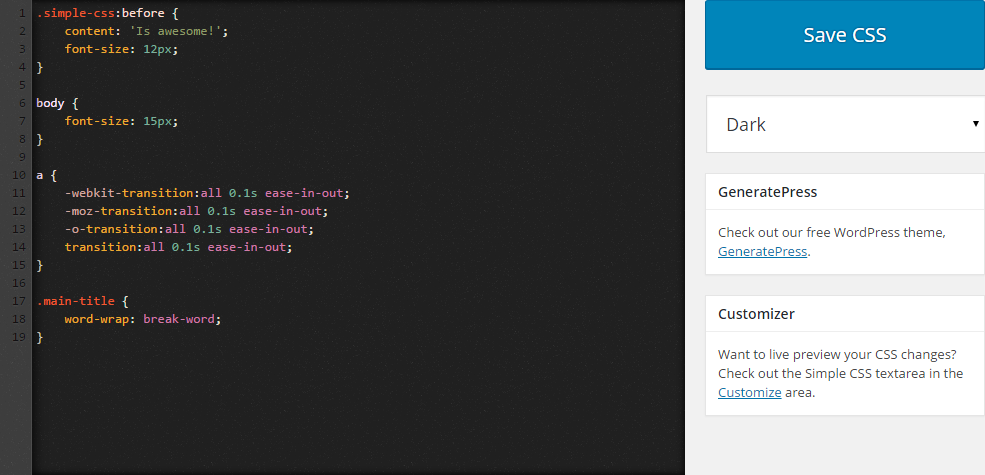
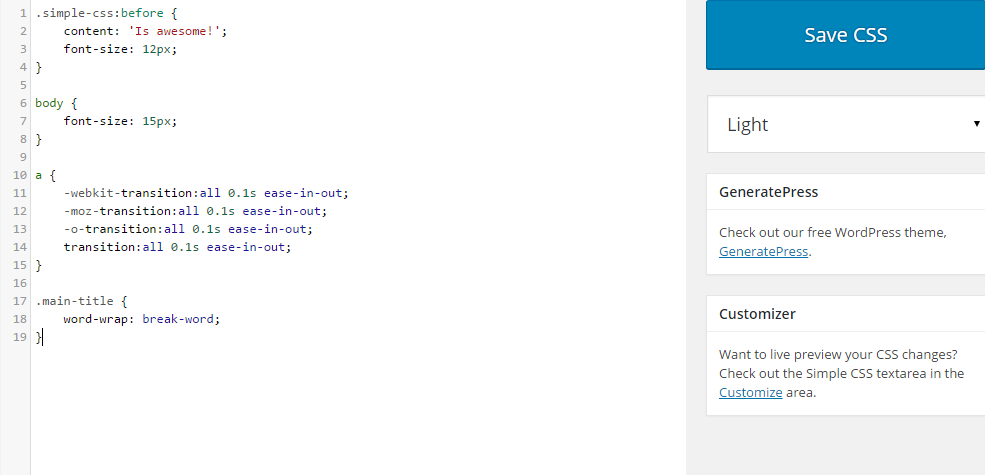
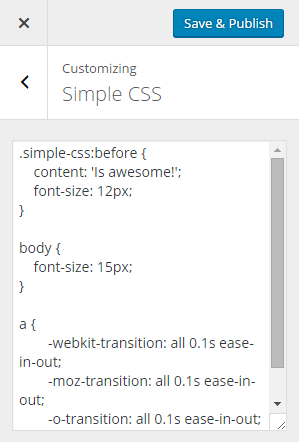
Need to add some custom CSS to your site? Simple CSS gives you an awesome admin editor and a live preview editor in the Customizer so you can easily add your CSS.
Want your CSS to only apply on a specific page or post? Simple CSS adds a metabox which allows you to do just that.
Check out GeneratePress, our awesome WordPress theme! (https://wordpress.org/themes/generatepress)
Features include:
The opening of the plugin's own description. The full text, installation notes and changelog are on its WordPress.org page.

#359 by installs
Add Custom CSS to your WordPress site without any hassles.

#673 by installs
Add custom css to the whole website and to specific posts and pages.
Easily add code snippets in WordPress. Insert header & footer scripts, add PHP code snippets with conditional logic, insert ads pixel code, and more.

#101 by installs
Easily add Custom CSS or JS to your website with an awesome editor.

#204 by installs
Include inline javascript, stylesheets, CSS code or anything you want in Header and Footer areas of your WordPress with ease.

#471 by installs
Add CSS animations and scroll effects to any Gutenberg block. Choose from fade, slide, zoom & more, with delay and duration controls — no code needed.
Read from the WordPress.org plugin API on , when WordPress 7.1.4 was the current release. WordPress.org rounds active installs into buckets. These are the directory's figures, not my verdict, and I haven't tested this plugin. The author takes donations at their donate page.
