
#204 by installs
Insert Headers And Footers
Include inline javascript, stylesheets, CSS code or anything you want in Header and Footer areas of your WordPress with ease.
- Installs
- 200,000+
- Rating
- 5.0 (135)
- Updated
- 12 days ago

Easily add Custom CSS or JS to your website with an awesome editor.
| Last updated | October 8, 2026Updated in the last 3 months |
|---|---|
| Tested up to | WordPress 7.1.4Covers WordPress 7.1.4, the current release |
| Needs WordPress | 4.2 or newer |
| Needs PHP | 5.2.4 or newer |
| First published | December 7, 2015 |
| Support, last two months | 4 of 4 threads resolved (100%) |
4.4 / 5 from 104 reviews
| 5 stars | 82 |
|---|---|
| 4 stars | 4 |
| 3 stars | 4 |
| 2 stars | 2 |
| 1 star | 12 |
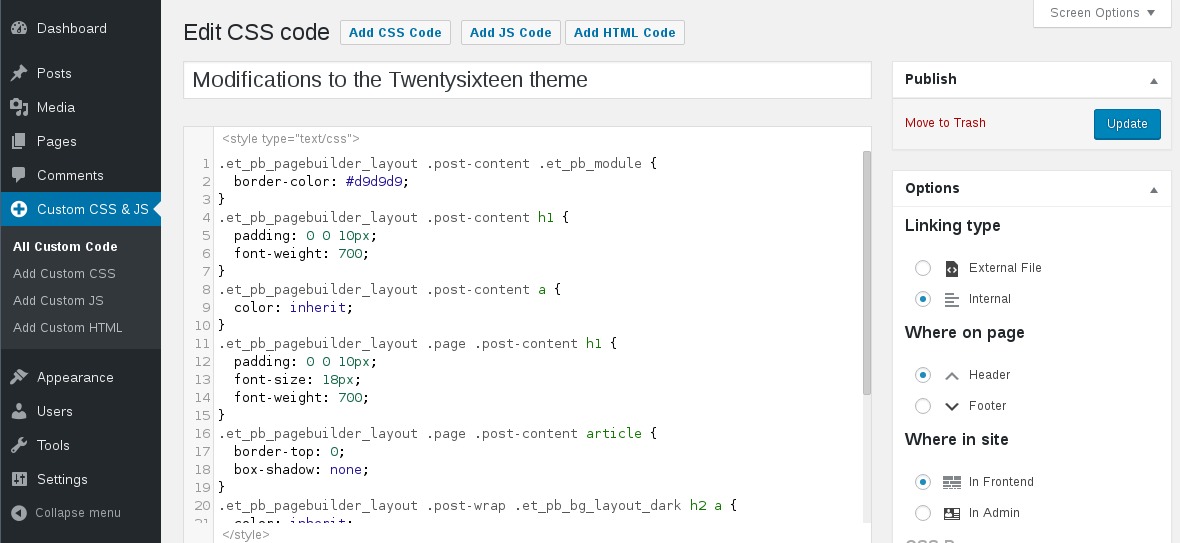
Customize your WordPress site’s appearance by easily adding custom CSS and JS code without even having to modify your theme or plugin files. This is perfect for adding custom CSS tweaks to your site.
Features
The opening of the plugin's own description. The full text, installation notes and changelog are on its WordPress.org page.
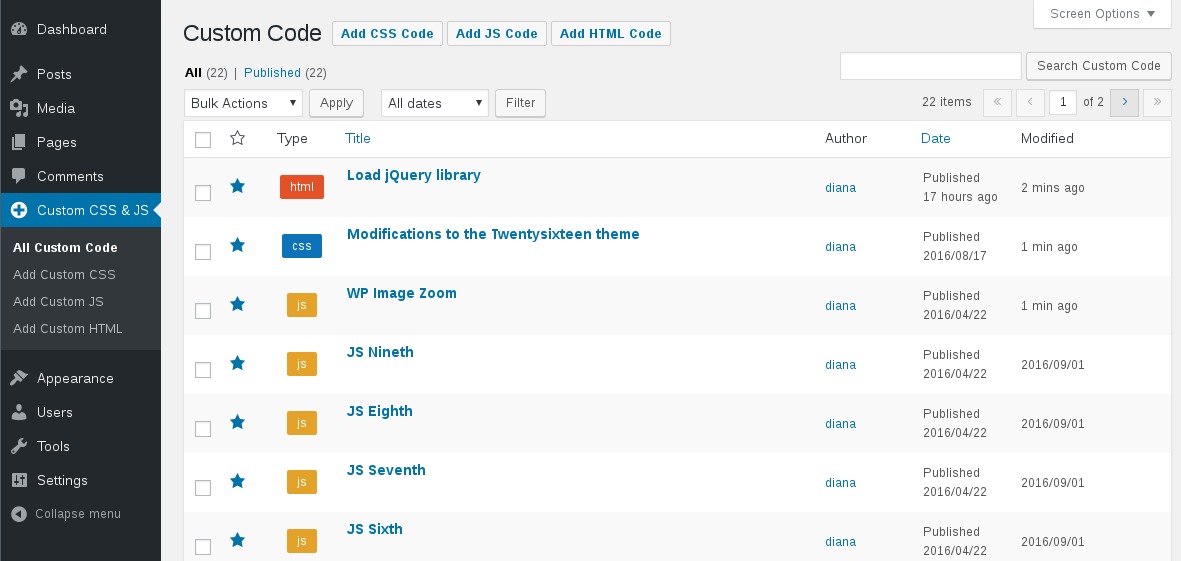
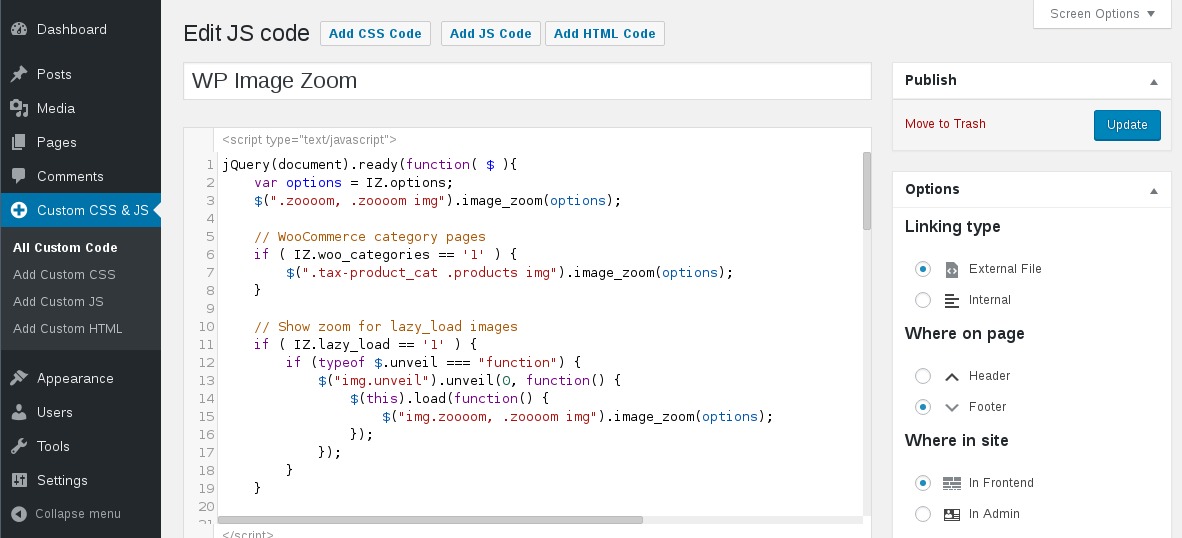
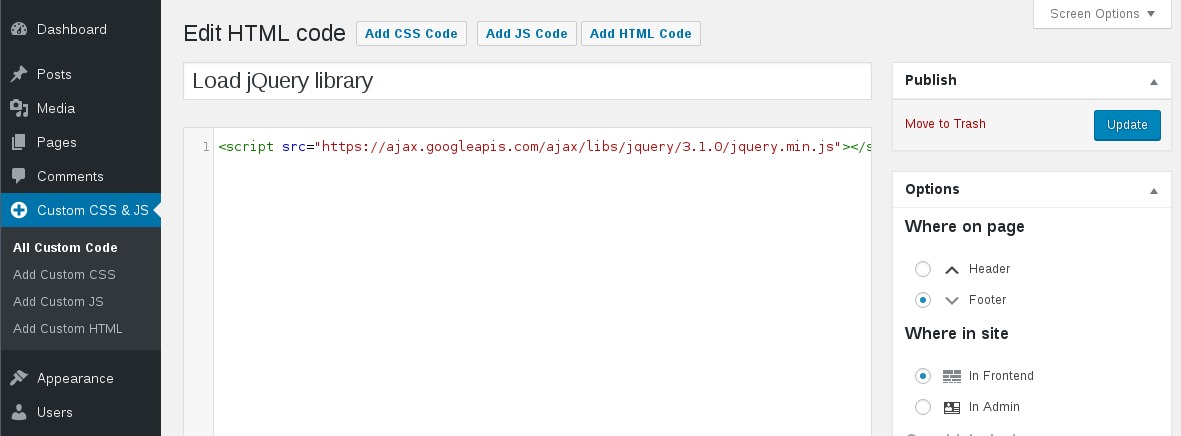
If you write multiple codes of the same type (for example: two external CSS codes), then all of them will be printed one after another
When you click the Save button the codes will be cached in files, so there are no tedious database queries.
No, the code is printed exactly as in the editor. It is not modified/checked/validated in any way. You take the full responsability for what is written in there.
Try one of the following:
1. If you are using any caching plugin (like “W3 Total Cache” or “WP Fastest Cache”), then don’t forget to delete the cache before seing the code printed on the website.
2. Make sure the code is in Published state (not Draft or in Trash).
3. Check if the wp-content/uploads/custom-css-js folder exists and is writable
Yes.
The CSS and JS are independent of the theme and they will persist through a theme change. This is particularly useful if you apply CSS and JS for modifying a plugin’s output.
#204 by installs
Include inline javascript, stylesheets, CSS code or anything you want in Header and Footer areas of your WordPress with ease.

#359 by installs
Add Custom CSS to your WordPress site without any hassles.

#545 by installs
Add CSS to your website through an admin editor, the Customizer or a metabox for page/post specific CSS.

#673 by installs
Add custom css to the whole website and to specific posts and pages.

Fast, file-based code snippets plugin. Insert header & footer scripts and add PHP, CSS, JS & HTML snippets with conditional logic. Zero DB queries.
Insert PHP, JavaScript, CSS, HTML, ads & tracking code into WordPress headers, footers, pages & content with conditional logic — no theme editing.
Read from the WordPress.org plugin API on , when WordPress 7.1.4 was the current release. WordPress.org rounds active installs into buckets. These are the directory's figures, not my verdict, and I haven't tested this plugin.
