
#679 by installs
WP Accessibility
WP Accessibility fixes common accessibility issues in your WordPress site.
- Installs
- 60,000+
- Rating
- 4.8 (68)
- Updated
- 6 days ago

Web Accessibility (formally known as Ally) is a free, powerful, and user-friendly plugin that helps WordPress creators build more accessible websites …
| Last updated | August 24, 2026Updated in the last 3 months |
|---|---|
| Tested up to | WordPress 7.0.8Older than WordPress 7.1.4, the current release |
| Needs WordPress | 6.7 or newer |
| Needs PHP | 7.4 or newer |
| First published | October 29, 2015 |
| Support, last two months | 0 of 2 threads resolved (0%) |
2.9 / 5 from 162 reviews
| 5 stars | 71 |
|---|---|
| 4 stars | 3 |
| 3 stars | 1 |
| 2 stars | 10 |
| 1 star | 77 |
Web Accessibility (formally known as Ally) is a free, powerful, and user-friendly plugin that helps WordPress creators build more accessible websites with ease.
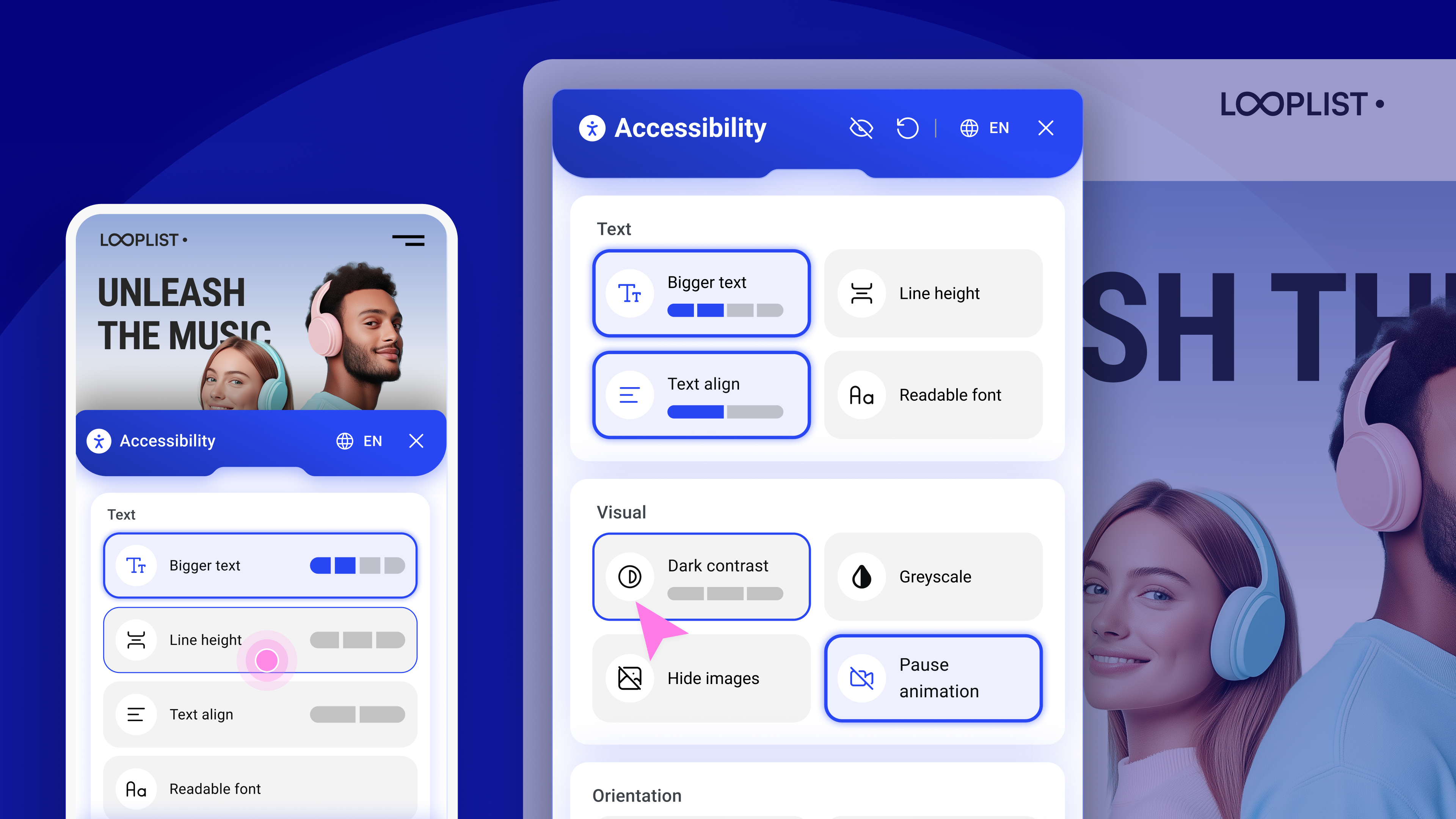
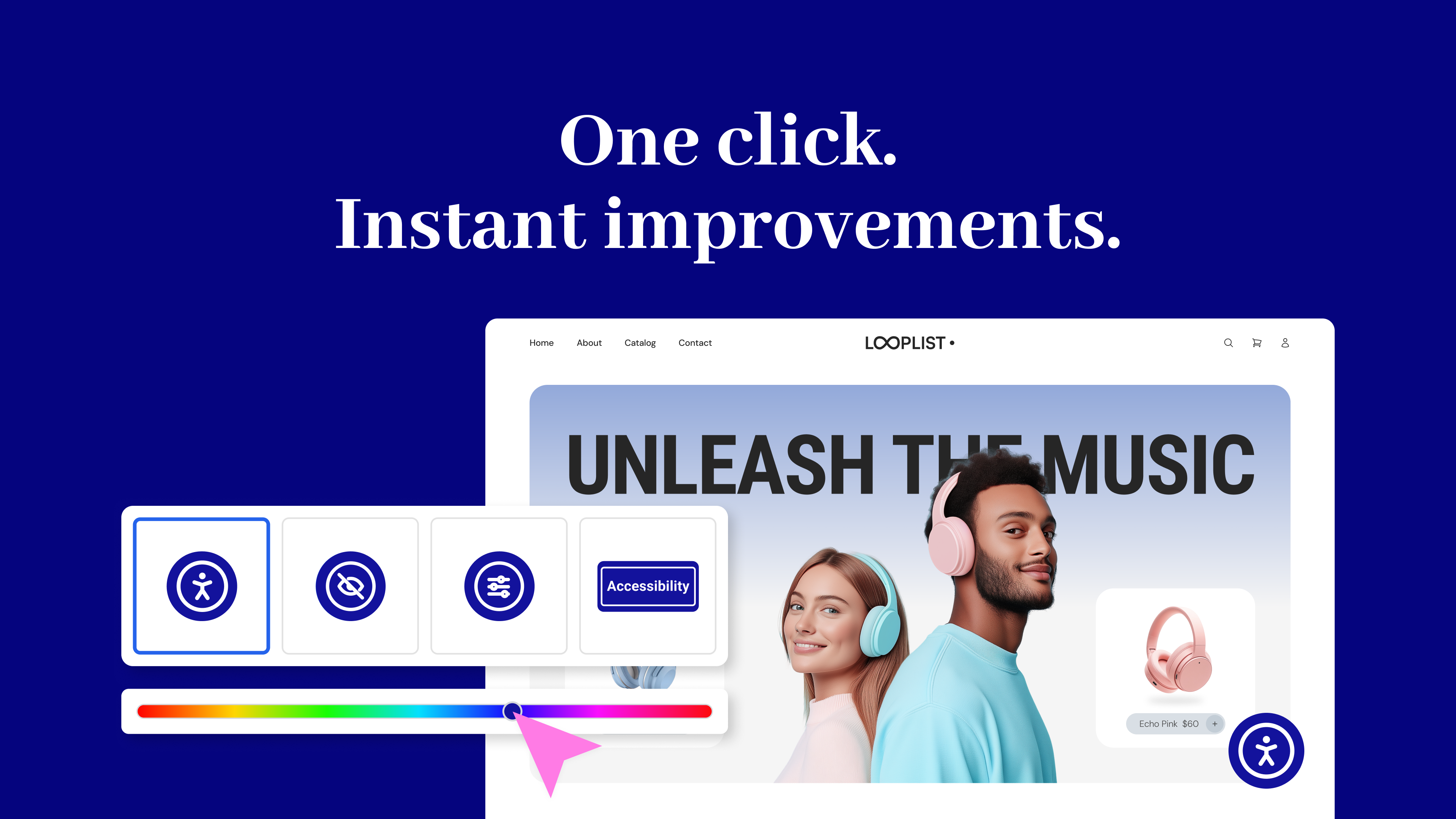
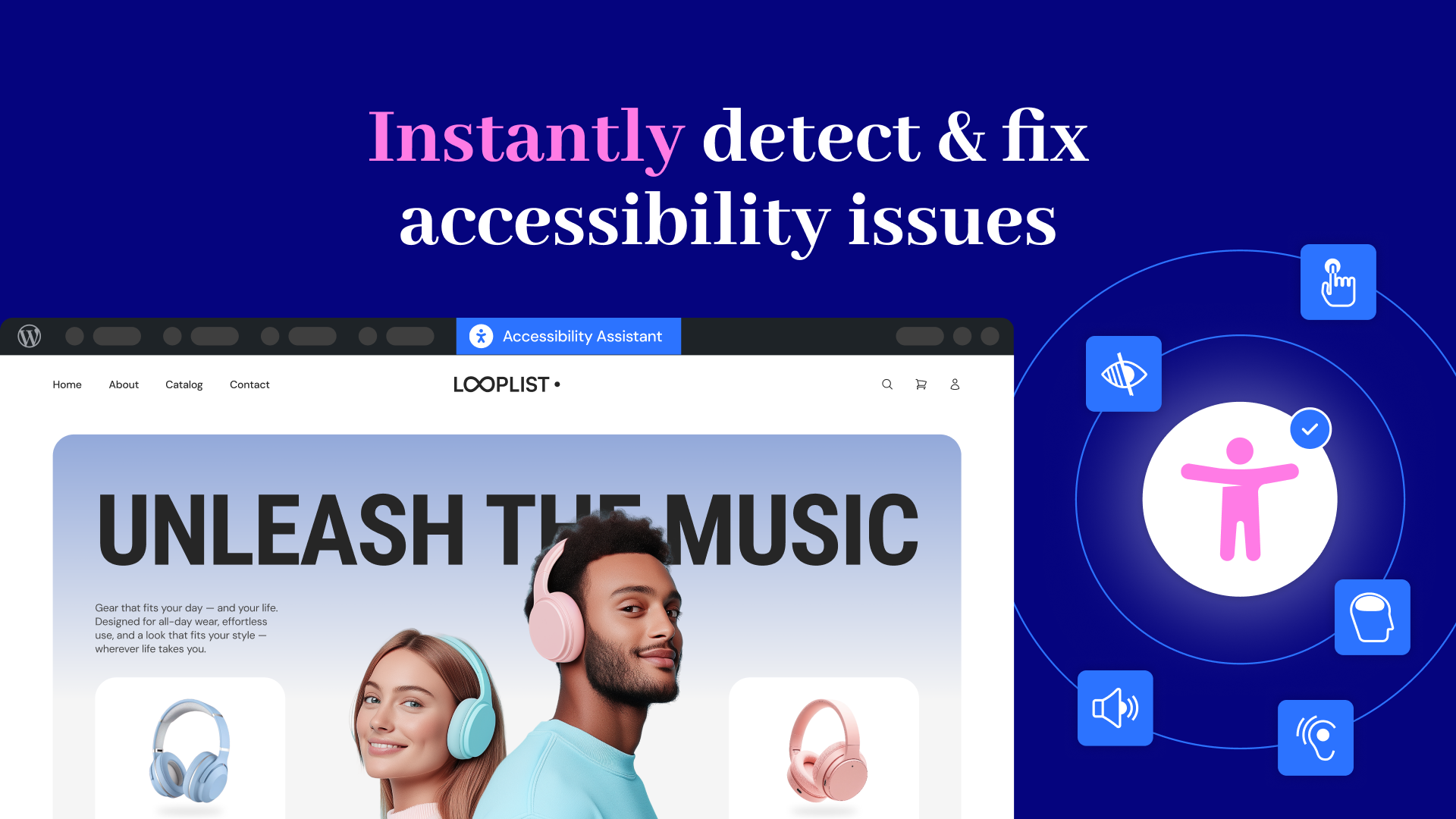
It simplifies accessibility with three essential tools:
No expertise required – Just activate, configure, and start making your site more inclusive today. Built by Elementor and designed for every WordPress site.
Why does web accessibility matter?
The opening of the plugin's own description. The full text, installation notes and changelog are on its WordPress.org page.
Web Accessibility is an accessibility plugin for WordPress websites. It helps web creators build more inclusive websites using a customizable widget, on-demand accessibility scans, AI-powered issue remediation, and a centralized dashboard to track progress.
Web Accessibility is ideal for freelancers, agencies, and DIY website owners who want to improve accessibility and align with WCAG standards
Yes, Web Accessibility is GDPR compliant. To meet your privacy obligations, you must list Elementor as a sub-processor in your privacy notice. Our Data Processing Agreement (DPA) outlines all privacy-related requirements.
No automated tool can promise full accessibility. Web Accessibility helps you detect and fix the most common violations, but achieving full compliance requires human testing and judgment. Think of Web Accessibility as a powerful assistant-not a complete substitute for manual review.
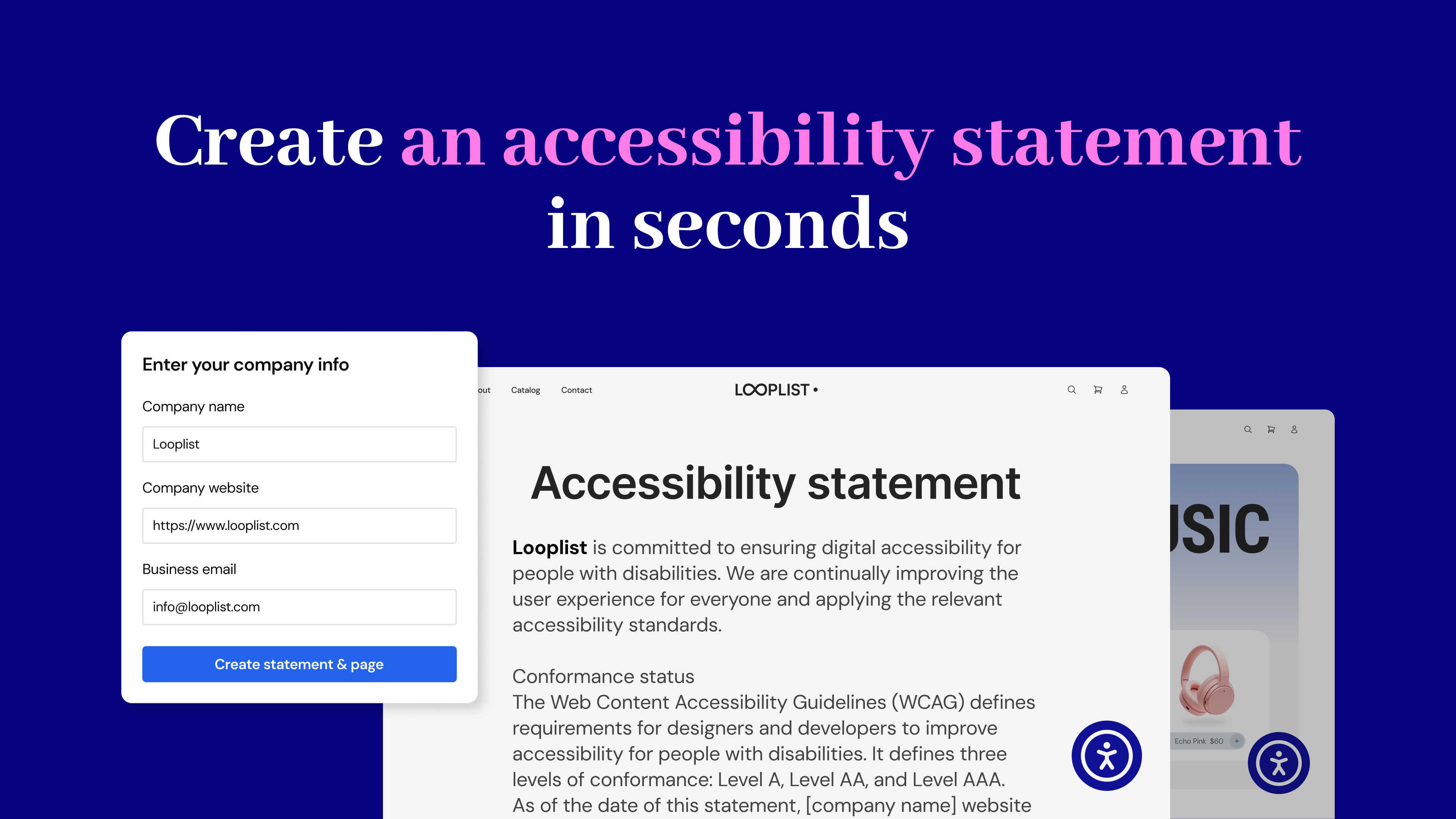
An accessibility statement is a public declaration of your commitment to inclusive digital experiences. Web Accessibility helps you easily generate and publish one as a dedicated page on your website.
An Elementor account lets you manage your Web Accessibility settings, track usage, and unlock advanced features like the Assistant and AI fixes.
#679 by installs
WP Accessibility fixes common accessibility issues in your WordPress site.

#509 by installs
UserWay’s Accessibility Widget creates a simpler and more accessible browsing experience for your users.
OneTap is a multilingual WordPress plugin designed for seamless website accessibility.

Automatically add Image Alt Text, Title, Caption and Description from Filename. Bulk update existing images. Great for Image SEO and Accessibility.

#570 by installs
Mobile menu & hamburger menu builder for WordPress. Accessible, keyboard-friendly and works with any theme or page builder. 150+ options, no code.
Read from the WordPress.org plugin API on , when WordPress 7.1.4 was the current release. WordPress.org rounds active installs into buckets. These are the directory's figures, not my verdict, and I haven't tested this plugin.
