
#195 by installs
Sticky Header Effects for Elementor
The original Elementor sticky header & sticky menu plugin. Transparent, fixed & scroll effects (blur, shrink, hide) on Elementor Free or Pro.
- Installs
- 300,000+
- Rating
- 4.5 (69)
- Updated
- 43 days ago

Create a welcome notification bar for your website. Also, My Sticky Bar plugin can make your menu or header sticky to the top when scrolled 📌
| Last updated | October 28, 2026Updated in the last 3 months |
|---|---|
| Tested up to | WordPress 7.1.4Covers WordPress 7.1.4, the current release |
| Needs WordPress | 4.7 or newer |
| Needs PHP | Not stated |
| First published | March 6, 2014 |
| Support, last two months | 1 of 1 threads resolved (100%) |
4.9 / 5 from 1,199 reviews
| 5 stars | 1,142 |
|---|---|
| 4 stars | 25 |
| 3 stars | 4 |
| 2 stars | 6 |
| 1 star | 22 |
Support | Demo | Recommended Plugins | Upgrade to Pro ⭐
Use My Sticky Bar (formerly myStickymenu) to create a beautiful notification bar for your website. You can also use this notification bar & sticky menu plugin to make your menu or header sticky on top of page, after desired number of pixels when scrolled. You can use it also to create a Welcome bar for announcements, promotion and more. This lightweight plugin will help your visitors navigate easily and reach to the navigation menu without wasting time. Install My Sticky Bar and improve your website’s user experience! If you want to change the CSS style, disable on scroll down or disable on specific pages. check out the Pro version.
My Sticky Bar (formerly myStickymenu) will make your menu sticky if you turn on the sticky menu feature – which means your menu should become sticky right out of the box. Sticky menu is designed to use element class “.navbar” as “Sticky Class”. That value should be modified in plugin settings for different themes to make it work. Sticky Class is actually nothing more than an element class (or id) of the element that should become sticky.
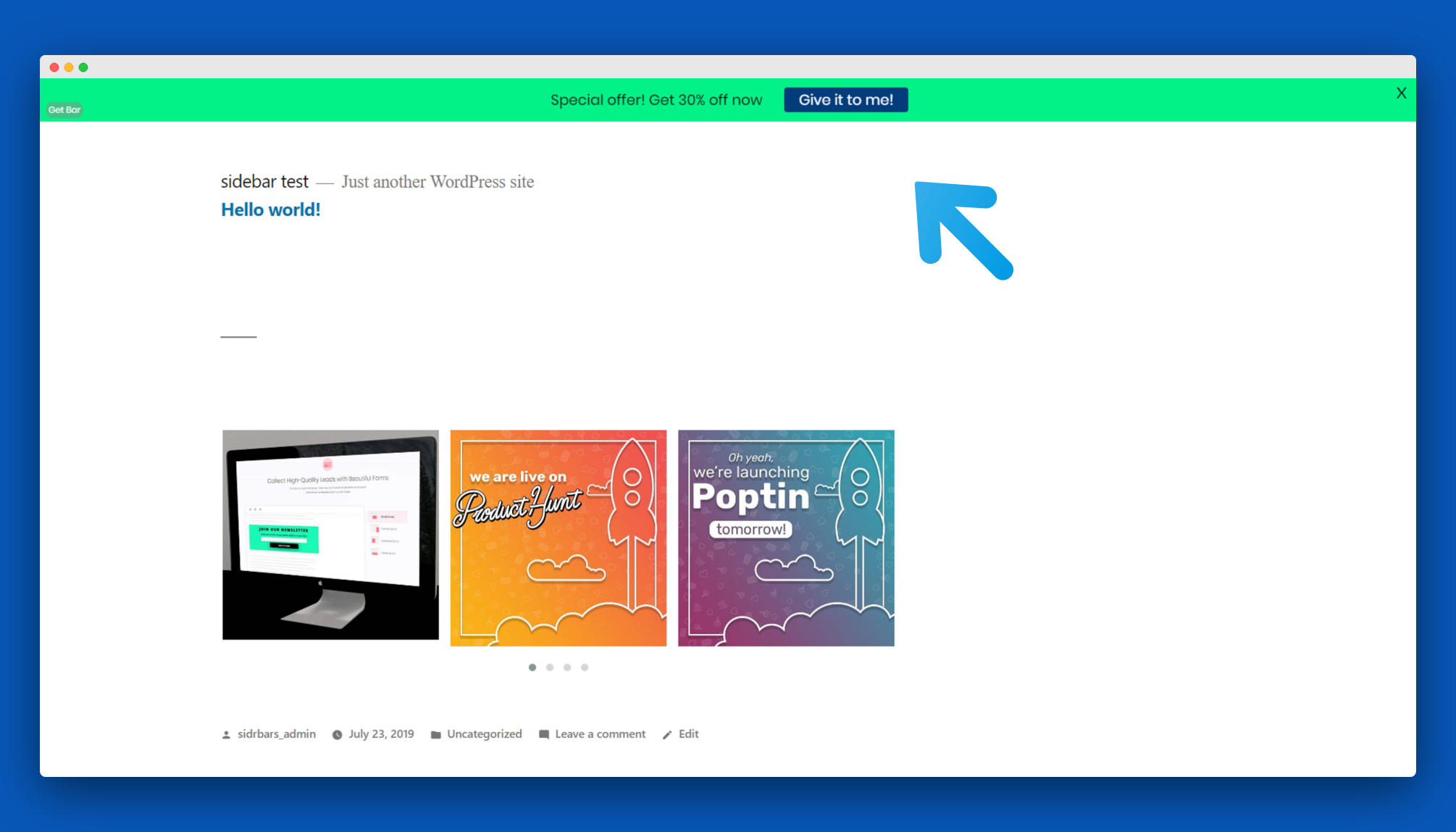
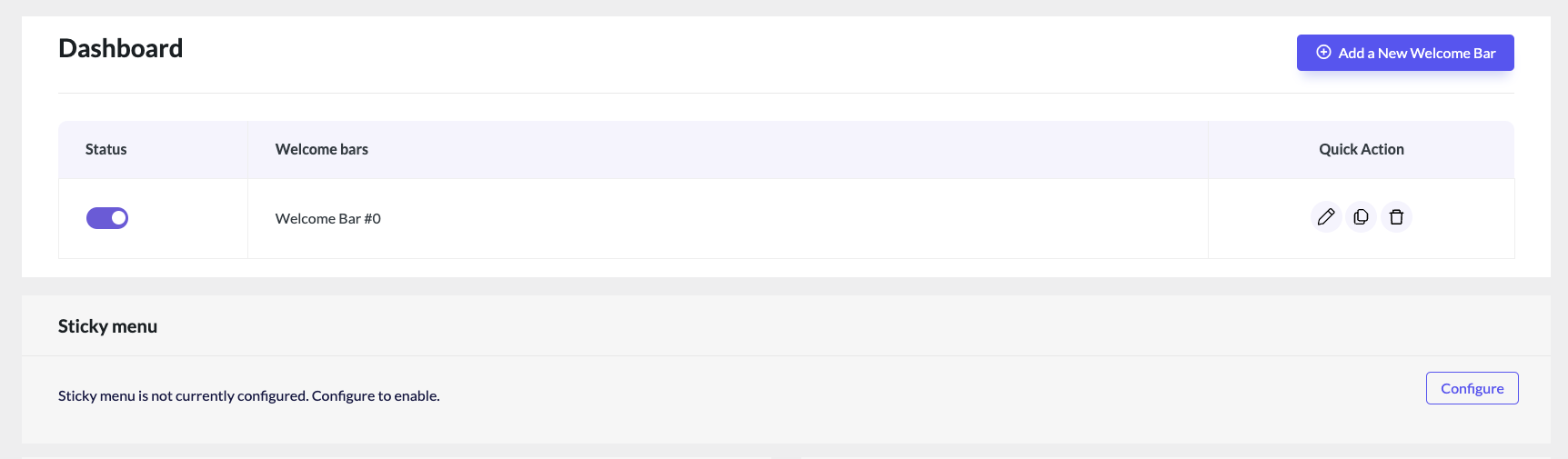
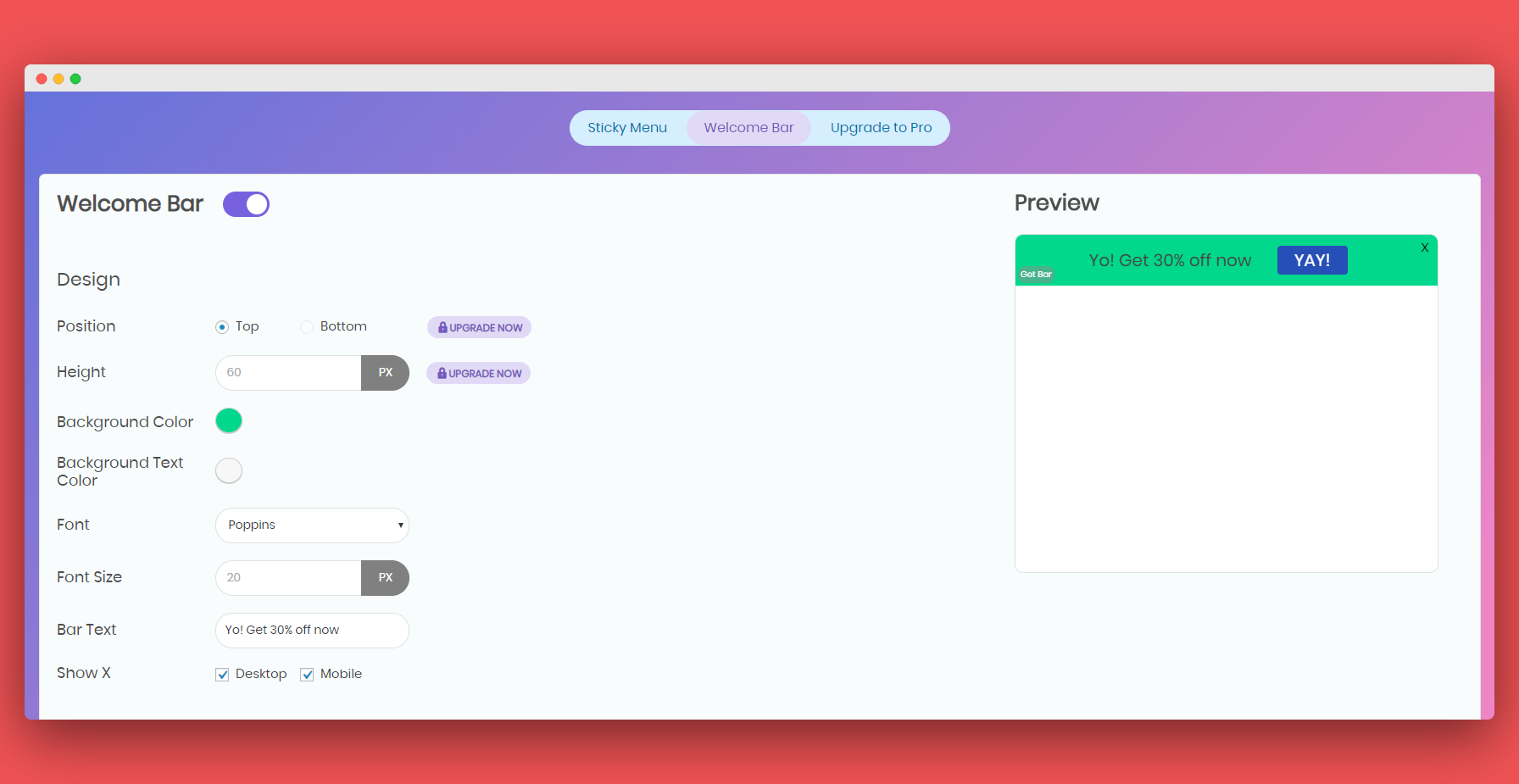
📢 Welcome Notification Bar: Use this powerful feature to create a beautiful floating sticky notification bar. Just turn the notification bar on, set up your announcement text and button, and voilà, your top notification bar is ready!
💪 BENEFITS
The opening of the plugin's own description. The full text, installation notes and changelog are on its WordPress.org page.
So this depends on what you want to make sticky and what theme do you use, but for example, if you want your menu to be sticky, then you can examine the code (in firefox right click and “View page source”) and find HTML element in which your menu is situated. This element has some class or id, and that’s the Sticky Class we need.
Yes, just leave the “Sticky Background Color” field blank (clear). Then if needed define a custom background color for a sticky header inside “.myfixed CSS class” field using .myfixed class.
That will depend on a theme you use, but if initially your menu and logo are in one div then you can use that div class or id in My Sticky Bar settings.
If not you can change that in your header template file and add logo and menu divs inside new div with some custom class or id, then use that class or id in My Sticky Bar settings as a sticky class.
No. you can use the free plan as long as you want.
There 2 ways to do it:
1. You can install the free Sticky Menu plugin on any website you want
2. You can buy the Pro plan that includes licenses for 5 domains, or the Agency plan that includes licenses for 20 domains.
Check out our plans page.
Once you purchase any paid plan of My Sticky Bar, you can use it forever. Support and updates are available for 1 year. You can renew your license each year to get another year of support and updates.
Fixed button position on notification bar

#195 by installs
The original Elementor sticky header & sticky menu plugin. Transparent, fixed & scroll effects (blur, shrink, hide) on Elementor Free or Pro.
#481 by installs
Sticky Menu or Sticky Header sticks elements at the top of the screen when you scroll, or create a floating sticky menu or fixed widget.

#802 by installs
Easily lets you create a bar on top or bottom to display a notification.

Want to boost business trust & conversions? 97% of visitors hesitate to buy because of credibility. Instantly succeed with WooCommerce Sales Alert!

#992 by installs
Easily create floating menus of varying complexity. Use its capabilities to place unique navigation on the site.
Read from the WordPress.org plugin API on , when WordPress 7.1.4 was the current release. WordPress.org rounds active installs into buckets. These are the directory's figures, not my verdict, and I haven't tested this plugin.