
Create a welcome notification bar for your website. Also, My Sticky Bar plugin can make your menu or header sticky to the top when scrolled 📌
- Installs
- 100,000+
- Rating
- 4.9 (1.2K)
- Updated
- 3 days ago

The original Elementor sticky header & sticky menu plugin. Transparent, fixed & scroll effects (blur, shrink, hide) on Elementor Free or Pro.
| Last updated | September 18, 2026Updated in the last 3 months |
|---|---|
| Tested up to | WordPress 7.1.4Covers WordPress 7.1.4, the current release |
| Needs WordPress | 6.3 or newer |
| Needs PHP | 7.4 or newer |
| First published | May 26, 2018 |
| Support, last two months | 1 of 1 threads resolved (100%) |
4.5 / 5 from 69 reviews
| 5 stars | 49 |
|---|---|
| 4 stars | 13 |
| 3 stars | 4 |
| 2 stars | 1 |
| 1 star | 2 |
The original Elementor sticky header & sticky menu plugin. Transparent, fixed & scroll effects (blur, shrink, hide) on Elementor Free or Pro.
Sticky Header Effects for Elementor: Build Smart, Responsive Sticky Headers
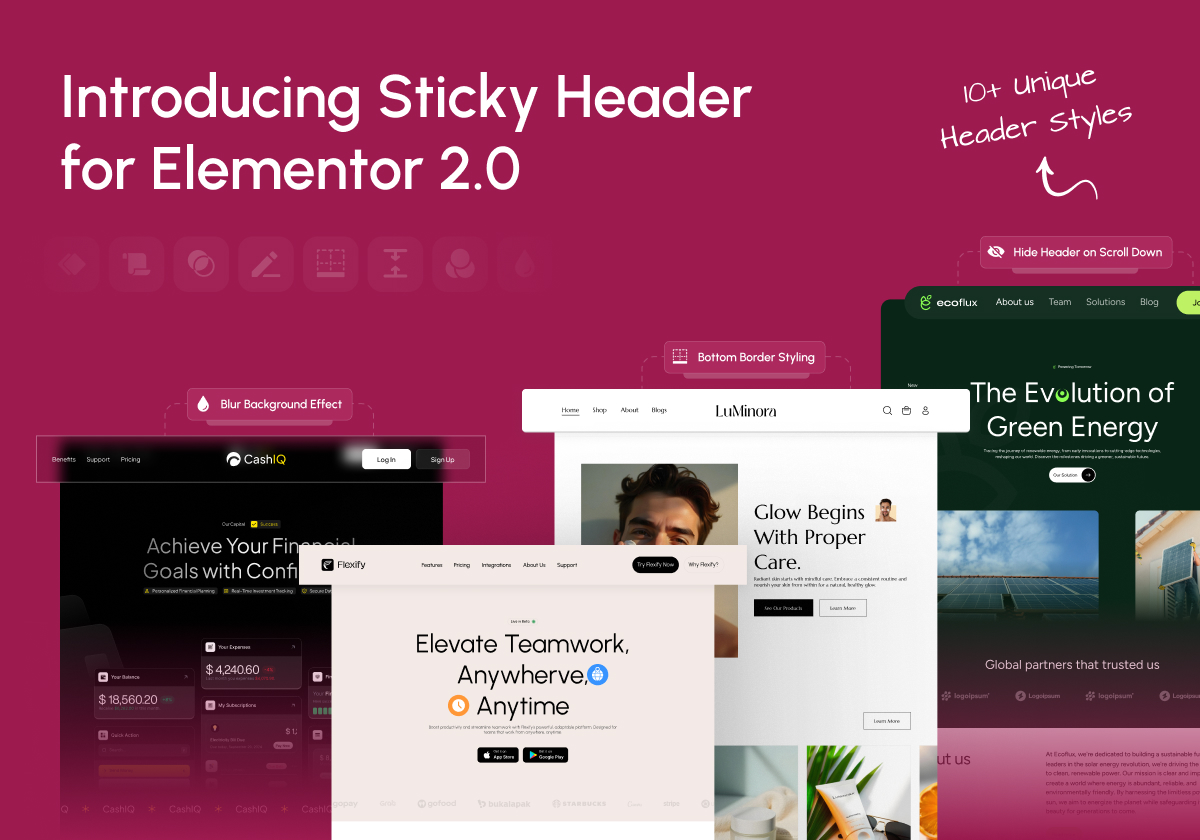
Sticky Header Effects for Elementor is the plugin for turning any Elementor header into a smart, scroll aware sticky header. Add a sticky menu, a transparent header, a fixed header, and 12 scroll based features like blur, shrink, hide on scroll and color change, all with no code, on Elementor Free or Pro.
Trusted by 300,000+ websites with 5.4 million+ downloads and rated 4.5 stars, it is the sticky header plugin agencies, designers and site owners reach for first.
Live Demos | Documentation | Get Pro
Why 300,000+ Sites Choose Sticky Header Effects
Tested, Maintained, and Supported
The opening of the plugin's own description. The full text, installation notes and changelog are on its WordPress.org page.
The header cannot shrink smaller than the objects inside of it.
The “shrink” effect is restricted by the size of the content in the header section, such as logos, images, menus, widgets, and also all of the padding and margins of those elements. This also includes the padding and margins of the sections and columns themselves.
To get the best “shrink” effect use these settings:
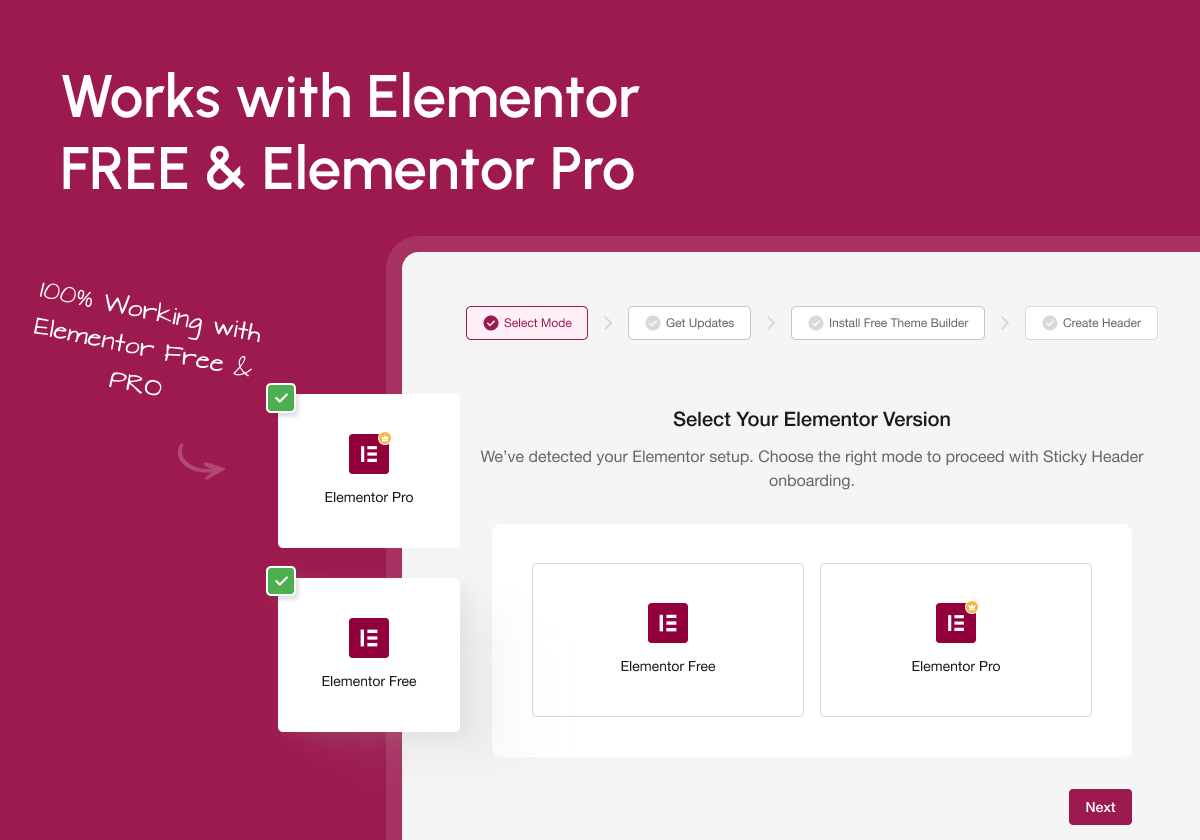
No. This plugin works perfectly with Elementor Free. For navigation menus, you can use the free Nav Menu widget from The Plus Addons for Elementor. You will only need Elementor Pro if you are using Pro Navigation widgets.
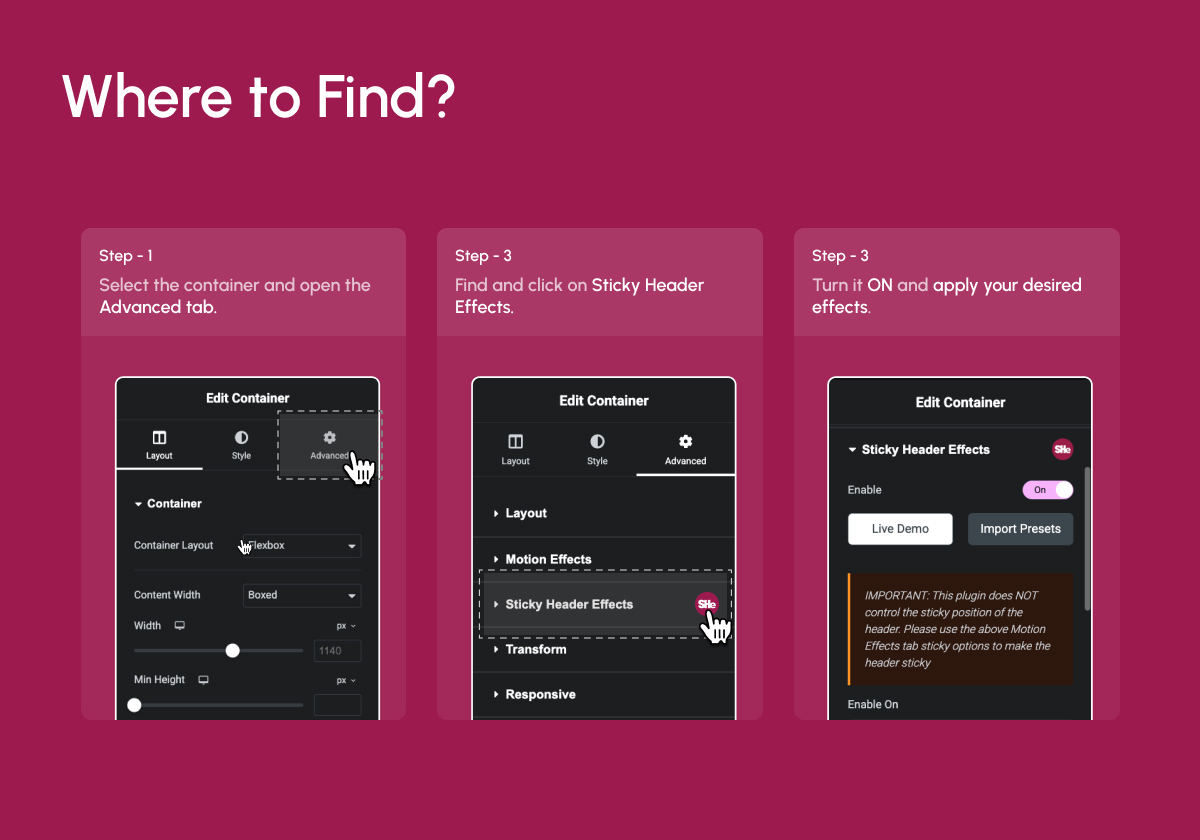
Yes. You will find the Sticky Header Effects panel under the Advanced Tab of every Elementor section and container. If you have Elementor Pro, it works on header templates built with the Elementor Pro Theme Builder. On Elementor Free you do not need Elementor Pro to build a custom header either: Nexter Extension includes a Free Theme Builder for headers, and the same Sticky Header Effects apply to those headers too.
Not yet. Atomic Elements is an unreleased Elementor experiment, and atomic elements do not expose the Sticky Header Effects panel. If you have that experiment turned on, build your header with a classic Container and every effect works as normal. Nothing changes for sites on the current Elementor 3.x releases.
No, it requires Elementor Free or Pro. It extends Elementor’s functionality with new header scroll effects.
Yes. Sticky Header Effects for Elementor Pro is a separate add-on plugin that requires this free plugin to be installed and active. It adds Display Conditions, Sticky Until (boundary control), Reveal animations, Header Replace on scroll, Logo Swap, Sticky Menu Styling, extended Backdrop Filter, Background Image on sticky, Opacity transitions, Logo Styling, Multi-Sticky coordination, and a Scroll Progress Bar.
Create a welcome notification bar for your website. Also, My Sticky Bar plugin can make your menu or header sticky to the top when scrolled 📌
#481 by installs
Sticky Menu or Sticky Header sticks elements at the top of the screen when you scroll, or create a floating sticky menu or fixed widget.

Elementor addons with 18+ free widgets, Header & Footer Builder, WooCommerce widgets & templates. Trusted by 2+ million websites.
Elementor addon: 120+ widgets & templates — Elementor Gallery, Mega Menu, Slider, Form, Post Grid, Accordion, Header Footer Builder & WooCommerce.
Elementor templates, Header footer builder, Elementor Post Grid, Woocommerce Grid builder, Slider, Forms, Gallery, Nav menu addons, Elementor widgets.

#150 by installs
Use this plugin to import Template Kits to WordPress
Read from the WordPress.org plugin API on , when WordPress 7.1.4 was the current release. WordPress.org rounds active installs into buckets. These are the directory's figures, not my verdict, and I haven't tested this plugin.

