Type to search.

#382 by installscommercial

Modula Image Gallery – Photo Grid & Video Gallery

by WP ChillVersion 3.0.16

Create responsive image galleries with drag-and-drop grid builder. Custom layouts, video support, AI optimization. Works with any theme.

Active installs
100,000+
#382 of 1,000
Downloads, all time
7.8M
7,781,179
Downloads, 30 days
232.4K
16.7K in the last 7
Rating
4.7 / 5
616 reviews
Last updated
9 days ago
Oct 22, 2026
Version
3.0.16
99 releases

Upkeep and compatibility

Last updatedOctober 22, 2026Updated in the last 3 months
Tested up toWordPress 7.1.4Covers WordPress 7.1.4, the current release
Needs WordPress5.3 or newer
Needs PHP5.6 or newer
First publishedNovember 2, 2015
Support, last two months16 of 16 threads resolved (100%)

Reviews

4.7 / 5 from 616 reviews

Reviews by star rating
5 stars532
4 stars36
3 stars15
2 stars8
1 star25

Downloads, last 30 days

Low 1K a dayHigh 38.1K a day

What the author says it does

Create responsive image galleries with drag-and-drop grid builder. Custom layouts, video support, AI optimization. Works with any theme.

The Best WordPress Gallery Plugin for Custom Image & Video Galleries

Create stunning image galleries with Modula’s drag-and-drop grid builder. Build custom grid layouts, masonry galleries, and video galleries without any coding. Perfect for photographers, designers, and anyone who wants beautiful responsive galleries on their WordPress website.

Modula makes creating photo galleries effortless. Just add images, customize your layout, and publish. The drag-and-drop interface lets you create unique custom grid galleries by resizing and repositioning images exactly how you want them.

What you get extra in Modula Pro when making a purchase:

  • Comments for images: Allow your site users to add comments for your gallery images, boosting your engagement and interaction with your audience.
  • Image proofing: Make it easy for customers to choose the photos they want edited with proofing galleries on your website. They can pick their favorites and send their choices directly through the site. No more long email chains or back-and-forth—everything is handled in one place!

The opening of the plugin's own description. The full text, installation notes and changelog are on its WordPress.org page.

Questions the author answers

How do I show a Modula gallery?

Follow this easy guide to add your gallery to any page or post. Simply copy the shortcode from your gallery and paste it where you want the gallery to appear.

Can I move my old galleries to Modula?

Yes! If you use NextGEN, FooGallery, Envira, Final Tiles, or Photoblocks, you can switch to Modula easily with our free migration plugins.

Migrate away from NextGEN Gallery

Migrate away from FooGallery

Migrate away from Envira Gallery

Migrate away from Final Tiles

Migrate away from Photoblocks Gallery

Why do some images look blurry?

If photos don’t look clear, try increasing the Minimum Image Width in the settings, General section. Also ensure you’re uploading high-resolution source images.

How do I make my gallery mobile responsive?

All Modula galleries are automatically mobile responsive. Configure responsive breakpoints in your gallery settings to control how many columns display on smartphones and tablets.

Can I create a portfolio gallery with Modula?

Yes! Use the Custom Grid layout to create professional portfolio galleries. Resize images to highlight your best work and add captions to provide context.

How do I add a lightbox to my gallery?

The lightbox is enabled by default in Modula. When visitors click gallery images, they open in a full-screen lightbox viewer with navigation arrows.

Latest changelog entry

3.0.16 – 22.10.2026

Fixed: Copy shortcode works on sites that are not served over HTTPS.

Fixed: Settings › Connections no longer shows an account as connected when your plan does not include it.

Fixed: Email templates no longer keep leftover editor code in their links.

Fixed: Starting a classic gallery from a preset only offers presets the classic editor can show.

Improved: The Visual email editor shows links as text instead of HTML.

Improved: The License section in Settings shows your plan and key on one line.

Changed: The Get a key link in Smart Captions opens the Modula AI key page of your account.

Screenshots

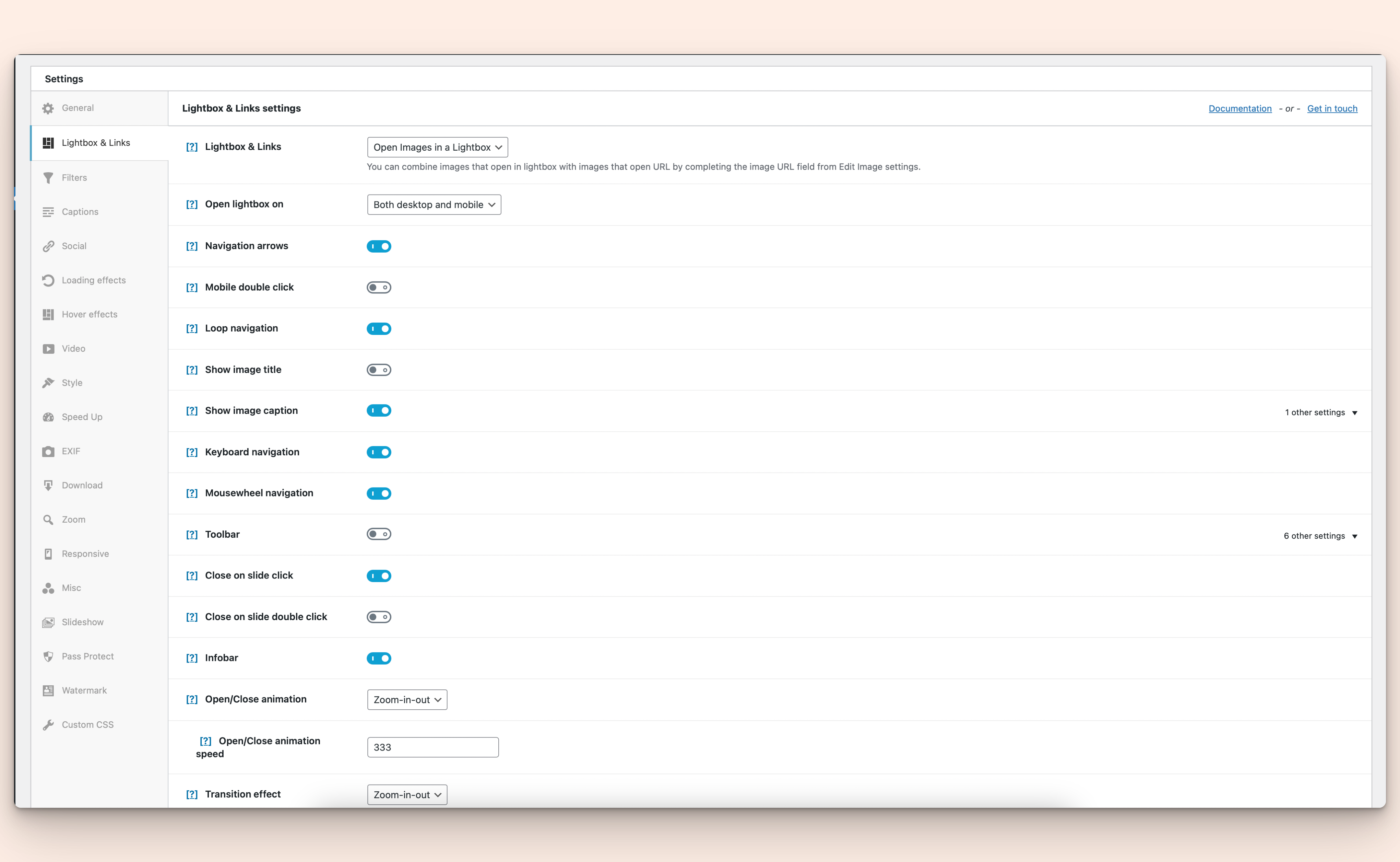
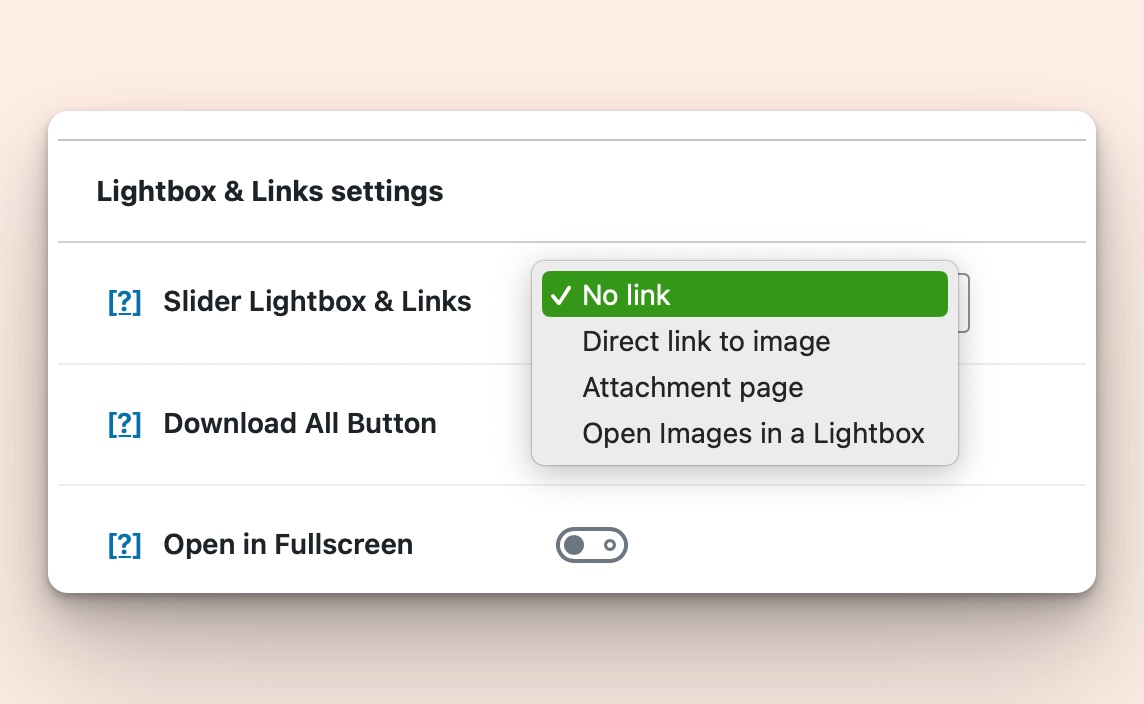
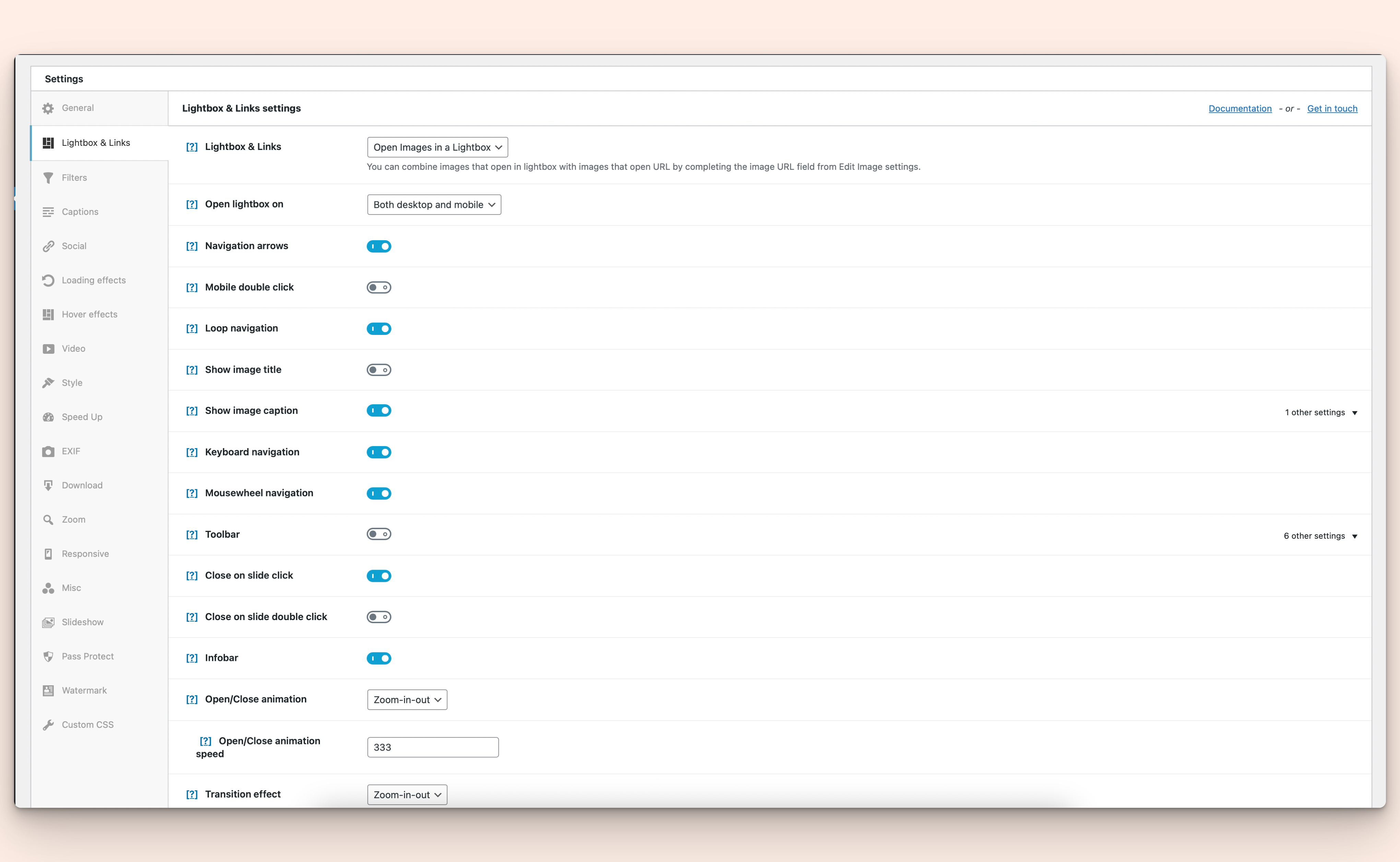
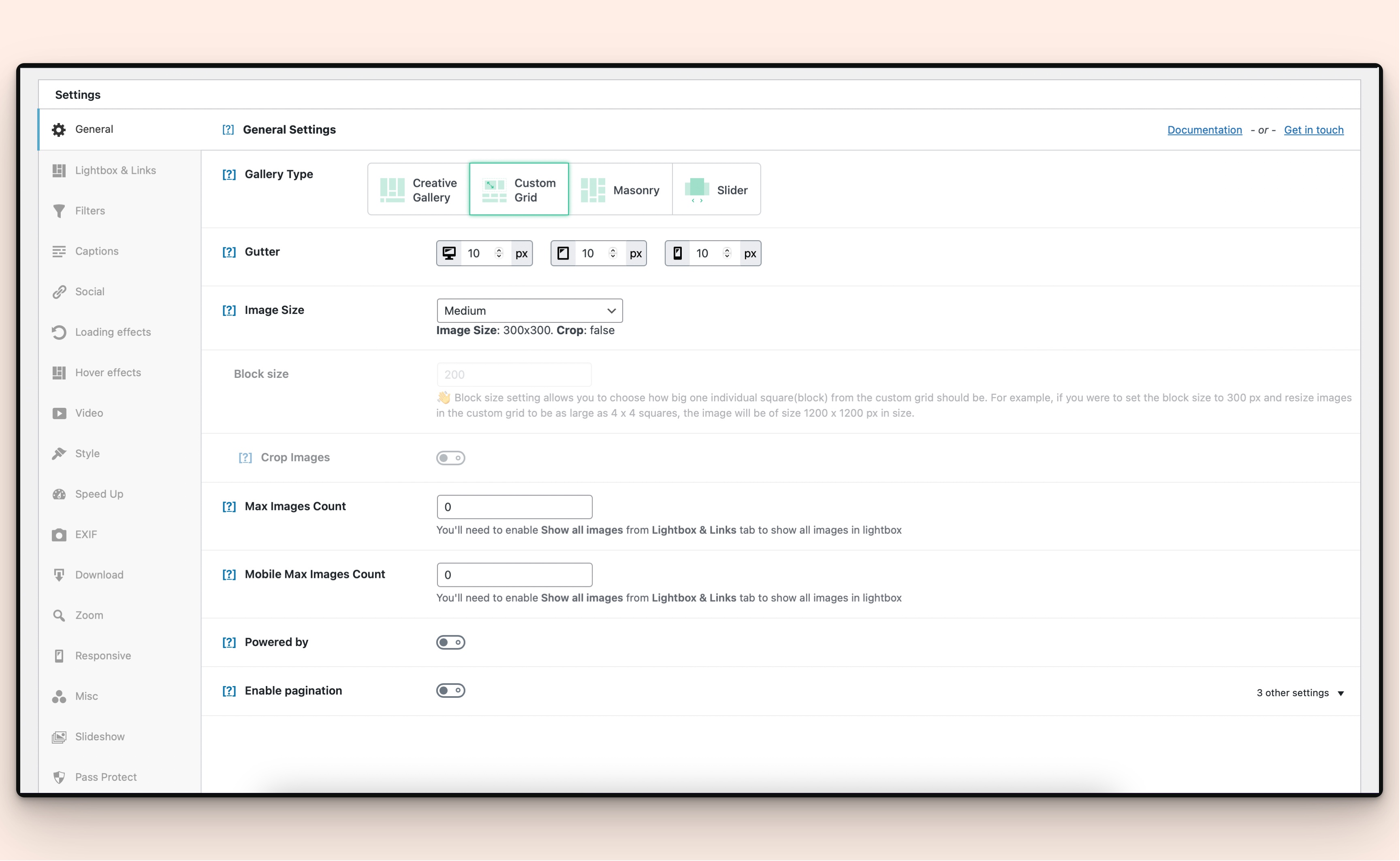
First 4 of 20, from WordPress.org.

Tagged

Plugins that share its tags

#881 by installs

Robo Gallery – Photo & Image Slider

by robosoft

Robo Gallery is a powerful image gallery and photo gallery plugin with advanced features to create responsive galleries with a beautiful lightbox

Installs
40,000+
Rating
4.3 (406)
Updated
25 days ago

#692 by installs

Gallery by Visual Portfolio

by nK

Build photo galleries, image galleries, and portfolio grids with gallery blocks. Masonry, lightbox, sliders, and filters included.

Installs
60,000+
Rating
4.8 (340)
Updated
7 days ago

#895 by installs

SimpLy Gallery

by GalleryCreator

Create photo and video galleries with albums, sliders and a lightbox. Includes free Media Library folders to organize your files.

Installs
40,000+
Rating
4.8 (118)
Updated
19 days ago

Where this page's numbers come from

Read from the WordPress.org plugin API on , when WordPress 7.1.4 was the current release. WordPress.org rounds active installs into buckets. These are the directory's figures, not my verdict, and I haven't tested this plugin.