Type to search.

#293 by installs

Photo Gallery by 10Web – Mobile-Friendly Image Gallery

by 10WebVersion 1.8.48

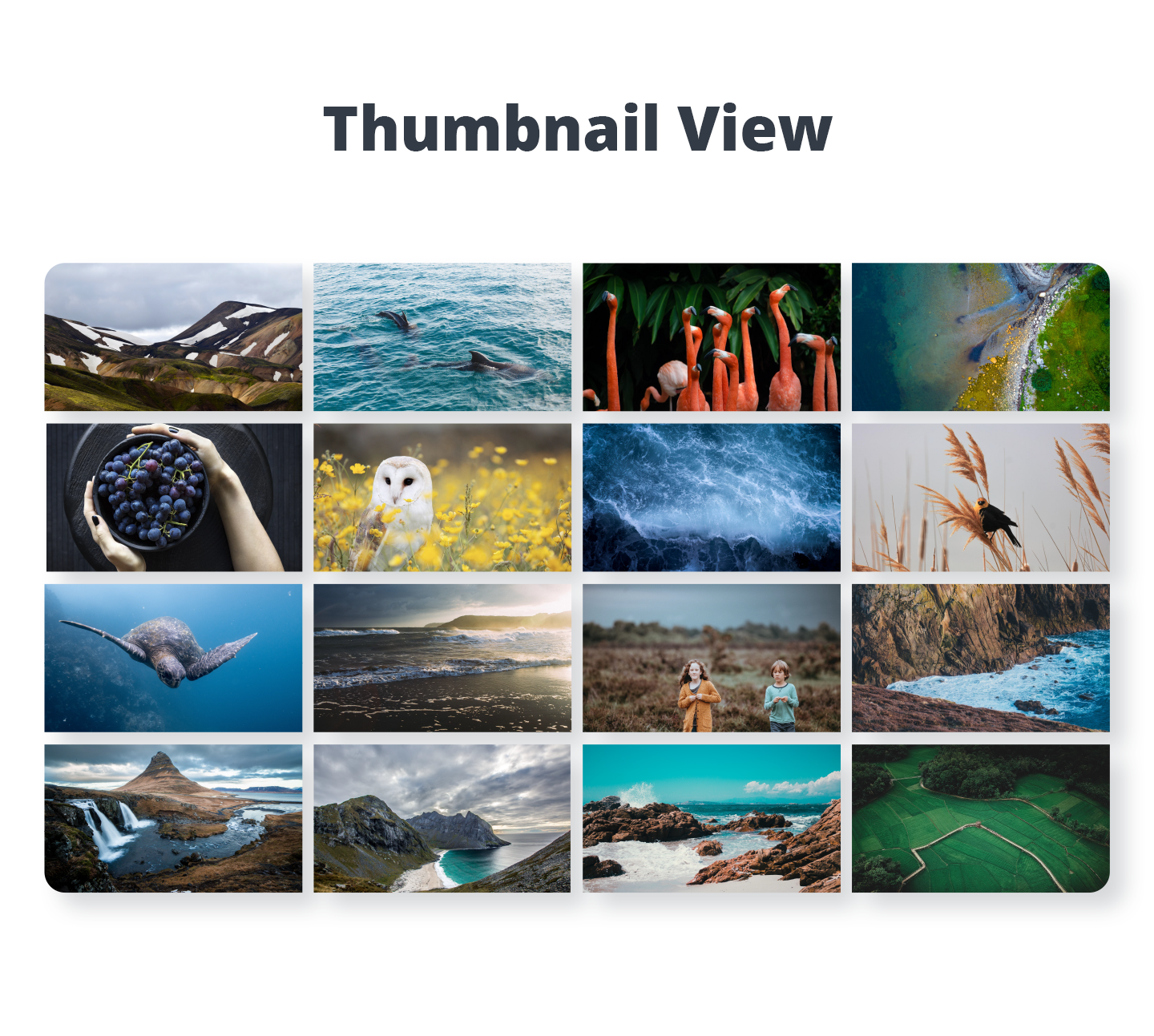
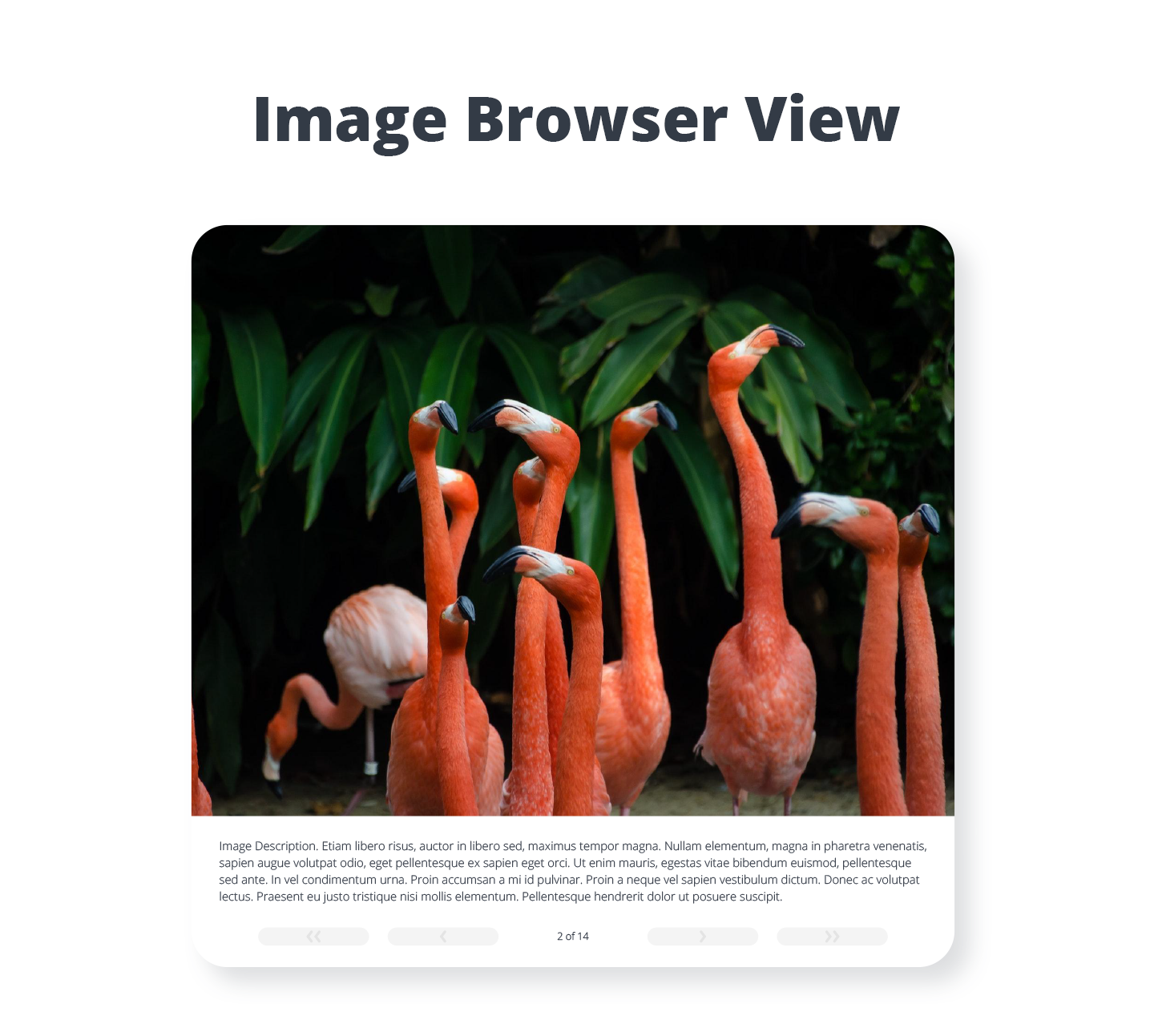
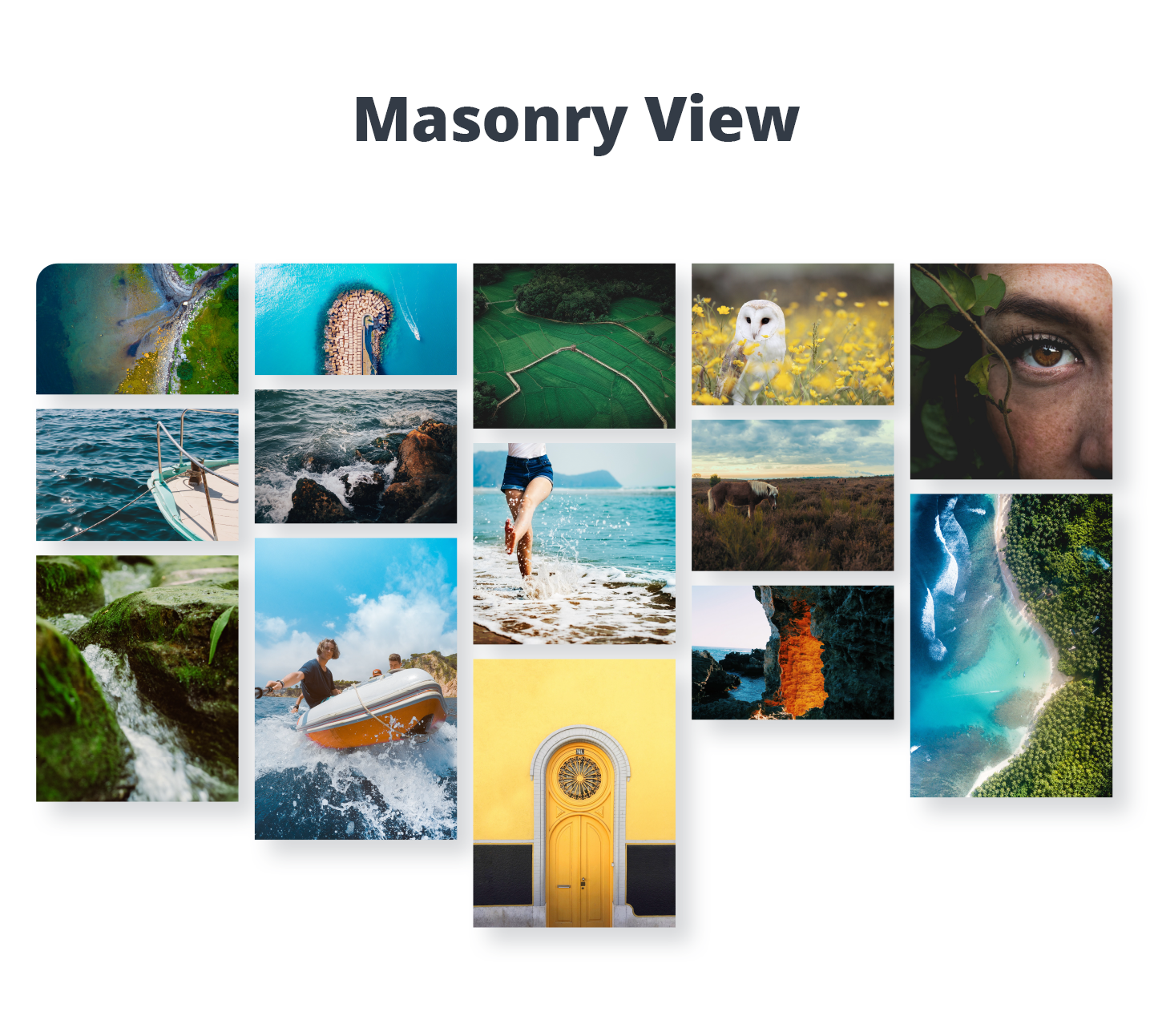
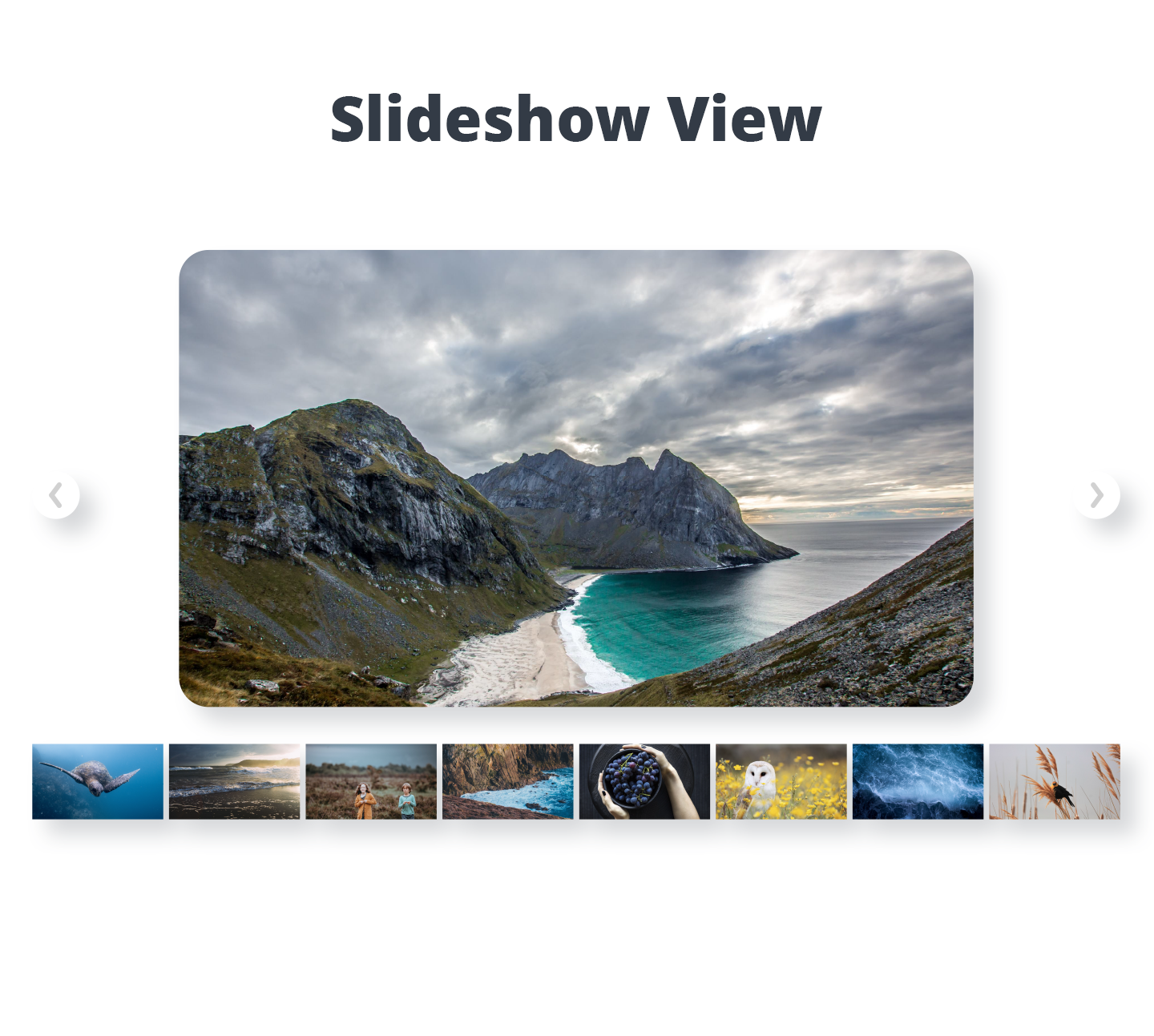
Photo Gallery is a powerful image gallery plugin with a list of advanced options for creating responsive image galleries with beautiful lightbox.

Active installs
100,000+
#293 of 1,000
Downloads, all time
20.3M
20,259,628
Downloads, 30 days
113.9K
13.1K in the last 7
Rating
4.5 / 5
1,581 reviews
Last updated
16 days ago
Oct 15, 2026
Version
1.8.48
387 releases

Upkeep and compatibility

Last updatedOctober 15, 2026Updated in the last 3 months
Tested up toWordPress 6.6.11Older than WordPress 7.1.4, the current release
Needs WordPress4.6 or newer
Needs PHPNot stated
First publishedJanuary 30, 2014
Support, last two months9 of 29 threads resolved (31%)

Reviews

4.5 / 5 from 1,581 reviews

Reviews by star rating
5 stars1,288
4 stars110
3 stars37
2 stars24
1 star122

Downloads, last 30 days

Low 812 a dayHigh 40.3K a day

What the author says it does

Photo Gallery is the leading plugin for building beautiful mobile-friendly galleries in a few minutes.

Useful Links:

Live Demo

Premium Photo Gallery by 10Web

Special Offer for all Premium Plugins

If you’re looking for a user friendly and feature rich plugin to add responsive galleries and albums to your website, Photo Gallery plugin can be the best option for you. It’s simple to use yet packed with powerful functionality, allowing you to create anything from simple to complex photo galleries. Photo Gallery comes packed with stunning layout options, gallery and album views, multiple widgets and a number of extensions that take its functionality even further. WordPress Photo Gallery is a great choice for photography websites and blogs, as well as sites that want to have robust image galleries with easy navigation.

Check the extensive feature list of the plugin bellow, have a look at the plugin demo and give it a try.

Benefits

  • Increased visitor engagement – Images and photos grab attention and make websites more engaging. Using images in your posts and pages will result in increased visitor engagement and can give a boost on your posts’ pageviews.
  • Enhanced SEO – Adding relevant tags and metadata to the images can enhance your SEO and provide more visibility in relevant search results in Google.

The opening of the plugin's own description. The full text, installation notes and changelog are on its WordPress.org page.

Questions the author answers

1. How can I add images to the Photo Gallery

Adding images to photo gallery is pretty straight forward. On the left menu select Photo Gallery > Add Galleries/Images > Add new.

The standard gallery is designed for including both regular images, as well as media from social networking websites, such as Flickr, Instagram and etc.

Name. Specify the name of the gallery.

Slug. Specify the alias in your website for the gallery.

Type. Choose the Mixed type.

2. I can’t upload more images to galleries. Media uploader keeps loading.

The problem might be due to the large number of pictures in the main directory of Photo Gallery image uploader. If you already have heavy amount of uploaded images, please try to group them in separate folders.

Take a note, that importing images with WordPress default Media Library can get into a conflict.

3. Is Photo Gallery responsive?

Photo Gallery plugin has fully responsive design and layout. It is designed to display all of its views nicely regardless of the device dimensions.

4. What are the best dimensions to set for Photo Gallery Images?

We recommend to use images with the width of 1200px to 1600px. In order to speed up the load time of one’s site, please use images with size of 500-700 KB or less in gallery.

5. How do I Publish galleries on pages or posts?

Open the post/page you want to display the gallery. Press the button named Photo Gallery. A camera icon will be inserted into the page/post. Click on the image and select the gallery/album display you want to use for that specific page/post.

6. How can I add or remove Social Sharing buttons from lightbox?

This feature is available in Premium version.There, if you want to add/remove Social Sharing button(s), go to Photo Gallery > Options > Lightbox and search for the following options:

Enable Facebook button

Enable Twitter button

Enable Google+ button

Enable Pinterest button

Enable Tumblr button

Latest changelog entry

1.8.48

  • Fixed: Reflected XSS via galleries redirect.
  • Fixed: Image editor request path validation.

Screenshots

First 4 of 7, from WordPress.org.

Tagged

Plugins that share its tags

#881 by installs

Robo Gallery – Photo & Image Slider

by robosoft

Robo Gallery is a powerful image gallery and photo gallery plugin with advanced features to create responsive galleries with a beautiful lightbox

Installs
40,000+
Rating
4.3 (406)
Updated
25 days ago

Create responsive image galleries with drag-and-drop grid builder. Custom layouts, video support, AI optimization. Works with any theme.

Installs
100,000+
Rating
4.7 (616)
Updated
9 days ago

#692 by installs

Gallery by Visual Portfolio

by nK

Build photo galleries, image galleries, and portfolio grids with gallery blocks. Masonry, lightbox, sliders, and filters included.

Installs
60,000+
Rating
4.8 (340)
Updated
7 days ago

Where this page's numbers come from

Read from the WordPress.org plugin API on , when WordPress 7.1.4 was the current release. WordPress.org rounds active installs into buckets. These are the directory's figures, not my verdict, and I haven't tested this plugin.