
The fastest drag & drop photo gallery plugin. Create stunning image galleries, albums, video galleries & lightbox displays in minutes — no coding!
- Installs
- 100,000+
- Rating
- 4.7 (1.6K)
- Updated
- 8 days ago

Create photo and video galleries with albums, sliders and a lightbox. Includes free Media Library folders to organize your files.
| Last updated | October 12, 2026Updated in the last 3 months |
|---|---|
| Tested up to | WordPress 7.1.4Covers WordPress 7.1.4, the current release |
| Needs WordPress | 6.8 or newer |
| Needs PHP | 7.4 or newer |
| First published | October 5, 2019 |
| Support, last two months | 2 of 3 threads resolved (67%) |
4.8 / 5 from 118 reviews
| 5 stars | 109 |
|---|---|
| 4 stars | 2 |
| 3 stars | 1 |
| 2 stars | 1 |
| 1 star | 5 |
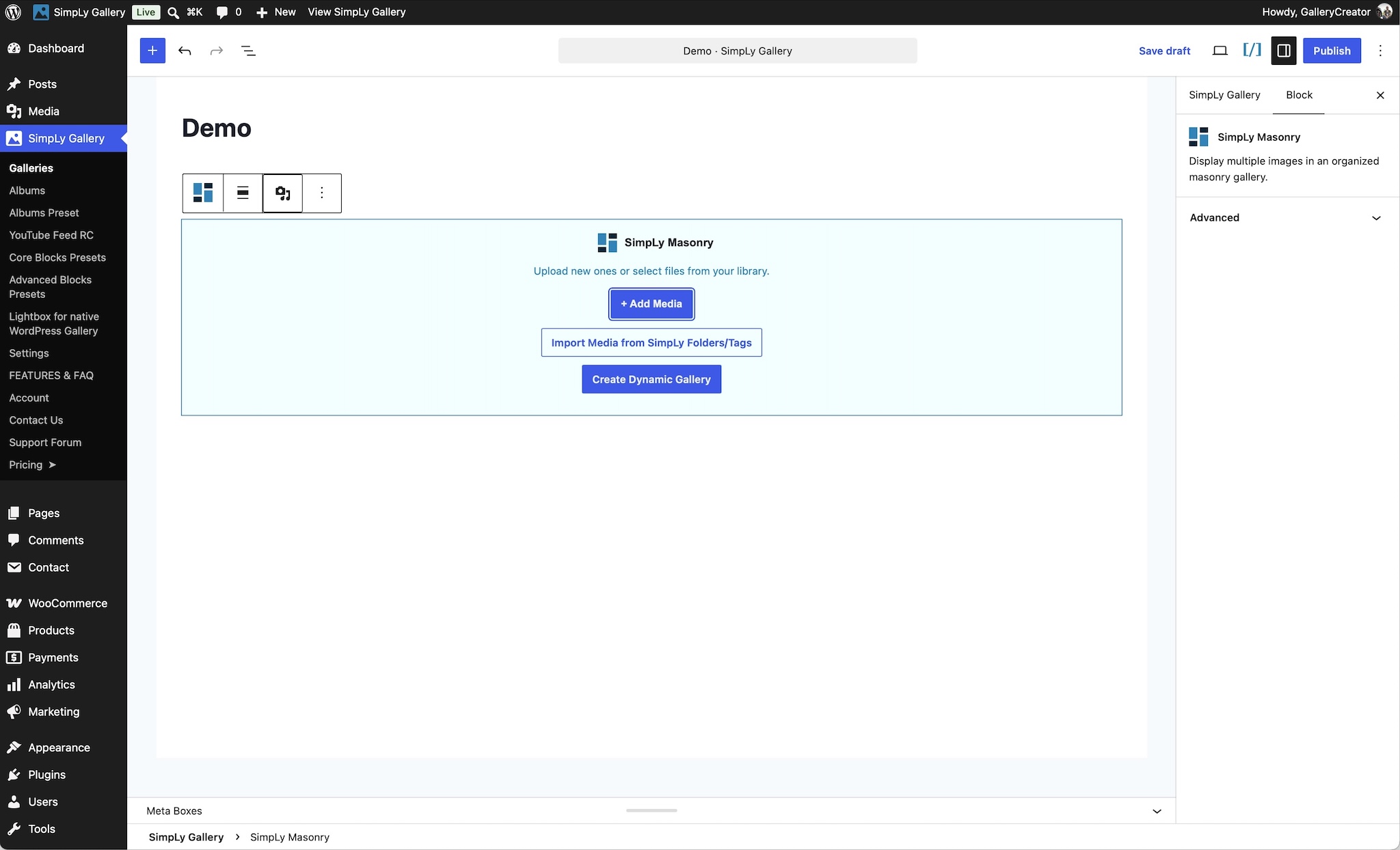
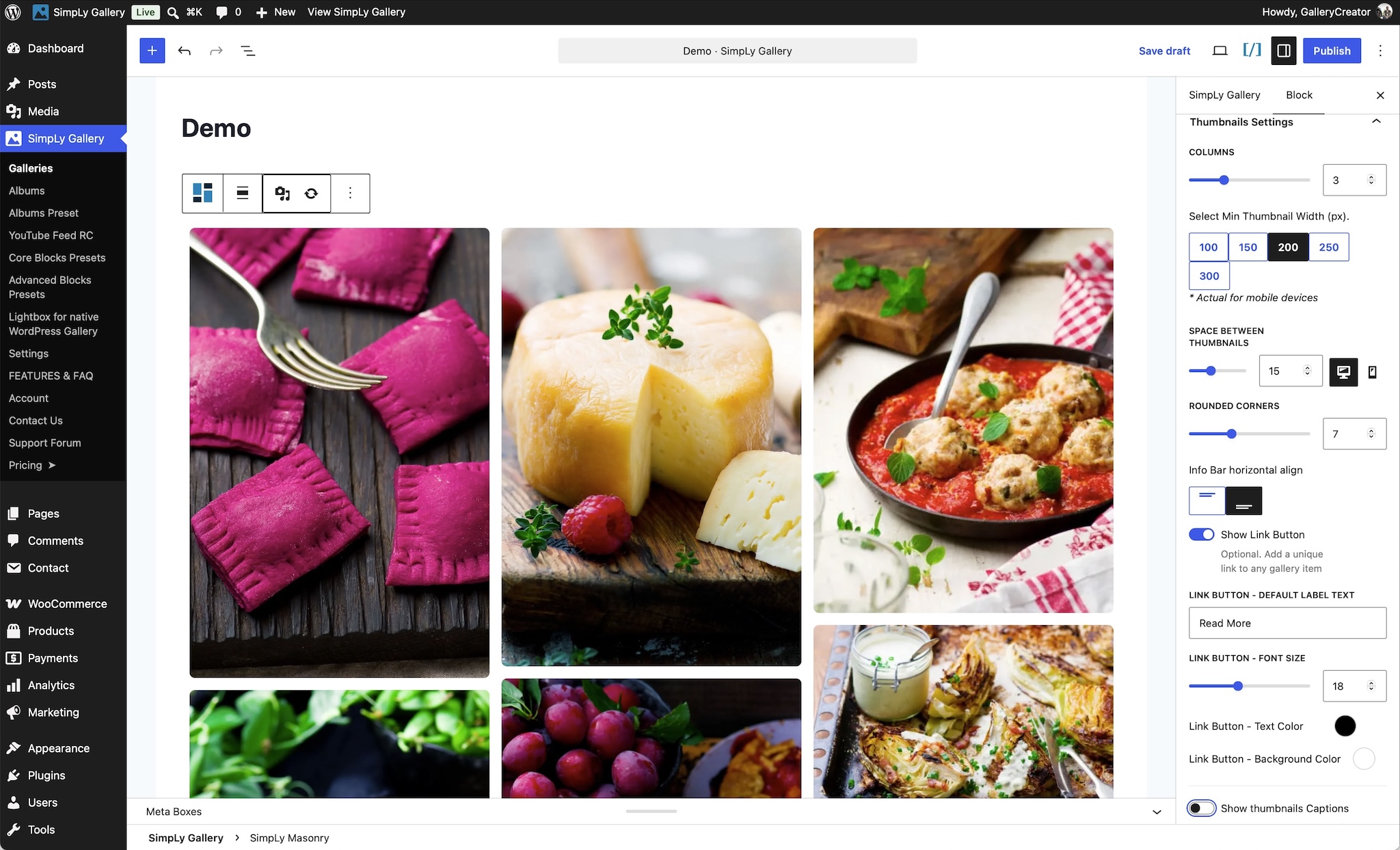
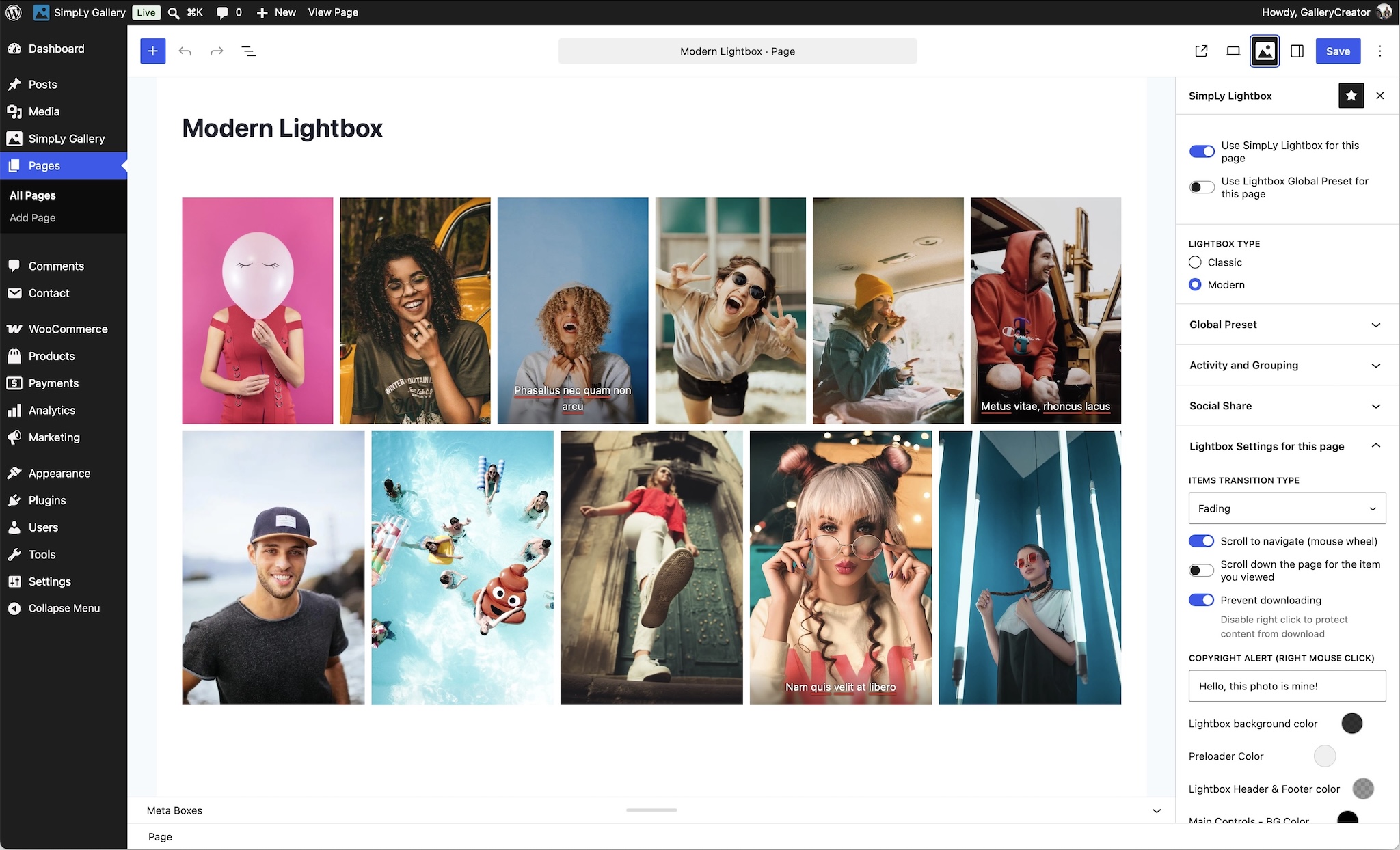
SimpLy Gallery helps you create responsive photo and video galleries, albums, and sliders in the WordPress block editor, with a built-in lightbox for exploring your content.
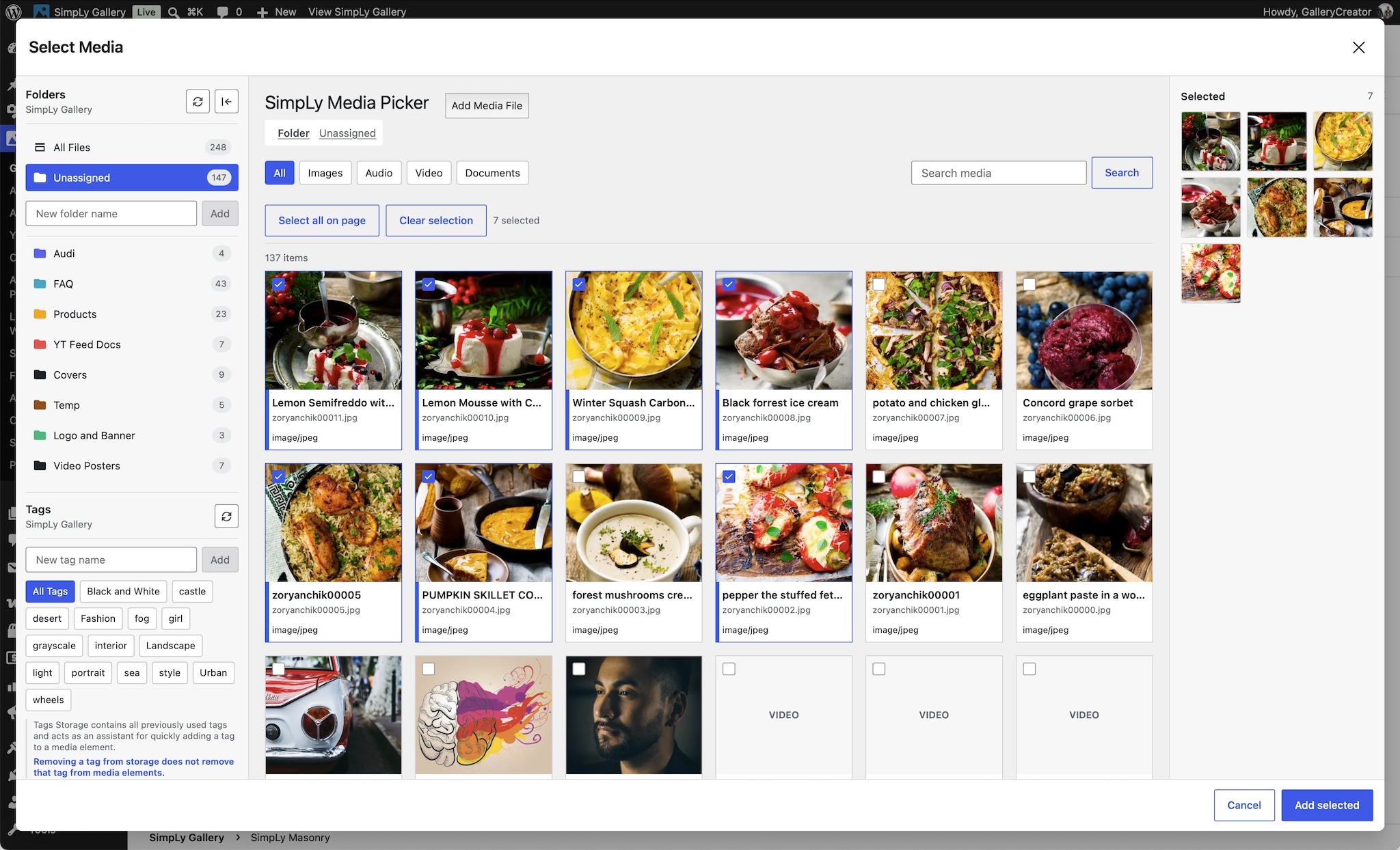
Start by organizing your media into folders and tags with SimpLy Media Assistant. Turn a selection into a gallery, publish it on its own page, or reuse it across your site with blocks and shortcodes. When you need a local copy of a collection, download its original files as a ZIP from the WordPress admin.
Bring photos, video, and audio together in the same gallery, whether you are presenting a portfolio, documenting an event, or sharing a collection of tutorials. Group related galleries into albums so visitors can explore them from one starting point.
Ready out of the box
The opening of the plugin's own description. The full text, installation notes and changelog are on its WordPress.org page.
Yes. The core gallery blocks, mixed media gallery workflow, albums, and lightbox features are available in the free plugin.
Yes. The free SimpLy Media Assistant includes virtual folders and tags for organizing media. Enable its folder sidebar in the native Media Library or use Media > SimpLy Assistant. Organizing files into folders does not move the originals on your server or change their URLs.
Yes. In the free plugin, right-click a SimpLy folder in the Assistant or the Media Library sidebar and choose Download. Create the archive, then use Download ZIP to save its original files. This is an authenticated admin workflow. ZIP availability and supported archive sizes depend on your hosting; checks and adjustable limits are available under ZIP Downloads in the plugin settings.
You can create galleries with images, self-hosted MP4 video, MP3 audio, YouTube, Vimeo, and VideoPress content.
Yes. For self-hosted video items, open the item menu in the Items Manager and choose Add Poster. You can select an image from the WordPress Media Library or capture a frame from the video. When a frame is used, SimpLy Gallery creates a new WordPress media attachment and uses it as the video poster.
A poster image gives native HTML5 video a reliable preview before playback. It improves the visitor experience, avoids forcing the browser to load the first video frame as a preview, and can help with compatibility on mobile devices and older browsers.
The fastest drag & drop photo gallery plugin. Create stunning image galleries, albums, video galleries & lightbox displays in minutes — no coding!

#692 by installs
Build photo galleries, image galleries, and portfolio grids with gallery blocks. Masonry, lightbox, sliders, and filters included.

#159 by installs
The most popular gallery plugin that lets you create galleries and albums in seconds.

#257 by installs
Formerly Easy Fancybox. The most popular WordPress lightbox plugin. Simple, fast, and responsive. Opens images, videos, PDFs, and custom popups.

#293 by installs
Photo Gallery is a powerful image gallery plugin with a list of advanced options for creating responsive image galleries with beautiful lightbox.

#328 by installs
The most popular lightbox plugin and responsive gallery builder for WordPress.
Read from the WordPress.org plugin API on , when WordPress 7.1.4 was the current release. WordPress.org rounds active installs into buckets. These are the directory's figures, not my verdict, and I haven't tested this plugin.