
#138 by installs
Meta for WooCommerce
Reach more customers and drive sales on Facebook, Instagram and WhatsApp with the official Meta for WooCommerce plugin.
- Installs
- 400,000+
- Rating
- 2.1 (481)
- Updated
- 23 days ago

Site metrics and social media analytics for Instagram, Facebook, YouTube, LinkedIn, X Twitter. The single best tool for Social Media Managers!
| Last updated | October 13, 2026Updated in the last 3 months |
|---|---|
| Tested up to | WordPress 7.1.4Covers WordPress 7.1.4, the current release |
| Needs WordPress | 6.6 or newer |
| Needs PHP | 7.4 or newer |
| First published | April 20, 2015 |
| Support, last two months | 3 of 4 threads resolved (75%) |
4.4 / 5 from 22 reviews
| 5 stars | 16 |
|---|---|
| 4 stars | 3 |
| 3 stars | 0 |
| 2 stars | 2 |
| 1 star | 1 |
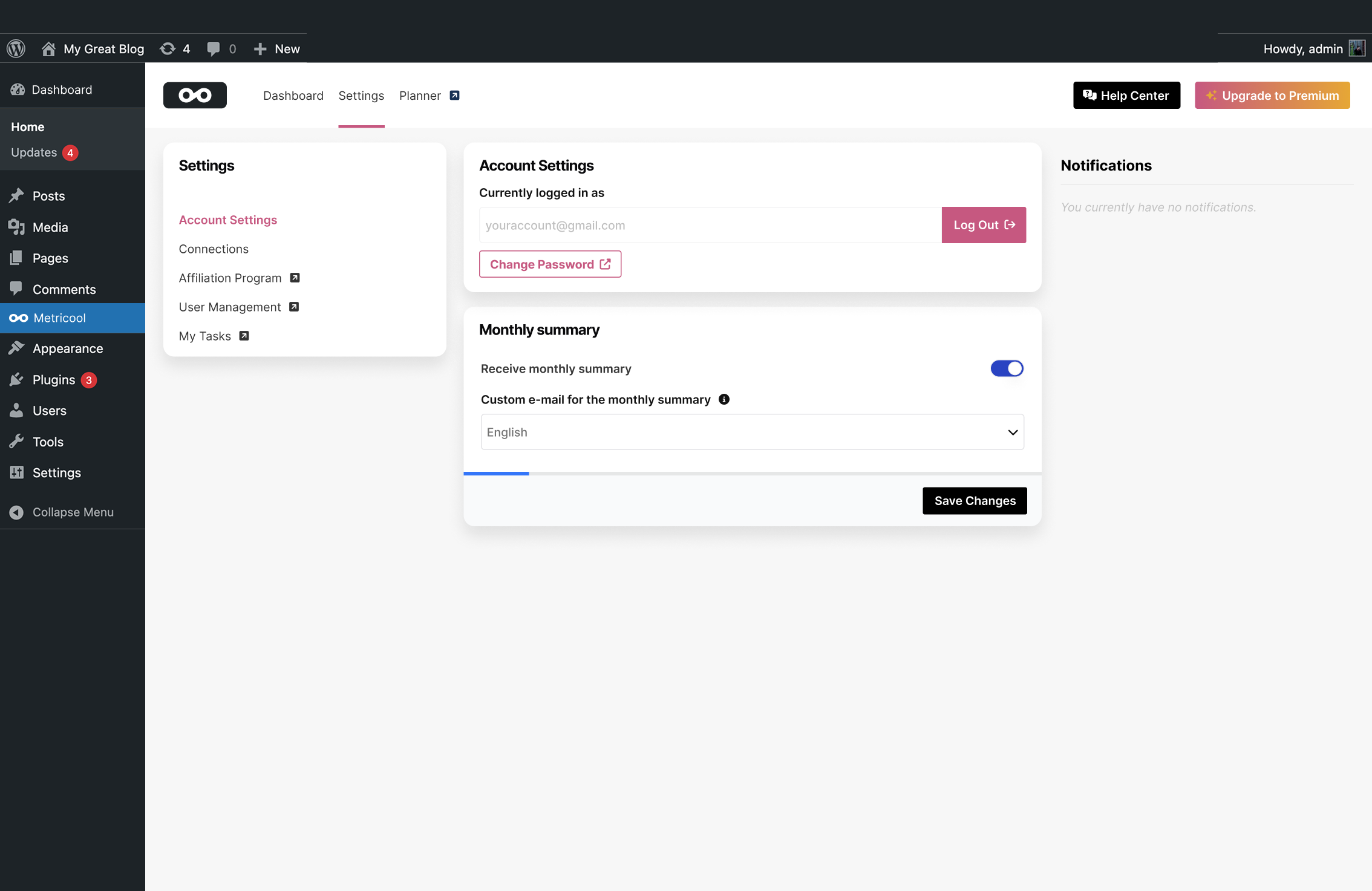
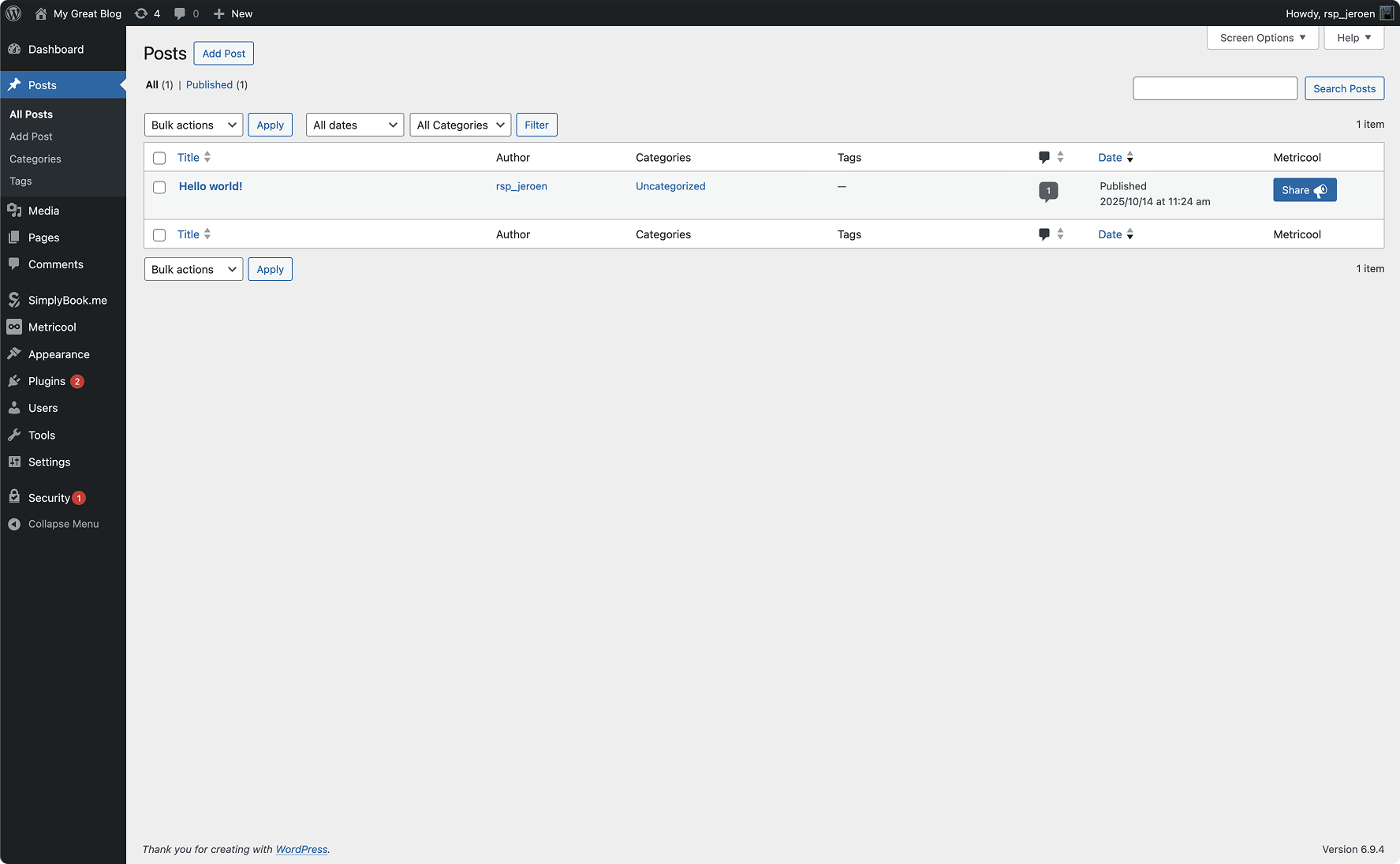
Metricool brings powerful analytics, actionable statistics, and complete social media insights directly into your WordPress dashboard. With a simple setup, this plugin connects your website to Metricool and automatically inserts the tracking JavaScript needed to collect accurate site analytics and statistics—no complicated configuration required.
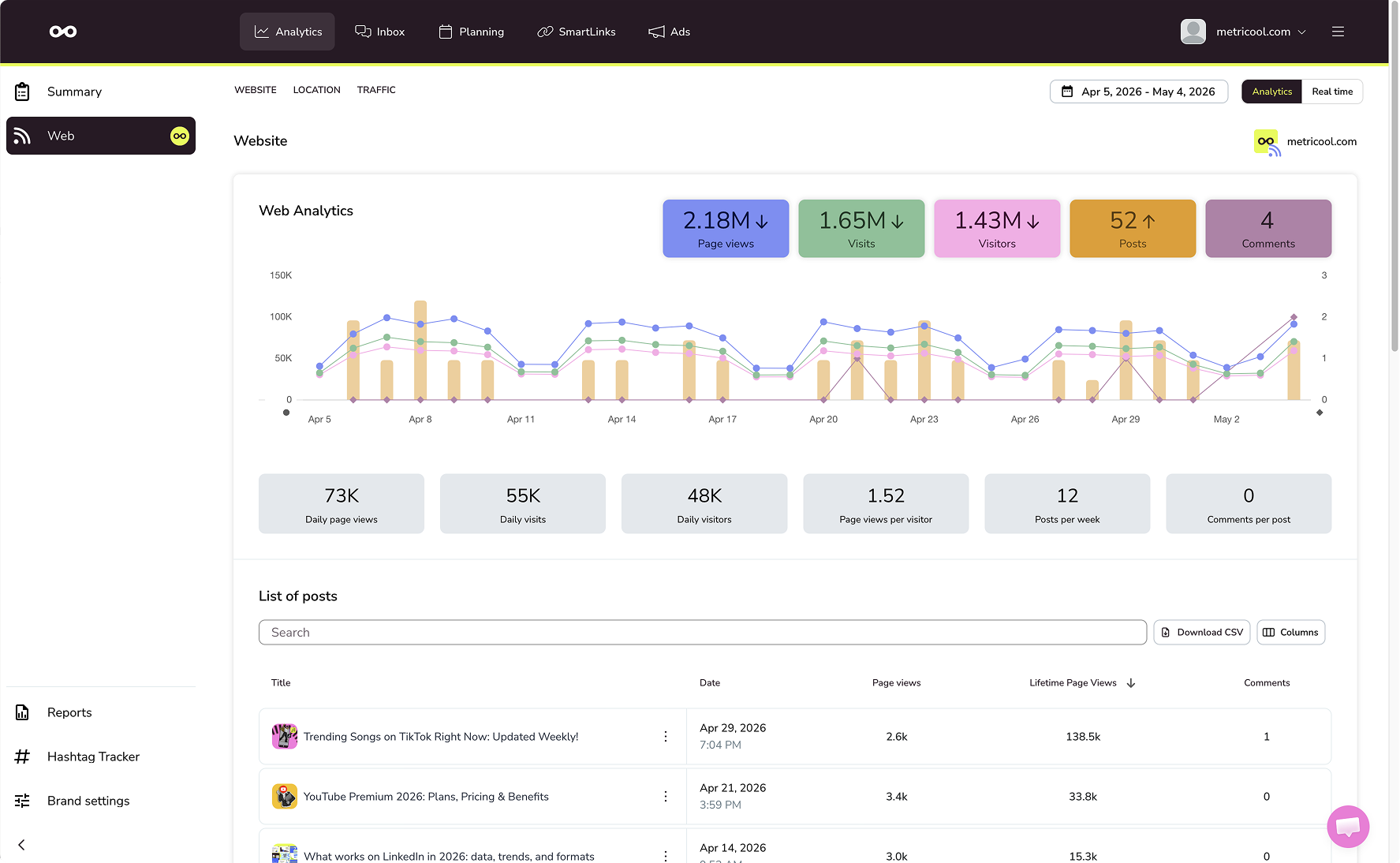
Once connected, you can monitor your website performance alongside your social media analytics in one unified place. Track visits, user behavior, and key statistics from your WordPress site, while also gaining insights into your Instagram, Facebook, YouTube, LinkedIn, and X (Twitter) accounts. Metricool is designed for creators, businesses, and social media managers who want clear, visual analytics without the complexity.
The plugin adds a lightweight tracking script to your front-end, enabling precise website analytics similar to tools like Google Analytics, but with a strong focus on social media performance and cross-channel statistics. Inside wp-admin, your data is presented in clean, easy-to-understand graphs, making it simple to analyze trends, measure growth, and optimize your social strategy.
The opening of the plugin's own description. The full text, installation notes and changelog are on its WordPress.org page.
Yes, the plugin and registering an account at Metricool.com is entirely free, without the need to add credit card information. You can gather metrics from your site and multiple social media accounts without the need to upgrade.
Yes, we need to authenticate your site as your site statistics will be processed through our API. This allows us to provide you with the best features. The plugin will assist you through the short onboarding process. Alternatively, you can register an account at https://metricool.com
You can skip the onboarding and login with your existing login credentials.

#138 by installs
Reach more customers and drive sales on Facebook, Instagram and WhatsApp with the official Meta for WooCommerce plugin.

#140 by installs
Grow your business with Meta for WordPress!

#305 by installs
This is a very simple SEO plugin. You can easily set and customize meta tags and OGP tags for each page.
Site Kit is a one-stop solution for WordPress users to use everything Google has to offer to make them successful on the web.
The best free Google Analytics plugin for WordPress. See how visitors find and use your website so you can grow your business with powerful analytics.

#28 by installs
ACF helps customize WordPress with powerful, professional and intuitive fields. Proudly powering over 2 million sites, WordPress developers love ACF.
Read from the WordPress.org plugin API on , when WordPress 7.1.4 was the current release. WordPress.org rounds active installs into buckets. These are the directory's figures, not my verdict, and I haven't tested this plugin. The author takes donations at their donate page.

