
#51 by installs
Security Optimizer – The All-In-One Protection Plugin
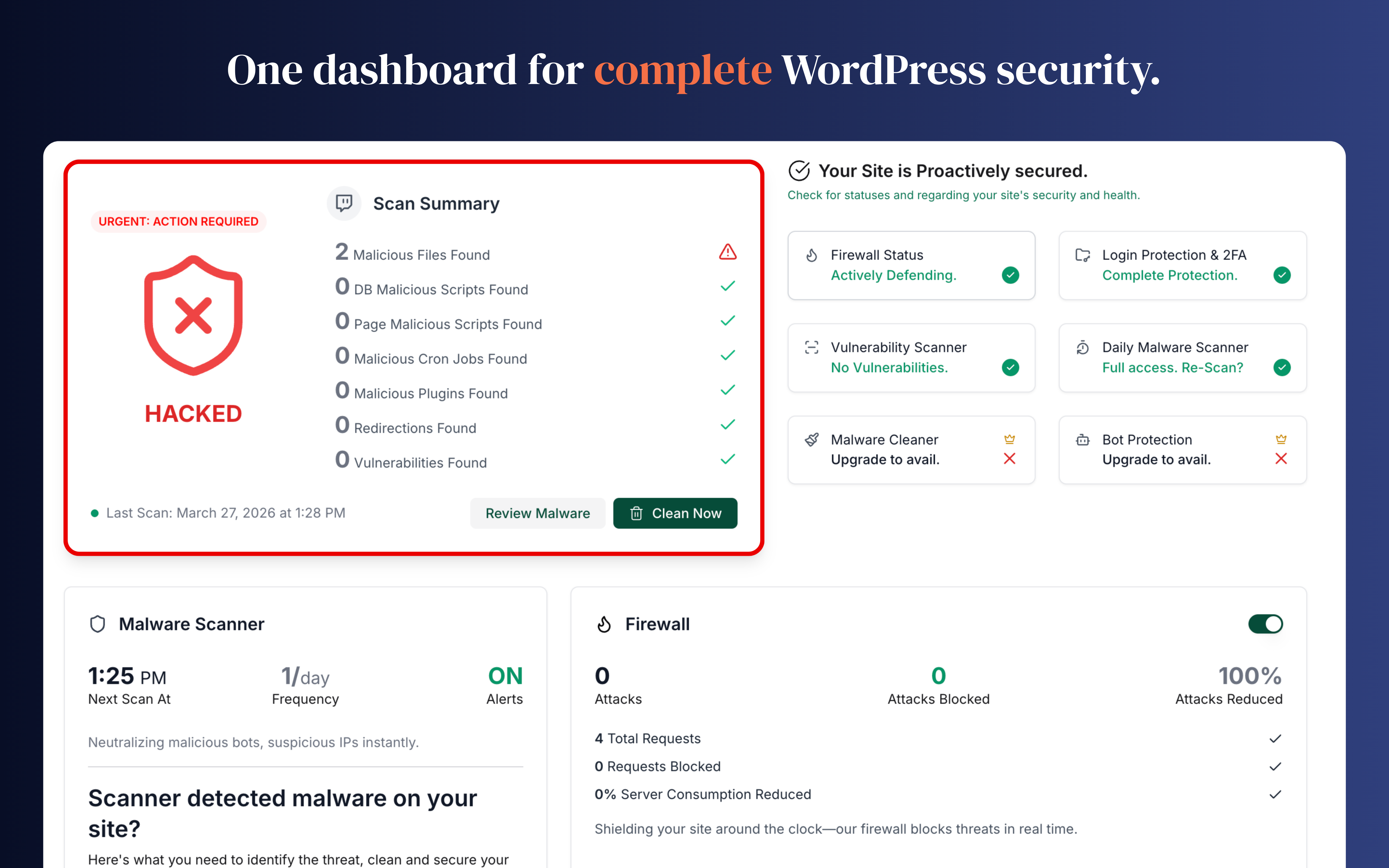
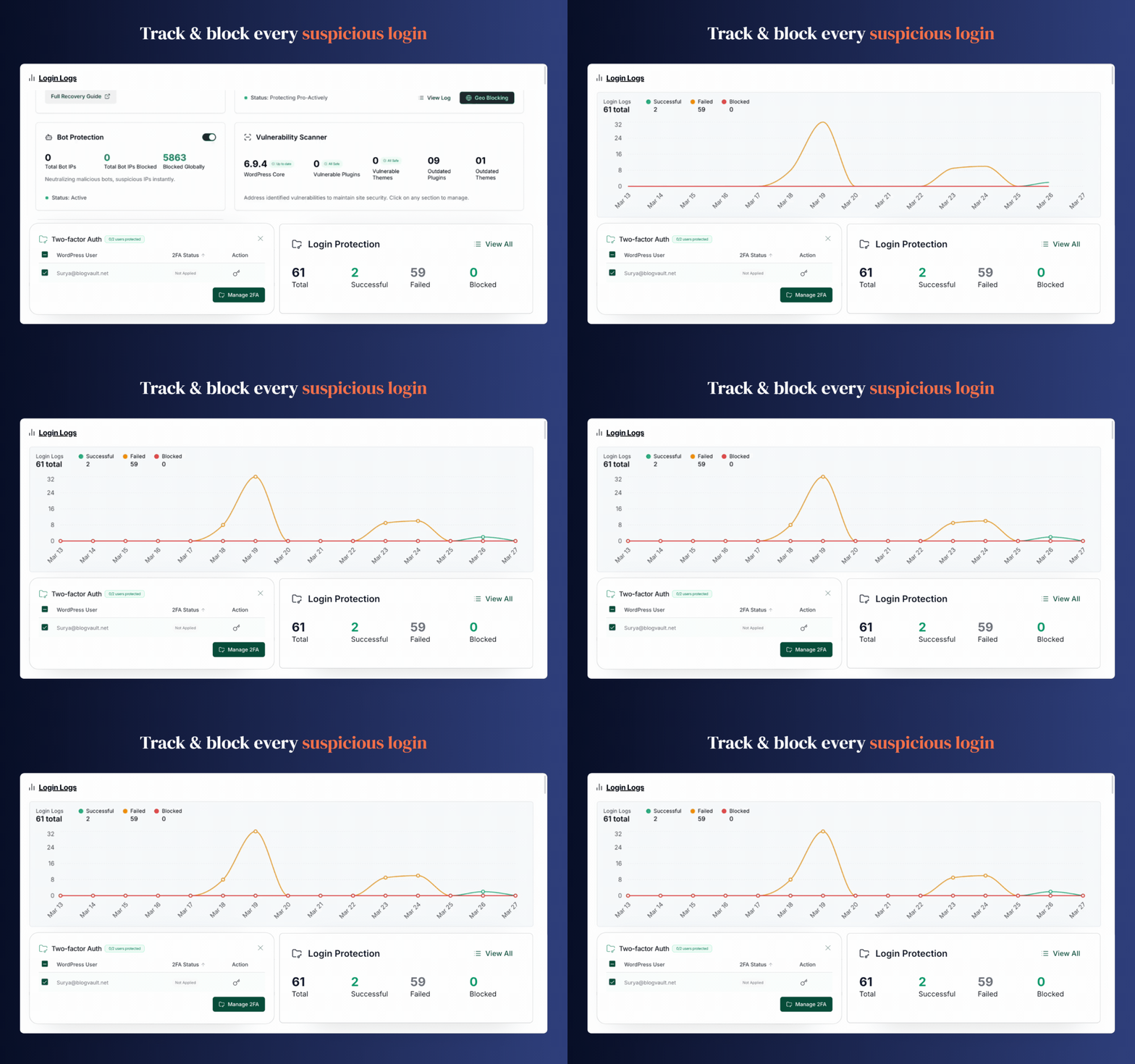
Secure your WordPress site from brute-force attacks, threats, malware, and bots. Free to use and easy to set up.
- Installs
- 1+ million
- Rating
- 4.5 (157)
- Updated
- 17 days ago

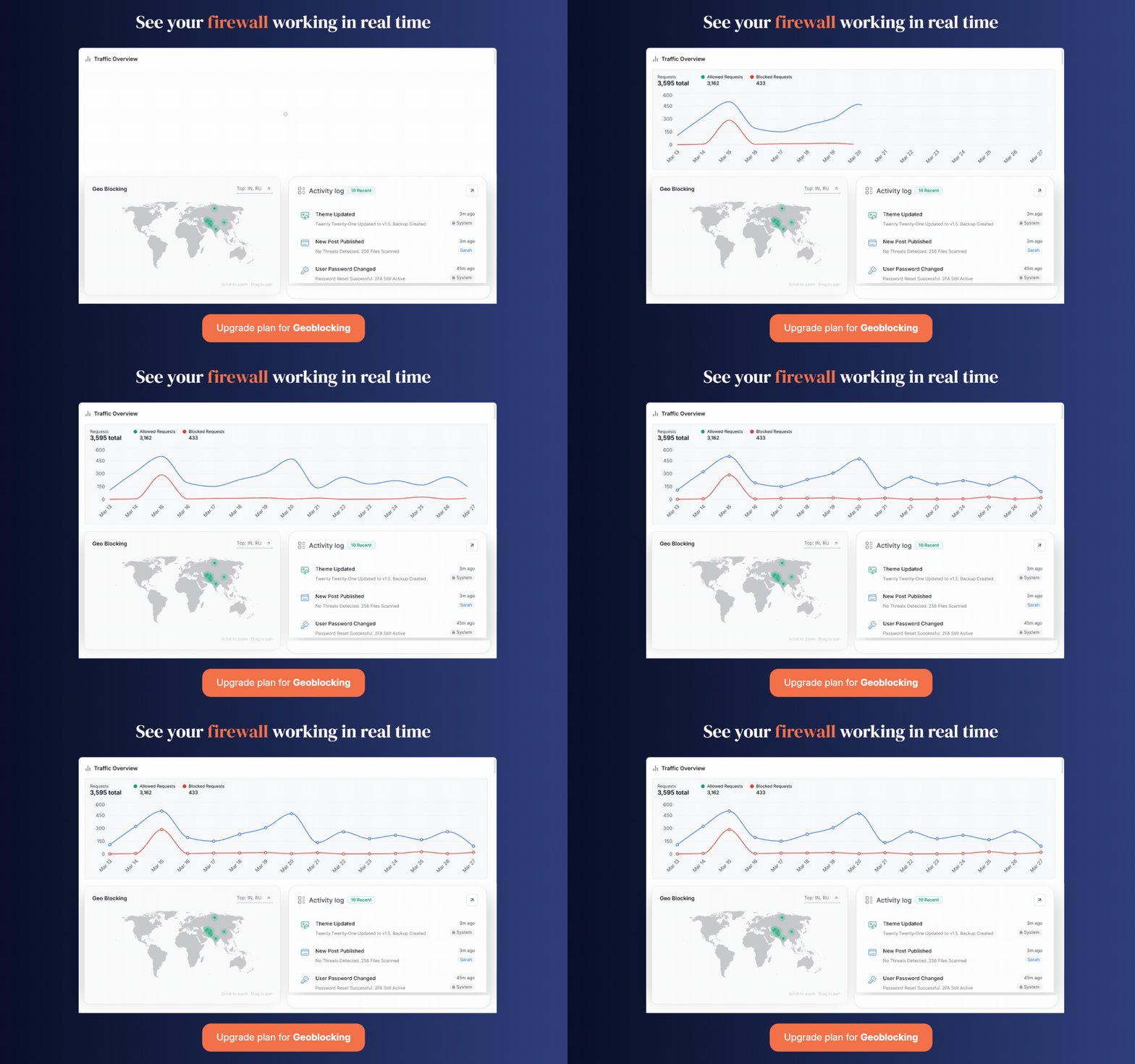
Get Bulletproof Security for your WordPress site. WordPress security plugin packed with comprehensive Firewall, malware scanner, cleaner & more.
| Last updated | October 30, 2026Updated in the last 3 months |
|---|---|
| Tested up to | WordPress 7.1.4Covers WordPress 7.1.4, the current release |
| Needs WordPress | 4.0 or newer |
| Needs PHP | 7.0 or newer |
| First published | January 30, 2018 |
| Support, last two months | 2 of 2 threads resolved (100%) |
4.4 / 5 from 559 reviews
| 5 stars | 457 |
|---|---|
| 4 stars | 11 |
| 3 stars | 6 |
| 2 stars | 11 |
| 1 star | 74 |
MALCARE SECURITY SERVICES
Security Plugin For WordPress Websites
★★★★★
A WordPress security plugin ensures that your website remains completely safe and secure, always. We created MalCare Security Plugin to help website owners worry less about their site security, achieve peace of mind and focus all their energies on growing their business or website.
Why you need MalCare Security?
Difference Between MalCare Free vs Premium
Why MalCare is best WordPress security plugin?
MalCare in 1 Minute – Overview
Important Links: Security Features | Why Choose MalCare? | Comparisons | Free vs Paid
MalCare is the fastest malware detection and removal plugin loved by thousands of developers and agencies. With an industry-first automatic one-click malware removal, your WordPress website is clean before Google blacklists it or your web host takes it down. MalCare has been developed from the ground up after analyzing over 240,000 websites over 2.5+ years.
Its intelligent scanning methodology will never slow down your WordPress site and accurately identifies the most complex malware that typically goes undetected in other popular WordPress security plugins.
The opening of the plugin's own description. The full text, installation notes and changelog are on its WordPress.org page.
Yes. Take the help of this step-by-step guide.
We require your email address to keep you informed about important updates related to your website, such as malware alerts, vulnerability alerts, and uptime alerts.
Having an account is necessary to use our service, and your email address serves as a unique identifier for your account.
You can send an email to the support team at [email protected] and notify our team regarding this.
MalCare Security Service has a free version and a premium version. We’ll scan and protect your website with a Firewall in the free MalCare version. You can download the security plugin from the WordPress repository.
To upgrade from a free trial version to a premium account, please take the help of this guide.
To upgrade to a bigger Plan, take the help of this guide.

#51 by installs
Secure your WordPress site from brute-force attacks, threats, malware, and bots. Free to use and easy to set up.

#317 by installs
Patchstack automatically identifies and mitigates security vulnerabilities in WordPress plugins, themes, and core.

#522 by installs
WordPress security plugin with malware scanner, IP blocking, audit logs, antivirus scans, firewall, 2FA, brute force login security, and more.
Firewall, Malware Scanner, Two Factor Auth, and Comprehensive Security Features, powered by our 24-hour team. Make security a priority with Wordfence.
Easily improve site security with WordPress Hardening, Two-Factor Authentication (2FA), Login Protection, Vulnerability Detection and SSL certificate.

WordPress login security with brute force protection, Two-factor authentication (2FA/MFA), firewall, IP/country blocking, and login monitoring
Read from the WordPress.org plugin API on , when WordPress 7.1.4 was the current release. WordPress.org rounds active installs into buckets. These are the directory's figures, not my verdict, and I haven't tested this plugin. The author takes donations at their donate page.

